GTA 6 Tips and Tricks: 12 Things the Game Won't Tell You
Twelve GTA 6 mechanics the game explains badly or not at all: hidden controls, Focus outside combat, what the map colours mean, the car menu, the hotwire sweet spot, trackers, RydeMe fast travel, the two easy-mode toggles, and food and Zombix.
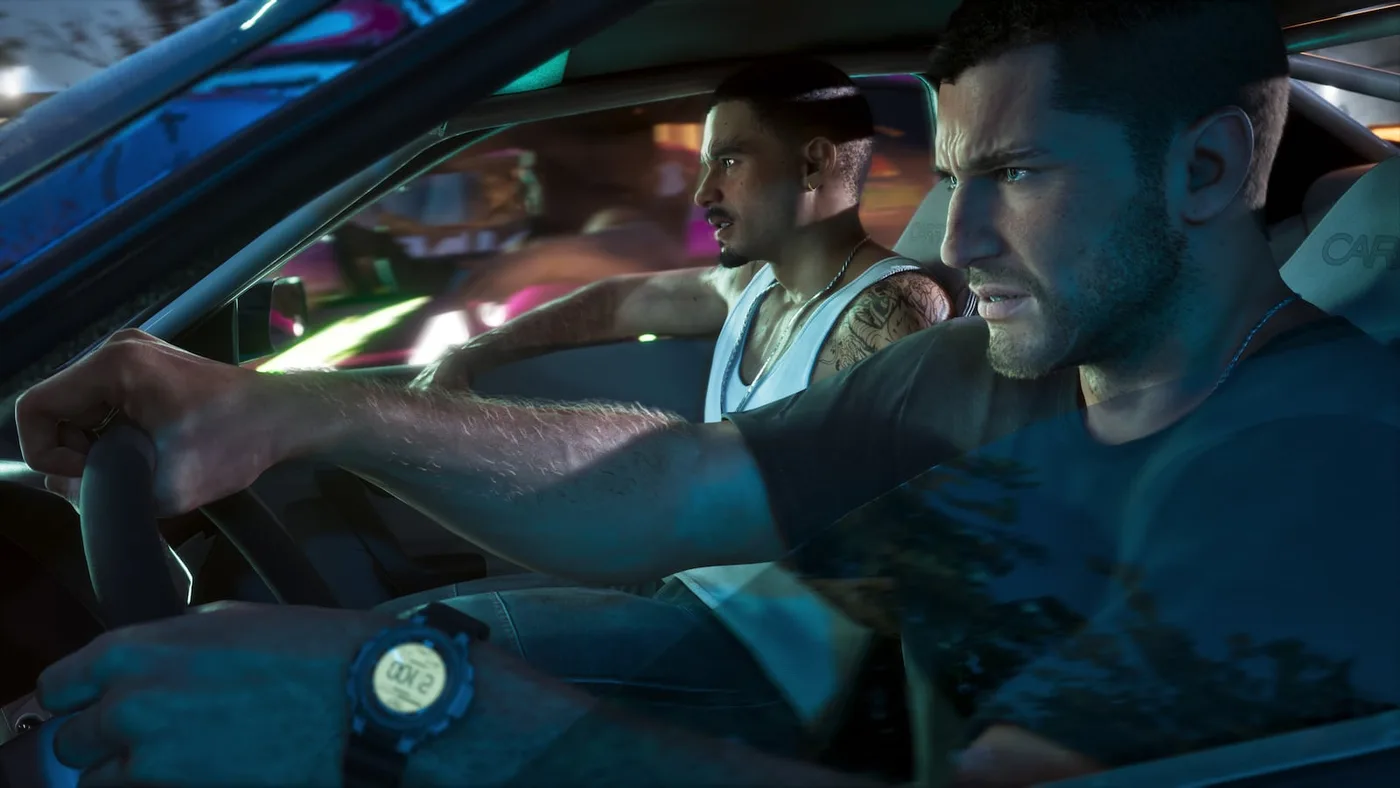
The GTA 6 tricks that matter most are the ones hiding behind a held button: clicking both sticks for Focus, holding down on the D-pad for a quick waypoint, holding left in a car for the vehicle menu, and holding the left trigger on a RydeMe driver to skip the ride for $100. Add two map colours, a hotwire sweet spot and an easy mode buried in the Gameplay settings, and you have most of what Grand Theft Auto VI never stops to explain.
Every tip below is one that at least two outlets that played the final game agree on (Kotaku, PC Gamer, Push Square, GamesRadar+, VGC, Game8, Shacknews, Insider Gaming, Game Rant, Notebookcheck and The Big Lead), checked as of November 20, 2026, the day after launch. Where they disagree, I say so. No story spoilers, and nothing from leaks or pre-release rumours. Buttons are given as PS5 first, Xbox in brackets. If you want the order to do things in during your first hours, that is our GTA 6 beginner's guide; this page is the stuff you would otherwise stumble on twenty hours in.
The 12 tips at a glance
| # | Tip | How |
|---|---|---|
| 1 | Switch to Classic controls if sprinting feels wrong | Settings > Control Scheme > Classic |
| 2 | Tap down on the D-pad to see the minimap and your money | Tap D-pad Down |
| 3 | Set waypoints without opening the map | Hold D-pad Down (Quick Navigation) |
| 4 | Use Focus freely when you are not fighting | Click both sticks; it does not drain outside combat |
| 5 | Check doors with Focus before you touch them | A door that glows red is alarmed |
| 6 | Read the map's two blues | Dark blue buildings have a way in; light blue ones do not |
| 7 | Indicators, hazards and headlights | Tap left/right to indicate; hold left, flick the right stick up for the vehicle menu |
| 8 | Hotwire faster | Find the sweet spot with the sticks |
| 9 | Scan cars for trackers before you steal them | Hold D-pad Up for the WAiNK app; keep your speed up in a car with an advanced tracker |
| 10 | Use RydeMe as fast travel | In the car, hold L2 (LT) on the driver; skipping the ride costs $100 |
| 11 | Turn on the hidden easy mode if you need it | Accessible Combat and Reduced Vehicle Damage, Settings > Gameplay |
| 12 | Eat and drink before a job, and carry Zombix | Food and drink top up health, stamina and Focus; Zombix heals |
Which GTA 6 controls are hidden?
GTA 6 puts a lot behind held inputs and stick clicks. Each of these default PS5 inputs appears in Shacknews' control list or Kotaku's tips and is confirmed by at least one more outlet (GamesRadar+, Push Square, Game8, Game Rant or The Big Lead):
| What you want | PS5 | Xbox |
|---|---|---|
| Run | L3 | LS |
| Jump / climb | Cross | A |
| Melee | Square | X |
| Focus | L3 + R3 together | LS + RS together |
| Phone | D-pad Up | D-pad Up |
| WAiNK scanner app | Hold D-pad Up | Hold D-pad Up |
| Minimap, objective and balances | Tap D-pad Down | Tap D-pad Down |
| Quick Navigation (nearby waypoints) | Hold D-pad Down | Hold D-pad Down |
| Partner menu | Hold D-pad Right | Hold D-pad Right |
| In a car: indicate left / right | Tap D-pad Left / Right | Tap D-pad Left / Right |
| In a car: radio wheel, then vehicle menu | Hold D-pad Left, then flick the right stick up | Hold D-pad Left, then flick the right stick up |
Game8 says the hold-right menu is also how you split Jason and Lucia up; our Lucia and Jason switching guide covers what you can do from it.
Can you use GTA 5 controls in GTA 6?
Yes. The new default puts run on L3 (LS) and jump on Cross (A), so years of tapping X to sprint will have you hopping down the street. Push Square and GamesRadar+ both point to the fix: open the pause menu, go to Settings > Control Scheme, and switch from Default to Classic. Shacknews' control list carries the same Classic option. My take: try the new layout for an hour first, because it frees the face buttons for jumping and climbing, but there is no shame in switching if your thumbs keep fighting it. For the rest of the settings menu, see our GTA 6 launch checklist.
How do you set a waypoint without opening the map?
Hold down on the D-pad. Push Square, Kotaku and GamesRadar+ all describe the same view: it lists nearby shops, missions and points of interest, and you highlight one to set it as your GPS route. Kotaku says it is quicker than opening the map, which makes it the easy way to find a nearby gas station or clothes shop.
A quick tap on down does something different: GamesRadar+ and Shacknews say it brings up the minimap, and Push Square and GamesRadar+ say it shows your money too: Push Square names both your pocket cash and your bank balance. The default HUD keeps them off screen until you ask, so a quick tap is the way to check what you are carrying.
What is Focus for outside combat?
Focus is the slow-motion aiming ability in a fight, but it is just as useful when nobody is shooting, and that part is easy to miss. Click both sticks to turn it on. Game8 and Insider Gaming both say Focus used outside combat does not drain the Focus bar; only combat Focus does. So use it constantly:
- Find the source of trouble. Kotaku says random events are often signalled by shouting or other loud noises and that Focus helps you find where the commotion is coming from; The Big Lead likewise says Focus shows an audio cue when something nearby will lead to an encounter.
- Check doors before you touch them. VGC and Kotaku both say a door that shows red in Focus is alarmed. Kotaku's advice is to work around those doors, or pick the lock once you have that tool, rather than kick them in.
- Refill it with a drink. Game8 and Insider Gaming both say coffee or tea brings Focus back faster.
Which buildings can you enter in GTA 6?
The world map tells you, it just does not say so. VGC and The Big Lead both explain the colour code: buildings on the map come in two shades of blue, and the dark blue ones have an entrance or interior of some kind. VGC says the light blue ones have no way in. Neither outlet promises a full interior: VGC calls it "some kind of entrance", and The Big Lead says it can be only a garage or a short corridor.
How do indicators, hazards and headlights work?
Tap left or right on the D-pad to indicate; Kotaku, Game Rant and Shacknews all list it. Keep the press short, because Game Rant warns that holding the button opens the radio instead. Whether other drivers react is disputed: Kotaku says NPC drivers seemed to respond to signals in its testing, while Game Rant says it did not notice a meaningful difference.
For everything else, hold left on the D-pad to bring up the radio stations, then flick the right stick up to switch to the vehicle menu. Game Rant and The Big Lead both describe this route to the hazard lights and the headlights, including full beam (Game Rant names the right stick; The Big Lead just says the analogue stick).
How do you steal cars faster and safer?
Car theft in GTA 6 has more steps than GTA V's elbow-and-go, and two of them reward a little patience.
- Scan first. Hold up on the D-pad for the WAiNK app and point it at a car. Kotaku and PC Gamer both use the scan to check whether a car has a tracker before you commit to it.
- Find the sweet spot. Hotwiring is a stick minigame. PC Gamer and Push Square both say you move the sticks to find a sweet spot, and Push Square says finding it speeds the break-in up.
- Respect advanced trackers. Kotaku, PC Gamer and Game8 all say a car with an advanced tracker tells the police where you are if you do not drive it fast enough. Kotaku's advice is to leave these cars alone until later in the game; I agree, because a car that gives you away whenever you slow down is a bad first getaway car.
Registering, storing and selling stolen cars is its own system with more rules than fit here. The short version, per Push Square and PC Gamer: registering a stolen car at a Pay 'n' Spray is how you keep it.
Is there fast travel in GTA 6?
Not in the usual sense. Push Square says there is "no traditional fast travel", and Game8 says there are no fast travel points. The workaround is the RydeMe rideshare app on your phone:
- Open the phone, book a RydeMe driver to your waypoint, and get in.
- Hold L2 (LT) to focus on the driver and pick the option to skip the journey.
- Pay, and you arrive.
Kotaku, Push Square and Game8 all put the skip at $100. One wrinkle: Push Square adds that longer journeys cost more than shorter ones, while Kotaku and Game8 give $100 without mentioning distance, so treat $100 as the typical price rather than a fixed one.
The other half of getting around is getting your own car back. The Scooter Bros app sends one of your vehicles to you for a fee, according to both Kotaku and Push Square. Kotaku warns that money is tight early on, so do not lean on it every time you wander off.
Does GTA 6 have an easy mode?
Effectively, yes. Push Square and Notebookcheck both found two toggles under Settings > Gameplay that do the job:
| Setting | What it does (Push Square and Notebookcheck) |
|---|---|
| Accessible Combat | Enemies have less health and deal less damage to you |
| Reduced Vehicle Damage | Your vehicles take less damage |
The game warns that these change the balance of play, but both outlets say they do not lock trophies or achievements, and Push Square stresses that they do not make you invincible: you still need cover in a firefight. My take: if one mission is walling you, flick Accessible Combat on for it and back off afterwards; Push Square says the toggles do not change the story.
What should you eat, drink and carry?
GTA 6 has survival-lite stats, and the game is quiet about how much a snack helps.
- Eat and drink before a job. Kotaku says food and drink buff health, stamina and Focus; Insider Gaming says certain foods and drinks restore health and stamina, with coffee or tea for Focus.
- Carry Zombix. Zombix is the game's healing medicine. Kotaku and Insider Gaming both say you can find it around the world and get it from stores; Kotaku adds that you usually have to ask the clerk for it, because it is not on the shelves.
- Work out on schedule. Game8 and Insider Gaming both say strength and cardio workouts raise your stats, that they come in timed workout windows, and that missing a window costs progress.
Three more habits worth building
These belong to other guides, so only the one-line version here:
- Keep spare outfits and guns in your trunk. Kotaku and Game8 both say your personal car's trunk holds clothes and weapons, and both say a change of clothes helps lose police who know what you are wearing. Our GTA 6 wanted level guide explains why that works.
- Bank your cash. Push Square and VGC both say the cash you carry is lost if you are Wasted or Busted (Game8 also warns about losing it when you die), and Push Square and Game8 say the BuckMe bank account opens during Chapter 1. Our beginner's guide covers keeping your cash safe until then, and the GTA 6 money guide covers earning it.
- Check the Reminders tab. Kotaku and Push Square both say the phone's Reminders section collects the calls and texts that are waiting on you, and Kotaku says they can open up new story scenes. If you are stuck for something to do, look there first.
How these tips were checked
GTA 6 has been out for one day, so there is no wiki consensus yet. Every tip on this page is one that at least two independent outlets state and agree on, most of them published on November 18 or 19 by writers who played the final game; where they disagree (NPC reactions to indicators, the RydeMe price on long trips) I have said so instead of picking a side. Things I found in only one source, such as swimming speed tricks, the exact door colours beyond red, or the full list of what a WAiNK scan shows, are left out until a second source confirms them. Patches can change any of this, and this page will be updated when they do.
For release details, editions and the cast, see our GTA 6 everything-we-know guide; for where each region sits, the GTA 6 map guide.
Frequently Asked Questions
What does Focus do in GTA 6 outside of combat?
Is there fast travel in GTA 6?
Can you use GTA 5 controls in GTA 6?
Does GTA 6 have an easy mode?
How do you know which buildings you can enter in GTA 6?
How do you turn on hazard lights in GTA 6?
How do you hotwire cars faster in GTA 6?
How do you quickly set a waypoint in GTA 6?
Keep Reading
- 32 Spoiler-Free Tips As You Hop Into Grand Theft Auto 6 (Kotaku, Zack Zwiezen, November 18, 2026) - Focus for random events and alarmed doors, holding Down for nearby points of interest, indicators, WAiNK tracker checks and advanced trackers, RydeMe $100 skip, Scooter Bros, food buffs, Zombix, trunk outfits, Reminders
- GTA 6 changes the way you steal cars (PC Gamer, Christopher Livingston, November 18, 2026) - WAiNK It tracker check, hotwire sweet spot, advanced tracker behaviour, registering stolen cars at a Pay n Spray
- GTA 6: Tips & Tricks You Need to Know (Push Square, November 18, 2026, updated November 19) - Classic controls, Accessible Combat, minigame sweet spot, RydeMe skip, pocket cash and BuckMe, Quick Navigation, Scooter Bros, Pay n Spray registration, Reminders tab
- GTA 6 Has an Easy Mode Buried in an Impressive Range of Accessibility Options (Push Square, Robert Ramsey, November 19, 2026) - Accessible Combat and Reduced Vehicle Damage, no trophy lockout
- GTA 6 offsets cheat code restrictions with more easy modes (Notebookcheck) - Accessible Combat and Reduced Vehicle Damage under Gameplay settings, no achievement restriction
- How to enable classic controls in GTA 6 (GamesRadar+, Josh West, November 18, 2026, updated November 19) - Classic control scheme, run on L3, tap Down for minimap and balances, hold Down for nearby locations
- GTA 6 PS5 controls (Shacknews, November 18, 2026) - default control list: WAiNK, Quick Navigation, partner menu, vehicle menu, indicators, Classic option
- GTA 6 beginner's guide: 6 tips you need to know (VGC, November 18, 2026) - dark and light blue map buildings, red alarmed doors in Focus, pocket cash lost on death or arrest
- Beginner's Guide to GTA 6: Tips and Tricks (Game8, updated November 20, 2026) - RydeMe as the only fast travel, $100 skip, advanced trackers, trunk outfits and weapons, partner split, workouts, losing carried cash, BuckMe in Chapter 1
- How to Increase Focus (Game8, updated November 19, 2026) - Focus outside combat does not drain the bar; coffee and tea refill it
- How Fitness Works in GTA 6 (Insider Gaming, November 18, 2026) - workout windows, food and drink recovery, Zombix, non-draining Focus outside combat
- How to Turn on Car Blinkers and Headlights in GTA 6 (Game Rant) - indicator taps, vehicle menu for hazards and headlights, NPC reaction not observed
- 8 GTA 6 tips the game doesn't tell you (The Big Lead, Kirk McKeand, November 18, 2026) - vehicle menu, indicators, map colours, Focus audio cues
Related Guides
GTA 6 Map Guide: Leonida's Six Regions Explained
A region-by-region guide to Leonida using only what Rockstar has published: what each of the six areas is, where Rockstar's official printable map puts them, the neighbourhoods and landmarks named so far, how big the map is according to Rockstar staff, and which real-world Florida comparisons outlets have confirmed.
GTA 6 Beginner's Guide: What to Do First, in Order
A step-by-step plan for your first hours in Grand Theft Auto VI: where the game starts, how to keep your cash before and after you get a bank account, what to buy first and what to leave alone, which edition extras you can use in the Keys, and what to sort out before the end of Chapter 1 takes most of it away.
How to Switch Characters in GTA 6 (Jason and Lucia)
How Jason and Lucia work as GTA 6's two protagonists: the switch input, when free switching unlocks, why some missions lock you to one character, what your partner can do for you, and what actually differs between them.
GTA 6 GTA+ Benefits: What Members Get in Leonida
At launch, Rockstar gave GTA+ its first job inside GTA VI: a free sports car and garage from Chapter 3, a 10% bonus on owned-vehicle sales, 10% off at Leonida shops and a stack of transit perks, console only. Here is what each one is, what you keep after you cancel, and how to time the free month from your GTA VI purchase.
GTA 6: Everything We Know Now That It's Out
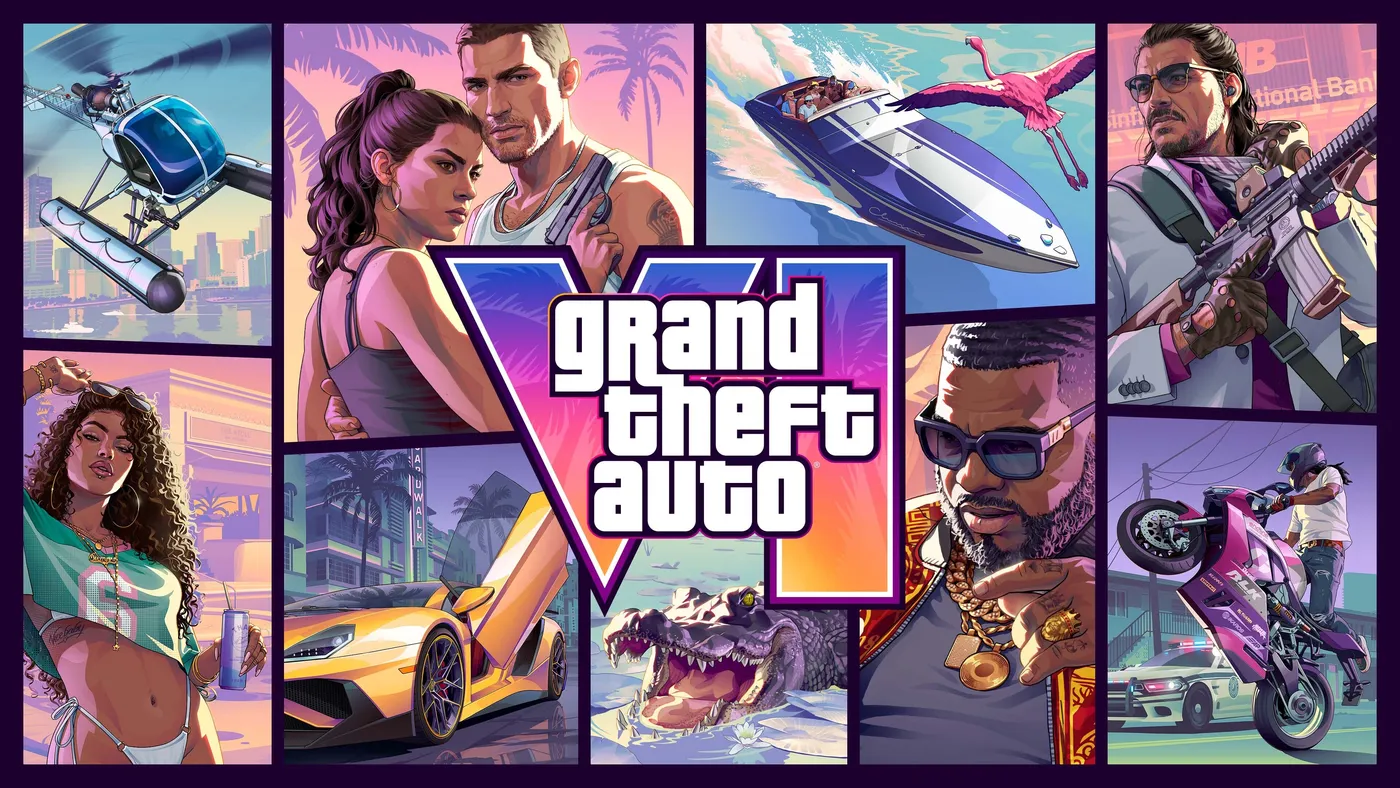
Grand Theft Auto VI is out on PS5 and Xbox Series X|S. Here is everything Rockstar, PlayStation and Xbox have confirmed: the launch date, the two editions and their US prices, the 212 GB download, the cast, Leonida and its official map, GTA+ in GTA VI, and what is still not announced.
GTA 6 Money Guide: How to Make Money Fast in Story Mode
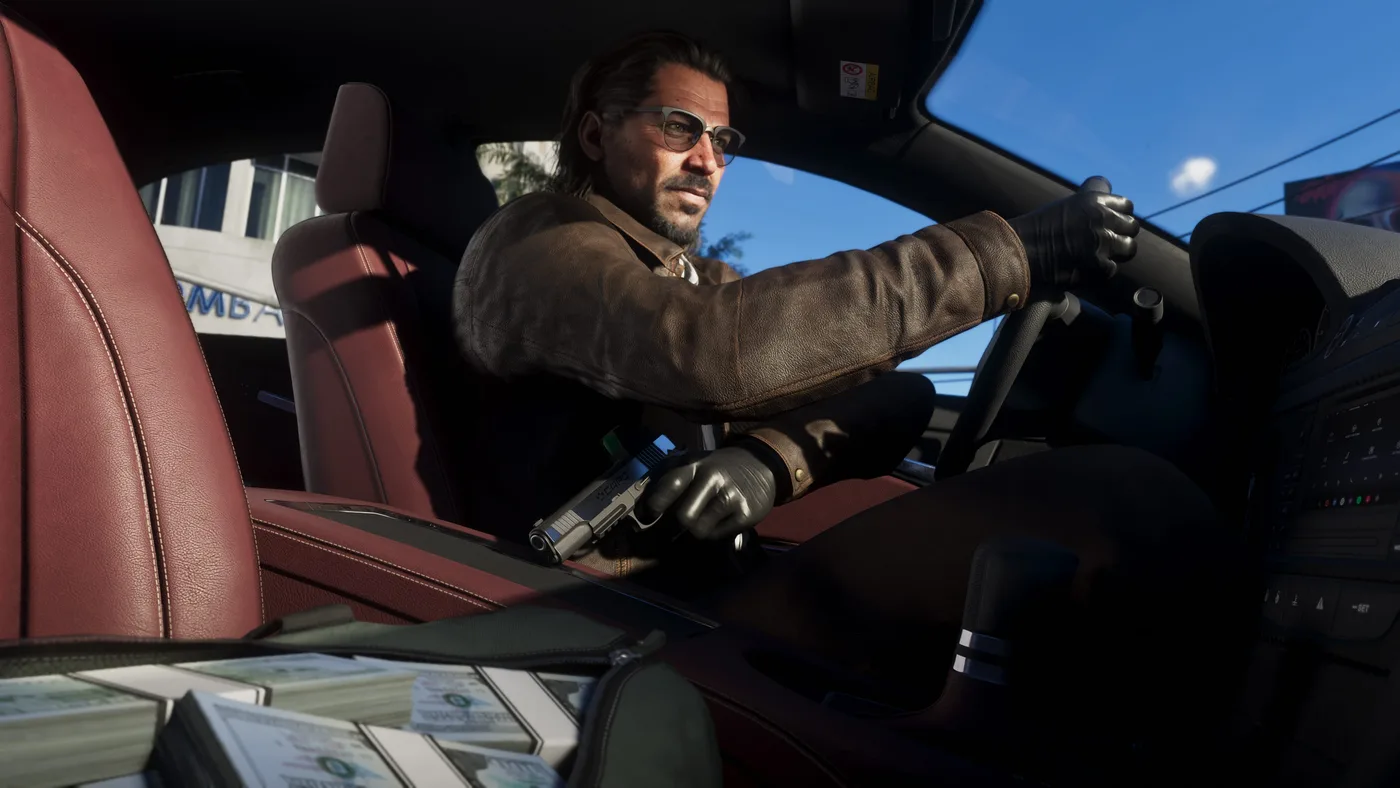
The ways to earn in Grand Theft Auto VI that at least two outlets confirm, in the order it opens up: stick-ups and gang hideouts, fencing narcotics, jewelry and marked bills, selling stolen cars to Moses from Chapter 2, banks, collectible cards and races. Plus where to keep the money and what to spend it on first.