GTA 6 Combat Tips: Cover, Aiming, Focus and Melee
How fighting works in Grand Theft Auto VI: the default combat buttons, taking cover, the three Targeting modes and the assists behind them, Focus and its yellow non-lethal weak spots, the yellow and red hit markers, fist fights, stealth takedowns, and a short list of habits that win more gunfights.
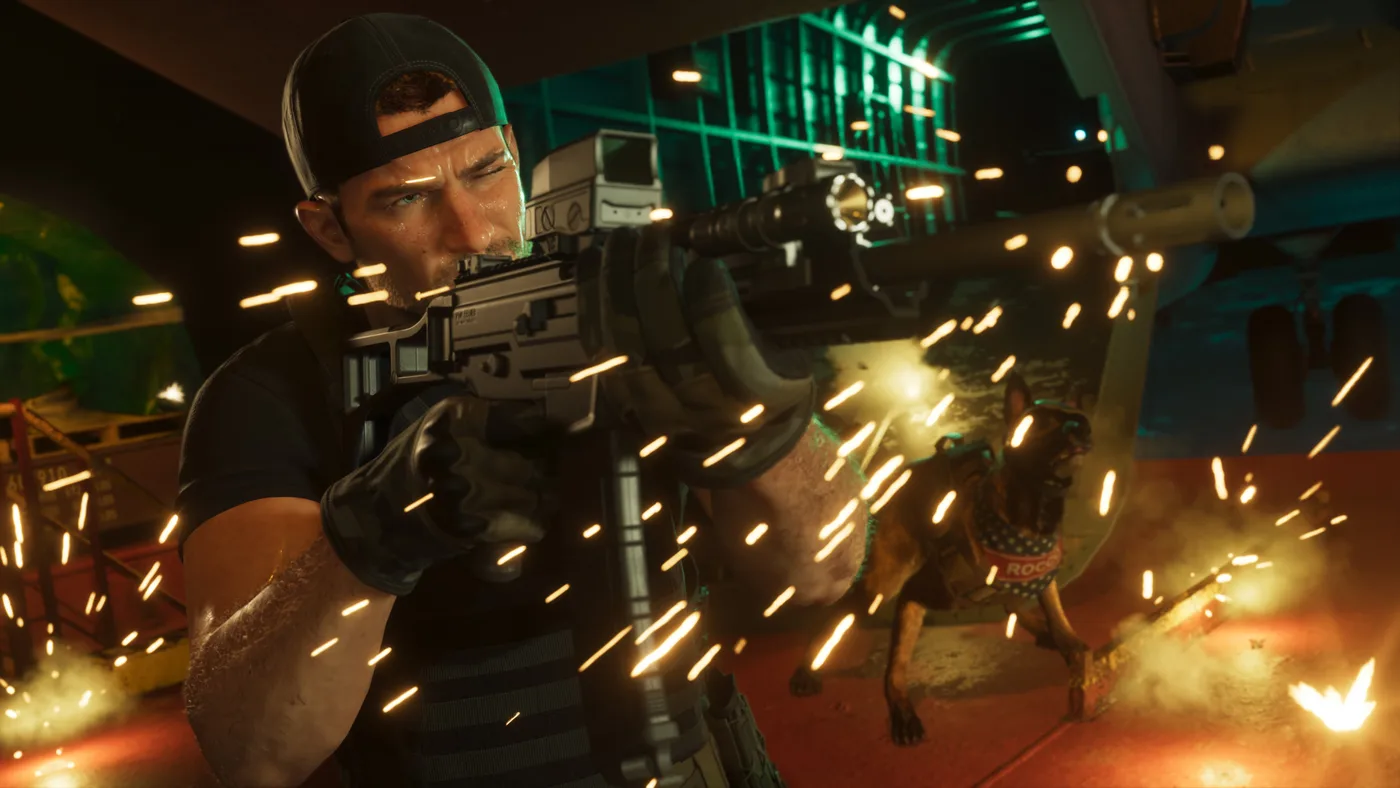
GTA 6 gunfights come down to four things: get into cover with R1/RB, aim with L2/LT and fire with R2/RT, burn Focus (L3 + R3 on PS5, both stick clicks on Xbox) to slow time and pick out yellow non-lethal weak spots, and choose your Targeting mode in the settings, because Lock-On, Partial and Free Aim give very different amounts of help. After each hit, a yellow X on the reticle means the enemy is down but alive and a red X means dead. Fist fights use Square/X to punch and Cross/A to block or dodge.
That is the whole system in one paragraph. The rest of this page is the detail, for new players and for anyone whose thumbs still think they are playing GTA V. Grand Theft Auto VI came out on November 19, and I could not find these mechanics explained on Rockstar's own pages, so every mechanic below is one that at least two independent guide outlets (Game8, GameRant, Dexerto, GamesRadar+, Push Square and others, listed at the bottom) describe the same way, as of November 22, 2026. Where they disagree, I say so. Weapons and ammo have their own GTA 6 weapons guide, and health, armour and what dying costs you are in what happens when you die or get arrested.
What are the GTA 6 combat controls?
These are the Default control scheme buttons, the one the game starts on. Every row appears in at least two of Game8's controls tables, Shacknews's PS5 controls list, Dexerto's controller guide and GamesRadar+'s Chapter 1 walkthrough and classic-controls guide.
| Action | PS5 | Xbox Series X|S |
|---|---|---|
| Aim | Hold L2 | Hold LT |
| Shoot | R2 | RT |
| Take cover | R1 | RB |
| Holster weapon | L1 | LB |
| Focus (slow motion) | L3 + R3 together | Click both sticks together |
| Punch or kick (unarmed) | Square | X |
| Block or dodge | Cross | A |
| Grab an enemy (unarmed) | R2 | RT |
| Crouch | Circle | B |
| Run | L3 | Left stick click |
| Jump or climb (on foot) | Cross | A |
| Detonate explosives | D-pad Right | D-pad Right |
Cross/A does double duty: it jumps when you are moving around and blocks or dodges once a fist fight starts.
If you switch to the Classic scheme (Settings > Control Scheme), the buttons GTA V players care about move back: melee goes to Circle/B, run to Cross/A, jump and climb to Square/X, and crouch to L3, per both GamesRadar+ and Game8. The GTA 6 vs GTA 5 guide covers the rest of what changed for returning players.
How do you take cover in GTA 6?
Stand next to something solid and press R1 on PS5 or RB on Xbox to snap into cover. Game8 and Shacknews both list Cover on R1/RB in the Default scheme, and GamesRadar+'s walkthrough of the first big Chapter 1 gunfight tells you to use R1/RB "to move in and out of cover". From cover, hold L2/LT to aim and R2/RT to fire as normal.
There is one setting worth knowing. Under Settings > Gameplay > Combat, Cover Selection decides how the game picks which piece of cover you snap to: by camera direction and movement together, or by movement alone. Game8 calls it user preference; Dexerto recommends Camera & Movement. If you keep snapping to the wrong wall, this is the setting to change.
Does GTA 6 have lock-on aiming?
Yes, if you want it. The Targeting option under Settings > Gameplay > Combat has three modes, and both Game8's settings guide and GameRant describe them the same way:
| Targeting mode | What it does | Who it suits |
|---|---|---|
| Lock-On | Aim locks on to a nearby target when you aim | Players who want the most help |
| Partial | Helps your aim onto a nearby target without locking on | The middle ground |
| Free Aim | Never locks on | Players who want to aim every shot themselves |
Game8's "Can You Lock On?" page says GTA 6 has no lock-on at all. But Game8's own settings guide, GameRant and Dexerto's settings page all list the Targeting option, and the first two describe a Lock-On mode, so the honest reading is that hard lock-on is a setting you choose rather than something forced on you. None of the guides I read states which mode a fresh save starts on, so check yours before your first big fight. The two guides word Partial slightly differently: Game8 says the cursor moves toward a nearby target, GameRant says the reticle slows down as you pass over one. Either way, it helps without grabbing your aim.
The other combat assists
The same Combat menu holds the assists that decide how much the game helps you after you pick a Targeting mode. Every row here is listed by at least two of Game8, GameRant and Dexerto:
| Setting | What it does |
|---|---|
| Aim Assist Strength | A slider that sets how strong the aim assist is |
| Lock-On Target Switch | Lets you switch from one locked target to another |
| Shooting Assist | Helps you track targets at close range |
| Drive-By Assist | Auto-aims at a nearby target while you are driving |
| Quick Draw | Draws your last-equipped weapon straight away instead of making you pick it from the weapon wheel |
These are separate settings from Targeting, which is the catch: GameRant's no-help preset does not stop at Free Aim, it also sets Aim Assist Strength to 0 and turns Shooting Assist and Drive-By Assist off. Aim and look sensitivity and the stick deadzones live on the Controller tab, not here.
Which aim setup should you pick?
The outlets' own recommendations show the range:
| Setup | Targeting | Aim Assist Strength | Shooting Assist | Recommended by |
|---|---|---|---|---|
| Most help | Lock-On | 3 | On | GameRant (its "casual" preset) |
| Balanced | Partial | 4 | On | Dexerto |
| No help | Free Aim | 0 | Off | GameRant (its "hardcore" preset) |
My take: if you are new to Rockstar's shooting, start on Lock-On and move to Partial once you stop losing fights to your own crosshair; Dexerto's Partial setup is a sensible place to settle. Free Aim with everything off is for people who already know they want it.
How does Focus work in a gunfight?
Focus is GTA 6's slow-motion ability, and Game8 and GameRant both compare it to Red Dead Redemption's Dead Eye. You unlock it during Chapter 1 (GameRant says it arrives in a Chapter 1 main mission, and GamesRadar+'s Chapter 1 walkthrough already uses it), and you trigger it with L3 + R3 together on PS5, or both stick clicks on Xbox. If that combination is awkward, Game8 and Dexerto both list a Focus option under the accessibility settings that changes the button.
In a fight, Focus slows the action so targets are easier to hit, and it shows you where to shoot if you want an enemy alive: non-lethal weak spots light up yellow. GameRant names the hands and knees; Push Square names the kneecaps and arms. A shot there puts the enemy down without killing them.
Focus is not free. It runs off a Focus bar, marked on the HUD by a purple eye icon (Game8 and GameRiv), and Game8 and GameRant both say it drains while you use it in combat. Focus has uses outside fights as well (GamesRadar+ and GameRiv both describe it for spotting things in the world, and our GTA 6 tips and tricks cover that side), but this page is about the fighting part.
How to get more Focus
Two kinds of boost, each described by more than one outlet:
| How | What it does | Sources |
|---|---|---|
| Drinks (Game8 names coffee and tea; GamesRadar+ the drinks in Jason's fridge) | A Focus boost | Game8, GamesRadar+ |
| Feed Jason's pet snake, Dolores | A quick early Focus buff | VGC, GamesRadar+, GameRiv |
| Shooting range challenges, fishing, golf and pool | Raise your maximum Focus over time | Game8, GameRant |
Where to find the ranges, courses and tables is in our GTA 6 side activities guide.
What do the yellow and red hit markers mean?
After each hit, the reticle tells you what happened. Push Square and GameRiv agree:
| Hit marker | Meaning |
|---|---|
| Yellow X | The enemy is down but alive (incapacitated) |
| Red X | The enemy is dead |
Those markers are worth watching, and here is why. Push Square, Pure Xbox and Game8 all say how you fight feeds GTA 6's Criminal Profile. Push Square says killing enemies pushes you toward a more aggressive profile, while Pure Xbox and Game8 both say leaving enemies hurt but alive moves you toward Professional. Pure Xbox's reviewer frames it as a choice inside a single mission: drop a group of targets with lethal shots, or leave them injured. Game8's tip for the second route in a shootout is to aim for the legs.
How a cop-killing spree counts against that profile is in the GTA 6 wanted level and police guide. For combat, the takeaway is simple: a yellow X is a choice, not a miss.
How does melee work in GTA 6?
On the Default scheme, GamesRadar+ and Game8 agree on the fist-fight basics:
| Action | PS5 | Xbox |
|---|---|---|
| Punch or kick | Square | X |
| Block or dodge | Cross | A |
| Grab (grapple) | R2 | RT |
Defence is the part to learn. GamesRadar+'s walkthrough says a well-timed Cross/A press against an incoming hit lets you counter, and Game8's combat tips say dodging and blocking avoid damage while "creating openings to retaliate". So: wait for the swing, defend, then punch.
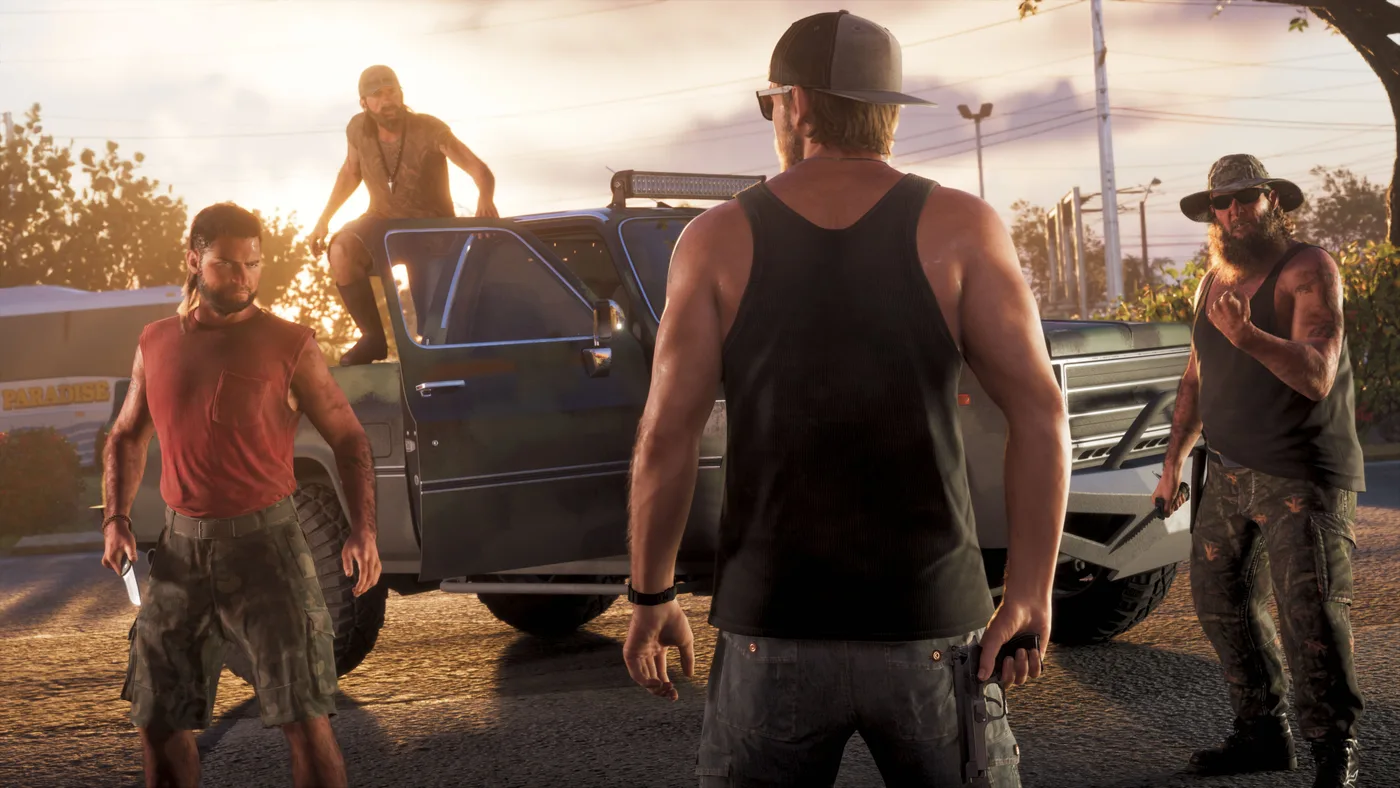
On the Classic scheme your punch moves to Circle/B, per both Game8 and GamesRadar+.
How do you do a stealth takedown?
The cheapest gunfight is the one that never starts. Crouch with Circle/B to move quietly, sneak up behind an enemy who has not spotted you, hold R2/RT to grab them, and tap Square/X to take them down. GamesRadar+'s Chapter 1 walkthrough and Game8's stealth takedown guide give the same buttons; GamesRadar+ says to press Square/X quickly once you have the grab, and Game8 says to press it repeatedly while holding R2.
Game8 and Push Square both put stealth on the non-lethal side of the Criminal Profile, so sneaking through a group of guards is also the Professional-friendly way to do it.
Can you make GTA 6 combat easier?
Yes: turn on Accessible Combat (and Reduced Vehicle Damage for car fights) under Settings > Gameplay; our GTA 6 tips and tricks explain what each one changes.
How do you win more gunfights in GTA 6?
Pulling the confirmed mechanics above into one checklist:
- Fight from cover. Snap in with R1/RB, then aim and shoot from there.
- Choose your Targeting mode on purpose. Lock-On, Partial or Free Aim, with Shooting Assist on or off, changes how every fight plays. Set it before the mission, not during the third retry.
- Save Focus for the shots that matter. It drains in combat, so trigger it to drop the enemy who has you pinned, not for every target.
- Go into big missions topped up. A coffee, a drink from Jason's fridge or Dolores's dinner before a big job is an easy Focus edge.
- Decide lethal or non-lethal before you fire. Yellow spots incapacitate, a red X means a kill, and your Criminal Profile keeps score.
- Open with a takedown when you can. Crouch, sneak behind, hold R2/RT, tap Square/X. Every guard you remove quietly is one fewer shooting at you.
- In a fist fight, defend first. Blocking or dodging with Cross/A opens the enemy up for your punch.
- Use the settings if you need them. Accessible Combat exists so a hard mission does not end your evening.
For the wider list of things the game does not explain well, see our GTA 6 tips and tricks; if you have just started, the what to do first guide puts this in order.
What is not confirmed yet
As of November 22, 2026, these are not settled in the sources I could check, so this page does not state them:
- Which Targeting mode a new save starts on. No guide I read says.
- The exact range of the Aim Assist Strength slider. The outlets' recommended values (0, 3, 4) do not tell you the maximum.
- Whether cover can be shot apart, and how long a piece of cover protects you. No two outlets describe it.
- How long Focus lasts on a full bar, and how fast it refills on its own.
- Whether Focus marks lethal spots too. Only one guide I read describes that, so this page sticks to the yellow non-lethal spots.
- How block and dodge are split on Cross/A. One walkthrough says hold to block and tap to dodge; the controls lists only show a single Block / Dodge input.
- Whether a stealth takedown kills or only knocks out. Only one guide says it is a knockout.
- An official Rockstar explanation of any of this. Everything above comes from guide outlets that agree with each other, not from Rockstar.
This is a day-one guide to a day-one game. I will update it as Rockstar patches the game and as more of the combat system is documented.
Frequently Asked Questions
How do you take cover in GTA 6?
Does GTA 6 have lock-on aiming?
How do you turn off aim assist in GTA 6?
How do you use Focus in GTA 6?
What do the yellow and red X mean in GTA 6?
How do you block and dodge in GTA 6?
How do you do a stealth takedown in GTA 6?
How do you incapacitate enemies without killing them in GTA 6?
Keep Reading
- Combat Tips - GTA 6 (Game8, updated November 19, 2026) - Default and Classic aiming and melee button tables, dodge/block tip, civilians and Criminal Profile
- Best Settings for PS5 and Xbox - GTA 6 (Game8, updated November 19, 2026) - Targeting modes, Aim-Assist Strength, Shooting/Drive-By Assist, Quick Draw, Cover Selection, Focus button, Accessible Combat
- How to Snap to Cover - GTA 6 (Game8, updated November 18, 2026) - cover on R1/RB
- Can You Lock On? - GTA 6 (Game8, updated November 18, 2026) - says no lock-on; contradicted by Game8's own settings guide
- Focus - GTA 6 (Game8, updated November 19, 2026) - purple eye icon, drain in combat, coffee/tea, shooting range, fishing, golf, pool
- How to Stealth Takedown - GTA 6 (Game8, updated November 18, 2026) - sneak behind, hold R2 and repeatedly press Square
- Professional Profile: Non-Lethal Benefits - GTA 6 (Game8, updated November 19, 2026) - non-lethal incapacitations, aim for the legs
- GTA 6: Best Aim Settings for Casual and Realistic Gameplay (GameRant) - Lock-On, Partial and Free Aim explained; Shooting Assist; Quick Draw; casual and hardcore presets
- How to Unlock & Use Focus in GTA 6 (GameRant) - Chapter 1 unlock, L3 + R3, red and yellow weak spots, foods, shooting range, fishing, golf, pool
- Best GTA 6 console settings for PS5 & Xbox (Dexerto, November 19, 2026) - Combat settings list and recommendations, Cover Selection, Focus button, Accessible Combat
- Best GTA 6 controller settings for PS5 & Xbox (Dexerto, November 19, 2026) - Default holster, aim and run buttons; sensitivity and deadzone settings on the Controller tab
- GTA 6 PS5 controls (Shacknews) - Default on-foot, aiming and melee buttons, including cover, crouch, jump, block/dodge, grapple and detonate
- How to enable classic controls in GTA 6 (GamesRadar+, November 18, 2026) - Default melee on Square/X; Classic scheme changes
- GTA 6 Chapter 1 walkthrough, page 3 (GamesRadar+, November 19, 2026) - grab, stealth disable, aim, shoot, cover in and out, dodge-counter timing, Focus on L3 + R3
- GTA 6 Chapter 1 walkthrough, page 4 (GamesRadar+) - fridge drinks and feeding Dolores boost Focus
- GTA 6 Chapter 1 walkthrough, page 5 (GamesRadar+) - punch on Square/X, block and dodge on Cross/A
- GTA 6: Tips & Tricks You Need to Know (Push Square, November 18, 2026) - Accessible Combat and Reduced Vehicle Damage, non-lethal grabs, yellow weak spots, yellow and red X hit markers
- 10 Features That Surprised Me While Playing GTA 6 On Xbox Series X (Pure Xbox, November 18, 2026) - killing vs injuring and the Criminal Profile
- Every GTA 6 Icon Explained (GameRiv, November 19, 2026) - yellow and red X hit markers, purple eye Focus icon, Dolores
- GTA 6 beginner's guide: 6 tips you need to know (VGC, November 18, 2026) - feeding Dolores for an early Focus buff
- Grand Theft Auto VI Launch Gallery (Rockstar Games) - screenshots used on this page
Related Guides
How Long Is GTA 6? Story Length, Chapters and 100%
How long GTA 6 takes to beat, from the reviewers who finished it: about 60 hours for the story, roughly 80 to 100 with side content and 200-plus for 100%. Plus how the five chapters and 90-plus story missions are laid out, what happens after the credits, and the 35 lines on the 100% checklist.
GTA 6 Money Guide: How to Make Money Fast in Story Mode
The ways to earn in Grand Theft Auto VI that at least two outlets confirm, in the order it opens up: stick-ups and gang hideouts, fencing narcotics, jewelry and marked bills, selling stolen cars to Moses from Chapter 2, banks, collectible cards and races. Plus where to keep the money and what to spend it on first.
GTA 6 Wanted Level Guide: How to Lose the Cops
GTA 6 splits being wanted into two parts: the stars, which say how hard the police are hunting you, and the red Heat icons under them, which say what the police know. Here is what each icon means, the order to clear them in, what changes at six stars, and how to avoid a wanted level in the first place.
GTA 6 Wasted and Busted: What You Lose, Health and Armor
What GTA 6 takes from you when you get Wasted or Busted, what you keep, how to get your guns back, what happens when you fail a mission, and how health, healing, max health and body armor work.
GTA 6: Everything We Know Now That It's Out
Grand Theft Auto VI is out on PS5 and Xbox Series X|S. Here is everything Rockstar, PlayStation and Xbox have confirmed: the launch date, the two editions and their US prices, the 212 GB download, the cast, Leonida and its official map, GTA+ in GTA VI, and what is still not announced.
GTA 6 Beginner's Guide: What to Do First, in Order
A step-by-step plan for your first hours in Grand Theft Auto VI: where the game starts, how to keep your cash before and after you get a bank account, what to buy first and what to leave alone, which edition extras you can use in the Keys, and what to sort out before the end of Chapter 1 takes most of it away.