GTA 6 Auto Drive: How to Use It, Controls and Limits
Grand Theft Auto VI will drive you to your waypoint while the camera goes cinematic, if you know where the switch is. This guide covers how to turn Auto Drive on and off on PS5 and Xbox, the three speeds, the Restricted and Unrestricted setting, which vehicles it works in, why the prompt sometimes refuses to appear, and how to get your partner to drive instead.
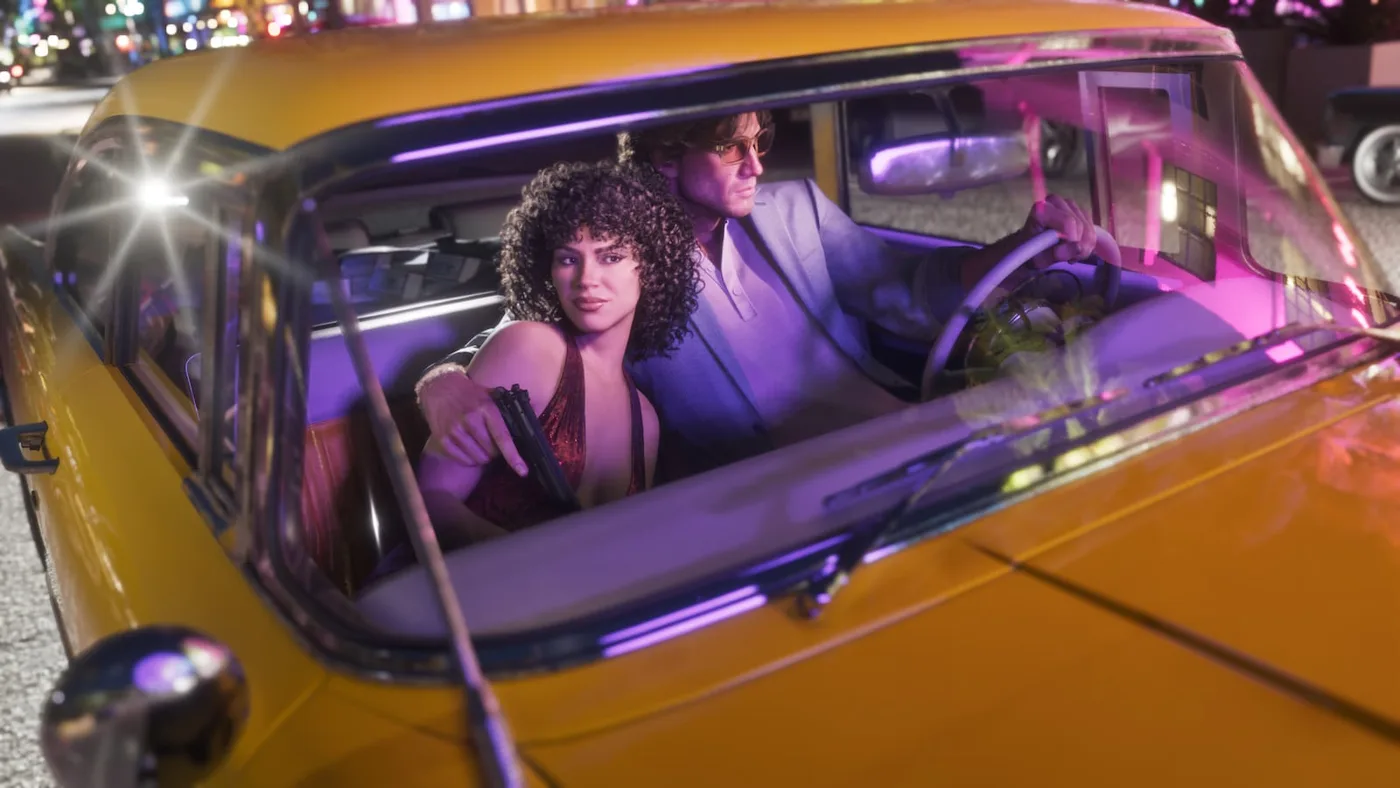
GTA 6 has a real Auto Drive: set a waypoint, get in a car, hold Down on the D-pad and press Options (PS5) or Menu (Xbox) to switch to the Cinematic camera, then hold Circle (PS5) or B (Xbox) when the "Enable Auto Drive" prompt appears. Jason or Lucia then drives to the marker by the rules of the road. It is free, it has three speeds on the triggers, and it works in boats but not in planes or helicopters.
Rockstar's own accessibility support article lists the feature: Auto Drive is switched on through the cinematic camera in most situations, and a Restricted / Unrestricted setting decides how many situations allow it. The rest comes from launch-week guides: a detail is stated as fact here only when at least two independent ones agree, and anything only one guide says is named as such.
How do you turn on Auto Drive in GTA 6?
Four steps:
- Mark a destination on the map. A custom waypoint works, and so does an active mission's marker (Game8, GameTyrant). With nothing marked, the prompt never shows (GamesRadar+, Beebom).
- Get in the driver's seat and start driving.
- Switch to the Cinematic camera. Hold Down on the D-pad, and while still holding it press Options on PS5 or Menu on Xbox (GamesRadar+, TheGamer, PowerPyx, GameTyrant, Game8). In a vehicle, that hold brings up the camera options (GamesRadar+, SlashGear); the rest of the held D-pad inputs are in our GTA 6 controls guide.
- Get onto the road in the correct lane, then hold Circle on PS5 or B on Xbox when "Enable Auto Drive" appears in the bottom-right corner. Game8 says the option can disappear if you are in the wrong lane or off-road, and Insider Gaming says to be on the right side of the road before you hold the button; both put this after the switch to Cinematic view (the hold: TheGamer, PowerPyx, VGC, SlashGear; the prompt's position: GamesRadar+, VGC).
The trap is step 4. The Cinematic camera on its own is just a camera: VGC warns that entering it without holding the button leaves you steering, and its writer hit a tree finding that out. TheGamer, PowerPyx, GameTyrant and SlashGear all list the hold as its own step after the camera change.
The GTA 6 fast travel guide has a shorter version of these steps next to the other ways across the map. This page is for what happens after you press the button.
What are the Auto Drive controls?
| What you want | PS5 | Xbox | Sources |
|---|---|---|---|
| Start Auto Drive (in Cinematic view) | Hold Circle | Hold B | TheGamer, PowerPyx, GameTyrant, SlashGear |
| Speed up | R2 | RT | Beebom, SlashGear, PowerPyx |
| Slow down | L2 | LT | Beebom, SlashGear |
| Turn Auto Drive off and take the wheel | Hold Circle again | Hold B again | PowerPyx, GameTyrant |
| Leave Cinematic view (ends Auto Drive) | Hold Down on the D-pad | Hold Down on the D-pad | SlashGear, Beebom |
There are three speeds, which GamesRadar+, Insider Gaming, CBR and SlashGear all count, and you change between them on the triggers during the drive. Even the top one is slow: TheGamer says even the fastest option "isn't very fast at all", and Insider Gaming calls the differences between the three slight.
Why won't Auto Drive turn on?
If the prompt will not appear, or the car will not drive itself, check these:
| Problem | Fix | Sources |
|---|---|---|
| No prompt at all | Set a map marker first, then re-enter Cinematic view | GamesRadar+, Beebom, Game8 |
| Cinematic shots, but you are still steering | Hold Circle or B; the camera alone does not drive | VGC; the separate hold step in GamesRadar+, TheGamer and PowerPyx |
| Prompt vanishes off-road or on a beach | Get back onto the road, or set Auto Drive to Unrestricted | GameTyrant, CBR, Game8, Pro-Gamer.gg |
| Prompt vanishes on the road | Move into the correct lane, on the right side of the road | Game8, Insider Gaming |
| You are in a plane or helicopter | Not supported; it is for land vehicles and boats | PowerPyx, Pro-Gamer.gg |
Should you set Auto Drive to Restricted or Unrestricted?
The option lives at Pause Menu > Settings > Gameplay, in the Accessibility section, under Auto Drive (TheGamer, CBR). Rockstar's settings article confirms that the Gameplay tab holds Combat, Movement and Accessibility.
| Setting | What it does | Sources |
|---|---|---|
| Restricted (the default) | Auto Drive is only offered in situations the game treats as safe, which in practice means on the road | Rockstar Support; TheGamer; GameTyrant; CBR |
| Unrestricted | Lets you start it in more situations, including off-road; the trade-off is a risk of collisions | Rockstar Support; TheGamer; GameTyrant; CBR |
My take: switch it to Unrestricted. TheGamer makes the same call, for the same reason: the setting only decides where you are allowed to turn Auto Drive on. Nothing happens until you hold the button, so the stricter setting just means more "why is there no prompt" moments. If you want the rest of the accessibility menu explained, the GTA 6 launch checklist walks through it.
Which vehicles work with Auto Drive?
| Vehicle | Auto Drive? | Sources |
|---|---|---|
| Cars and other land vehicles | Yes | GameTyrant, SlashGear, Game8 |
| Boats | Yes | PowerPyx, SlashGear |
| Planes and helicopters | No | PowerPyx, Pro-Gamer.gg |
| Taxis and RydeMe | No: you are the passenger; see the partner and taxi section below | - |
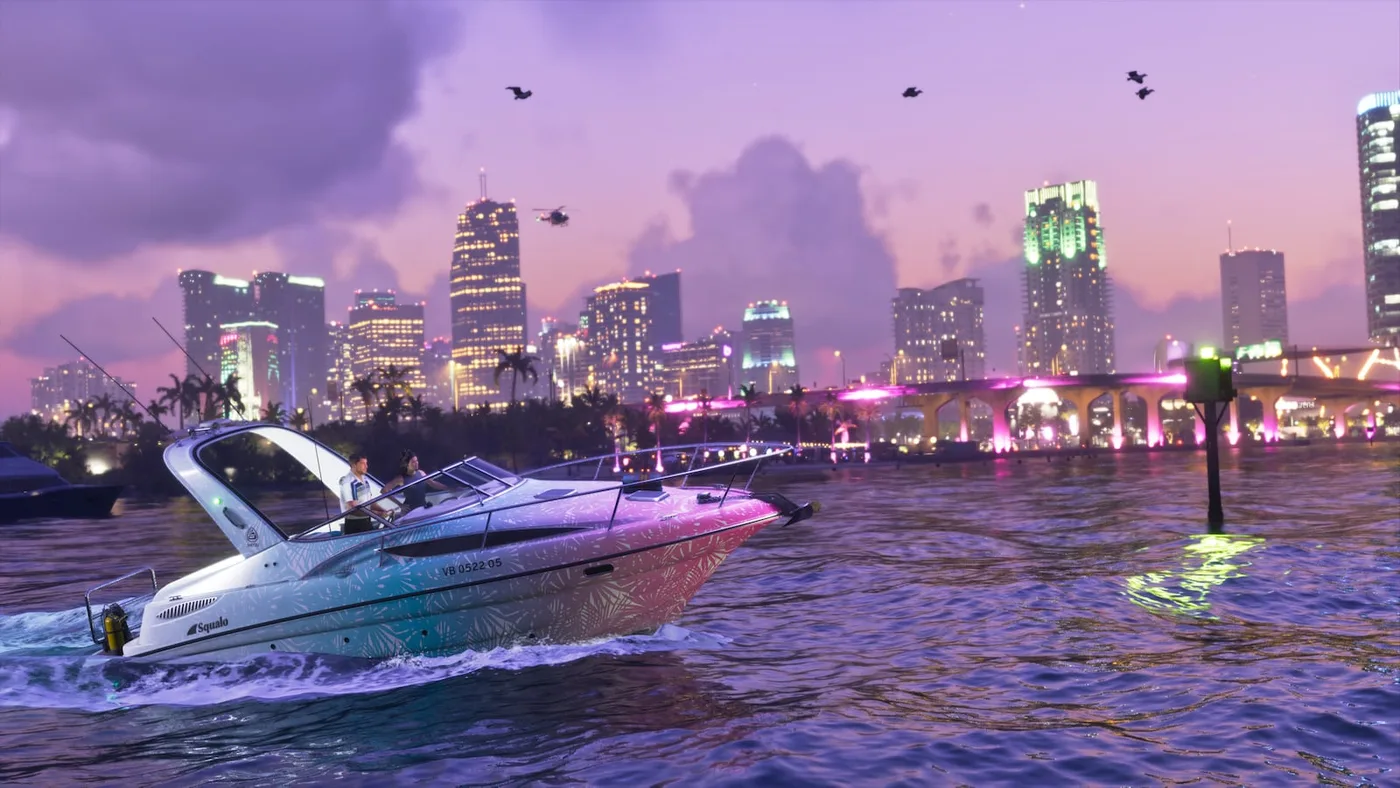
The boat side is the pleasant surprise. Set a marker across the bay, start the boat, and the same Cinematic-then-hold routine works (PowerPyx, SlashGear). What happens when the route reaches the shore has only one independent source so far; see the last section. For getting hold of a boat in the first place, and for actually flying planes and helicopters, see our planes, helicopters and boats guide.
Is Auto Drive faster than driving yourself?
No, and none of the guides I read claims it is. GamesRadar+, Insider Gaming, TheGamer, GameTyrant and Beebom all describe it obeying traffic law, and Beebom and Insider Gaming both say it will not run a red light. GamesRadar+ says plainly that it is not fast travel, and both GamesRadar+ and SlashGear say it can leave you sitting in traffic.
What it is good for:
| Use it for | Skip it for |
|---|---|
| Long drives where you want your hands free | Anything on a timer |
| Recording clips or grabbing shots of Leonida | Escaping the police |
| Listening to the radio or following a conversation in the car | Off-road shortcuts, unless you have switched to Unrestricted |
If you need to arrive now, pay for a taxi and skip the ride; the fast travel guide has the costs. If you want something to listen to on the way, our radio stations guide lists every station.
Can your partner or a taxi drive you instead?
Yes, and for some trips it is the better hands-off option. When Jason and Lucia are together, you can ride as the passenger while your partner drives you to the marker. Game Rant and AllThingsHow both describe it:
| Partner command | PS5 | Xbox | Sources |
|---|---|---|---|
| Open the partner menu | Hold D-pad Right | Hold D-pad Right | Game Rant, AllThingsHow |
| You Drive (your partner takes the wheel) | Cross | A | Game Rant, AllThingsHow |
| Speed Up | Square | X | Game Rant, AllThingsHow |
| Pull Over | Cross | A | Game Rant, AllThingsHow |
Set the destination on the map. Both outlets say you can mark a new destination at any time and the driver changes course. Game Rant prefers it because Auto Drive locks you into the Cinematic camera, where you cannot interact with anything. When the two of them can be together is covered in our Jason and Lucia switching guide.
Taxis are a different thing. Paradise Taxi and RydeMe drivers take you where you choose, and you can pay $100 on top of the fare to skip the ride entirely. How each is called, paid for and unlocked is in the fast travel guide, so I will not repeat it here.
Can the GPS talk you through turns?
If you would rather keep driving yourself, Rockstar's accessibility page lists two GPS helpers: a turn indicator that shows upcoming directions on screen, and the option to add a GPS voice or audible tones for upcoming turns. Rockstar's settings article puts a Navigation section under the UI tab, and TheGamer's settings guide lists GPS Turn Indicators there. It is not hands-free, but it lets you watch the road instead of the minimap.
What is not confirmed yet
As of November 29, 2026, these have only one source, or the sources disagree, so treat them as open:
- Whether Auto Drive clears the map's fog as you pass. TheGamer says it does; no second outlet has confirmed it.
- Whether you can change the destination mid-drive. GamesRadar+ says re-marking the map reroutes you; no second outlet covers it for Auto Drive (it is confirmed for partner driving).
- Fuel. PowerPyx says the tank still drains on Auto Drive. Cars in GTA 6 do use fuel, as our vehicles and garages guide covers, but no second outlet has tested it on Auto Drive.
- Moving the camera. GamesRadar+ says the right stick moves the Cinematic camera and R3/RS cycles shots; Pro-Gamer.gg says you cannot rotate it manually.
- Auto Drive with a wanted level. Of the outlets cited here, only Pro-Gamer.gg covers it, and it advises against it. Losing the police is in our wanted level guide.
- Which speed it starts on, and whether anything unlocks it. Insider Gaming says it is there from the start of the game; no second outlet addresses either point.
- What happens at the shoreline. SlashGear says Auto Drive will not take a car into the water or a boat onto land, and switches off at the edge. Pro-Gamer.gg says the same in near-identical terms, so it is counted as one source.
- Starting off-road on Unrestricted. GameTyrant says your character first heads for the nearest road; no other outlet says so.
- Partner driving during missions. Game Rant says your partner will drive whenever asked except during solo missions; AllThingsHow does not cover it.
Frequently Asked Questions
How do you auto drive in GTA 6?
Why is auto drive not working in GTA 6?
How do you change auto drive speed in GTA 6?
How do you turn off auto drive in GTA 6?
Does GTA 6 auto drive work on boats and planes?
What does Unrestricted auto drive do in GTA 6?
Can Lucia or Jason drive for you in GTA 6?
Is auto drive faster than driving yourself in GTA 6?
Keep Reading
- Grand Theft Auto VI Accessibility Features (Rockstar Support, November 23, 2026) - Auto Drive toggled through the cinematic camera in most situations; Restricted to Unrestricted setting activates it in more situations; GPS turn indicator and GPS voice or audible tones
- How to change Grand Theft Auto VI settings (Rockstar Support, November 18, 2026) - Pause Menu > Settings; Gameplay tab holds Combat, Movement and Accessibility; UI tab includes Navigation; Camera tab includes Cinematic
- How to use auto drive in GTA 6 (GamesRadar+, November 23, 2026) - destination marker needed, hold D-pad Down then Options/Menu, Enable Auto Drive prompt bottom right, three speeds on the triggers, obeys road rules, not fast travel; single source for re-marking to reroute and right-stick camera control
- Grand Theft Auto 6: How To Use Auto-Drive (TheGamer, George Foster, November 18, 2026) - waypoint, Cinematic via D-pad and Options/Menu, hold Circle/B, follows the rules of the road, even the fastest speed is slow; single source for clearing fog of war
- Grand Theft Auto 6: Best Settings To Change (TheGamer, Kaitlyn Peterson, November 22, 2026) - Gameplay > Accessibility > Auto Drive, restricted to safe situations by default, Unrestricted allows situations the game deems unsafe, recommends Unrestricted
- How to Enable Auto-Drive in GTA 6 (Insider Gaming, Sam Sepiol, November 20, 2026) - waypoint, Cinematic view, right side of the road, hold O, three speeds with slight differences, never breaks traffic rules; single source for availability from the start
- How to Auto-Drive and Use the Cinematic Camera (Game8, November 19, 2026) - mission, errand or point-of-interest marker, D-pad Down plus Options/Menu, correct lane, unavailable in the wrong lane or off-road
- GTA 6 How to Use Autodrive (PowerPyx, November 24, 2026) - Settings > Gameplay > Auto Drive Unrestricted, D-pad Down then Options/Menu, hold Circle/B to start and to disable, R2/RT to speed up, works in vehicles and boats, not aircraft; single source for fuel use
- How to Enable Unrestricted Auto Driving in GTA 6 (GameTyrant, Preston Singer) - motorized ground vehicles, map marker or active quest, triggers for speed, hold Circle/B again to cancel, default only works on roads, Unrestricted under Gameplay allows off-road with collision risk; single source for heading to the nearest road
- How to Enable Auto-Drive In GTA 6 (CBR, Mark O'Callaghan, November 22, 2026) - three speeds, follows traffic laws, Restricted keeps to standard routes, Unrestricted allows off-road and can cause collisions, setting under Gameplay in the accessibility section
- How To Auto Drive In GTA 6 (SlashGear, Nate Williams, November 20, 2026) - any land or water vehicle, camera options bottom right, hold Circle/B, L2/R2 or LT/RT across three speeds, hold D-pad Down to exit, can get stuck in traffic, stops at the edge between land and water
- How to Auto Drive in GTA 6 (VGC, Jordan Middler, November 25, 2026) - Enable Auto Drive prompt bottom right, hold Circle/B, the Cinematic Camera alone leaves you steering
- How to Auto-Drive in GTA 6 (Beebom, Ishan Adhikary, November 19, 2026) - waypoint first, accelerate slightly until the prompt, hold Circle/B, L2/R2 to slow and speed up, hold D-pad Down to exit Cinematic, stops at red lights
- How to auto drive in GTA 6? (Sportskeeda, November 19, 2026) - Gameplay > Auto Drive, accelerate slightly until the prompt, hold Circle/B, L2/R2 for speed, stops at red lights (same steps as Beebom, counted together with it)
- How to Auto-Drive in GTA 6 (Pro-Gamer.gg, November 20, 2026) - three speed tiers, hold Circle/B to disable, boats on navigable water, no planes or helicopters, default stays on paved roads, Unrestricted may cause collisions, can get stuck in pileups; its shoreline wording mirrors SlashGear, so counted with it there; single source for wanted-level advice
- How to Have Jason or Lucia Drive for You in GTA 6 (Game Rant, Hamza Haq, November 25, 2026) - hold D-pad Right, You Drive on X/A, Square/X to go faster, X/A to pull over, change destination any time, not during solo missions, Auto Drive locks you into cinematic mode
- GTA 6 Partner Menu (AllThingsHow, updated November 26, 2026) - hold D-pad Right, YOU DRIVE, SPEED UP becoming SLOW DOWN, PULL OVER, set a destination first, set a new destination any time
Related Guides
GTA 6: How to Flip Your Car Over (and Flip People Off)
GTA 6 dropped the GTA V trick of rocking an upside-down car back onto its wheels. You now get out and shove it. This guide covers the shove, why it fails, the Reset and tow prompts for when it does, pushing cars and boats, and the other hidden flip: the middle finger, on foot and from behind the wheel.
GTA 6 Impound: Where Your Car Goes and How to Get It Back
Get Busted or ditch your car at a crime scene in GTA 6 and the police tow it. This guide covers which cars end up in the impound, how to find yours, the lots in Key Lento, Hamlet, Port Gellhorn and Ocean Beach, how to steal it back, what Scooter Bros and its $12,500 Premium upgrade do, and what happens to your trunk.
GTA 6 Best Motorcycles, Trucks and Off-Road Vehicles
Which GTA 6 bikes, trucks and off-roaders are actually worth riding? The Off-Road Handling and Speed stats two databases agree on, the Sanchez and '72 Cliffhanger for dirt, the Kamacho you get free in Company Cars, the standout off-roaders in Watson Bay and the Mud Club, and when each one can be registered.
GTA 6 Car Customization: Mod Shops, Underglow, Costs
Where every GTA 6 mod shop is and what it specialises in, what the Pro Builds, Performance, Cosmetics, Bodywork, Wheels and Interior tabs change, what nitrous and the early repairs cost, which discounts and challenges matter, and an honest answer on underglow.
GTA 6: Everything We Know Now That It's Out
Grand Theft Auto VI is out on PS5 and Xbox Series X|S. Here is everything Rockstar, PlayStation and Xbox have confirmed: the launch date, the two editions and their US prices, the 212 GB download, the cast, Leonida and its official map, GTA+ in GTA VI, and what is still not announced.
GTA 6 Car Locations: Banshee, Jugular, Toros and More
Where the cars people actually hunt in GTA 6 turn up: the showroom Bravado Banshee in a Southside showroom, the Ocelot Jugular outside Bite, the Toros, Jubilee and Itali RSX around northern Capri, and the tow truck by Nifty Threads in Key Lento. Only spots two outlets agree on, with how to keep each car.