GTA 6 Photo Mode: How to Open Photo Studio and Save Photos
Grand Theft Auto VI has a full photo mode called Photo Studio, open from the prologue. Here is how to open it, what you can change, what it cannot do, where your shots end up, and how it differs from the phone's selfie camera, sourced to outlets that agree with each other.
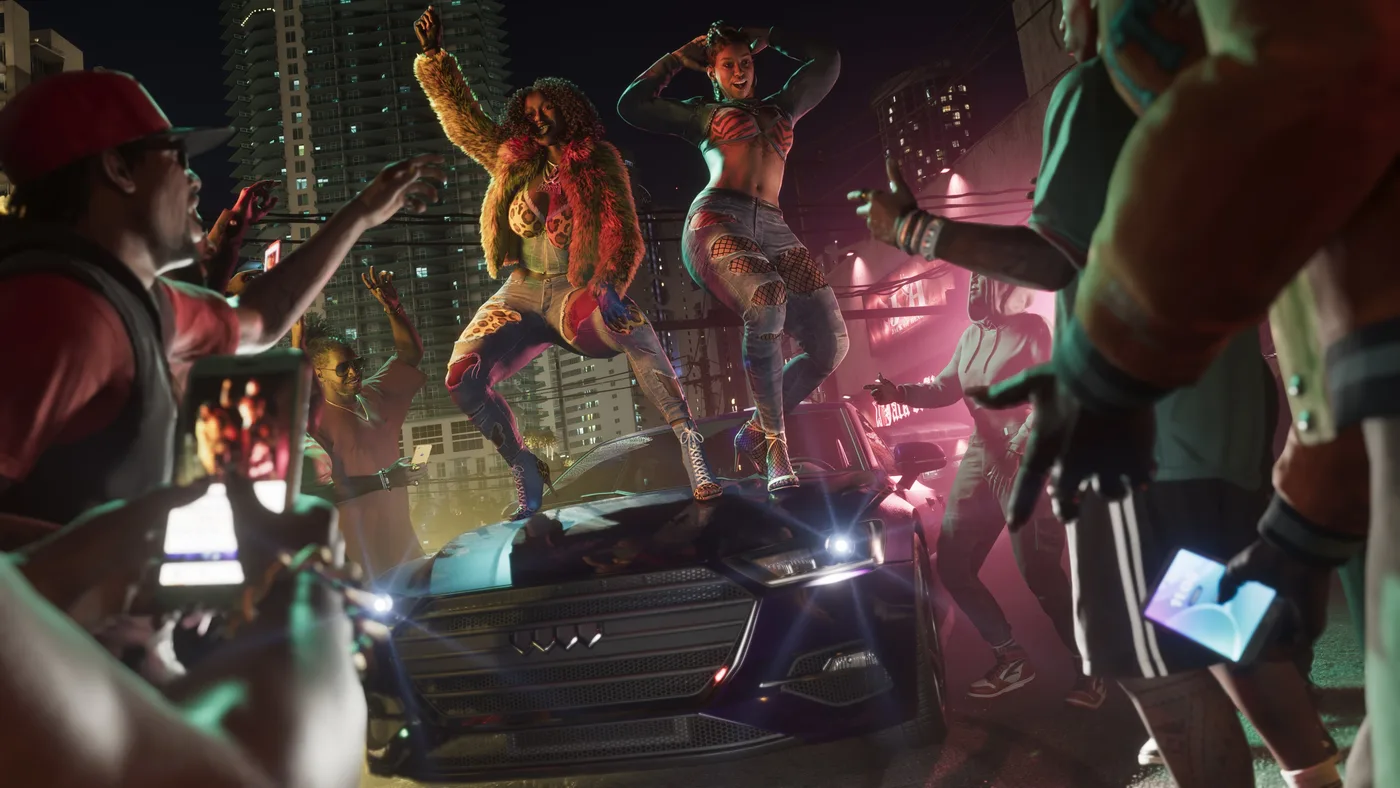
Yes, GTA 6 has a real photo mode, and it is called Photo Studio. Pause the game and pick Photo Studio from the menu, or press Square on PS5 / X on Xbox on the pause screen. It is there from the prologue, and it gives you camera control, depth of field, colour effects, up to five extra light sources, vehicle light controls and 17 filters. What it will not do is change the time of day or the weather, and it has no pose or expression controls for Jason or Lucia. Posed selfies are a job for the phone camera instead.
One thing up front: Rockstar itself has not documented Photo Studio. I found no features page, Rockstar Support article or patch note about it. So everything below comes from outlets that played the game, and each gameplay fact is one at least two of them independently state (GameRant, TechRadar, Insider Gaming, Beebom, GameSpot, Sportskeeda, PowerPyx and Game8; full list at the bottom). Where they disagree, I say so. All of this is as of November 22, 2026, three days after launch, and nothing here spoils the story.
Does GTA 6 have a photo mode?
Yes. It is a dedicated mode in the pause menu named Photo Studio, separate from the camera app on Jason's and Lucia's phone. GameSpot, TechRadar, Insider Gaming and Beebom all use that name.
The phone camera still exists in GTA 6, and it does things Photo Studio cannot (more on that below), so think of them as two tools rather than one replacing the other.
How do you open Photo Studio in GTA 6?
| Step | What to do | Sources |
|---|---|---|
| 1 | Pause the game (Options on PS5, Menu on Xbox) | GameRant, Beebom, GameSpot |
| 2 | Select Photo Studio from the pause menu, or press Square (PS5) / X (Xbox) while paused | TechRadar, Insider Gaming, GameSpot |
| 3 | Move the camera and adjust the settings | GameRant, Beebom |
| 4 | Save the shot with Save Photo (see the saving section below) | Beebom, Insider Gaming |
When does it unlock? Straight away. GameRant and Beebom both say Photo Studio is available from the moment you take control of Lucia in the prologue, with no mission to finish first, and GameSpot calls it available early in the campaign. If the option is greyed out, you are probably somewhere the game blocks it; see the limits section below.
What can you change in Photo Studio?
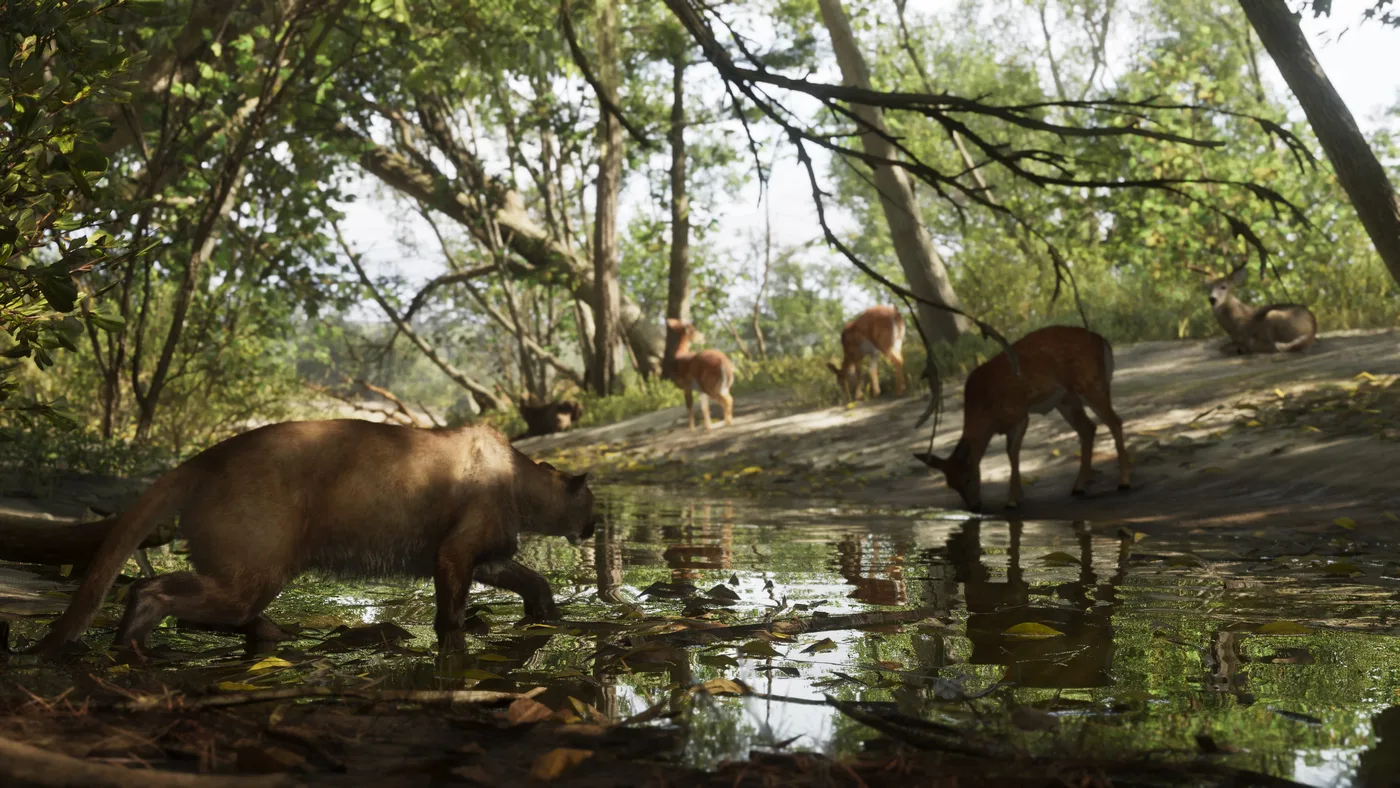
The menu is organised into tabs, though the outlets list them slightly differently: GameSpot names Camera, Effects, Lighting, Vehicle and Overlay, while GameRant splits out a Character section and does not mention Vehicle. The settings below are the ones at least two outlets confirm.
| Area | What you can change | Sources |
|---|---|---|
| Camera | Camera angle, aspect ratio and depth of field | GameRant, TechRadar, Insider Gaming, Beebom |
| Character | Show or hide the character you are playing (Jason or Lucia) | GameRant, Beebom |
| Effects | Exposure, contrast, tint, bloom and film grain | GameRant, GameSpot, TechRadar |
| Lighting | Add up to five light sources and set each one's colour and intensity | GameRant, Beebom (five); Insider Gaming, Beebom (colour); TechRadar, GameSpot, Insider Gaming (intensity) |
| Vehicle | Toggle your vehicle's lights | GameSpot, TechRadar |
| Overlay | 17 filters and a vignette | GameRant, TechRadar, Insider Gaming |
Lighting is where Photo Studio goes beyond a basic photo mode. TechRadar and GameSpot both describe placing your own light sources in the scene and turning their intensity up or down, and Insider Gaming and Beebom both say you can change each light's colour. My take: if a night shot looks flat, try adding a light before you push the exposure.
GameRant and Sportskeeda both itemise a much longer list of finer camera, colour and overlay controls, but their two lists match almost line for line, so I am counting them as one source rather than two independent ones. I have left those settings out until an outlet that is clearly working from its own copy of the game lists them, so the table above is a minimum, not the whole menu.
Do not confuse the 17 Photo Studio filters with the screen-filter cheats (Golden Hour, Pinhole, Videotape and the rest), which can only be used once the story is finished; those change the whole game view and are covered in our GTA 6 cheats list.
What can't Photo Studio do?
| Limit | Detail | Sources |
|---|---|---|
| No time of day or weather | You cannot change either from Photo Studio | Insider Gaming, Beebom |
| No posing Jason or Lucia | TechRadar, citing IGN, says you cannot yet change their poses or facial expressions; GameRant's and Beebom's breakdowns list only showing or hiding the character | TechRadar (citing IGN); GameRant, Beebom (show/hide only) |
| Fewer options in cutscenes | Photo Studio opens during cutscenes, but some settings show as currently unavailable | Insider Gaming, Beebom |
The time-of-day gap matters more than it sounds. If you want a sunset shot, you have to be there at sunset. The Move Time Forward and Cycle Weather cheats can change both, but GTA 6 cheats can only be used after you finish the story; our cheats list has their unlock conditions.
For a posed shot of Jason or Lucia, use the phone's selfie camera, which has poses and expressions (next sections).
How do you save photos and where do they go?
Saving: pick Save Photo when the shot is set up (Beebom); Insider Gaming describes it as holding the confirm button.
Where they go is disputed, so check both places:
| Claim | Where to look | Source |
|---|---|---|
| Photo Studio saves go to the console, not the game | PS5: Media Gallery. Xbox: My games & apps > Apps > Captures | Insider Gaming |
| Photo Studio saves appear in the phone's Gallery app | Phone (D-pad Up) > Gallery | Sportskeeda |
Insider Gaming says Photo Studio pictures do not show up in the in-game phone gallery, while Sportskeeda says they do. Until that is settled, look in both. If you want to be sure a shot ends up in the console's capture library, Beebom and GameSpot both suggest the alternative: hide the Photo Studio interface and take a normal console screenshot (the Create button on PS5, the Share button on Xbox).
Xbox players: GamesRadar+ points out that Xbox uploads your captures to the Xbox network automatically by default. If you would rather keep your GTA 6 shots local, turn it off under Profile & system > Settings > Preferences > Capture & share, and set automatic uploads to Don't upload.
How do you take selfies with the phone camera?
The phone camera is the other photo tool, and the one with character poses. It arrives after the prologue, once you take control of Jason (GameRant, Beebom). The phone itself, and the rest of its apps, are in our GTA 6 phone apps guide.
| Step | What to do | Sources |
|---|---|---|
| 1 | Press D-pad Up to open the phone and select the Camera app | GameRant, Beebom, Sportskeeda |
| 2 | Switch from the rear camera to the front (selfie) camera | GameRant, Beebom, Sportskeeda |
| 3 | Pick a pose and a facial expression; with your partner beside you, you can also set their pose | GameRant, Beebom, Sportskeeda (poses and expressions); GameRant, Beebom (partner pose) |
| 4 | Press R2 / RT to take the photo | Sportskeeda, PowerPyx |
| 5 | Find it later in the phone's Gallery app | GameRant, Beebom, GameSpot, Game8 |
What the phone camera gives you:
| Feature | Detail | Sources |
|---|---|---|
| Poses and expressions (selfie camera) | Six poses and seven facial expressions (the count both outlets give for Jason) | GameRant, Beebom |
| Partner pose | Change your partner's pose in a selfie together | GameRant, Beebom |
| Zoom (rear camera) | Up to 5x | GameRant, Beebom |
| Grid | Optional grid lines for lining up the shot | GameRant, Sportskeeda, Beebom |
| Flash | A light you can switch on or off | GameRant, Sportskeeda |
| Filters | 17 filters | GameRant, Beebom |
Partner selfies need the other character with you; if you are not sure how the pair works, our Jason and Lucia switching guide explains it. The phone camera is also behind a first-person glitch some outlets describe; that is covered, with its caveats, in our GTA 6 vs GTA 5 comparison.
Photo Studio or phone camera: which should you use?
| Photo Studio | Phone camera | |
|---|---|---|
| How to open | Pause, then Photo Studio (or Square / X) | D-pad Up, then Camera |
| Available from | The prologue, as Lucia | After the prologue, as Jason |
| Poses and expressions | No | Yes, on the selfie camera |
| Lighting | Up to five added lights | A flash |
| Filters | 17, plus vignette | 17 |
| Where photos go | Disputed: console capture library or phone Gallery | Phone Gallery |
My call: use Photo Studio for scenery, cars and action, where the camera control and the lights earn their keep, and the phone for anything where Jason's or Lucia's face is the point. The pose and expression options only exist on the phone.
Can you share photos on Snapmatic?
No, not by posting. Snapmatic is back as a social feed on the phone, but Insider Gaming says Jason and Lucia cannot post to it, and Game8's walkthrough of the app lists only browsing, liking, reading comments and viewing profiles, adding that you cannot leave comments or follow anyone. So there is no in-game way to publish your shots. Sharing them means the console's own share tools from the capture library. What the feed itself is good for is in our phone apps guide.
What is still unconfirmed?
As of November 22, 2026, these are open questions, not confirmed "no"s:
- An official description of Photo Studio. Rockstar has not published one, so a patch could add or change settings without a page to check against.
- Where Photo Studio saves its pictures. Insider Gaming (console capture library only) and Sportskeeda (the phone Gallery as well) disagree.
- The full settings list. GameRant and Sportskeeda itemise more camera, colour and overlay controls than are listed here, but their lists are close enough to count as one source; they go in once an independent outlet confirms them.
- The exact tab names. GameSpot and GameRant group the settings differently.
- The filter names. Both tools have 17 filters, but no two outlets have published the same full list yet, so I have not printed one.
- Pose controls in Photo Studio. Not there at launch according to IGN, as reported by TechRadar; whether Rockstar adds them later is unknown.
New to the game? Our GTA 6 beginner's guide covers the first hours, and the Leonida map guide is a decent shot list if you are hunting for places to point the camera at. This page will be updated as Rockstar and the outlet guides fill in the gaps.
Frequently Asked Questions
Does GTA 6 have a photo mode?
How do you open photo mode in GTA 6?
Where are GTA 6 Photo Studio pictures saved?
Can you change the time of day or weather in GTA 6 photo mode?
Can you pose Jason and Lucia in GTA 6 photo mode?
How do you take a selfie in GTA 6?
Can you post photos to Snapmatic in GTA 6?
Does GTA 6 photo mode work in cutscenes?
Keep Reading
- GTA 6: How to Use Photo Mode (& Take Selfies) (GameRant, November 18, 2026) - available from the prologue, Photo Studio settings (aspect ratio, depth of field, character show/hide, effects, up to five lights, 17 filters, vignette), phone camera after the prologue, selfie poses and expressions, partner pose, 5x zoom, grid, light, 17 phone filters
- GTA 6 players hail the game's photo mode (TechRadar, November 19, 2026) - the name Photo Studio, Square / X shortcut from the pause menu, aspect ratio, depth of field, exposure, grain, placeable lights with intensity, vehicle lights, 17 filters, vignette, no poses or expressions (citing IGN)
- Does GTA 6 Have Photomode? How to Use Photo Studio and Snapmatic, Explained (Insider Gaming, November 18, 2026) - opening Photo Studio and the Square / X shortcut, cutscene limits, no time of day or weather, lighting hue and intensity, filters and vignette, no posting to Snapmatic
- Where Do Photo Studio Pictures Get Saved in GTA 6? (Insider Gaming, November 19, 2026) - hold confirm to save, pictures go to the PS5 Media Gallery or Xbox Captures and not the in-game phone
- How to Use Photo Mode in GTA 6 (Beebom, updated November 19, 2026) - pause with Options / Menu, available from the prologue, Save Photo, hide character, up to five lights with colour and intensity, cutscene limits, no time of day or weather, phone camera after the prologue, six poses and seven expressions, partner pose, 5x zoom, grid, 17 filters, Gallery
- How To Use Photo Mode In GTA 6 (GameSpot, November 19, 2026) - Photo Studio in the pause menu early in the campaign, Square / X shortcut, limited in cutscenes, Camera / Effects / Lighting / Vehicle / Overlay tabs, hiding your character, effects (exposure, contrast, tint, bloom), placing lights and their intensity, vehicle lights, vignette, hiding the UI for a clean screenshot
- GTA 6 photo mode guide: How to use, features, and save location (Sportskeeda, November 19, 2026) - says Photo Studio pictures appear in the in-game phone gallery (disputed by Insider Gaming); its full settings list closely matches GameRant's
- GTA 6 camera guide: How to take selfies, change filters, and more (Sportskeeda, November 18, 2026) - D-pad Up and the Camera app, R2 to take a photo, flash, grid, zoom, selfie mode with poses and expressions
- GTA 6 Photo/Shoot (Shoot a Promo) Walkthrough (PowerPyx, November 19, 2026) - phone camera pulled up from the phone, R2 / RT to take pictures
- Snapmatic Guide: How to Use Social Media (Game8, updated November 20, 2026) - Snapmatic features: browse, like, view comments and profiles; no commenting or following
- All GTA 6 Smartphone Apps And What They Do (GameSpot, November 19, 2026) - Camera and Gallery apps
- How to Use Your Phone and All Phone Apps (Game8, November 19, 2026) - Camera and Gallery apps
- How to turn off GTA 6 auto uploads on Xbox (GamesRadar+, November 21, 2026) - Xbox automatic capture uploads on by default and the Capture & share setting path
Related Guides
GTA 6 Combat Tips: Cover, Aiming, Focus and Melee
How fighting works in Grand Theft Auto VI: the default combat buttons, taking cover, the three Targeting modes and the assists behind them, Focus and its yellow non-lethal weak spots, the yellow and red hit markers, fist fights, stealth takedowns, and a short list of habits that win more gunfights.
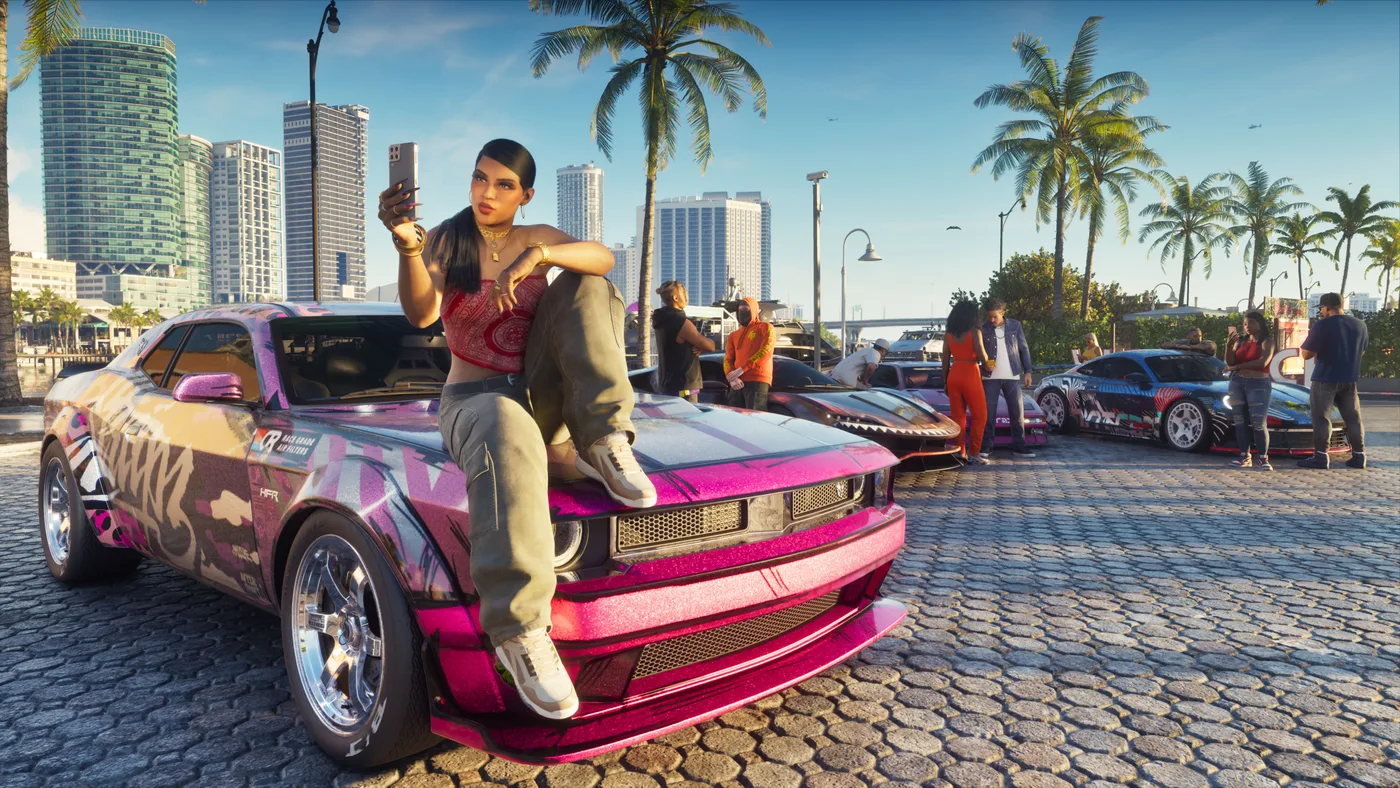
How Long Is GTA 6? Story Length, Chapters and 100%
How long GTA 6 takes to beat, from the reviewers who finished it: about 60 hours for the story, roughly 80 to 100 with side content and 200-plus for 100%. Plus how the five chapters and 90-plus story missions are laid out, what happens after the credits, and the 35 lines on the 100% checklist.
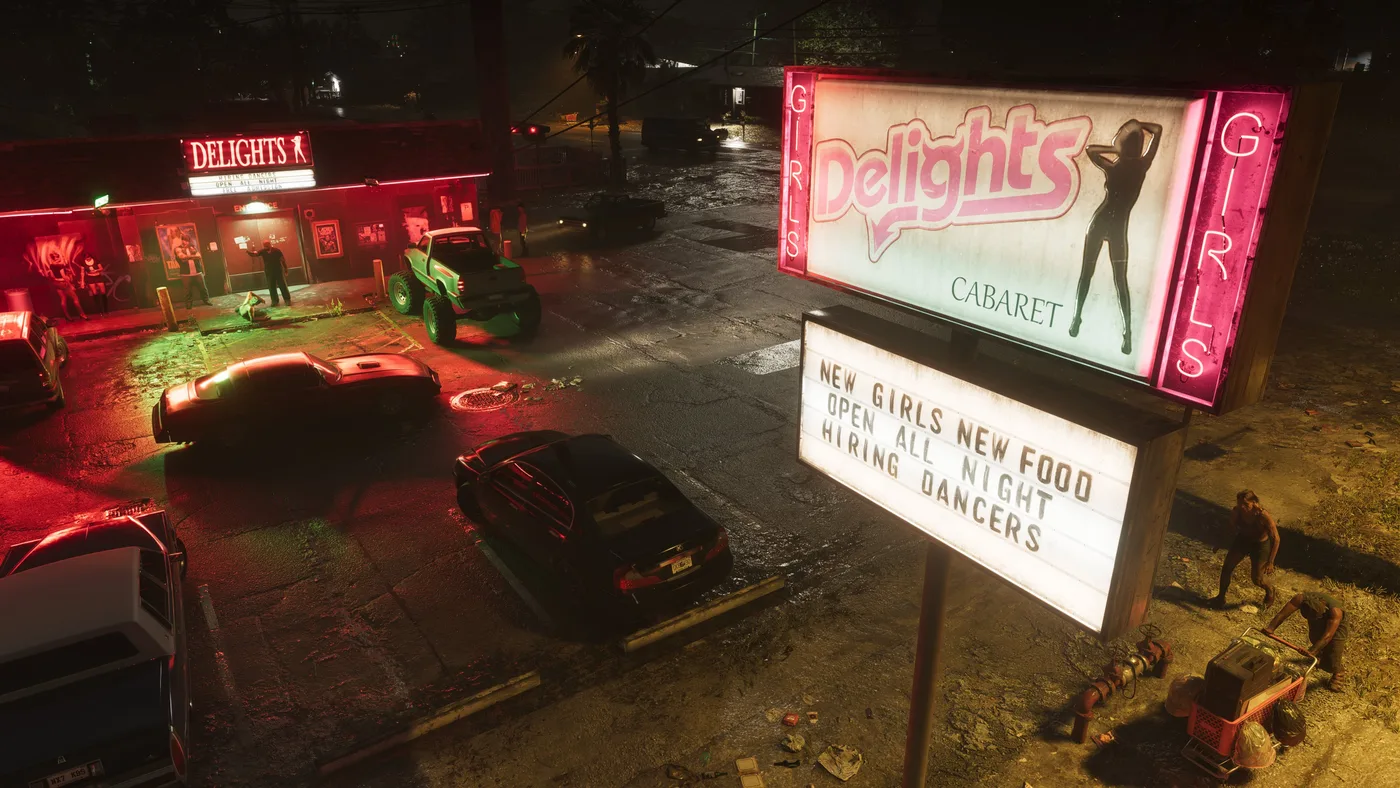
GTA 6 Safe Codes: Every Confirmed Combination and Location
The Grand Theft Auto VI safe combinations that at least two independent outlets print identically, with where each safe is, what is inside and where the game hides the code wherever two outlets agree on it. Plus which safes are random, how to get a code out of a shopkeeper, and the codes still waiting on a second source.
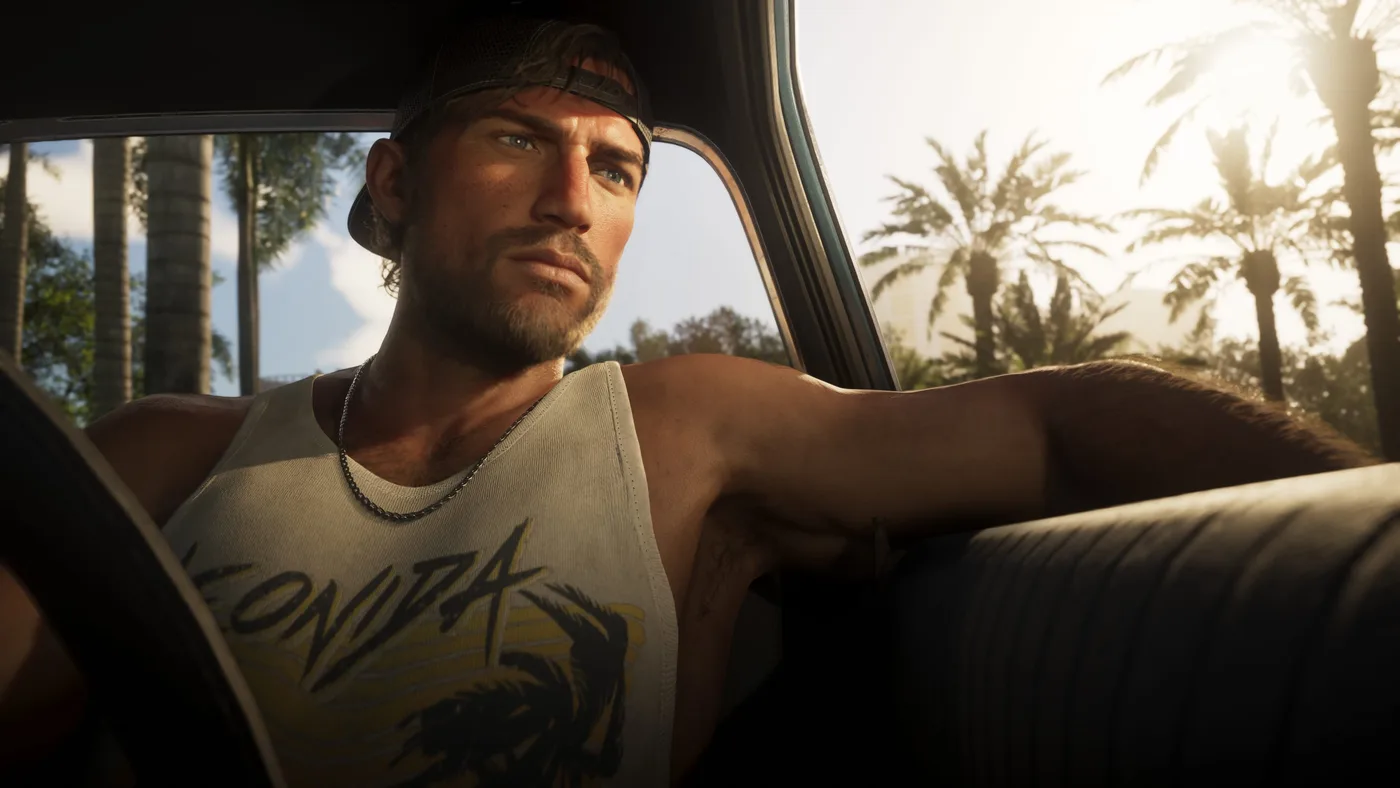
GTA 6 Money Glitch: The Barn Loop and What It Really Pays
The repeatable GTA 6 money method is a glitch: a red barn in South Vice-Dale County whose cocaine and cash respawn after a save and reload, or a short drive away. Here is the loop step by step, what outlets say a load is worth (they disagree), what stops it being truly endless, and its patch status as of November 22.
GTA 6: Everything We Know Now That It's Out
Grand Theft Auto VI is out on PS5 and Xbox Series X|S. Here is everything Rockstar, PlayStation and Xbox have confirmed: the launch date, the two editions and their US prices, the 212 GB download, the cast, Leonida and its official map, GTA+ in GTA VI, and what is still not announced.
GTA 6 Cheats List: Codes, Unlocks and What They Disable
GTA 6 has 61 cheats, but none work until you finish the story and earn each one. Here are the 19 codes at least two outlets agree on, the unlock condition for all 61, how to type them on the phone, and what using one costs you.