Best Roblox Mobile Games That Actually Play Well on Phones
Most of Roblox runs on a phone. Very little of it plays well on one. This is the list of experiences built for, or genuinely good on, touch — the ones where a phone isn't a compromise, sorted by how well they survive a thumb instead of a mouse.
Roblox technically runs on your phone. That's not the same as playing well on it, and the gap between those two things is where most "best mobile Roblox games" lists fall apart — they just relist the most popular games and assume a phone handles them fine. It doesn't. Drop into a twitchy FPS or a precision obby with on-screen touch buttons and you'll feel exactly how much a mouse was carrying you.
So this list has a stricter filter: not "popular games you can technically open on a phone," but games that are genuinely good as mobile games — built for touch, forgiving of a small screen, or simple enough that a thumb is no handicap. A huge share of Roblox's player base is on mobile, and the smart developers design for that. These are the experiences where reaching for your phone instead of your PC costs you nothing.
What makes a Roblox game good on mobile
Three things separate a great phone game from a frustrating one, and they're worth naming because they explain every pick below.
- Forgiving inputs. Touch controls are imprecise. Games that lean on big taps, auto-aim, hold-to-act, or slow deliberate movement survive a thumb. Games that demand pixel-perfect aim or frame-perfect platforming don't.
- Readable on a small screen. A cluttered HUD that's fine on a 27-inch monitor becomes unplayable soup on a phone. The best mobile games have clean, large UI and don't bury critical info in tiny corners.
- Sane performance. Roblox scales graphics down on weaker devices, but some games are just heavier than others. A game that holds a steady frame rate on a mid-range phone beats a prettier one that stutters.
Quick reality check on controls: Roblox gives every game default touch controls — a movement stick and a jump button — and lets developers add custom on-screen buttons. The good mobile games tune those buttons thoughtfully. The bad ones dump a PC layout onto your screen and call it a day. That tuning is the whole ballgame.
Blox Fruits: the grind that survives a thumb
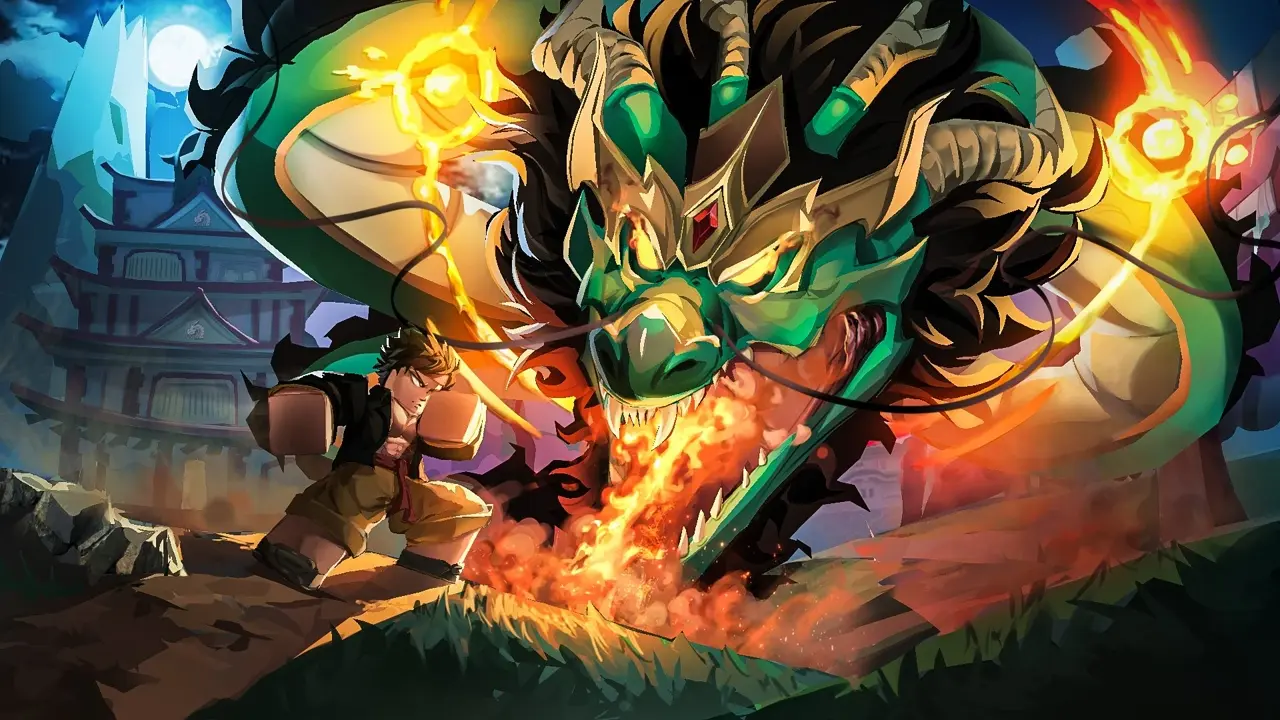
Blox Fruits is one of the most-played experiences on all of Roblox, and it earns a mobile spot because the genre works in your favor. It's an anime-style combat RPG where you grind levels, hunt Devil Fruits, and fight bosses — and crucially, the combat is ability-based rather than precision-aim-based. You tap a skill, it fires off in a direction; you're not fine-aiming a sniper. That makes it far more touch-friendly than a true shooter.
The game's been polished for mobile over years of updates, with a workable on-screen button layout for its abilities, and the long grind loop means you're often doing repeatable, low-stress combat that a phone handles fine. It's not flawless — busy multi-enemy fights can get fiddly with touch, and serious PvP players will still want a bigger screen — but for the core PvE grind that most players are here for, Blox Fruits on a phone is the real thing, not a compromise. If you want the broader anime-grind landscape, our best Roblox anime games guide covers the genre in full.
Mobile verdict: Strong. Ability-based combat suits touch, and years of mobile polish show. The deep grind is the appeal, and it travels.
Brookhaven RP: the perfect phone game

If you asked me to name the single most phone-appropriate game on Roblox, it's Brookhaven RP. It's a roleplay sandbox — a town you drive around, a house you decorate, jobs and props and vehicles to mess with, and zero pressure. There's no twitch combat, no precision platforming, no failure state. You move around, tap to interact, and make your own fun. That's about as forgiving of touch controls as a game can get.
That low-stakes design is exactly why Brookhaven is one of the most-visited experiences ever made on the platform — it's the game everyone defaults to, and a giant share of that play happens on phones. Tapping to enter a car, picking an outfit, chatting in a friend's living room: none of it needs precision, all of it works one-handed on a bus. It's the answer when someone asks "what's a good Roblox game to just chill with on my phone."
Mobile verdict: Essentially perfect. No precision demands, clean interactions, the definitive pick-up-and-play phone game.
Grow a Garden: built for the pocket
Grow a Garden isn't just mobile-friendly — its entire design philosophy rewards the way people use phones. It's the record-breaking idle farming game where your crops grow on a real-world timer whether the app is open or not, so the ideal session is exactly the kind a phone invites: open it, harvest, plant, close, come back later. You don't need precise inputs or sustained attention; you need thirty seconds and a thumb.
Released in 2025, it became a genuine phenomenon — the fastest experience in Roblox history to a billion visits and, at its peak, the highest concurrent player count the platform has ever seen — and a big part of that reach is how perfectly it fits mobile micro-sessions. The taps are simple (plant, harvest, buy seeds), the screen stays uncluttered, and there's no scenario where touch controls let you down because there's nothing twitchy to control. We go deeper on its offline-progress loop in our best Roblox idle games guide.
Mobile verdict: Tailor-made. Tap-only inputs and bite-sized sessions make it arguably the most phone-native game on this list.
Adopt Me: cozy and tap-friendly
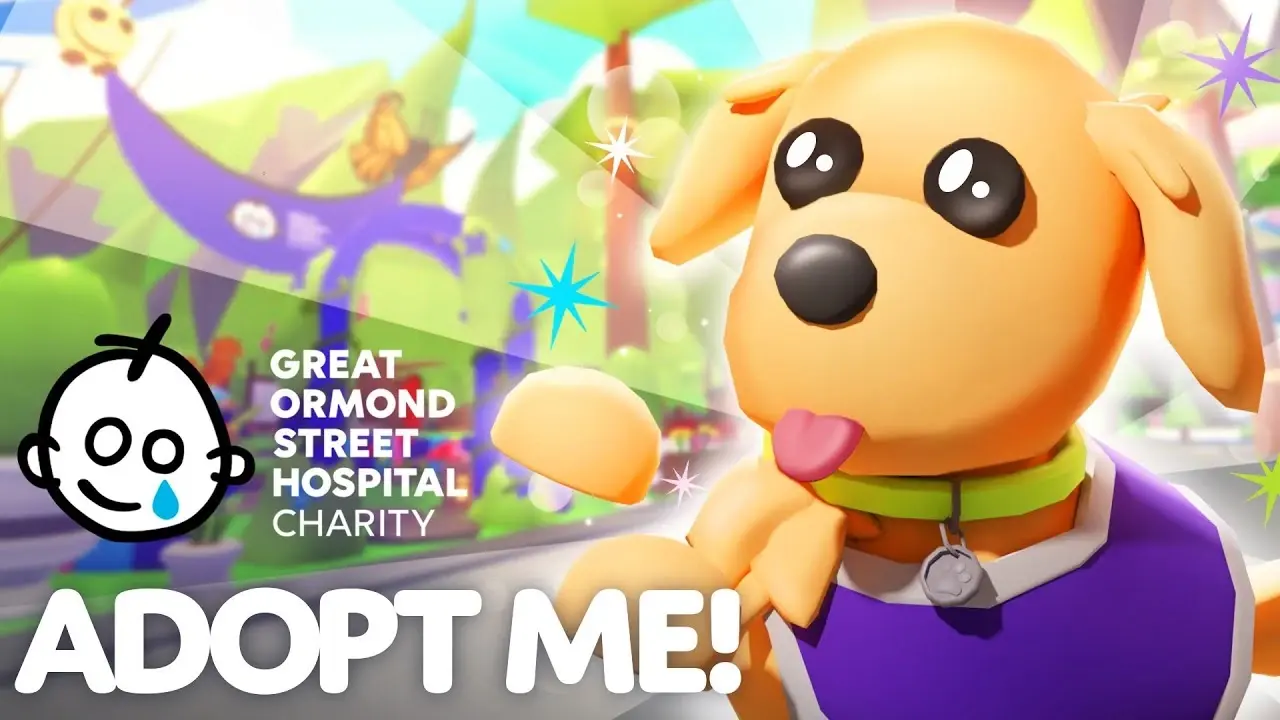
Adopt Me is one of the most successful games on Roblox, and like Brookhaven it's built on cozy, low-pressure interactions that translate cleanly to touch. You raise and care for pets, decorate homes, and — the real hook — trade pets with other players inside the game's own economy. Caring for a pet, hatching eggs, furnishing a house: it's all tapping and selecting, no precision required, which is why it's been a phone staple for years and is a gentle on-ramp for younger players especially.
The one caveat is its in-game trading scene, which mirrors the broader platform's scam problem — trust trades and "I'll hold it for you" tricks are as common here as anywhere, and a small phone screen makes it easier to misread a trade window. The gameplay is wonderfully mobile; just keep your guard up in trades. (For the full breakdown of how Roblox's item economy and scams work, see our Roblox trading and Limiteds guide.) For more in this lane, our best Roblox pet games rundown has the genre covered.
Mobile verdict: Excellent for play, with a caution flag on trading. Cozy, tap-driven, and a longtime phone favorite.
Dress to Impress: a touchscreen natural
Dress to Impress (DTI) exploded into one of the platform's biggest hits, and it might be the most quietly perfect touch-control game on Roblox. The loop is dead simple: you get a theme and a time limit, you style an outfit from a huge wardrobe, then everyone gets rated on a runway. The entire game is browsing, tapping, and selecting items — exactly what touchscreens were built for. There's no movement skill, no combat, no timing window beyond the round clock.
That's why it caught fire partly because of mobile: it's the ideal short-session social game to play on a phone, alone or in a voice call with friends. The wardrobe UI is dense, so a tablet is genuinely nicer than a small phone for spotting items, but even on a phone it plays great. It's creative, it's quick, and it's one of the few breakout hits where the phone is arguably the intended device.
Mobile verdict: A touchscreen natural. Pure tap-and-select gameplay; a tablet helps with the busy wardrobe, but any phone works.
Blade Ball and the reflex question
Blade Ball is the interesting edge case — a fast, reflex-driven game where a ball flies at you and you have to tap to parry it back at the exact right moment, with escalating speed and abilities. On the surface a twitch-timing game sounds like a mobile nightmare, but Blade Ball's core action is a single well-timed tap, not aiming or movement precision, so it actually works on a phone better than you'd expect. One button, one moment, big satisfying payoff.
The honest caveat: at the highest levels, the reaction windows get brutal, and competitive players on PC with a mouse click do have a consistency edge over a touchscreen tap. So for casual and mid-level play, Blade Ball on mobile is a genuinely great, pick-up-and-go experience. If you're trying to climb to the top of the ladder, you'll feel the touch ceiling eventually. For most people, it never matters. It also shows up in our best Roblox PvP games list for the competitive crowd.
Mobile verdict: Better on touch than it has any right to be — one tap is the whole game. Casual play is great; top-tier competition favors a mouse.
What to skip on mobile
Being honest about what doesn't work saves you frustration. A few genres consistently fight the touchscreen:
| Genre / game type | Why it struggles on mobile |
|---|---|
| Twitch shooters (precise-aim FPS) | Touch aiming can't match a mouse; you'll get outgunned |
| Precision obbies (hardcore platformers) | Frame-perfect jumps with a touch stick are misery |
| Fast competitive PvP | The control deficit vs. PC players is real at high levels |
| Heavy, graphics-dense experiences | Mid-range phones stutter; readability suffers on a small screen |
This doesn't mean you can't play them on a phone — you can — it means a phone is an active handicap there, not a neutral choice. If your main device is a phone, lean into the games on this list that were designed for touch or are forgiving by nature. If you've got a PC, save the twitchy stuff for it. For the no-genre-filter best-of-everything pick, our best Roblox games list is the master rundown.
Quick Action Checklist
Pick the right phone game and skip the frustration:
- Want the best pure phone game? Start with Brookhaven RP — zero precision demands
- Want bite-sized sessions that fit a phone perfectly? Grow a Garden
- Want a deep grind RPG that survives touch? Blox Fruits
- Want cozy pet-raising and trading? Adopt Me (but watch the trade scams)
- Love styling and short social rounds? Dress to Impress — a tablet helps with the wardrobe
- Want a reflex game that works on one tap? Blade Ball, for casual play
- Skip twitch shooters, precision obbies, and high-level competitive PvP on a phone
- On a weak phone, lower the graphics in settings for a steadier frame rate
- A tablet beats a phone for any game with a dense UI
Frequently Asked Questions
What is the best Roblox game for mobile?
Do Roblox games play well on phones?
Is Blox Fruits good on mobile?
Which Roblox games should you not play on mobile?
Is a tablet better than a phone for Roblox?
Keep Reading
Related Guides
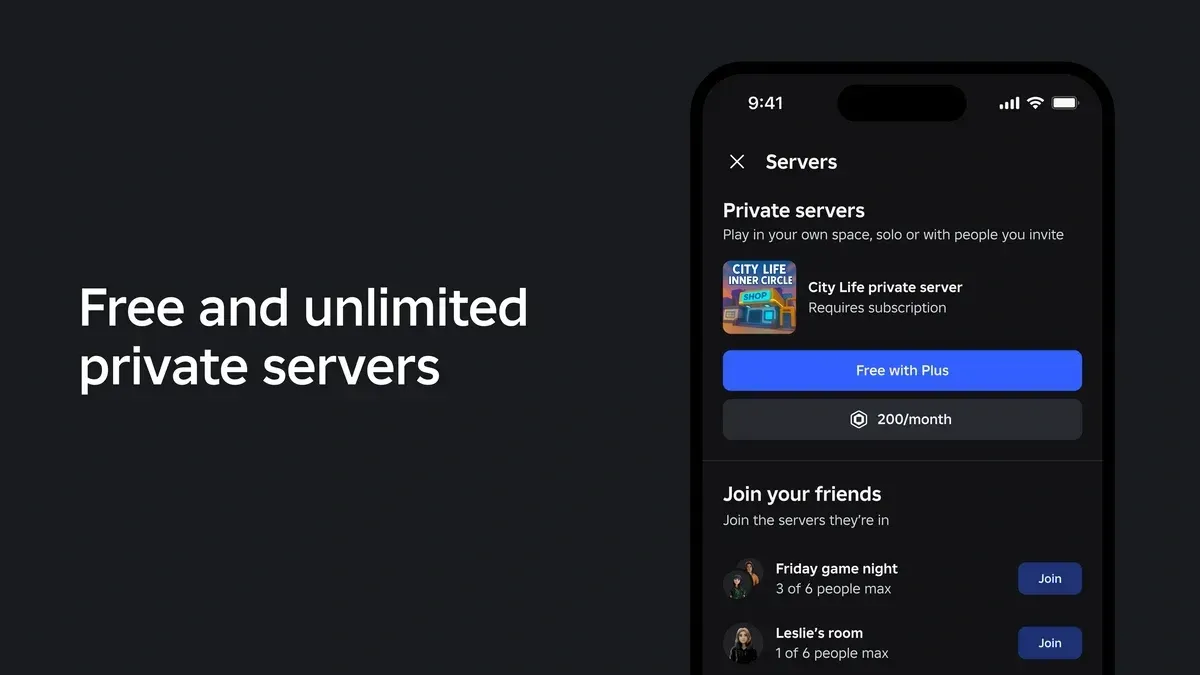
Roblox Plus Private Servers: What's Changing Sept 24
Roblox Plus launched with unlimited free private servers. On September 24, 2026, that drops to one per game. Here's exactly which server you keep, what expires, what still costs Robux, and why Roblox says it's doing this now.
Best Roblox Zombie Games
Roblox is drowning in zombie games, and most of them are reskinned asset-flips with a horde slapped on top. This list is the ones that actually hold up — wave shooters, looter-survival, and co-op horde defense where shooting the undead feels good, not like clicking a spreadsheet.
Best Roblox Music & Rhythm Games
Rhythm games on Roblox split into two camps: FNF-style note-mashers built for trash talk, and clean tap-the-circle charters built for actual scores. This is the shortlist worth your time across both — Funky Friday for the versus crowd, RoBeats and Sound Space for the people who want real difficulty — and where each one's note highway actually lands.

Best Roblox Dress-Up & Fashion Games
Dress-up on Roblox went from a niche to one of the platform's biggest genres, and Dress to Impress is the reason. This is the ranked rundown of the fashion and runway games actually worth your time — what each one's hook is, how deep the wardrobe goes, and which to start with.
Best Roblox Games to Play in 2026
Roblox's front page is engagement bait. This is the filtered version: the games with real, sustained player counts and actual staying power, sorted by what you're in the mood for.
How to Get Robux Safely (Legit Ways + Scams to Avoid)
There is no free Robux generator. There never was. Here are the actual legit ways to get Robux without overpaying, the earning methods that really work, and the scams that exist purely to steal your account.