Roblox Safety & Parental Controls Guide
Roblox is reasonably safe if you configure it and a minefield if you don't. This is the practical guide for parents and players alike: the account-security, parental-control, chat, and spending settings that actually matter — plus how to spot the scams that target Roblox accounts every single day.

The honest answer to "is Roblox safe?" is: it's exactly as safe as you configure it, and the defaults do a lot of the work but not all of it. Roblox is a platform with hundreds of millions of users, real-money currency, and open communication — which means it has the upsides of a massive social game and the downsides too: strangers, scams, and the occasional experience that slipped past moderation. The good news is that almost every risk has a setting or a habit that neutralizes it, and you don't need to be technical to apply them.
This is the practical version — no fear-mongering, no "delete it immediately," just the security, parental-control, chat, and spending settings that actually move the needle, plus the scams you should know on sight. It's written for parents setting up a kid's account and for teen and adult players who want to lock their own down. If you're brand new to the platform entirely, pair this with our beginner's guide to Roblox for the wider setup; this guide goes deep specifically on staying safe. Settings menus and feature names shift over time, so treat the specifics as a current map and confirm the exact wording in your account.
Is Roblox actually safe?
Yes, with the asterisk that "safe" is a setting, not a default state you can ignore. Out of the box, Roblox applies age-based defaults — younger accounts get tighter communication and content restrictions automatically, and the platform filters chat and moderates experiences at scale. That baseline is genuinely decent and far better than the open internet.
The risks that remain are the human ones: someone trying to chat their way past the filters, a scam DM offering free Robux, a "trust trade" designed to steal an item, or a kid spending real money on impulse. None of these are exotic — they're the everyday texture of any big online game — and all of them are addressable. The mental model to hold: Roblox handles the platform-level safety (servers, moderation, filtering); you handle the account-level safety (who can talk to your kid, what they can spend, what they can access). This guide is the account-level half.
The single most important reframe: Roblox safety isn't one switch you flip, it's a small stack of settings plus an ongoing conversation. Set the stack once, have the conversation regularly, and the platform is reasonably safe. Skip either and you're relying on luck.
Lock down account security first
Before any parental control, secure the account itself — because a stolen account is the fastest way for everything else to go wrong. Account theft is rampant on Roblox precisely because accounts hold Robux and tradeable items worth real money.
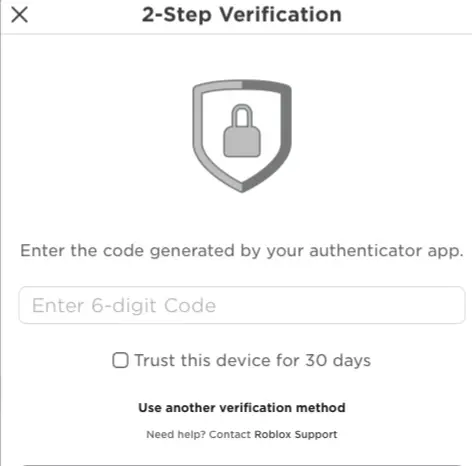
Turn on two-factor authentication. This is non-negotiable and takes two minutes. Roblox supports two-step verification by email and by authenticator app, and the authenticator-app option is the stronger choice because it's much harder to phish than an email code. With 2FA on, even a leaked password doesn't hand over the account. The overwhelming majority of "my account got hacked" stories are accounts that never enabled it.
Use a strong, unique password and a real email. Don't reuse a password from another site, and make sure a recoverable email is on the account so you can get back in if something goes wrong. For a kid's account, the parent should own that email.
Never share login details — and know that Roblox staff will never ask for them. A huge share of account theft is social engineering: someone posing as a friend, a "moderator," or a giveaway host asking for your password or a one-time code. Real Roblox staff never ask for your password. Teach this rule and most theft attempts die on contact.
| Security step | What it stops | Priority |
|---|---|---|
| Authenticator-app 2FA | Password leaks and most account theft | Do it first |
| Strong, unique password | Credential-stuffing from other breaches | High |
| Parent-owned recovery email (kids) | Lockout and unauthorized recovery | High |
| Never share password/codes | Social-engineering theft | Always |
Age-based accounts and what they change
As of 2026, Roblox uses age-based account types that set different defaults — broadly, a younger tier with the tightest restrictions, a middle tier for pre-teens and young teens, and a standard experience for older users. Younger accounts get more locked-down communication and content access by default; restrictions ease as the verified age goes up. The exact tier names, age bands, and rollout have been evolving, so check what applies in your account's settings.
Two practical takeaways. First, enter the real birthdate at sign-up. The age you provide drives the default protections; lying to dodge restrictions just strips away safety rails you may actually want, and it can be hard to correct later. Second, age verification unlocks features deliberately — things like voice chat are gated behind being a verified older user for a reason. If a feature is off and you're surprised, it's usually the age-based defaults doing their job, not a bug.
Set up parental controls and the PIN
If you do exactly one thing on a kid's account, do this. Roblox's parental controls let a parent manage a child's experience, and the keystone is a parent-controlled PIN that locks the safety settings in place. Without it, a child can stroll into settings and switch every protection back off in ten seconds — the PIN is what makes everything else stick.
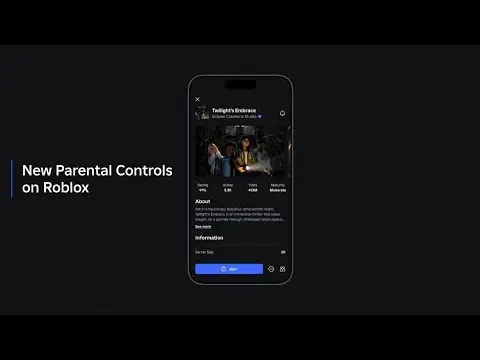
As of 2026, the model is built around linking a parent's own account to the child's. Once linked, the parent can manage controls remotely from their own device — content access, who the child can communicate with, daily screen-time limits, and spending — and see a spending overview to keep tabs on purchases. That remote management is the meaningful upgrade over the old single-device PIN: you don't have to be holding the kid's phone to adjust a setting or check what's going on.
The exact steps and the precise menu names shift with updates, so the reliable move is to open Roblox's official parental-controls page and follow the current linked-account flow. But the principle doesn't change: set a PIN (or link a parent account) so your settings can't be undone, then configure the rest. Everything below is only as strong as this step.
If you set up one thing before handing Roblox to a kid, make it the parental-controls PIN or linked parent account. Every other setting in this guide can be flipped back off by the child in seconds without it. With it, your configuration holds.
Chat, privacy, and communication settings
Communication is where most real-world Roblox risk lives, and it's also where the controls are clearest. Roblox lets you set who can chat with you, message you, and send friend or party invites, with options ranging from "Everyone" down through "Friends" to "No one." Younger accounts default to the tighter end automatically.
For a child's account, the safe configuration is chat and messaging set to Friends or No one, with friend requests limited accordingly. That alone removes the stranger-contact vector almost entirely. For a teen or adult who wants the full social game, "Everyone" is reasonable — just expect the occasional weirdo and treat unsolicited DMs with suspicion.
Voice chat deserves its own note: it's gated to verified users 13 and up and is off by default for younger accounts, which is correct. Turning it on requires age verification, so it won't surprise you on a young kid's account.
Content restrictions are the other half. Roblox tags experiences with age-based content guidance (the labels are periodically revised, so check the current set), and you can limit which maturity levels an account can access. For young players, restricting to age-appropriate content is the cleanest filter against experiences they shouldn't see. For a hand-picked starting point, our best Roblox games for kids rundown sticks to safe, age-appropriate experiences. Combined with locked communication, this is the bulk of practical kid safety.
Screen time and spending controls
Two of the most-requested parent features, and both are real.
Screen time. Roblox's parental controls let you set daily time limits for a child's account, managed from a linked parent account. This is the answer to "how do I stop a four-hour session" without standing over their shoulder — set the cap and the platform enforces it. Pair it with the household conversation about when gaming time happens and it does most of the work.
Spending. This is where surprise charges live, and there are several layers. Robux is bought with real money, and in-game purchases spend it — so an unsupervised account with a saved payment method is how you end up with an unexpected bill. The controls that help: the spending overview in parental controls (so you can see what's being bought), keeping payment methods off the child's reach, and the platform's purchase confirmations. The hard rule for any kid account: no saved payment method the child can spend from without a parent in the loop. Gift cards are a useful tool here — they cap spending at the card's value with no card-on-file risk.
A note on the subscription: Roblox's paid membership (long known as Premium, periodically rebranded, so check what's current) bundles a monthly Robux allowance and discounts. It's only worth it for someone who'd buy Robux every month anyway — don't subscribe a casual player. For the full breakdown of legit ways to get and spend Robux, our how to get Robux safely guide covers it.
The scams that target Roblox players
Settings stop strangers; knowledge stops scams. These are the evergreen ones, and they work because new players don't recognize them.
- "Free Robux" anything. Every website, video, ad, or in-game sign promising free Robux is a scam, full stop. There is no free-Robux generator; they exist to steal your login or get you to "verify" your way into handing over your account. Roblox says this plainly, and so do we. The only legitimate ways to get Robux are buying it or earning it through the official creator/affiliate systems.
- Trust trades and item "holding." "Send me your item and I'll send mine first" or "let me hold your limited, I'll give it back" are the oldest scams on the platform and still catch people daily. Never hand over an item on a promise. If a trade isn't a simultaneous in-system trade with both sides locked, walk away.
- Fake moderators and account "verification." Someone DMing as a "Roblox admin" asking for your password, a code, or to click a link is always a scam. Roblox staff never ask for your password or 2FA code. Don't click login links from DMs — go to the official site directly.
- Phishing links and lookalike sites. Links promising deals, free items, or "you've been reported, log in to appeal" lead to fake login pages that harvest your credentials. Check the URL, and when in doubt, navigate to Roblox yourself instead of following a link.
Teach these four patterns and you've covered the overwhelming majority of how Roblox accounts actually get compromised. They all rely on the target not knowing the rule; knowing it makes you nearly immune.
Talking to your kid is the real control
Every setting in this guide is a backstop. The actual safety mechanism is your kid knowing what to do when something weird happens — because something eventually will, and no filter catches everything. Three short conversations cover it.
First, "tell me if anything makes you uncomfortable, and you won't be in trouble." Kids hide bad interactions when they fear losing the game; remove that fear and they'll actually tell you. Second, "never share your password or any code, and Roblox staff will never ask." That one rule defeats most theft and phishing. Third, "if a deal sounds free or too good, it's a scam — ask me first." That covers the Robux and trade scams.
Pair those with the in-app tools — every experience has report and block functions, and using them is normal, not dramatic. The combination of a locked-down account, sensible parental controls, and a kid who knows the three rules is genuinely safe. That's the whole game: configure the stack once, have the conversation regularly, and Roblox is a reasonable, fun place to be.
Quick Action Checklist
Run this top to bottom on any account, kid or adult.
- Turn on two-factor authentication — authenticator app over email if possible
- Use a strong, unique password and a parent-owned recovery email for kids
- Enter the real birthdate so age-based defaults apply correctly
- Set the parental-controls PIN or link a parent account so settings can't be undone
- Set chat and messaging to "Friends" or "No one" for a child's account
- Restrict content maturity to age-appropriate levels for young players
- Set a daily screen-time limit from the linked parent account
- Keep no saved payment method a child can spend from; use gift cards to cap spending
- Teach the four scam patterns: free Robux, trust trades, fake mods, phishing links
- Have the three conversations: tell me anything, never share codes, ask before "free" deals
Frequently Asked Questions
Is Roblox safe for kids?
How do I set up parental controls on Roblox?
Can you control screen time and spending on Roblox?
How do I keep my Roblox account from being hacked?
Are free Robux sites and generators real?
Keep Reading
Related Guides
Best Roblox Games for Kids (Safe and Fun)
Roblox isn't one game — it's millions, and the quality range is enormous. These are the genuinely good, age-appropriate experiences worth letting a younger kid loose in, plus a straight read on the parental controls that actually matter.
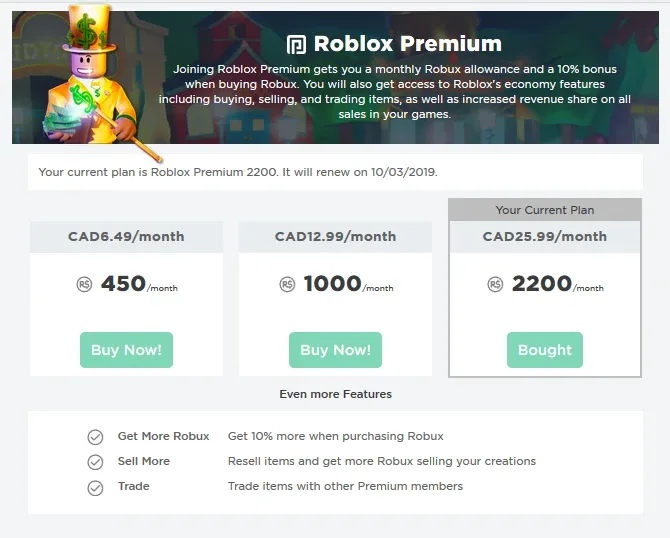
Roblox Premium & Robux Value Guide: Is It Worth It?
Roblox Premium dangles a monthly Robux stipend, a marketplace discount, trading access, and Premium Payouts — but the math only works if you spend every month. Here's exactly what you get, how Robux pricing really works, and when the subscription pays for itself versus when a gift card on sale is the smarter buy.
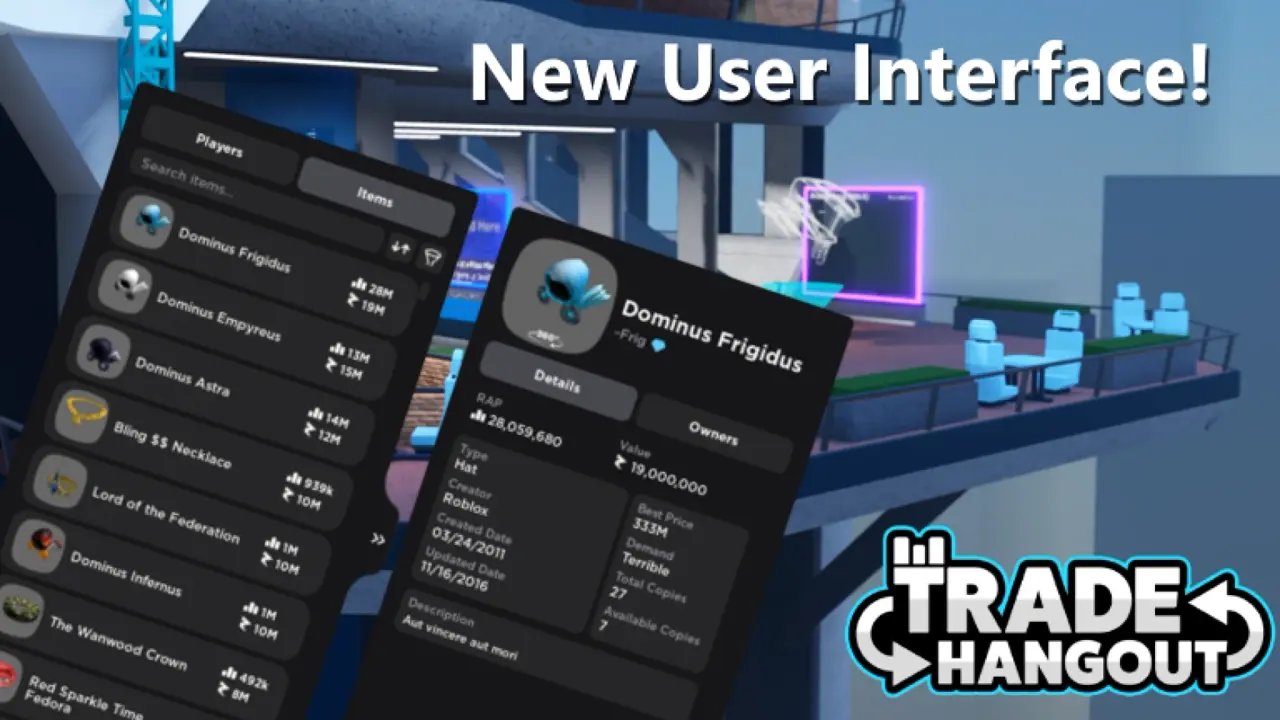
Roblox Trading & Limiteds: How the Item Economy Really Works
Roblox has a real secondary economy bolted onto a kids' game, and most guides either oversell it as free money or hand-wave the scams. Here's how Limiteds, the trade window, the Robux tax, and the Premium gate actually work — and how to not get fleeced.
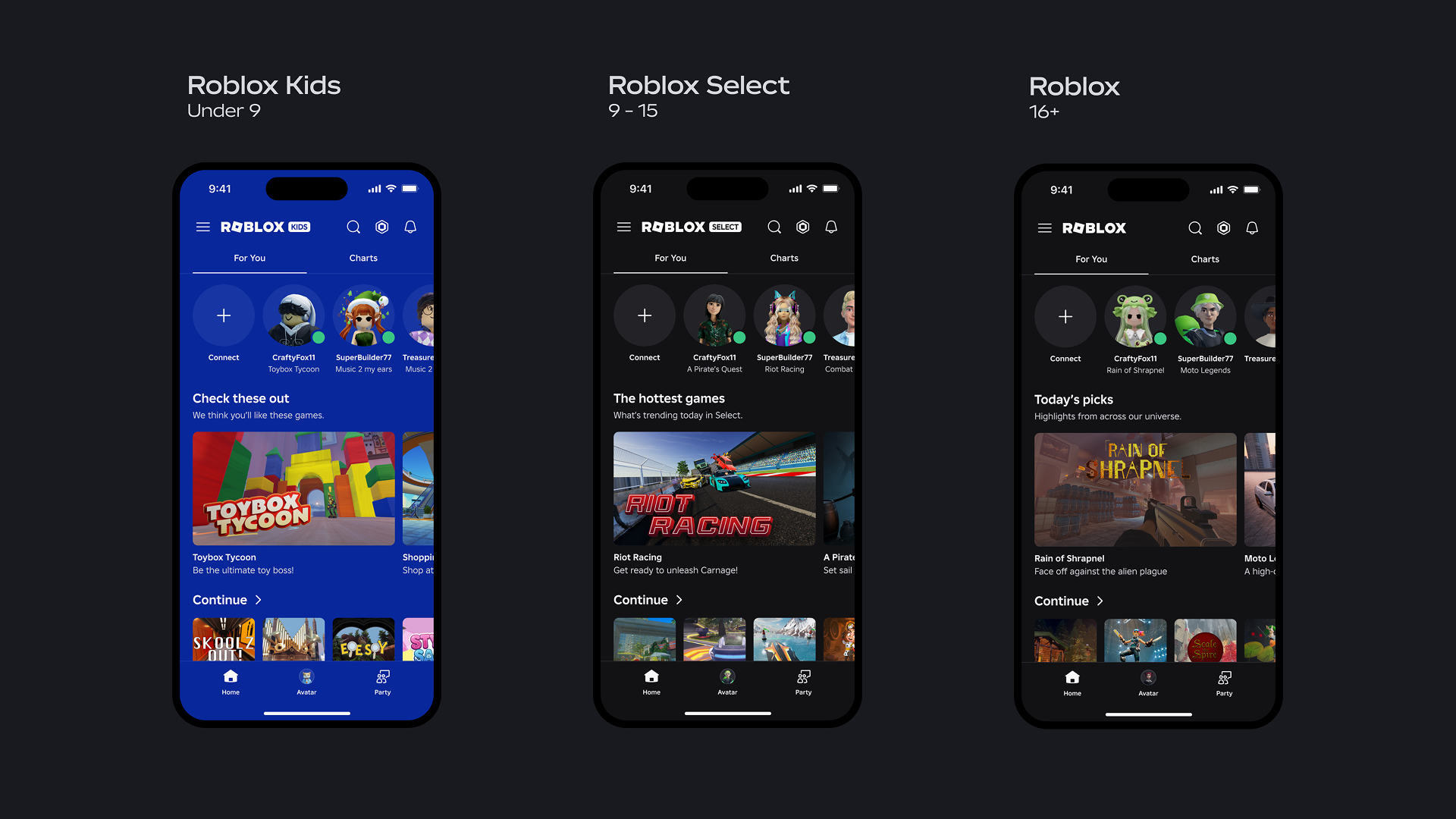
Beginner's Guide to Roblox: Everything a New Player Needs
Roblox isn't a game — it's a launcher for millions of games, most of which are bad. This is how to set up your account safely, skip the slop, and figure out what Robux is actually for before you spend a dime.
Best Roblox Games to Play in 2026
Roblox's front page is engagement bait. This is the filtered version: the games with real, sustained player counts and actual staying power, sorted by what you're in the mood for.
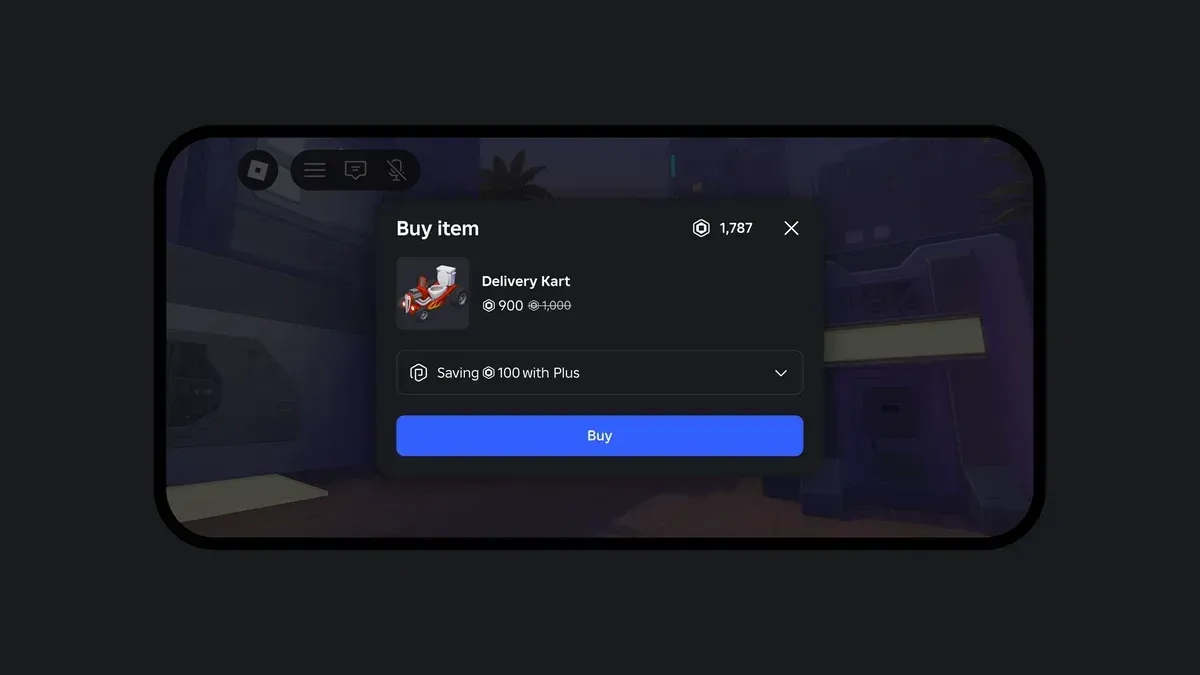
How to Get Robux Safely (Legit Ways + Scams to Avoid)
There is no free Robux generator. There never was. Here are the actual legit ways to get Robux without overpaying, the earning methods that really work, and the scams that exist purely to steal your account.