Fortnite Creative Mode Guide: Build, Train, and Use UEFN
Creative is the room where good players are actually made — not in pubs, not by grinding ranked into the dirt. Here's how the mode actually works, from the phone tool and galleries to UEFN, plus how to turn it into a training ground instead of a sandbox you mess around in for ten minutes.
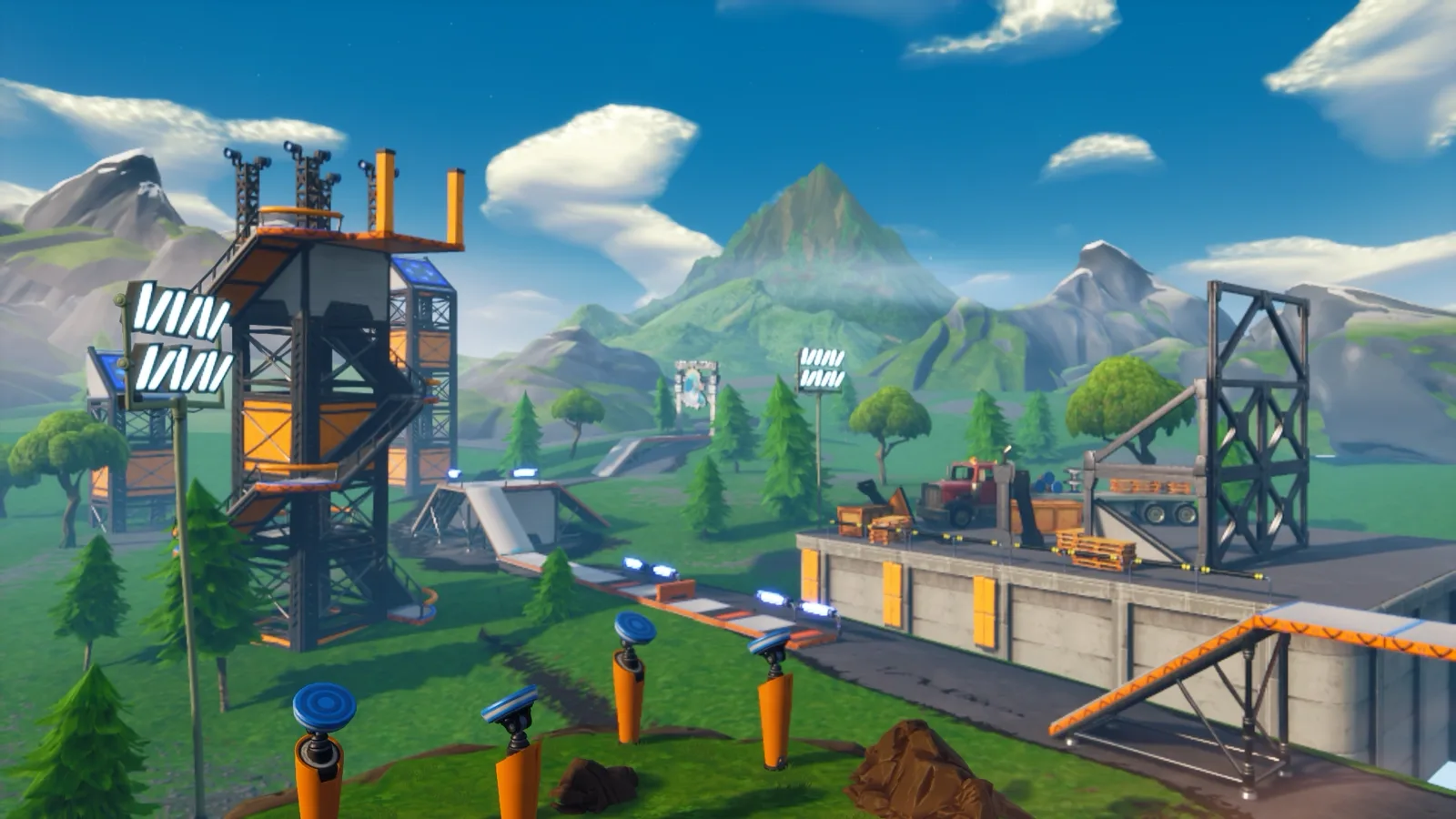
Ask any player who climbed from average to genuinely good where the work happened, and almost none of them will say "pubs." They'll say Creative. It's the one place in Fortnite where you control every variable — the opponent, the spawn, the loadout, the reset speed — and that control is exactly what turns a mechanic from "I can sometimes do it" into "my hands do it without me thinking." The problem is most people open Creative, mess around on a deathrun for ten minutes, and close it. This guide is about the other version: knowing how the mode actually works, and using it like the training facility it is.
We'll go through what Creative is and how it differs from UEFN, getting in with island codes, the phone tool that does everything, prefabs and galleries and devices, the memory budget that quietly kills ambitious builds, and then the part that matters most — how to turn all of it into measurable improvement. None of this is season-bait; the core Creative toolset has worked the same way for years.
Creative is where players get made
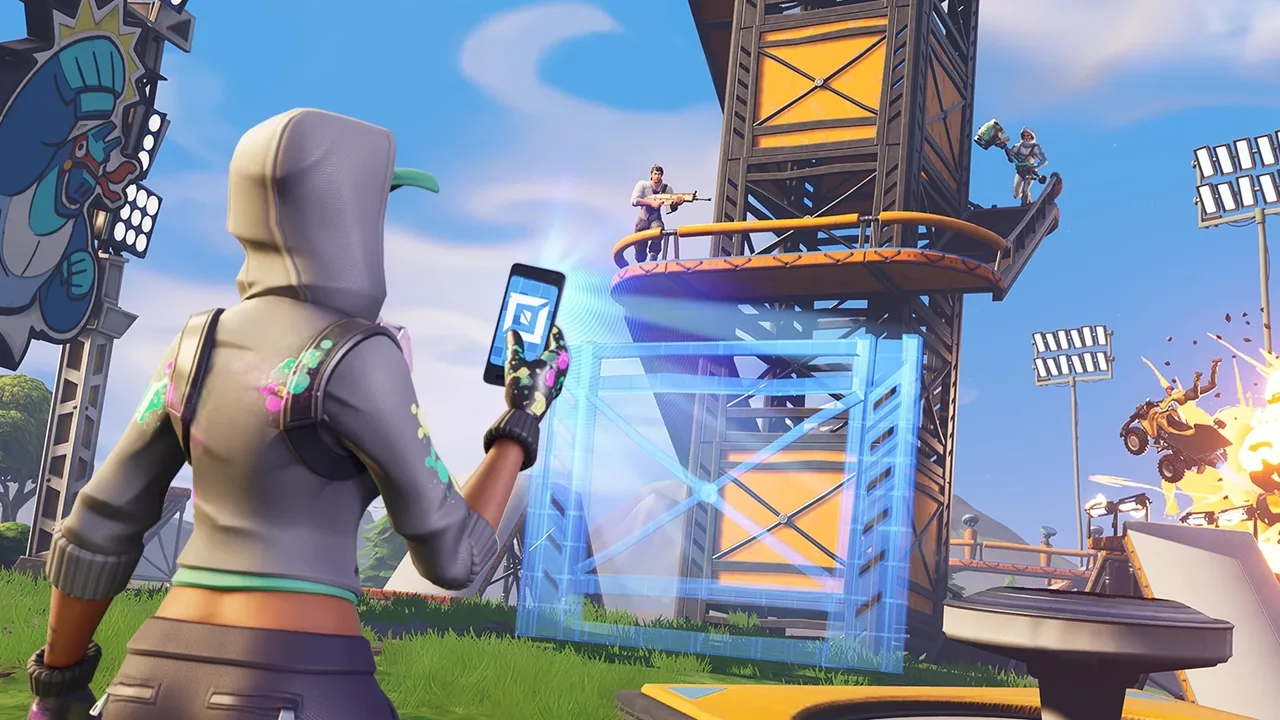
Here's the thing pubs can't give you: repetition under control. In a real match you get one shot at a build fight, then you're dead and waiting through a queue. In Creative you can run the same wall-take a hundred times in the time it takes to land twice in Battle Royale. That's not a small edge — mechanics are muscle memory, and muscle memory is built on volume, not vibes.
Creative also lets you isolate. If your edits are slow, you don't need a whole match — you need an edit course and twenty focused minutes. If you panic in box fights, you load a box-fight map with bots or a friend and lose a hundred times in private instead of on your ranked record. The mode strips away the parts of a match that aren't the thing you're trying to fix, which is the entire point of practice.
The catch is that Creative rewards intent. A player who loads a free-build island, drills piece control for fifteen minutes, then jumps into a 1v1 map is improving. A player who builds a giant tower and admires it is not. Same mode, completely different outcome — the difference is whether you walked in with a specific weakness to attack.
What Creative actually is
Creative is Fortnite's sandbox mode: a set of private islands where you place and edit structures freely, spawn weapons and items, drop in gameplay logic, and either build your own map or load someone else's. It runs on the same engine as Battle Royale, so the building, editing, and shooting all feel identical — which is exactly why it works as training. The mechanics you drill in Creative transfer 1:1 to a real match.
It splits into two layers, and people constantly confuse them:
- In-game Creative is the toolset you access inside Fortnite itself — the phone tool, prefabs, galleries, and devices. It's approachable, it's all in-client, and it's where the vast majority of training maps and casual builds live.
- UEFN (Unreal Editor for Fortnite) is a separate desktop application built on Unreal Engine 5. It's the professional-grade version: real scripting (Verse), custom assets, advanced lighting, and far more control. More on that below, but the short version is that big polished maps are increasingly made in UEFN, while quick personal training islands stay in in-game Creative.
For improving at the actual game, you almost never need UEFN. You need a free-build island and a handful of community maps — both of which live entirely inside in-game Creative.
Getting in: islands and island codes
There are two ways into Creative, and you'll use both. The first is making your own island: from the lobby you open the Creative/Discover menu, pick a blank island template (Creative gives you several starter islands of different sizes and biomes), and you're dropped onto an empty canvas with the phone tool in hand. That blank island is your personal sandbox — nobody else is on it unless you invite them.
The second, and the one you'll use far more, is island codes. Every published Creative map has a unique code in the format 0000-0000-0000. You punch it into the island-code search in the Creative/Discover menu and it loads that map directly. This is how the entire training ecosystem works — somebody builds a great edit course or box-fight map, publishes it, shares the code, and you load it on demand. Bookmark the codes for the maps you actually use so you're not hunting for them every session.
The Discover screen also surfaces maps without codes — featured islands, modes, and the rotating front page — but for training you generally want a specific map, which means a code. Keep a notes file with your five-or-six go-to codes (warmup, edit course, aim trainer, box-fight, 1v1) and you can be drilling within sixty seconds of opening the game.
The phone tool: your whole toolkit
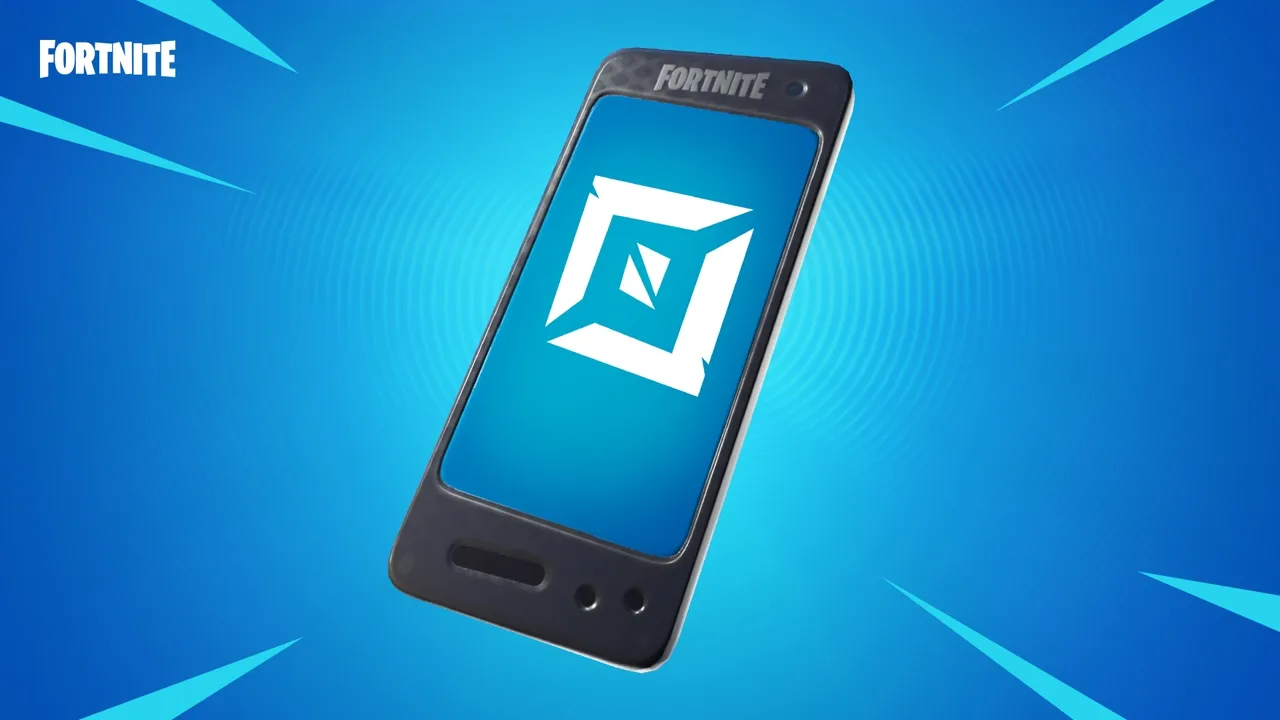
When you spawn on your own island you're holding the phone — and this one tool does almost everything in in-game Creative. Equip it and you're in build/edit mode for the whole island, not just your own structures. The phone is how you grab, move, copy, delete, and place anything, and learning its basic verbs makes the difference between fumbling around and actually building.
The core actions you'll use constantly:
- Pick up and place. Aim at almost any object — a wall, a prop, a weapon spawner — and you can grab it, carry it, rotate it, and set it down somewhere else. This is how you arrange a map by hand.
- Copy and paste. Hold the copy input and you duplicate the object you're aiming at, which is how you lay down repeated pieces (a row of edit-course walls, a stack of platforms) without rebuilding each one.
- Cut, delete, and the menu. The phone has a radial/quick menu for cutting an object out, deleting it, and tweaking its settings. Anything you placed, you can remove just as fast.
- Fly. On your own island you can free-fly with the phone equipped, which makes building and arranging a map enormously faster than walking everywhere.
The phone is also how you open the creative inventory to pull in prefabs, galleries, and devices — which is the next piece. Spend ten minutes just getting comfortable picking up, copying, and deleting objects; once the phone feels natural, building a custom training setup stops being a chore.
Prefabs, galleries, and devices
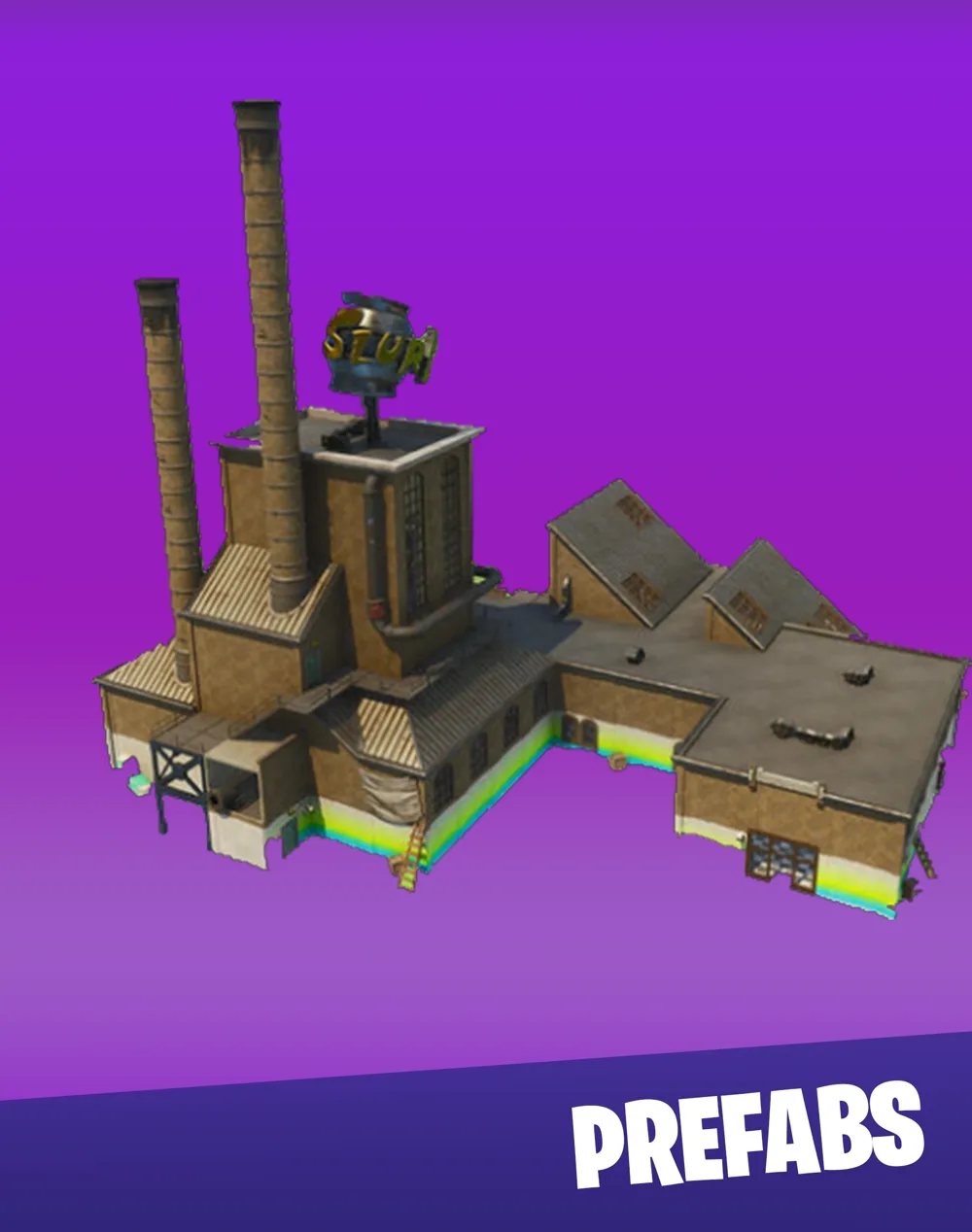
The creative inventory is split into a few categories, and knowing the difference saves you a lot of confusion:
- Prefabs are pre-assembled chunks of a building — a whole house, a tower, a section of a structure. Drop one and you get the finished thing instantly. Great for quickly populating a map with cover and POIs without placing every wall by hand.
- Galleries are the raw parts: a gallery is a collection of individual pieces of one type or theme (wall gallery, floor gallery, prop gallery, a specific biome's building pieces). You pull single pieces out of a gallery to build something custom. Prefabs are "the whole house"; galleries are "every brick the house is made of."
- Devices are the gameplay logic. These are the functional objects — item spawners, player spawn pads, the timer, capture areas, mutator zones, damage volumes, button triggers, and dozens more. Devices are what turn a static build into an actual game: a spawner that gives you a loadout, a button that resets the round, a zone that tracks a score.
For training, devices are where the magic is. An item spawner plus a player spawn pad plus a reset button is basically a personal aim/edit gym — you spawn, do your reps, hit reset, repeat, all without ever leaving the island. You don't need to master all of them; learn the spawner, the spawn pad, and a timer/reset and you can build most of your own drills.
Memory: the budget nobody warns you about
Every Creative island has a memory budget — a hard cap on how much stuff the island can hold, shown as a memory meter while you build. Every prefab, gallery piece, device, and prop you place spends some of that budget, and when you hit the ceiling, the island stops letting you add more. Ambitious builds die here constantly: someone designs a sprawling map, runs out of memory halfway, and has to gut it.
A few honest realities about the memory cap:
- Devices and detailed props are expensive. A plain wall costs almost nothing; a complex device or a heavily-detailed prop costs a lot more. If you're tight on memory, the culprit is usually devices and decoration, not the basic structure.
- Copies still cost. Pasting fifty of the same object spends memory fifty times — duplication doesn't get a discount. Big repetitive builds eat the budget fast.
- Delete what you're not using. Stray props, abandoned test builds, and decoration you placed "to make it look nice" are all spending budget. For a pure training island, ruthless minimalism keeps you well under the cap.
For personal training maps you'll basically never hit the limit, because a good drill setup is a few spawners and some walls. The memory budget mainly bites people building large, detailed published maps — which is one more reason serious mapmakers move to UEFN, where the constraints are different.
UEFN: the grown-up version
UEFN — Unreal Editor for Fortnite — is a free desktop app that opens Fortnite's island creation inside a full Unreal Engine 5 editor. It's a different beast from in-game Creative: instead of placing prefabs with a phone, you're working in a proper engine editor with the asset browser, the outliner, real-time lighting, and Verse, Epic's scripting language for custom gameplay logic. Maps built in UEFN can do things in-game Creative simply can't — custom 3D assets, sophisticated game rules, cinematics, advanced visuals.
The trade-off is the learning curve. In-game Creative you can use in five minutes; UEFN is closer to learning a game engine, because it basically is one. It also runs alongside Fortnite (you edit in UEFN, then push your changes to a live session to test them), which means a real PC and some patience.
Who actually needs it? If your goal is getting better at Fortnite, you do not need UEFN — in-game Creative covers every drill you'll ever want. If your goal is building polished maps to publish — custom modes, big experiences, anything you want on the Discover front page — UEFN is increasingly the standard tool, and the maps topping the charts are mostly made there. Know which goal is yours before you sink a weekend into the editor.
Using Creative to actually improve
This is the part that separates Creative-as-toy from Creative-as-gym. The mode is only as useful as the intent you bring, so treat a session like training, not like screwing around:
- Walk in with one weakness. "Get better" is not a plan. "Fix my high-ground retakes" is. Pick one thing, load the map that drills it, and attack it for the session. A focused twenty minutes beats two aimless hours.
- Warm up before you queue. A short, consistent warmup routine in Creative before ranked gets your hands online so you're not using your first three matches to wake up. Edit reps, a few aim flicks, some build sequences — ten minutes, every session.
- Drill mechanics in isolation. Use free-build islands and aim training maps to grind one motion at a time — wall-takes, the 90s and ramp rushes, edits — until they're reflex. Isolation is the whole reason Creative beats pubs for this.
- Fight real opponents. Mechanics in a vacuum aren't the same as mechanics under pressure. Box-fight and 1v1 maps put a human across from you, which is the closest thing to a match without the queue or the death penalty. Lose a lot here on purpose.
The honest rule: if you can't name what a Creative session was for, it wasn't training. Every loaded map should map to a specific gap in your game.
The maps worth loading
You don't need fifty bookmarked codes — you need a small set that covers the real skill buckets, and the maps that fill them have been Creative staples for years:
- A free-build island. Your own blank island or a dedicated free-build map: the place to drill builds and edits with no opponent and no pressure. This is your reps machine.
- An edit course. A long sequence of pre-built edit puzzles you run for time. The single best way to make your editing faster, because it's pure, measurable edit reps back to back.
- An aim trainer. A target/flick map for raw tracking and flick aim. Pair it with the aim training guide so you're practicing the right motions, not just clicking heads randomly.
- A box-fight map. Tight build duels against bots or players — the best drill for box fighting tempo, piece control, and close-range nerve.
- A 1v1 / build-fight map. Open build fights against a real opponent, the closest sim to a match endgame. This is where everything else comes together under pressure.
Codes rotate and creators update or retire maps, so rather than chase a specific code that may be stale, search the Discover menu for the category — "edit course," "box fight," "aim trainer," "free build" — and bookmark a current popular one in each bucket. The skill buckets are evergreen even when the individual maps aren't.
Common Creative mistakes
The fast way to waste your Creative time is to fall into these:
- Sandbox-ing instead of training. Messing around building a giant tower feels productive and isn't. If there's no weakness being attacked, it's playtime, not practice.
- Never fighting a human. Drilling mechanics in a vacuum forever and wondering why you choke in real fights. Mechanics under pressure is a separate skill — fight real opponents.
- No warmup, straight into ranked. Loading into a competitive match cold and burning your first matches waking your hands up. Warm up in Creative first, every time.
- Hunting stale codes. Chasing a specific island code that no longer works instead of searching the category in Discover. Bookmark by skill bucket, not by a single fragile code.
- Confusing Creative and UEFN. Trying to learn UEFN because you think you need it to improve. You don't — in-game Creative covers all your training.
- Ignoring the memory meter. Building a big map with no eye on the budget, then having to gut it when you hit the cap. Watch the meter and delete what you're not using.
Quick Action Checklist
How to actually use Creative like a training tool:
- Keep a notes file with 5–6 island codes — warmup, edit course, aim trainer, box-fight, 1v1
- Warm up in Creative for ~10 minutes before every ranked session
- Walk into each session with one named weakness to attack
- Get comfortable with the phone tool — pick up, copy, delete, fly
- Use devices (spawner + spawn pad + reset) to build your own personal drill island
- Drill mechanics in isolation on a free-build island, then test them against a human on 1v1/box-fight maps
- Watch the memory meter on builds and delete unused props
- Only touch UEFN if your goal is publishing maps, not improving at the game
- Search Discover by category, not stale codes
Frequently Asked Questions
What is Fortnite Creative mode?
How do island codes work in Fortnite Creative?
What is the difference between Creative and UEFN?
What are prefabs, galleries, and devices in Creative?
How do I use Creative to get better at Fortnite?
Keep Reading
Related Guides
Fortnite Arenas Boxfights: How the Ranked Mode Works
Arenas Boxfights is Epic's own build-only Ranked mode built around the box fight, and the lobby size, win target, Overtime and the loot pool have all changed since launch week. Here is how a match runs as of update v42.40, what each Ranked season's rewards are, and where Arenas tournaments stand.
Fortnite Reload Nitemare Island: Map, Loot and Rewards
Nitemare Island came back to Reload on October 8 with something the 2025 version never had: a match modifier that can hand you a rival and pays out a reward from Kado Thorne when you drop them. Here is the map, the three-map rotation it has sat in since the Squid Grounds weekend, the loot Epic lists as Nitemare-specific, and what the new Ranked and Map Mastery tracks pay.
Fortnite Blitz Royale Guide: How the 5-Minute Mode Works
Blitz Royale was meant to close on July 15, 2025. Fifteen months later it has its own dev team and a victory emote you can only earn inside it, though the $1,000,000 mobile tournament that debuted in it now runs in Reload. Here is how a match actually runs: the kit everyone lands with, what Blitz Levels pay out, where the gold loot is, how fast the storm kills, and what Epic has and has not changed this season.

Fortnite Kingdom Hearts Skins: Price, Keyblade and More
Our Chapter 7 Season 4 weapons post named the Kingdom Key and Rebecca's Guns as arrivals Epic had announced but not shipped — 'neither is in the pool yet,' it said, three weeks ago. Update v42.20 shipped both, plus a four-skin Kingdom Hearts bundle tied for the most expensive in the game's history, four new Sprites, and six new Match Overrides. Here's what actually landed, what it costs, and what Epic still hasn't published.
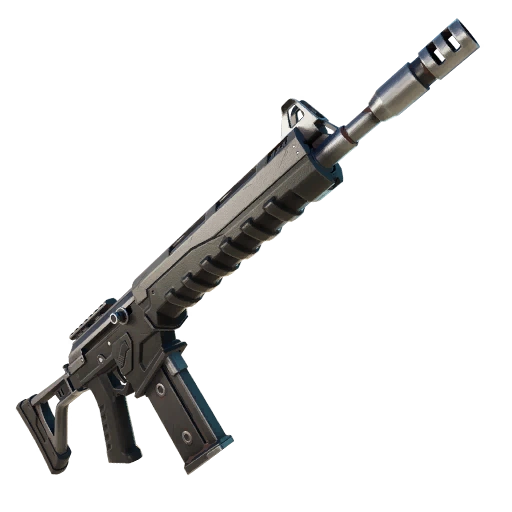
Fortnite Weapon Tier List: How to Rank Any Loot Pool
Any Fortnite tier list is stale the second a patch drops. So instead of memorizing this season's gun names, learn how to rank weapons by class and role — the framework that's S-tier in every season.
Best Fortnite Settings for PC & Console
Half your settings menu is noise; a handful of options decide whether you can see, aim, and build. Here's what to change on PC and console, why, and the one number nobody else can pick for you.