CS2 Practice Server Setup: The Commands That Work
sv_grenade_trajectory does not exist in Counter-Strike 2. Neither does cl_grenadepreview or r_cleardecals. Half the practice configs online are CS:GO leftovers that fail silently. Here is what CS2 actually ships.
Paste a random practice config into the CS2 console and roughly a third of it fails silently. No error, no red text, nothing — the lines simply do nothing, because they set convars that Counter-Strike: Global Offensive had and Counter-Strike 2 does not. sv_grenade_trajectory is the famous one. It is the single most-copied line in every "CS2 practice commands" post on the internet, and it is not in the game. Dump the full CS2 convar list and it is not there at all.
That is the real obstacle to practicing in CS2. Not that the commands are hard — that most of the guides are stale CS:GO documents nobody re-checked after the Source 2 port. So here is a practice setup built from what CS2 ships today: what to load, what to override, and which habits from the old engine to throw in the bin.
Half the practice configs you copy are still CS:GO configs
CS2's convar list is not CS:GO's list with a few additions bolted on. Commands were dropped and renamed in the port, and grenade practice took the worst of it. These are the four you will trip over first:
| What the old guide tells you | Status in CS2 | Use this instead |
|---|---|---|
| sv_grenade_trajectory 1 | Not in the game | sv_grenade_trajectory_prac_trailtime |
| sv_grenade_trajectory_time 10 | Not in the game | sv_grenade_trajectory_prac_trailtime 10 |
| cl_grenadepreview 1 | Not in the game | cl_sim_grenade_trajectory |
| r_cleardecals | Not in the game | cl_removedecals |
The three trajectory convars CS2 does have are sv_grenade_trajectory_prac_trailtime, sv_grenade_trajectory_prac_pipreview, and sv_grenade_trajectory_time_spectator. All three ship off or at zero by default, and none of them is named what the recycled guides call it.
If a line does nothing and throws no error, it is not broken — it does not exist. CS2's console stays quiet when you set a convar that was deleted, which is exactly why bad configs survive for years.
The same trap applies to decals. r_cleardecals was the CS:GO wipe-the-walls command. CS2's replacement is cl_removedecals, and it is not a straight swap: the game describes it as removing the decals from the entity under your crosshair, not nuking every mark on the map. Point it at the wall you have been shooting, not at the sky.
Loading a private server you actually control
Nothing below works in Premier or Competitive matchmaking. Those are VAC-secured servers and sv_cheats is locked at 0, which kills noclip, bot placement, infinite ammo, and the trajectory tools in one go. You need a server you own.
Three steps, in order:
- Turn the console on. Settings, then Game, then Enable Developer Console. The default key is the tilde (the key left of the 1 on a US layout). Without this, everything else is theory.
- Load a map offline. In the console, game_type 0; game_mode 1; map de_mirage puts you on Mirage in the classic competitive ruleset on your own local server. Any Active Duty map name works in place of de_mirage. For a Steam Workshop map, map_workshop takes the workshop ID.
- Run your config. Save your commands as a plain text file ending in .cfg inside Steam\steamapps\common\Counter-Strike Global Offensive\game\csgo\cfg — note the extra game folder, which is the CS2 path and the reason so many people's configs quietly never load. Then type exec practice in console, without the extension.
That third step is the one worth doing properly. Typing twenty commands by hand every session is how practice stops happening.
The defaults you are overriding
Knowing what a convar was set to before you touched it tells you what the game is doing when you skip a line. These are CS2's shipped defaults against sane practice values:
| Convar | Default | Practice value | What it does |
|---|---|---|---|
| sv_cheats | 0 | 1 | Gate for every cheat-flagged command below |
| mp_freezetime | 6 | 0 | Seconds players are frozen at round start |
| mp_roundtime_defuse | 0 | 60 | Round length in minutes for bomb defuse |
| mp_maxmoney | 16000 | 60000 | Cash ceiling on an account |
| mp_startmoney | 800 | 60000 | Cash handed out on reset |
| mp_buytime | 90 | 9999 | Seconds after round start you can buy |
| mp_buy_anywhere | 0 | 1 | 1 = both teams buy anywhere, 2 = T only, 3 = CT only |
| mp_limitteams | 2 | 0 | Max player difference between teams; 0 disables |
| sv_infinite_ammo | 0 | 1 | Active weapon never runs dry |
| sv_showimpacts | 0 | 1 | Draws bullet impact markers |
| sv_showimpacts_time | 4 | 10 | Seconds those markers stay up |
| mp_free_armor | 0 | 2 | 1 gives kevlar, 2 gives kevlar and helmet |
Two of those are quiet traps. mp_roundtime_defuse is measured in minutes, and it defaults to 0, which means the game falls back to mp_roundtime instead — so the configs telling you to set it to "60 seconds" are wrong twice over. And mp_buy_anywhere is not a boolean: setting it to 2 or 3 restricts the free buy to one side, which is genuinely useful when you want to force yourself onto a real CT buy timing.
Round out the setup with mp_warmup_end to skip warmup, mp_restartgame 1 to apply money changes immediately, mp_autoteambalance 0, mp_respawn_on_death_t 1 and mp_respawn_on_death_ct 1 so death costs you nothing, and ammo_grenade_limit_total 5 with ammo_grenade_limit_flashbang 2 so you carry the full kit plus the two flashes you actually get in Premier.
Two more that almost nobody sets and should. mp_ignore_round_win_conditions 1 stops the round ending under you mid-drill, which is what ruins retake practice. And mp_solid_teammates 2 lets players stand on each other's heads, which is the only way to rehearse a boost without a third person spotting.
Grenade practice without the dead commands
This is the whole reason most people load a private server, so get the three real commands straight.
sv_grenade_trajectory_prac_trailtime 10 leaves the flight path of every grenade you throw drawn in the air for ten seconds. This is the direct replacement for the old sv_grenade_trajectory pair — one convar doing the job of two, and it takes a duration rather than an on/off.
sv_grenade_trajectory_prac_pipreview 1 turns on the picture-in-picture preview: a small inset window showing where the grenade is going to end up while you are still lining the throw up. It is the single biggest time-saver in the kit, because it collapses the throw-walk-look-walk-back loop into a glance.
cl_sim_grenade_trajectory is the client-side one, and it is the command people mean when they say cl_grenadepreview. It draws the trajectory of your currently deployed grenade as it would fly from where you are standing right now, before you throw anything. It takes an optional duration argument for how long the drawn line lasts. Bind it to a key and you can walk an angle checking throw arcs continuously without spending a single grenade.
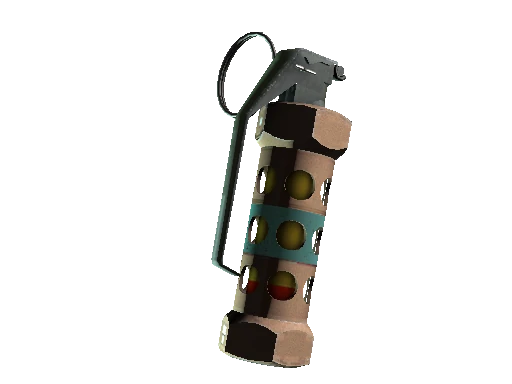
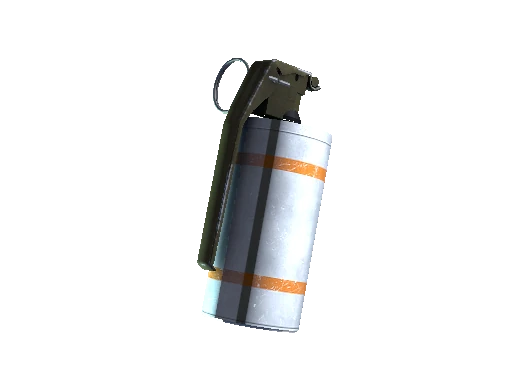
Feed all of that with sv_infinite_ammo 1 and give weapon_smokegrenade, give weapon_flashbang, give weapon_hegrenade, give weapon_molotov, give weapon_incgrenade, and give weapon_decoy. give takes an item name, not a search term, so the string has to be exact — and note that weapon_molotov and weapon_incgrenade are two separate items you have to ask for by name.
Rethrow instead of rewalk
The command that changes how practice feels is sv_rethrow_last_grenade. The game describes it exactly: emit the last grenade thrown on the server. It re-fires your previous throw from the same origin with the same angles, instantly, no matter where you are standing.
That is the difference between confirming a lineup once and confirming it eight times in a row. Bind it — bind n sv_rethrow_last_grenade — throw the smoke once, then hammer the bind while you stand at the target watching where the cloud actually lands. It is a cheat-flagged server command, so it needs sv_cheats 1 and your own server.
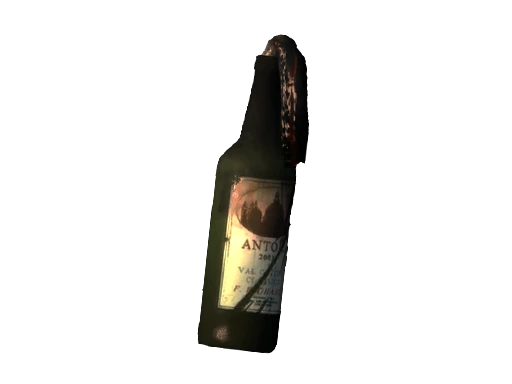
Pair rethrow with the firebomb rules from the CS2 utility guide and you can finally test the thing that trips everyone up: whether your molotov is landing on a surface flat enough to break on, or bouncing off a railing you never noticed.
Bullet impacts, penetration, and what red versus blue means
sv_showimpacts is not a simple on switch in CS2, and the values matter more than any guide admits. The game draws client impacts in red and server impacts in blue, and the modes are 1 for both, 2 for client-only, and 3 for server-only.
That two-colour split is a diagnostic tool, not decoration. When red and blue land on top of each other, your client and the server agree about where your bullet went. When they separate, you are looking at the gap between what your machine predicted and what the server authoritatively resolved — which is the honest picture of the desync people usually blame on "CS2 hitreg". Turn on sv_showimpacts 1 and sv_showimpacts_time 10 and watch a few sprays before you form an opinion.
Two companions round it out. sv_showimpacts_penetration 1 prints extra data whenever a bullet passes through a surface, which is how you work out real wallbang angles instead of guessing at them — bump sv_showimpacts_time up so the readout stays on screen long enough to read. And sv_showbullethits shows hits and near misses at 1, or hits only at 2, which is the cleaner option when you are drilling spray control and only care about what connected.
Bots you can pose, freeze, and puppet
Bots in a practice server are furniture you place, not opponents you fight. Start by clearing the map with bot_kick, then add exactly what you need:
| Command | What it does | Cheat-flagged |
|---|---|---|
| bot_kick | Kicks a specific bot, or all of them, matching the criteria you pass | No |
| bot_add_t / bot_add_ct | Adds one bot to that side; takes optional type, difficulty, and name | No |
| bot_place | Drops a bot at the spot you are pointing at | Yes |
| bot_stop 1 | Freezes bots in place; also accepts t or ct to freeze one side | Yes |
| bot_dont_shoot 1 | Bots stay animated but never fire | Yes |
| bot_mimic 1 | A bot replays your own inputs | Yes |
| bot_difficulty 0-3 | 0 easy, 1 normal, 2 hard, 3 expert | No |
| bot_knives_only / bot_pistols_only | Restricts what bots may use | No |
| bot_kill | Kills bots matching the criteria you pass | Yes |
That last column trips people up. Only the posing and puppeting commands carry the cheat flag — bot_place, bot_stop, bot_dont_shoot, bot_mimic and bot_kill need sv_cheats 1 before they do anything. bot_kick, bot_add and the difficulty and loadout restrictions do not. Every one of them is a server command either way, so none of it works unless the server is yours.
bot_place plus bot_stop 1 is the workhorse pairing: walk to the exact pixel where an AWPer holds, place a bot, freeze it, walk back, and now you have a permanent target on a real angle to practise your peek and stop against. Note the syntax detail on bot_stop — passing t or ct freezes only that side, so you can hold a live CT bot while your T-side targets stay static.
bot_dont_shoot 1 is the underrated one. It keeps bots moving and animating so you get realistic tracking targets, while removing the punishment that makes people rush their crosshair placement. Combine it with the reasoning in the movement and counter-strafing guide and you can drill peek-stop-shoot for ten minutes without dying once.
Teleport binds are the real lineup accelerator
This is the trick that separates people who practise seriously from people who load a server and wander around.
getpos dumps your current position and view angles straight to the console. setpos teleports you to a given origin, setang snaps your eyes to a given pitch and yaw, and both have setpos_exact and setang_exact variants when you need precision. All of them require sv_cheats.
So the workflow is: walk to a lineup spot, aim at your reference pixel, type getpos, copy the numbers the console prints, and wrap them into a bind. Now one keypress puts you back on that exact position and angle from anywhere on the map. Build five of those for a map's core smokes and your lineup session goes from walking simulator to a drill you can run in three minutes.
noclip and god are the supporting cast — noclip flies you through geometry to inspect where a smoke actually sits from above, and god keeps a molotov test from ending your run. Bind noclip to a spare mouse button rather than typing it; you will use it constantly.
Every serious practice routine is really a set of binds. The commands are trivia until you can trigger them without leaving the drill.
Practice the seven maps that are actually in the pool
There is no point grinding lineups on a map that got cut. Since the July 8, 2026 update that launched Premier Season Five, the CS2 Active Duty pool is Ancient, Anubis, Cache, Dust II, Inferno, Mirage, and Nuke — that update added Cache and removed Overpass. Anubis rejoined a season earlier, in the January 21, 2026 Season Four update, reworked with geometry changes significant enough that older Anubis lineups are simply wrong now.
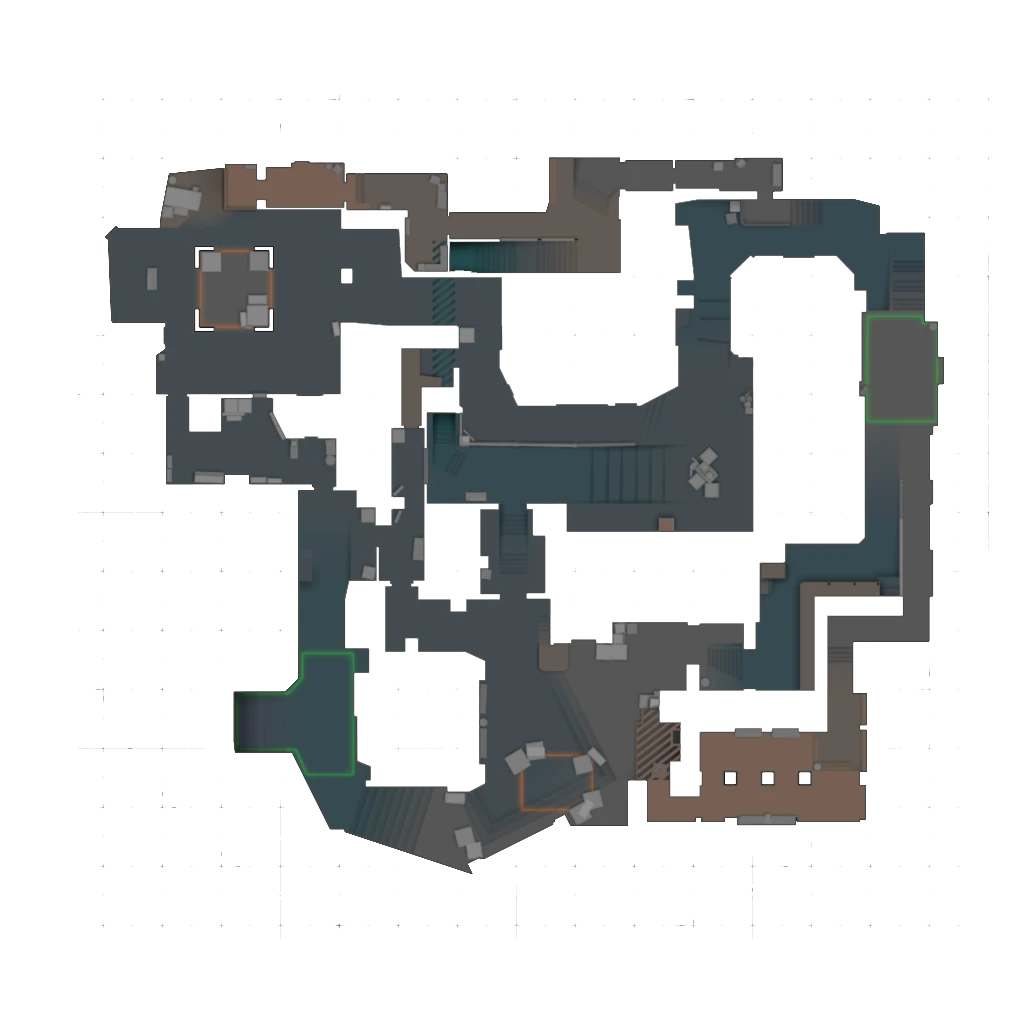
Cache is the sharper warning, because it is the newest thing in the pool and the least settled. It was not in CS2 at all until the April 28, 2026 update dropped it into Casual, Competitive, Deathmatch and Retakes, and Valve has been sanding it ever since: eight updates between then and this post shipped clipping, collision, geometry or material changes to the map — April 29, April 30, May 7, May 14, May 18, May 20, July 8 and August 3. A Cache lineup is only as good as the build it was recorded on.
That churn is the argument for learning to verify lineups yourself rather than memorising a video. A map rework quietly invalidates smokes that were pixel-perfect the week before, and the trajectory preview plus a rethrow bind lets you re-confirm a whole map's utility in one sitting. Start with the map you queue most — the Mirage callouts guide is a reasonable pairing if that is where you live.
A practice block that fits in twenty minutes
Practice fails because people treat it as an open-ended session. Give it a shape:
- Five minutes, aim. Bots placed on real angles with bot_stop 1 and bot_dont_shoot 1, sv_showimpacts 1, one-taps only. Fix your crosshair settings before you start, not halfway through.
- Five minutes, spray. A wall, sv_showimpacts_time 10, full magazines, watching where the pattern actually goes rather than where you think it goes.
- Eight minutes, utility. Trajectory trail and pip preview on, three lineups, each confirmed at least five times with the rethrow bind before you move on.
- Two minutes, save. getpos at every lineup you kept, and add the binds to your practice config so the next session starts where this one ended.
The last two minutes are the ones everybody skips and the only ones that compound. A practice config that grows a bind every session is worth more after a month than any single drill you will ever run — and it is the same principle behind treating AWP positions as saved angles rather than vibes. The rest of the fundamentals live on the Counter-Strike 2 hub.
Quick Action Checklist
- Delete sv_grenade_trajectory, sv_grenade_trajectory_time, cl_grenadepreview, and r_cleardecals from any config you copied. None of them exist in CS2.
- Enable the developer console in Settings, Game, then load offline with game_type 0; game_mode 1; map de_mirage.
- Save your config to game\csgo\cfg — the extra game folder is the CS2 path — and run it with exec.
- Set sv_cheats 1 first. Every cheat-flagged command below it silently fails without it.
- Remember mp_roundtime_defuse is in minutes and defaults to 0, which falls back to mp_roundtime.
- Use sv_grenade_trajectory_prac_trailtime 10 and sv_grenade_trajectory_prac_pipreview 1 for throws, cl_sim_grenade_trajectory for previews before you throw.
- Bind sv_rethrow_last_grenade and confirm every lineup at least five times.
- Read sv_showimpacts as a diagnostic: red is client, blue is server, and a gap between them is desync, not bad aim.
- Place frozen targets with bot_place plus bot_stop 1, and use bot_dont_shoot 1 for moving targets that cannot punish you.
- Save every lineup with getpos and turn it into a setpos/setang bind. That file is your actual practice routine.
Frequently Asked Questions
Why does sv_grenade_trajectory not work in CS2?
What is the CS2 equivalent of cl_grenadepreview?
How do I set up a CS2 practice server?
Where do CS2 config files go?
What does sv_showimpacts 1 show in CS2?
How do I place a bot where I want in CS2?
What maps are in the CS2 Active Duty pool right now?
Keep Reading
Related Guides
How to Watch CS2 Demos: Controls, TrueView and Commands
Valve rebuilt the Counter-Strike 2 demo controller on October 14, 2026 and described only part of it in the patch notes. How to get a match onto your PC, what every button on the new bar does, how highlights and TrueView work, and the demo console commands, read from the game files.
CS2 Deathmatch and Arms Race Explained: Points and Rules
A Deathmatch kill has been worth a base 8 points since May 7, 2026, and a bonus-weapon kill half as much again. Counter-Strike 2's two respawn modes, read from their configs, strings and Valve's release notes: free-for-all scoring, the 10-second buy window, the bonus weapon, healthshots, the maps, and how Arms Race levels you up.
CS2 Casual Explained: Money, Free Armor, Maps and Rules
A lost round of Casual pays $2,400 and a won one $2,700, and on Office and Italy a loss pays more than three of the four ways to win. Counter-Strike 2's Casual mode, read from its config, its map groups and Valve's release notes: the money, the free armor and kits, the four map groups, the rules that differ from Competitive and what it does to your rank.
CS2 Retakes Explained: Loadout Cards, Maps and Rules
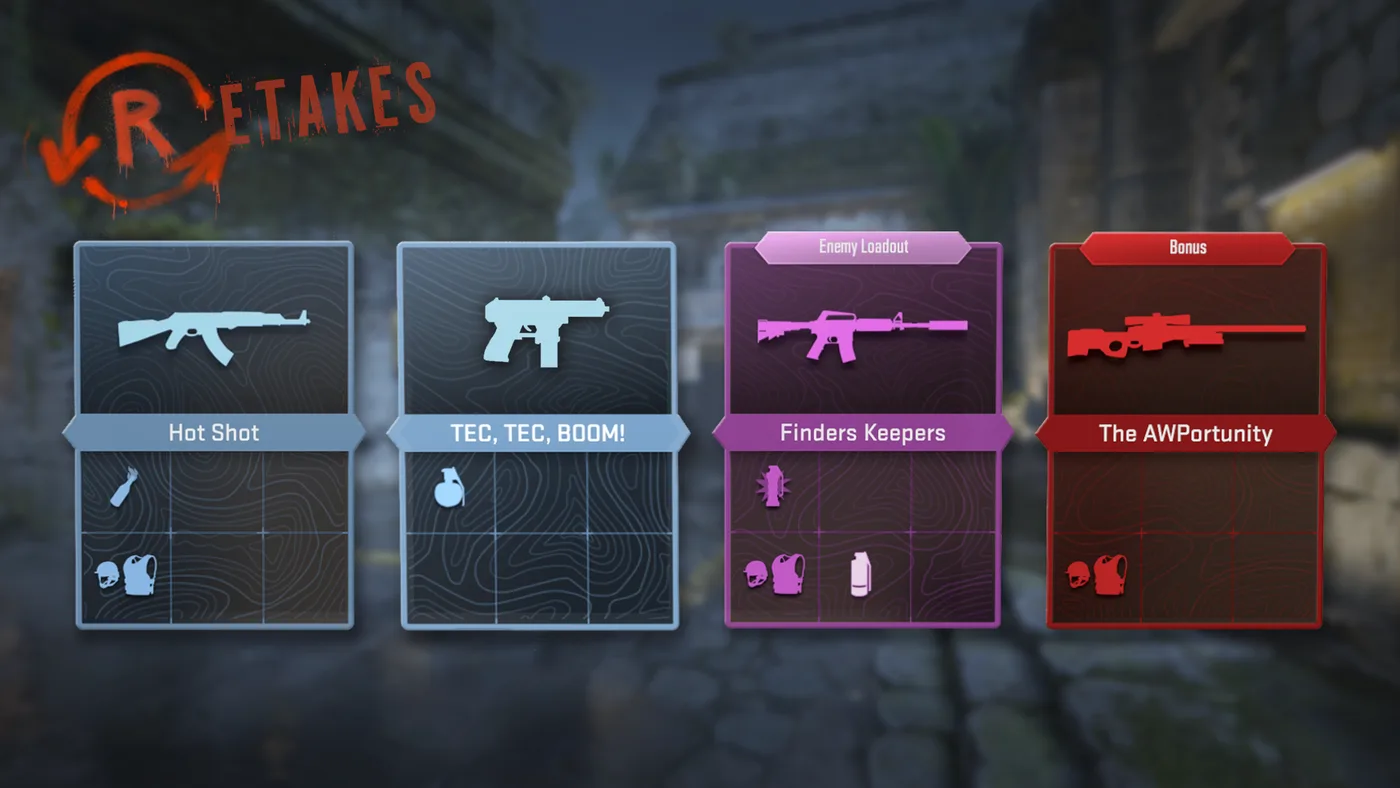
On 19 of the 20 bombsites Retakes plays, the game file that places the bomb puts 75% of its weight on the default plant. Nuke A is the exception. Counter-Strike 2's 4v3 after-plant mode, read from its config, its card definitions and its per-map files: how a round runs, every loadout card on both sides, the two map groups and what it does to your rank.
CS2 Economy Guide: Buy Rounds, Loss Bonus, and MR12
Half the rounds you lose in CS2 are lost in the buy menu, before anyone fires a shot. Here are the exact payout numbers, the loss bonus ladder, and the force-buy math that decides whether your next three rounds are winnable.
CS2 Wingman Explained: Maps, Money and Rank
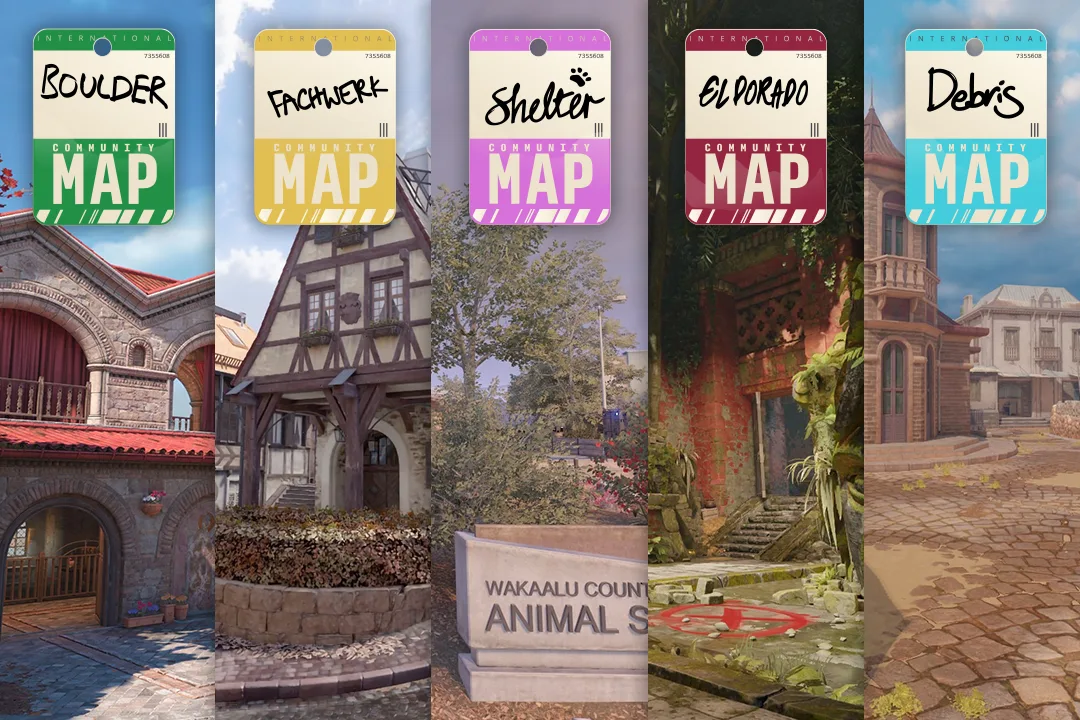
Lose the first four rounds of a Wingman half and the fourth loss pays you $2,900, while an elimination win pays $2,750. Counter-Strike 2's 2v2 mode runs on its own config: smaller round awards, a higher and flatter loss bonus, an $8,000 cap, a 90-second clock and a seven-map pool that ignores Active Duty. Here is the whole mode from the game files and Valve's release notes, including every community map Valve has rotated through it.