Best Minecraft Mods to Install Right Now
You do not need fifty mods. You need the right eight. Here are the Minecraft mods that actually change how the game feels — performance, quality of life, and big content — with the loader notes nobody tells you up front.
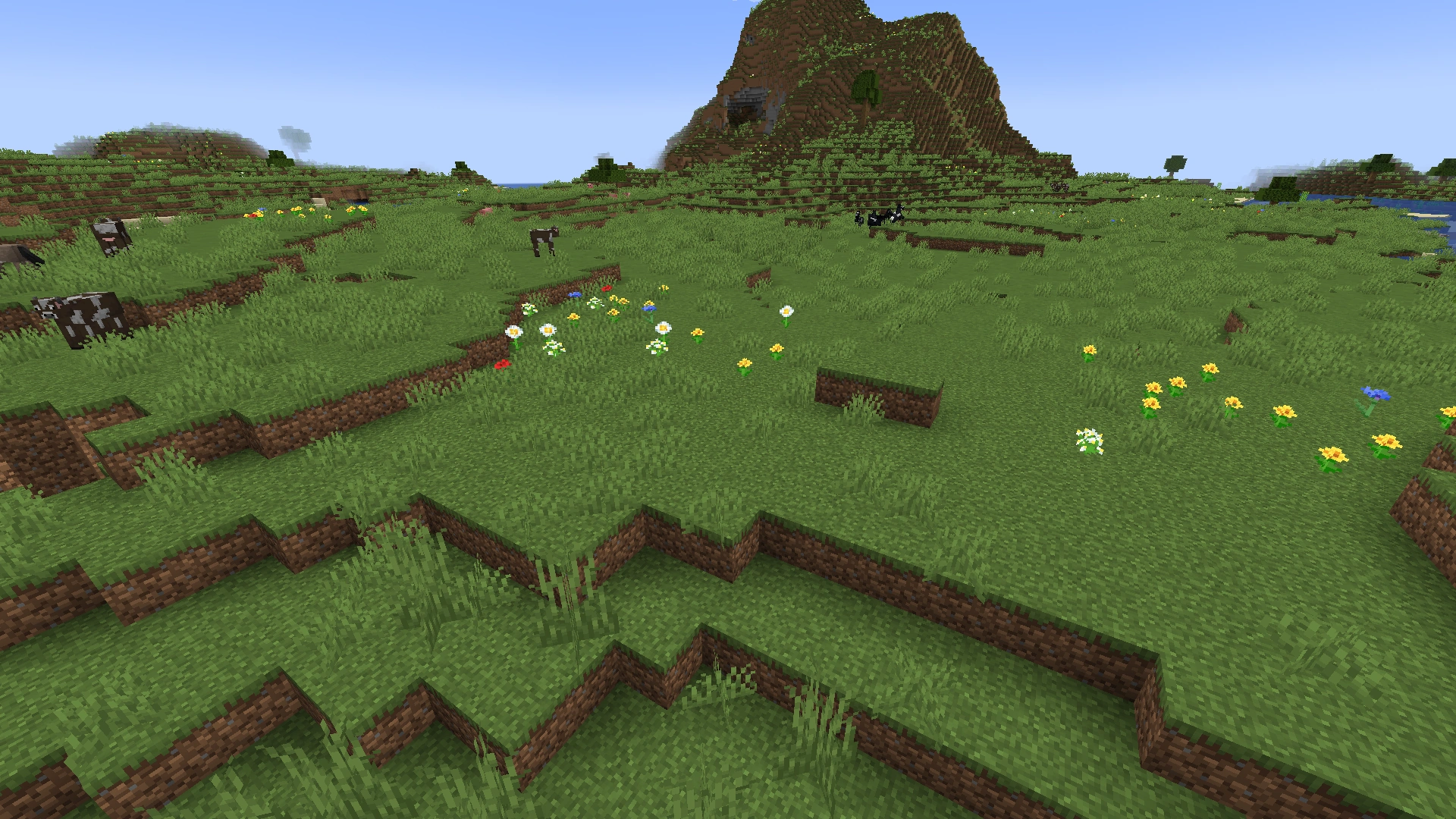
Vanilla Minecraft on a mid-range PC chugs harder than it has any right to. A game made of cubes should not drop frames in a dense forest, and yet here we are. The good news: the single best mod you can install costs you nothing and roughly doubles your FPS before you touch a graphics setting. The better news: once you fix performance, a small stack of quality-of-life mods makes the base game feel like it finally got the polish pass it deserved.
This is the short list — the Minecraft mods that actually change how the game plays, sorted by what they do. No bloated "100 mods you NEED" filler. We are Java-focused throughout, because that is where the modding scene lives, and we will flag which loader each mod runs on so you do not download a Forge mod and wonder why your Fabric launcher ignores it. Bedrock players get their own section at the bottom, because add-ons are a different animal.
Fabric vs Forge: pick your loader first
Before any mod, you pick a mod loader — the program that lets modded code hook into Minecraft. Get this wrong and nothing works. There are three that matter:
- Fabric — lightweight, fast to update to new Minecraft versions, and home to the entire modern performance scene (Sodium, Lithium, Iris). If your priority is FPS and a lean quality-of-life setup, this is your loader.
- Forge — the old guard, with the deepest back catalog of huge content mods built up over a decade. Heavier, slower to update, but if you want the big tech and adventure mods, a lot of them still live here.
- NeoForge — a community fork of Forge that took over as the active home for content mods on modern versions (1.21 and up). Most new "big" mods target NeoForge now, and many older Forge mods have migrated.
The practical rule: performance and QoL setup, go Fabric. Big content overhaul, go NeoForge (or Forge for older-version packs). You cannot mix loaders in one install — a Fabric mod will not load under Forge and vice versa. Some mods publish builds for multiple loaders (Create and JEI both do), but you still commit to one loader per profile.
Performance mods: install these first
If you install nothing else, install these. They do not change gameplay — they make the game you already have run two to five times faster.
| Mod | Loader | What it does |
|---|---|---|
| Sodium | Fabric | Rewrites the rendering engine. Massive FPS gain with zero visual change |
| Lithium | Fabric | Optimizes game logic and tick performance. No behavior change |
| Iris Shaders | Fabric | Loads shader packs, works alongside Sodium |
| FerriteCore | Fabric/Forge | Cuts memory usage, helps on low-RAM machines |
Sodium is the headliner and the reason the OptiFine era is over. It completely rewrites how Minecraft draws the world, and on most machines it doubles or better your frame rate without touching a single visual setting. For years OptiFine was the default "make Minecraft run better" mod, but it has not kept up — Sodium runs faster, updates faster, and plays nice with the rest of the Fabric stack. If you are still on OptiFine out of habit, switch.
Lithium is Sodium's quieter sibling. It optimizes the server-side game logic — mob AI, block ticks, the stuff happening every frame whether you see it or not — without changing how anything behaves. Run it alongside Sodium and you will not even notice it doing its job, which is the point.
Iris is the modern shader loader. OptiFine used to be the only way to run shaders; Iris replaced it and runs them faster, in part because it is built to cooperate with Sodium instead of fighting it. If you want your world to look like the screenshots with the realistic water and god rays, Iris plus a shader pack is the move — just know shaders are a heavy hit, so a strong GPU helps.
Quality-of-life mods: the ones you can't go back from
These do not add new content. They remove a hundred tiny annoyances you stopped noticing because you got used to them.
- JEI (Just Enough Items) — A searchable recipe book for every item in the game, including modded ones. Click any item to see how to craft it and what it crafts into. Once you have JEI, alt-tabbing to a wiki for recipes feels prehistoric. (Fabric and Forge/NeoForge.)
- Xaero's Minimap + Xaero's World Map — A real minimap in the corner with waypoints, plus a full zoomable world map. The single biggest fix for "I got lost looking for my base." Two separate mods from the same author; run both. (Fabric and Forge/NeoForge.)
- Jade (or WAILA/Hwyla forks) — Shows you what block or mob you are looking at, its name, and useful stats, in a small overlay. Invaluable once you start using modded blocks you cannot identify on sight. (Fabric and Forge.)
- AppleSkin — Adds the hidden hunger and saturation values to your food bar, so you actually know whether that steak is worth eating. Tiny mod, permanent install. (Fabric and Forge.)
- Waystones — Place teleport waypoints you can travel between. Technically content, but it functions as a quality-of-life fix for the early-game "everything is too far apart" problem. Great on multiplayer servers. (Fabric and Forge/NeoForge.)
- Mod Menu — On Fabric, this is what gives you an in-game list of your installed mods and their config screens. Not optional if you run more than a couple of Fabric mods. (Fabric.)
If you only grab three from this list, make it JEI, Xaero's, and AppleSkin. They cover recipes, navigation, and food — the three things vanilla makes weirdly opaque.
Big content mods: when you want a new game
Performance and QoL mods improve Minecraft. These ones replace your reason for playing it.
| Mod | Loader | What you get |
|---|---|---|
| Create | Fabric/Forge/NeoForge | Mechanical contraptions, rotating machinery, automation |
| Twilight Forest | Forge/NeoForge | A whole new dimension with bosses and dungeons |
| Biomes O' Plenty | Forge/NeoForge | Dozens of new biomes for worldgen and exploration |
| Terralith | Fabric/Forge/NeoForge | Overhauls vanilla terrain generation, no new blocks needed |
Create is the crown jewel of modern Minecraft modding. It adds rotational machinery — gears, shafts, belts, water wheels — that you assemble into genuinely satisfying contraptions. Automated farms, moving drawbridges, factory lines. It rewards engineering brain the way redstone does, but with way more visual payoff, and the in-world animations are gorgeous. If you have ever wanted Minecraft to scratch a Factorio itch, this is it. Multi-loader, so it fits whatever profile you are running.
Twilight Forest is the classic adventure overhaul. It adds a self-contained dimension you enter through a portal, packed with custom bosses, labyrinths, and progression gated behind defeating each boss. It is one of the oldest big mods still going, and it still holds up. Forge/NeoForge.
Biomes O' Plenty and Terralith both fix the "every world looks the same after a while" problem, but differently. Biomes O' Plenty adds dozens of new biomes with new blocks and trees. Terralith goes the other way — it dramatically overhauls terrain generation using only vanilla blocks, so it plays nice with almost everything and works on Fabric. Run Terralith if you want better-looking vanilla worlds; run Biomes O' Plenty if you want genuinely new stuff to find.
A word of warning on content mods: the more you stack, the higher your crash risk and the longer your load times. Start with one big mod, get a feel for it, then add. A bloated 80-mod pack that crashes on launch is worse than a tight 12-mod pack that just works.
How to actually install them
The old way — dropping jar files into a folder by hand — still works, but nobody does it anymore. Use a launcher that handles loaders and dependencies for you:
- Pick a launcher. Prism Launcher (free, open source) and the official Minecraft launcher both support Fabric/Forge profiles. Prism is the community favorite because it isolates each modded instance so they cannot break each other.
- Create an instance on the loader you chose (Fabric or NeoForge) for the Minecraft version you want.
- Get mods from a real source. Modrinth and CurseForge are the two legitimate mod hosts. Match every mod to your exact Minecraft version and loader, or it will not load. Avoid random "free mod download" sites — that is how you get malware.
- Mind dependencies. Some mods need a library mod to run (Fabric API is the big one on Fabric; many content mods need it). The mod page lists requirements; install them too.
- Launch and check the mod list. On Fabric, Mod Menu shows everything that loaded. If a mod is missing, you grabbed the wrong loader or version.
Match the version and loader for every single mod. That one rule prevents about 90 percent of "modded Minecraft won't launch" headaches.
What about Bedrock
Bedrock Edition — the version on consoles, mobile, and the Windows store — does not use Java mods at all. None of the mods above work on it. Instead, Bedrock has add-ons: behavior packs and resource packs that tweak the game within official limits. They are sandboxed and far more restricted than Java mods, so there is no Bedrock equivalent of Sodium or Create. You get texture packs, some mob-behavior tweaks, and Marketplace content, but not the deep code-level mods Java enjoys. If modding is your main reason to play, play Java. That is just the honest answer.
Quick Action Checklist
The fastest path to a modded setup that actually works:
- Decide your goal: FPS and QoL (go Fabric) or big content (go NeoForge)
- Install a launcher — Prism Launcher is the community pick
- Create an instance on your chosen loader and Minecraft version
- Performance first: Sodium, Lithium, and Iris if you want shaders (Fabric)
- Drop OptiFine — Sodium and Iris replace it and run faster
- QoL trio: JEI, Xaero's Minimap + World Map, AppleSkin
- Add one big content mod (Create is the best starting point) before stacking more
- Get every mod from Modrinth or CurseForge, matched to your exact version and loader
- On Bedrock, you get add-ons, not mods — switch to Java if modding is the goal
Frequently Asked Questions
What is the best Minecraft mod to install first?
Is Sodium better than OptiFine?
Can I use Fabric and Forge mods together?
Are Minecraft mods safe to download?
Do mods work on Minecraft Bedrock Edition?
What is the best Minecraft content mod?
Keep Reading
Related Guides
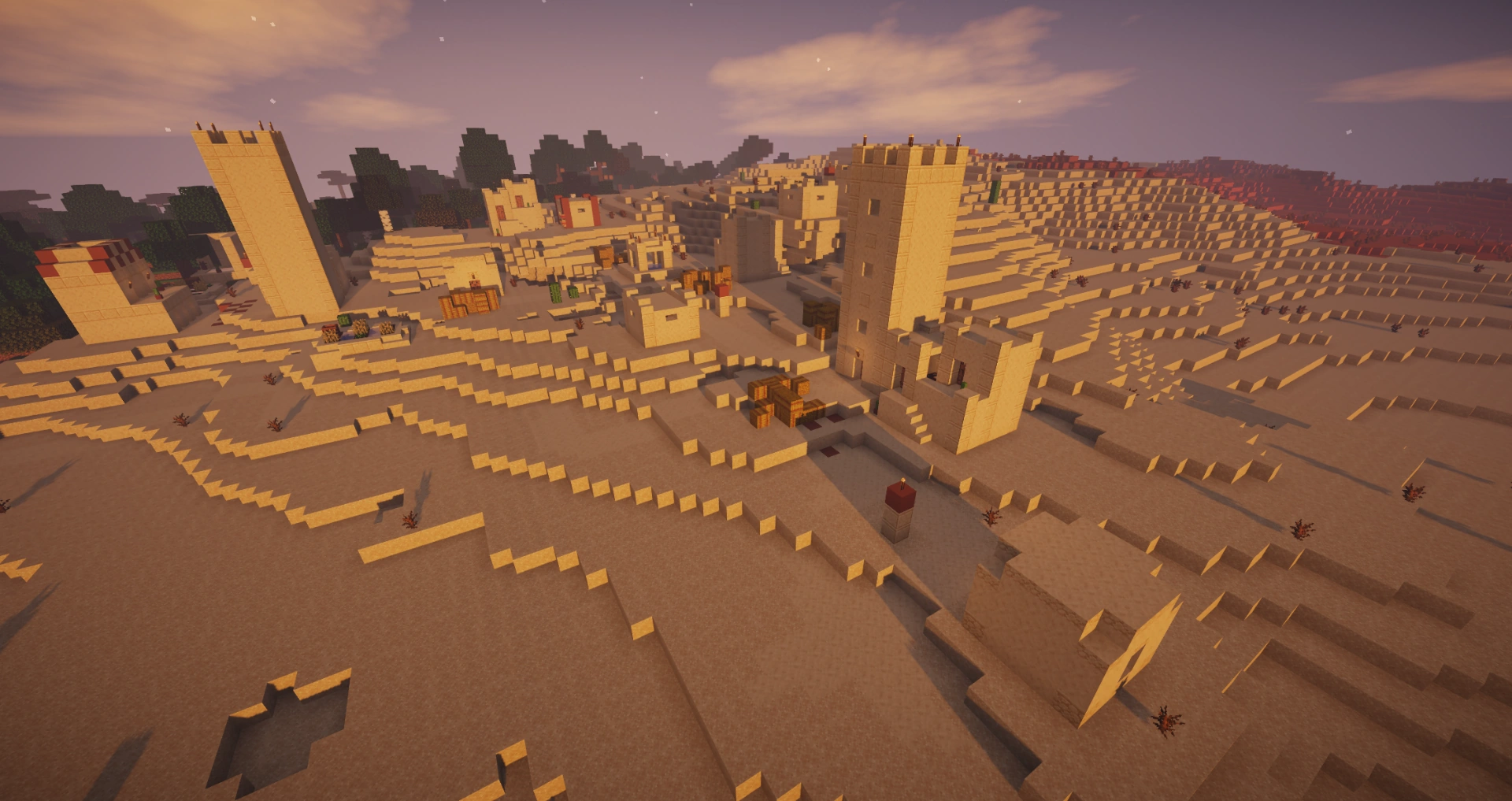
Best Minecraft Shaders to Install Right Now
The right shader pack turns Minecraft's flat lighting into rolling shadows, real water, and sunsets that actually look like sunsets. Here are the packs worth installing, ranked by how good they look against how hard they hit your frame rate, plus the install path that does not involve OptiFine.
Minecraft Stronghold Guide: Finding, Loot, and Layout
A stronghold is not a hallway with a portal at the end of it — it is a sprawling, half-collapsed complex with up to nine room types, three separate loot tables, and a generation algorithm precise enough to predict a distance before you throw a single eye. Here is the whole structure, not just the part that gets you to the dragon.
Minecraft Woodland Mansion Guide: Loot, Vindicators, Totems
A woodland mansion is the only structure where you can punch an evoker to death and walk out with a Totem of Undying — the item that revives you the next time something one-shots you. It's also a maze full of axe-wielding vindicators and hidden rooms with diamonds behind fake walls. Here's how to find one, clear it without dying, and grab everything worth grabbing.
Minecraft Ocean Monument Guide: Guardians, Loot & Conduits
An ocean monument is the only place in Minecraft you'll find sponges, three elder guardians that hit you with Mining Fatigue III before you even see them, and the prismarine you need to build a conduit. Here is how to find one, beat it, and walk out with the loot.
Minecraft Survival Guide for Beginners: Your First Days
You have about ten minutes of daylight before the sun sets and the world tries to kill you. Here is exactly what to do with them — punch a tree, build a tool chain, and get a roof over your head before the zombies arrive.
Best Minecraft Enchantments, Ranked — The Ones Worth Your XP
Mending is the enchantment that ends the grind — gear that repairs itself forever. Everything else is a fight over your XP and anvil uses. Here is what actually earns a slot, ranked, with the real max levels.