Best Minecraft Texture Packs to Try
A texture pack swaps what every block looks like without touching how the game plays — and the right one fixes vanilla's blurriest, ugliest textures or doubles the resolution. Here are the packs worth installing, what each one actually changes, and the install path for both Java and Bedrock.
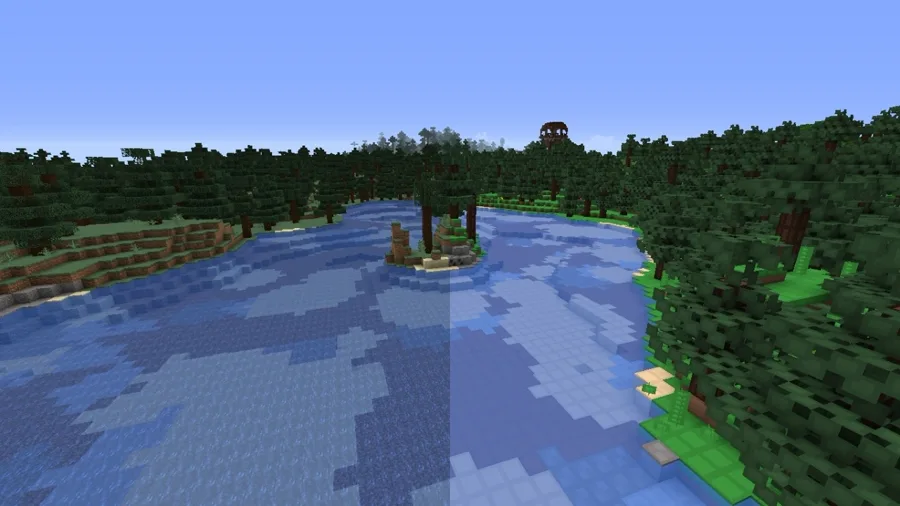
Vanilla Minecraft's textures are 16x16 pixels per block, and most of them are great — the iconic look is the iconic look for a reason. But a few are genuinely rough: the muddy old stone, the noisy gravel, item icons that blur into each other in a full chest. A texture pack swaps the entire look of the game for a new set of art, and the good ones either clean up vanilla's worst offenders or crank the resolution up to something that looks hand-painted. Crucially, none of it touches how the game plays — a block is still the same block with the same behavior; it just wears a different coat.
That last point is where people get confused, so we'll square it away first: texture packs, mods, and shaders are three different things, and mixing them up leads to broken installs. Then we rank the packs actually worth your time, sorted by what they change and what they cost you in frame rate, with install steps for both Java and Bedrock at the bottom.
Texture pack vs resource pack vs shader
These three terms get used interchangeably and they should not be.
- Texture pack / resource pack. In modern Minecraft these are effectively the same thing — Mojang renamed "texture packs" to resource packs years ago, but the community still says "texture pack" out of habit. A resource pack swaps textures, models, sounds, fonts, and language files. It changes how the game looks and sounds, never how it behaves. You install it inside the game with no extra software.
- Mod. A mod changes the actual code — adds new blocks, mobs, mechanics, or systems. Mods need a mod loader (Fabric or Forge) and can break between versions. A texture pack is not a mod and does not need a loader.
- Shader. A shader rewrites how the game draws light, shadows, and water per pixel. Shaders need a loader like Iris and are the most performance-heavy of the three. A texture pack is not a shader — it changes the art, not the lighting.
The short version: a texture pack changes what blocks look like. A mod changes what the game does. A shader changes how light works. You can stack all three — a vanilla-plus texture pack, a few quality-of-life mods, and a shader on top — but they are separate installs.
How to pick resolution
Texture packs come in resolutions, almost always a multiple of vanilla's 16x16:
- 16x (the vanilla resolution). Same crispness as the base game, just redrawn art. "Vanilla-plus" packs live here — they keep the Minecraft feel and add detail without changing the resolution. Zero performance cost.
- 32x. Twice the detail. The sweet spot for "noticeably nicer but still Minecraft." Faithful's flagship lives here. Negligible performance cost on most machines.
- 64x and up. High-resolution and "realistic" packs. They look dramatically different — sometimes barely recognizable as Minecraft — but the highest tiers (128x, 256x, 512x) eat VRAM and frame rate, and many need extra connected-textures features to look right.
The honest advice: start at 32x. It is the best ratio of "looks better" to "costs nothing," and it is where the most popular pack in the game lives. Only climb to 64x+ if you specifically want the realistic look and have the GPU for it.
The best Minecraft texture packs, ranked
Ranked by how worthwhile the change is against how much it costs you, and noting which editions each supports.
| Rank | Pack | Resolution | Edition | Best for |
|---|---|---|---|---|
| 1 | Faithful | 32x / 64x | Java + Bedrock | The default upgrade — vanilla, but sharper |
| 2 | Vanilla Tweaks | 16x | Java + Bedrock | Pick-and-choose vanilla-plus tweaks |
| 3 | Jicklus / Bare Bones-style | 16x | Java | Warm, simplified, "modern vanilla" looks |
| 4 | John Smith Legacy | 32x | Java | Rustic, medieval, builder-favorite art |
| 5 | Stay True | 32x | Java | Smoothed, true-to-vanilla high-fidelity |
| 6 | Realistic packs (e.g. high-res photorealistic) | 64x–512x | Java | Maximum detail, heavy on hardware |
1. Faithful is the pack to install first, full stop. It does exactly one thing and does it perfectly: it doubles vanilla's resolution to 32x (with a 64x version too) while keeping every texture true to the original art. Nothing looks redesigned — it just looks like someone cleaned the smudge off your monitor. It is the most-downloaded resource pack in the game for a reason, it has Java and Bedrock versions, and it stays updated to current Minecraft versions fast. If you only ever try one texture pack, this is it.
2. Vanilla Tweaks is less a single pack than a build-your-own kit. On its site you toggle individual tweaks — brighter ores, clearer redstone dust, directional hoppers, alternate item models, borderless glass — and download a custom 16x pack with only the changes you want. It is the smartest "fix vanilla's annoyances without changing the style" option, and it has both Java and Bedrock support.
3. Jicklus and the "modern vanilla" family keep the 16x resolution but warm up the palette and simplify a few noisy textures (Jicklus leans cozy and earthy; Bare Bones-style packs flatten and brighten everything into the look used in official Minecraft trailers). These change the vibe without changing the resolution — great if vanilla feels a touch cold or busy to you.
4. John Smith Legacy is the long-running builder's pack — a 32x rustic, medieval art style with hand-drawn wood, stone, and detailing that makes castles and villages look right. It is a Java staple for serious builders and survives because the art is genuinely characterful, not just higher-res.
5. Stay True is a 32x pack that smooths and gently enhances vanilla — softer noise, cleaner edges, more natural colors — while staying instantly recognizable. It is the pick if you want "Faithful but a little softer and more organic."
6. The realistic / high-res tier (the 64x–512x photorealistic packs) is where you go for maximum detail: textures that look like real bark, brick, and stone. The trade-off is real — the highest resolutions hammer VRAM and frame rate, frequently rely on connected-texture and PBR features to look their best, and can stray so far from the Minecraft look that the game feels like a different title. Worth it for screenshots and realism builds, overkill for daily play.
Best packs for a low-end PC or Bedrock
If your machine struggles or you are on Bedrock (consoles, mobile, Windows store), stick to 16x and 32x packs:
- Faithful 32x is light enough for most hardware and has an official Bedrock version on the Marketplace and via its site.
- Vanilla Tweaks (16x) costs effectively nothing because it never raises the resolution — it just swaps art at vanilla's native size.
- Any 16x "vanilla-plus" pack (Jicklus, Bare Bones-style) is free performance-wise; you are trading art, not pixels.
Avoid the 128x+ realistic packs on weak hardware or older consoles — that is where texture packs actually start to bite into frame rate. On Bedrock specifically, check that a pack lists Bedrock support; many Java packs have no Bedrock port, and the two editions use different pack formats.
How to install texture packs on Java
The whole process is in-game and takes about two minutes — no mod loader required.
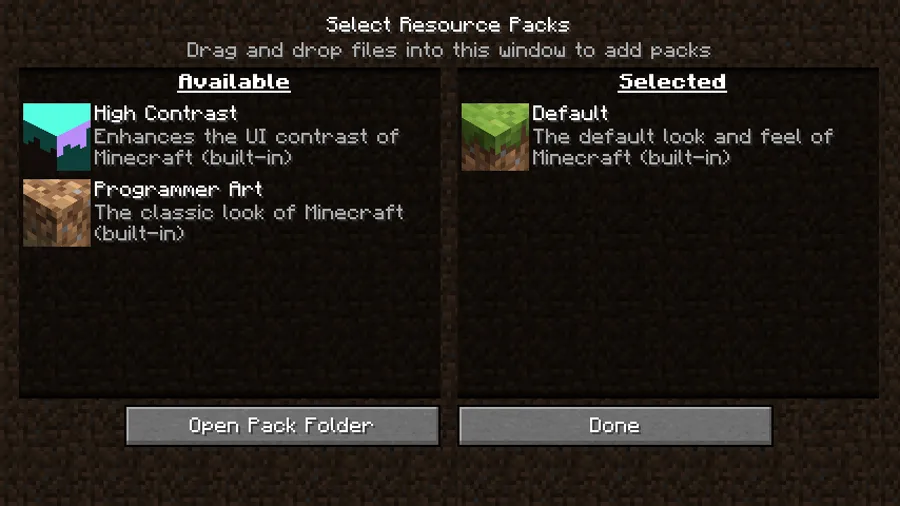
- Download the pack as a .zip from a trusted host — Modrinth, CurseForge, or the pack's official site (Faithful and Vanilla Tweaks both have their own). Avoid random "free texture pack" sites; that is how you get malware. Do not unzip the file.
- Open the resource packs folder. In the game, go to Options → Resource Packs, then click Open Pack Folder at the bottom. That opens the
resourcepacksfolder for your install. - Drop the .zip in that folder, then go back to the Resource Packs menu in-game.
- Move the pack from Available to Selected. Hover over the pack and click the arrow to move it to the Selected column on the right. Packs higher in the Selected list override lower ones, so put the pack you want winning at the top.
- Click Done. The game applies it immediately. If it does not show up, make sure you did not unzip it and that it matches your Minecraft version.
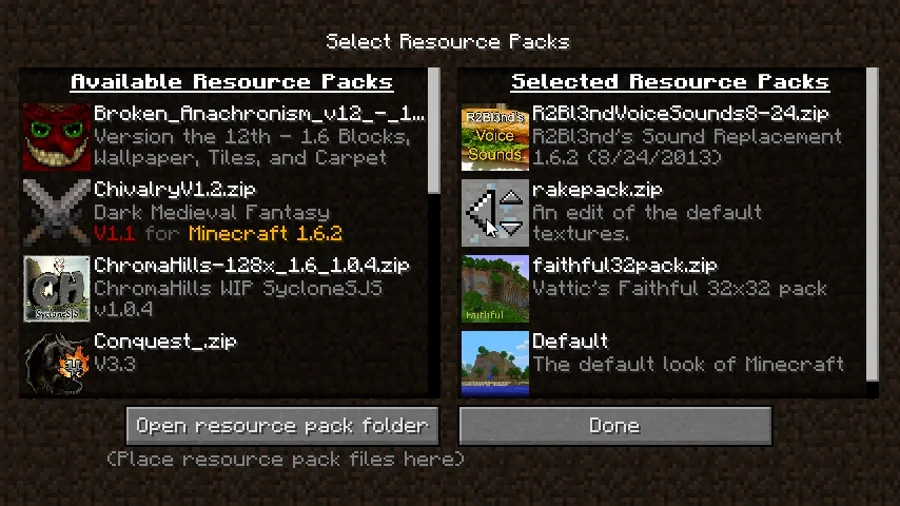
The one rule that prevents most problems: match the pack to your Minecraft version. A pack built for an old version will show missing-texture purple-and-black checkerboards on any blocks added since.
How to install texture packs on Bedrock
Bedrock uses a different pack format (.mcpack) and a different flow:
- Get the pack as a .mcpack file from the official Minecraft Marketplace (in-game store) or a trusted Bedrock pack site. Marketplace packs install with one click; downloaded
.mcpackfiles install when you open them. - Open the .mcpack file — on most platforms, double-clicking or tapping it launches Minecraft and imports the pack automatically.
- Apply it to a world. Go to your world's settings → Resource Packs, find the pack under "My Packs," and tap Activate (the + button). You can apply a pack to a single world or set it globally.
- Confirm and play. The pack applies when you load the world.
Bedrock will not load Java .zip resource packs and vice versa — the formats are incompatible. If a pack only ships for Java, there is no way to use it on Bedrock without a separate Bedrock port.
Do texture packs hurt performance
Mostly no — and this is the big advantage over shaders. A texture pack only changes the images drawn on blocks, so the cost scales with resolution and VRAM, not with heavy per-frame math:
- 16x and 32x packs have negligible impact on almost any machine. Faithful at 32x runs fine on hardware that can run vanilla.
- 64x and higher start to use more video memory; on a low-VRAM GPU you may see stutter or longer load times when textures stream in.
- 128x–512x realistic packs are where it genuinely matters — these can cost meaningful frame rate and want a capable GPU, especially combined with connected-textures features or a shader on top.
If a high-res pack stutters, the fixes are to drop to a lower resolution version of the same pack, lower your render distance, or run a performance mod like Sodium underneath. But for the vast majority of players running a 32x pack like Faithful, there is no frame-rate cost worth worrying about — the upgrade is basically free.
Quick Action Checklist
- Remember: a texture pack changes the look only — it is not a mod and not a shader
- Start with Faithful (32x) — vanilla art, just sharper, on Java and Bedrock
- Use Vanilla Tweaks to fix specific annoyances without changing the style
- Stick to 16x–32x on low-end hardware and Bedrock; skip 128x+ realistic packs there
- Download packs only from Modrinth, CurseForge, or the pack's official site
- On Java: drop the .zip in the resourcepacks folder, then move it to Selected — do not unzip
- On Bedrock: open the .mcpack, then activate it in the world's Resource Packs settings
- Match the pack to your exact Minecraft version to avoid missing-texture checkerboards
- Stack a texture pack with a shader for the full visual upgrade — they are separate installs
Frequently Asked Questions
What is the best Minecraft texture pack?
What is the difference between a texture pack and a resource pack?
Do texture packs change how Minecraft plays?
How do I install a texture pack in Minecraft Java?
Can you use Java texture packs on Bedrock Edition?
Do texture packs lower FPS in Minecraft?
Keep Reading
Related Guides
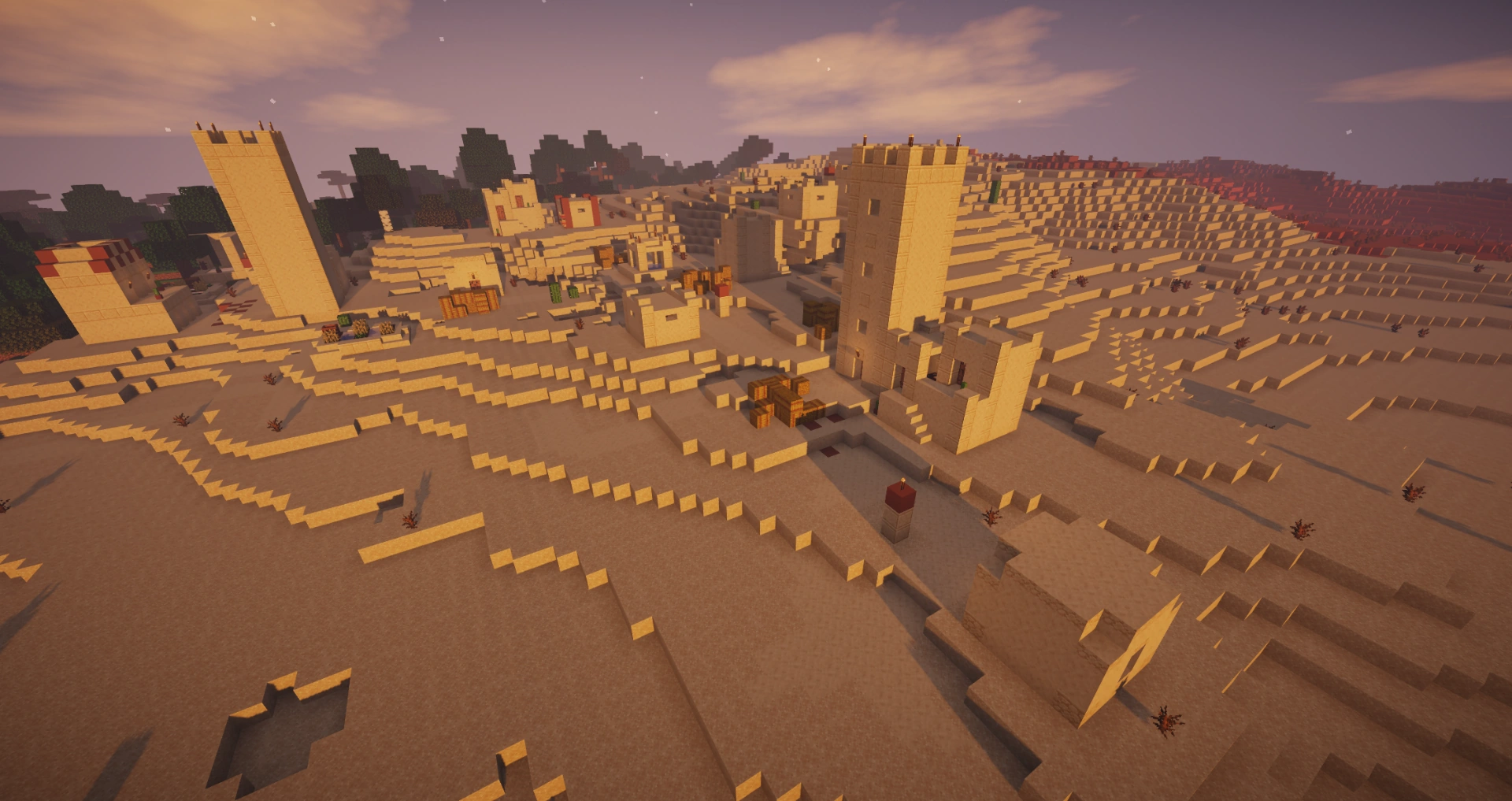
Best Minecraft Shaders to Install Right Now
The right shader pack turns Minecraft's flat lighting into rolling shadows, real water, and sunsets that actually look like sunsets. Here are the packs worth installing, ranked by how good they look against how hard they hit your frame rate, plus the install path that does not involve OptiFine.
Minecraft Stronghold Guide: Finding, Loot, and Layout
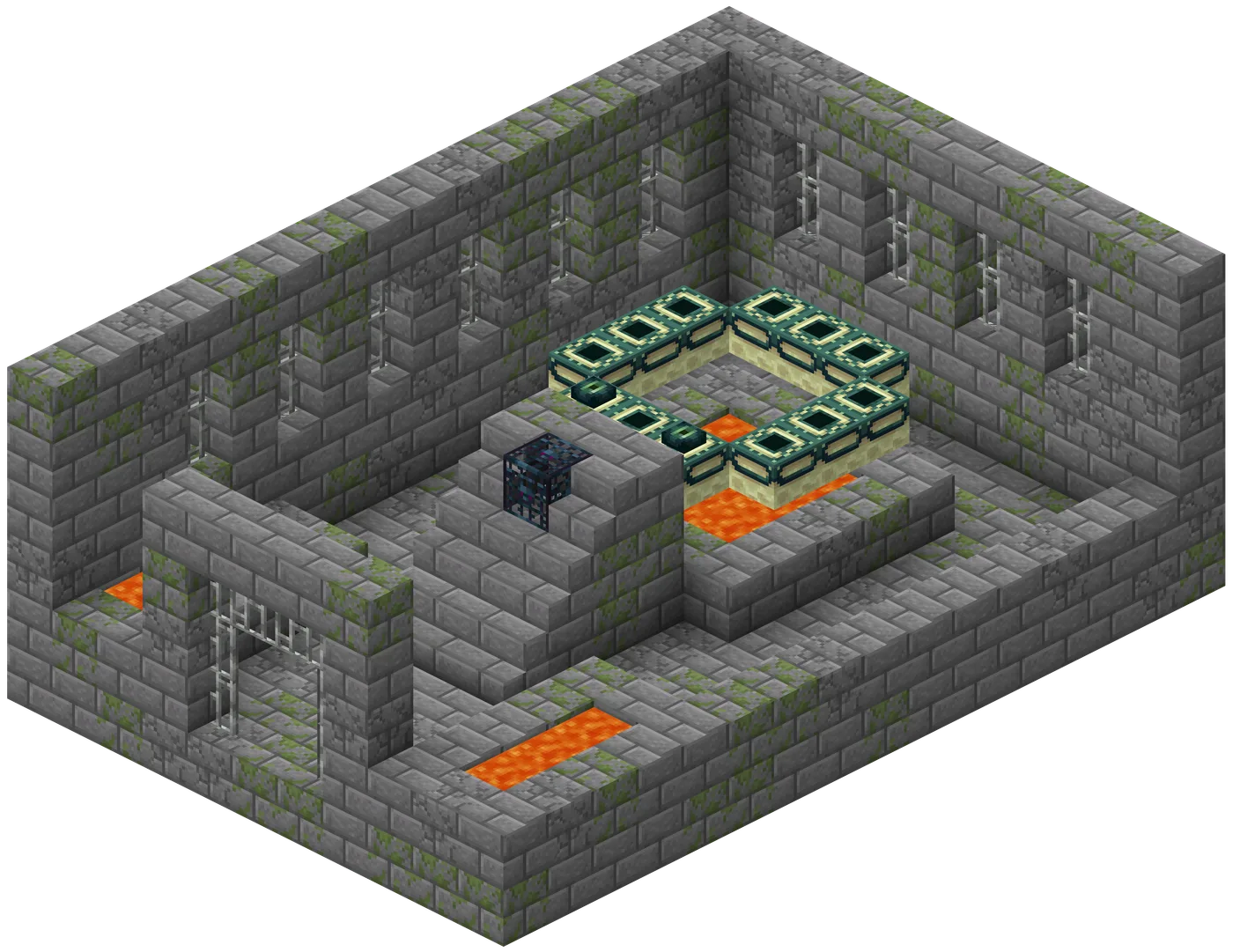
A stronghold is not a hallway with a portal at the end of it — it is a sprawling, half-collapsed complex with up to nine room types, three separate loot tables, and a generation algorithm precise enough to predict a distance before you throw a single eye. Here is the whole structure, not just the part that gets you to the dragon.
Minecraft Woodland Mansion Guide: Loot, Vindicators, Totems
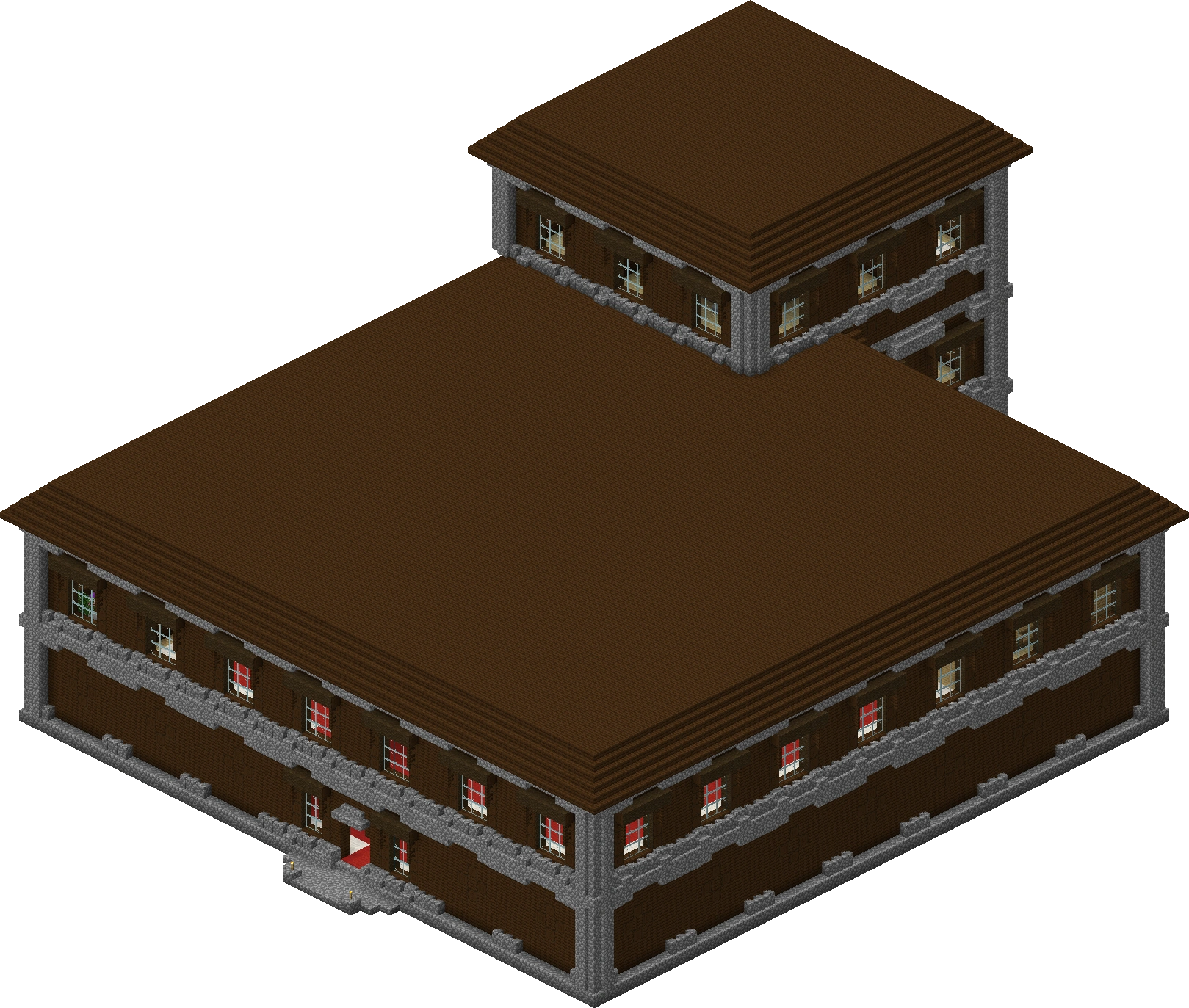
A woodland mansion is the only structure where you can punch an evoker to death and walk out with a Totem of Undying — the item that revives you the next time something one-shots you. It's also a maze full of axe-wielding vindicators and hidden rooms with diamonds behind fake walls. Here's how to find one, clear it without dying, and grab everything worth grabbing.
Minecraft Ocean Monument Guide: Guardians, Loot & Conduits
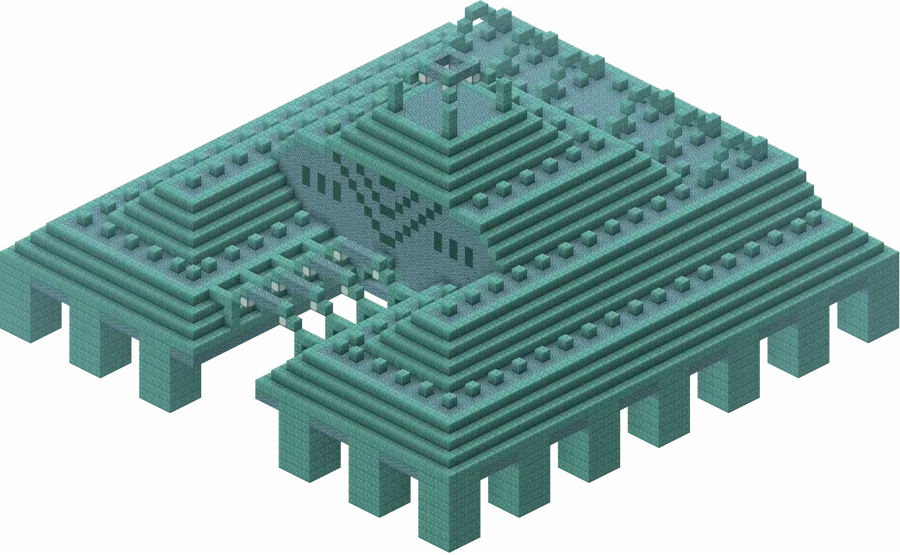
An ocean monument is the only place in Minecraft you'll find sponges, three elder guardians that hit you with Mining Fatigue III before you even see them, and the prismarine you need to build a conduit. Here is how to find one, beat it, and walk out with the loot.
Minecraft Survival Guide for Beginners: Your First Days
You have about ten minutes of daylight before the sun sets and the world tries to kill you. Here is exactly what to do with them — punch a tree, build a tool chain, and get a roof over your head before the zombies arrive.
Best Minecraft Enchantments, Ranked — The Ones Worth Your XP
Mending is the enchantment that ends the grind — gear that repairs itself forever. Everything else is a fight over your XP and anvil uses. Here is what actually earns a slot, ranked, with the real max levels.