Roblox DevEx & Monetization Guide: How Developers Actually Earn
Robux earned in your game can become real money — but only after it survives a platform cut and clears the DevEx minimum. Here's exactly how the earning side of Roblox works: Game Passes, dev products, Premium Payouts, the cut Roblox takes, and the honest math on cashing out.
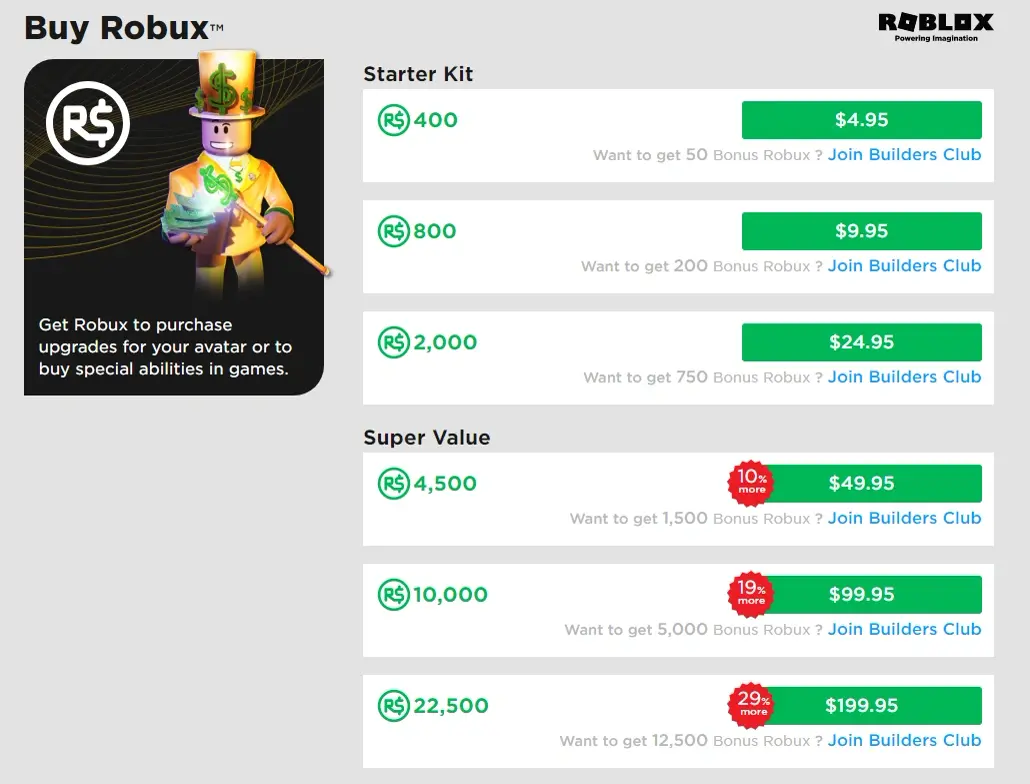
Here's the number that reframes everything about earning on Roblox: a Robux is not worth a Robux. When a player spends 100 Robux in your game, you don't pocket 100 Robux, and the Robux you do keep aren't worth a penny each when you eventually cash them out. Two separate haircuts sit between "a player paid me" and "money hit my bank account," and almost every "I made $X on Roblox" video skips straight past both of them.
This guide is the earning side of the platform, start to finish: how your game actually pulls in Robux, the cut Roblox keeps, and how the Developer Exchange — DevEx — turns the Robux you keep into real-world dollars. If you're a player trying to buy Robux rather than earn it, our how to get Robux safely guide is the one you want. This is for people building.
The two halves of Roblox money
Monetizing a Roblox game is genuinely two different problems, and conflating them is where new developers get the math wrong.
The first half is earning Robux inside your game — getting players to spend the virtual currency on things you've built. This is a game-design and retention problem, and it's where 95% of your effort goes.
The second half is converting earned Robux into real money through DevEx. This is an eligibility-and-paperwork problem, and it only matters once you've earned enough to bother.
You can be great at the first and never touch the second — plenty of developers reinvest Robux into ads and avatar items and never cash out a cent. But if real-world income is the goal, you need both halves to work, and you need to understand that the conversion rate makes the gap between "Robux earned" and "dollars banked" much wider than it looks.
How your game earns Robux
Your game has a handful of built-in ways to take Robux from players. They're not interchangeable — each one fits a different kind of purchase, and picking the wrong tool is a classic rookie mistake.
Game Passes vs developer products
These are the two workhorses, and the difference between them is the single most important monetization concept on the platform.
A Game Pass is a one-time purchase that grants something permanent. A player buys it once and owns it forever on that account — a VIP area, a permanent 2x-speed perk, a cosmetic title. Roblox tracks ownership for you; you just check "does this player own pass ID 12345?" and unlock the perk.
A developer product is a repeatable purchase. The same player can buy it as many times as they want — refilling in-game currency, buying a revive, restocking consumables. This is the engine behind most high-earning games, because a Game Pass caps out at one sale per player while a developer product can sell to the same whale a hundred times.
| Game Pass | Developer product | |
|---|---|---|
| Buy frequency | Once per account | Unlimited, repeatable |
| Best for | Permanent perks, VIP, cosmetics | Currency, consumables, revives |
| Ownership tracked by | Roblox, automatically | Your script, per transaction |
| Typical earner | Steady trickle | Bulk of top-game revenue |
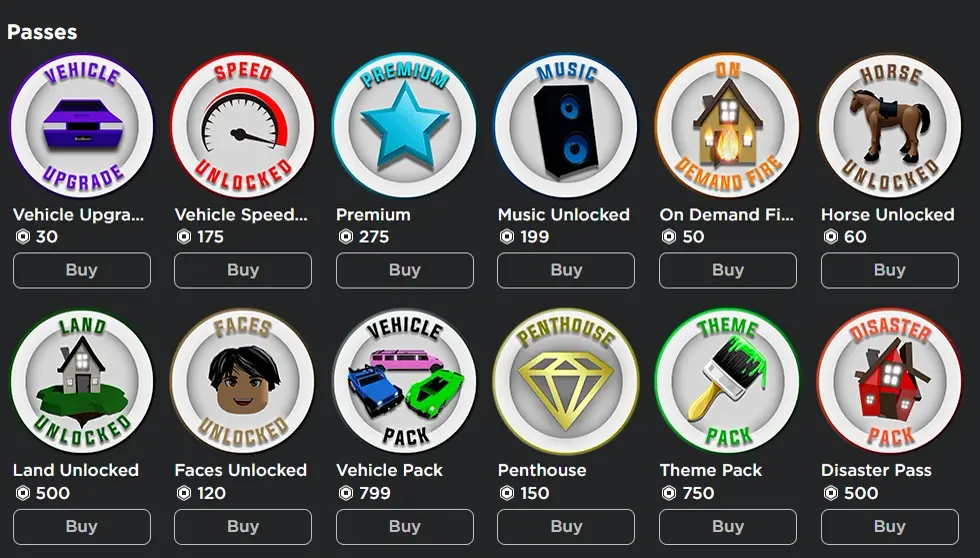
The rule of thumb: if a player should only ever need to buy it once, it's a Game Pass. If they'd plausibly buy it again, it's a developer product. Get this wrong and you either leave repeat revenue on the table or annoy players by making a one-time perk feel like a subscription.
Paid access and Premium Payouts
Two more levers worth knowing, both more situational.
Paid access lets you charge Robux at the door — players pay a flat fee just to join the experience. It's rare for a reason: on a platform where the entire discovery model is built on free-to-play games racking up playtime, a paywall at the entrance kneecaps your player count before anyone's even inside. It can work for niche, premium, or community-funded experiences, but for a general-audience game it's usually a mistake.
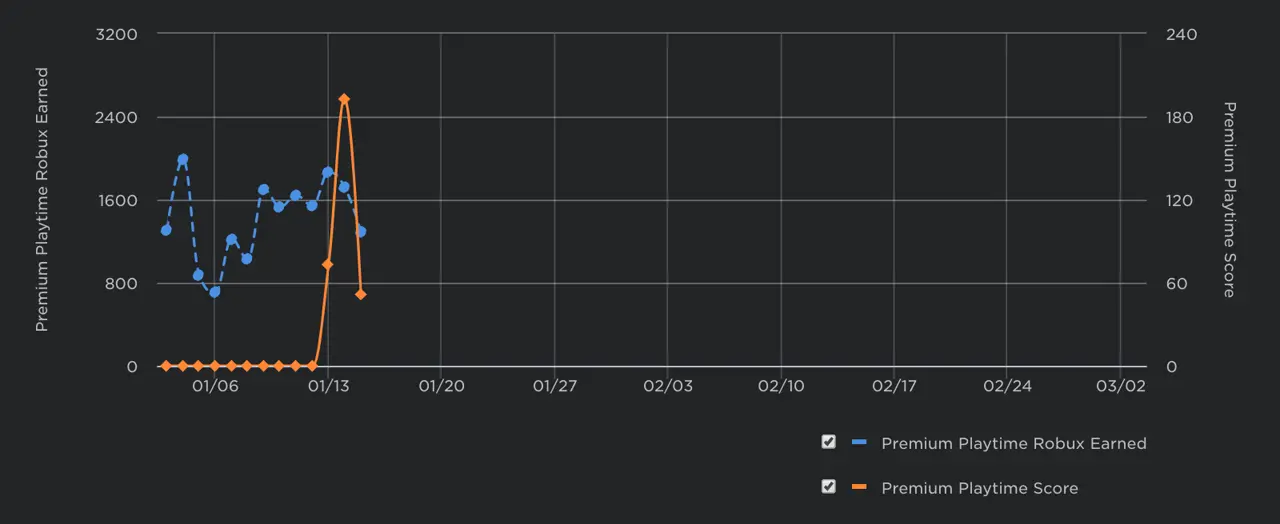
Premium Payouts are the quiet one, and they're free money you don't have to design a single store item for. Roblox pays you based on how much time Roblox Premium subscribers spend in your game. The more engaging your experience is for Premium members, the larger your slice of a shared payout pool. You don't sell anything — you just retain Premium players, and Roblox cuts you in. It rewards exactly the thing you should be optimizing anyway: keeping people in your game.
UGC: the other earning lane
There's a second earning path that has nothing to do with running a game: UGC, or user-generated content. Approved creators can publish avatar items — hats, accessories, clothing, gear — to the Marketplace, and earn Robux when players buy them. It's a different skill set (3D modeling and avatar design rather than game design and scripting), and it runs through the Marketplace fee structure rather than your game's economy. If building worlds isn't your thing but making cosmetics is, it's a legitimate lane to the same DevEx cash-out at the end.
The cut Roblox takes
This is the part the hype videos bury, so let's be blunt about it: Roblox keeps a large share of every Robux a player spends. The platform runs the servers, the payments, the moderation, the discovery, and the storefront, and it charges for all of that by taking a cut off the top of in-game and Marketplace transactions.
For the Marketplace, the standard split routes roughly 30% to the developer/creator on a sale, with the platform and associated fees taking the rest — the inverse of what beginners assume. The exact percentage varies by transaction type and has shifted over the years, and Roblox has rolled out improved splits in some areas, so treat the headline figure as "Roblox keeps the majority, you keep the minority" rather than a fixed law of nature. Check the current rate in the official Creator docs before you build a revenue model on it.
The practical takeaway: when you see "this game earned 10 million Robux," that is the gross number before the cut and before DevEx. The developer's actual real-world income is a fraction of a fraction of that. Always do your napkin math on what you keep, not on what players spend.
What is DevEx, and how cashing out works
The Developer Exchange (DevEx) is Roblox's official program for converting earned Robux into real-world currency. It is the only legitimate way to cash out — anything else (selling your account, off-platform "Robux buyers") violates the rules and is usually a scam.
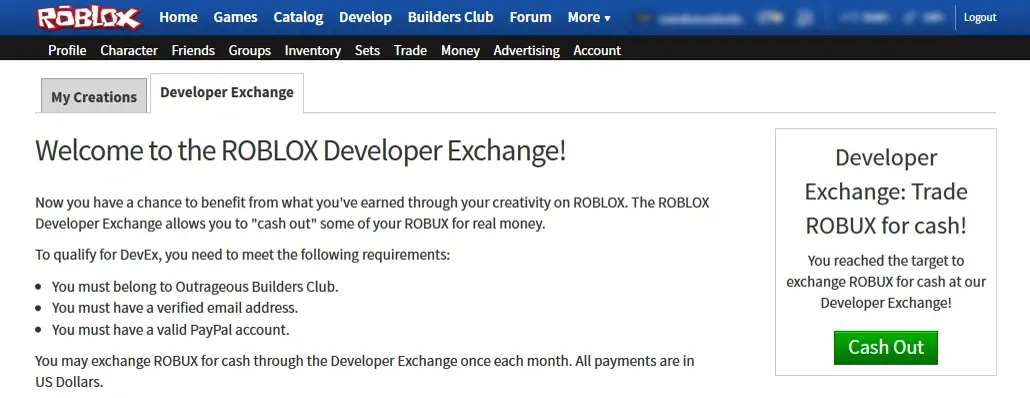
Here's the mechanic. Only earned Robux qualify — currency you brought in through Game Passes, developer products, Premium Payouts, or Marketplace sales. Robux you bought with real money can't be cashed back out; that would just be a money-laundering machine, so Roblox tracks an "earned" balance separately. When your earned balance clears the threshold and you meet the eligibility rules, you submit a DevEx request, Roblox reviews it, and pays out via the supported payment processor.
The rate is the gut-check. As of 2026, DevEx pays roughly $0.0038 per earned Robux, and the minimum cash-out is 30,000 earned Robux, which works out to about $114 at that first eligible request. Sit with that: 30,000 Robux of earned balance — already after Roblox's cut — converts to a hair over a hundred dollars. The rate has been adjusted before and could shift again, so confirm the live figure on Roblox's DevEx help page; the point isn't the exact decimal, it's that the conversion is far less generous than the in-game Robux prices make it feel.
DevEx eligibility checklist
You can't just hit the threshold and pull cash — Roblox gates DevEx behind verification. To cash out you need to:
- Be at least 13 years old. DevEx is not open to younger accounts.
- Hold the minimum earned-Robux balance (30,000 earned Robux as of 2026) at the time of your request.
- Have a verified account in good standing — typically including ID/identity verification and a verified email, with no moderation strikes that would disqualify you.
- Set up a supported payout account with Roblox's payment partner so there's somewhere for the money to actually land.
- Agree to the DevEx terms, which include tax responsibilities — the income is real income, and reporting it is on you.
Miss any one of these and the request stalls. None of it is hard; it's just paperwork that catches people who assumed earning the Robux was the finish line. Earning is the start line.
The realistic earnings picture
Time for the honest part, because this is where dreams meet a spreadsheet.
The earnings distribution on Roblox is brutally top-heavy. A tiny sliver of games captures the overwhelming majority of all developer revenue, while the enormous long tail of experiences earns close to nothing. This isn't a knock on the platform — it's true of basically every open creator marketplace, from the App Store to YouTube — but the get-rich pitches pretend you're stepping into the top sliver when you're statistically starting in the long tail.
Stack the two haircuts and you see why. A player spends 100 Robux. Roblox's cut means you keep a minority of it as earned Robux. Then DevEx converts that earned Robux at a fraction of a cent each. The chain from "player spent 100 Robux" to "dollars in my account" loses value at every link.
The developers pulling real, life-changing income are running polished, retention-tuned games — often as teams — that they iterated on for months or years, with developer products doing the heavy lifting and a player base big enough that even a small per-player spend adds up. That outcome is real and achievable. It is not a first-month, solo, "I published an obby last weekend" outcome, and anyone selling you that timeline is selling you something. If you want the full build-it-from-scratch path, our how to make a Roblox game guide walks the whole loop.
A sane monetization game plan
So how do you actually approach this without setting yourself up to quit? Treat money as a later problem and build toward it deliberately.
- Build something sticky first. The algorithm rewards retention, and so does every monetization lever — Premium Payouts literally pay you for engagement. A game people love is the only foundation that makes any of this work. Study what retention looks like in our best Roblox games breakdown.
- Add monetization once you have players who'd pay. Don't bolt a store onto an empty game. Wait until you have a player base that's enjoying themselves, then ask what they'd happily spend on.
- Lead with developer products for repeat revenue. Game Passes are great for permanent perks, but the repeatable purchase is what scales. Price fairly — gouging tanks retention, and retention is your real currency.
- Don't ignore Premium Payouts. They're free engagement-based income you get just for keeping Premium players around. No store design required.
- Model your math on what you keep. Every projection should be run after Roblox's cut and after the DevEx rate — not on gross Robux. If the napkin math only works on gross, it doesn't work.
- Cash out through DevEx only. It's the one legitimate path. Off-platform Robux buyers are a scam and a ban risk.
Money on Roblox follows good games — it does not lead them. Build the game people don't want to leave, let the earning levers ride on top of that, and treat DevEx as the well-earned cash register at the very end of a long, real build. That's the whole picture, cut and all.
Frequently Asked Questions
How do Roblox developers make money?
What is the difference between a Game Pass and a developer product?
How does DevEx convert Robux to real money?
How much of each Robux does a developer actually keep?
Who is eligible for Roblox DevEx?
Keep Reading
Related Guides
Roblox Platform-Integrated Chat: Migrate Your Custom Chat
On October 21, 2026, Roblox announced that chat message text will stop being readable from game code. It is opt-in today, the default from February 2027 and required from May 2027. Here is what stops working, the replacement for each custom chat feature, which one has no replacement yet, and how to test it in Studio now.
Roblox Early Testers and the New Publish Flow: What Changed
Since October 12, 2026, you can let up to 10 friends play your unreleased, unrated Roblox game, and Roblox is rolling out a path that lets a game with no age-restricted content reach age-checked players 16 and older by answering one question instead of the full questionnaire. Here is who can be an early tester, what replaced the Private and Limited audience settings, what the one question actually covers, and what still takes the long road to players under 16.
Roblox BadgeService Guide: Award, Check, Debug
Call AwardBadgeAsync on a player who isn't currently in your server and it fails one of five documented requirements — silently, the same way it fails for a disabled badge or a place outside the badge's own experience. Here is every BadgeService method, which four are dead, the rate limit two of them share despite a 10x difference in batch size, and the deprecated check that Roblox says will now always return true.
Roblox Luau Type Checking: nocheck, nonstrict, strict
Roblox says every script used to default to no typechecking. That is no longer how it works: a Workspace property now sets the default mode, projects using only nocheck and nonstrict were moved to the New Type Solver automatically, and strict mode projects were not. Here is what each mode reports, what the new solver changed, and the annotation syntax that covers most code.
Best Roblox Games to Play in 2026
Roblox's front page is engagement bait. This is the filtered version: the games with real, sustained player counts and actual staying power, sorted by what you're in the mood for.
How to Get Robux Safely (Legit Ways + Scams to Avoid)
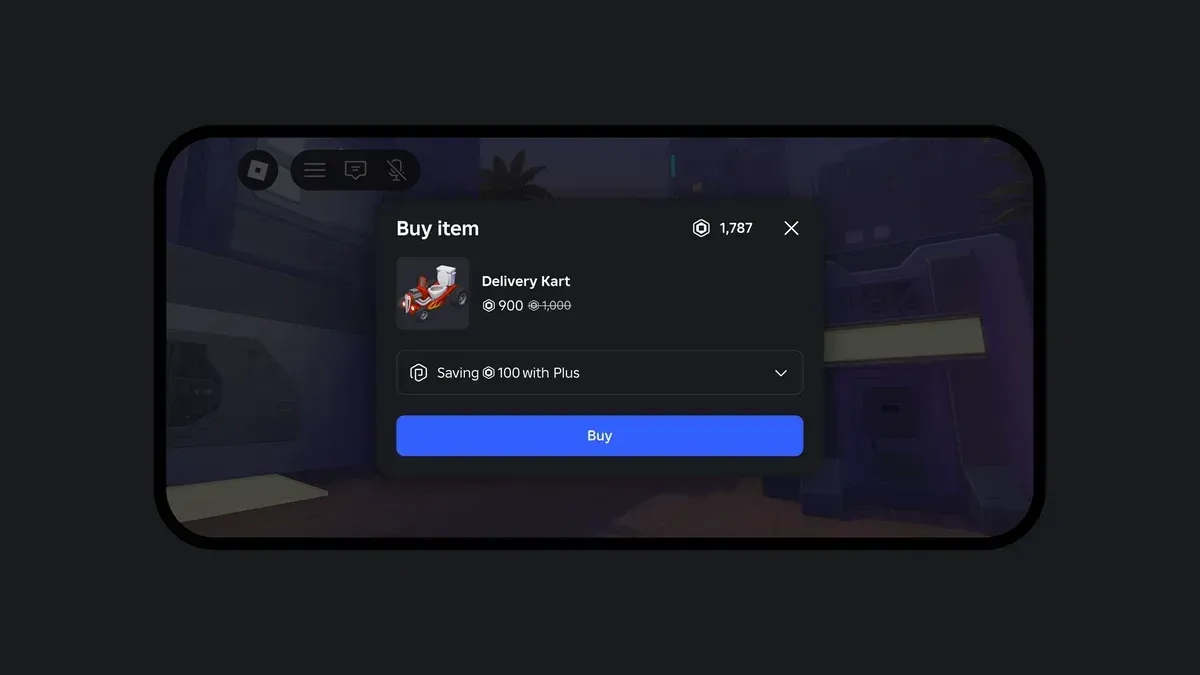
There is no free Robux generator. There never was. Here are the actual legit ways to get Robux without overpaying, the earning methods that really work, and the scams that exist purely to steal your account.