Roblox ReservedServerId and VipServerId: Migrate Teleports
Roblox deprecated ReserveServerAsync, ShouldReserveServer and access codes in favor of a GUID you generate, and TeleportAsync can now target VIP servers by ID. Here is the before-and-after code, the one-routing-field rule, and the reserved-server return trip.
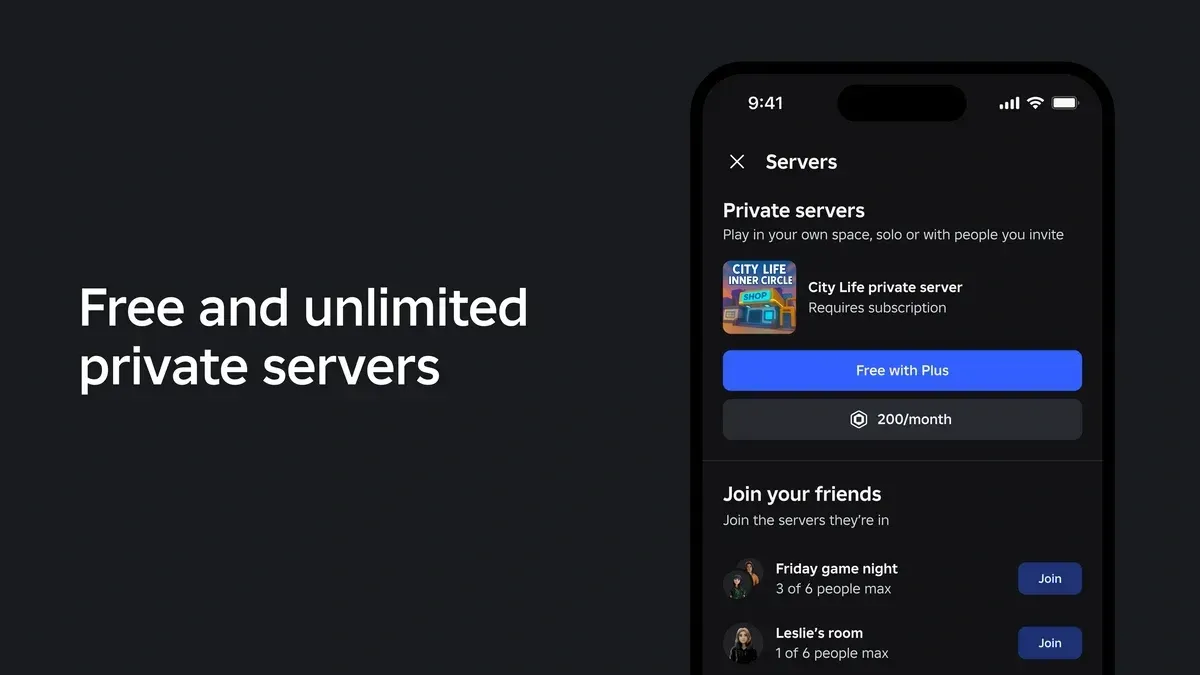
If your Roblox game has a ranked queue, a dungeon instance or a "private lobby for your party" button, there is a decent chance it still calls ReserveServerAsync, hands back an access code and teleports with ReservedServerAccessCode. That whole pattern is now deprecated. Roblox's "Teleport to private servers" docs page says ReserveServerAsync() "does not actually reserve a server in advance, but simply generates a random GUID", so the current approach is to generate the GUID yourself and skip the extra call. A second change rides along: TeleportAsync can now target a player-bought VIP server directly, from any place in the experience.
This is the narrow "what do I change in my code" version. For the full teleport lifecycle (server-only calls, teleport data, loading screens, access control) start with the TeleportService guide. For what players now get from private servers on the Plus side, see the Plus private servers change.
What changed in TeleportOptions
Two new string properties on TeleportOptions now do the routing that access codes used to do:
| Property | Targets | Value you set |
|---|---|---|
ReservedServerId | A developer-created reserved server | Any GUID you generate, for example with HttpService:GenerateGUID(false) |
VipServerId | A player-purchased VIP server (called a private server in the player UI) | The game.PrivateServerId of that VIP server |
The reserved-server behavior is simple. The first teleport that uses a new ID creates the server, and reusing the same ID routes later teleports to that same server. Roblox announced the change on the Developer Forum on October 28, 2026, and the creator docs now carry a dedicated "Teleport to private servers" page.
The deprecated side of the table, all of which Roblox's reference marks as "no longer supported" but still available for backward compatibility:
| Deprecated | Use instead |
|---|---|
TeleportOptions.ShouldReserveServer | ReservedServerId with a GUID you generate |
TeleportOptions.ReservedServerAccessCode | ReservedServerId (or VipServerId for VIP servers) |
TeleportService:ReserveServer() and ReserveServerAsync() | HttpService:GenerateGUID(false) plus ReservedServerId |
TeleportService:TeleportToPrivateServer() | TeleportAsync() with ReservedServerId |
Per the Developer Forum post, existing access codes stay valid, so servers you reserved the old way keep working.
Migrating a reserved-server flow
The old flow had two moving parts: reserve, then teleport with the code. The new one has none of the reserving.
-- Before (deprecated)
local accessCode, privateServerId = TeleportService:ReserveServerAsync(MATCH_PLACE_ID)
local options = Instance.new("TeleportOptions")
options.ReservedServerAccessCode = accessCode
TeleportService:TeleportAsync(MATCH_PLACE_ID, players, options)
-- After
local HttpService = game:GetService("HttpService")

local reservedServerId = HttpService:GenerateGUID(false)
local options = Instance.new("TeleportOptions")
options.ReservedServerId = reservedServerId
TeleportService:TeleportAsync(MATCH_PLACE_ID, players, options)
Roblox's migration steps are three lines long: replace the reserve call and access code with a GUID and ReservedServerId, store the GUID if you will need that server again, and update every TeleportOptions that still sets ReservedServerAccessCode or ShouldReserveServer.
Two details that bite during migration:
- Generate IDs on a server Script. The docs' best-practice list says to call
GenerateGUIDserver-side so clients can't predict or control reserved server IDs. - The identifier you store changes. Old code stored an access code. New code stores the GUID. On the destination server,
game.PrivateServerIdmatches theReservedServerIdyou supplied and stays constant across restarts of that reserved server, whilegame.JobIdis unique per running instance and changes when the server restarts.
Letting a second group join the same reserved server
If a friend, a late party member or a second server needs to land in the same instance, persist the GUID. The docs' example keys it in a DataStore by a session identifier such as a lobby or party ID, writes it on the server that creates the instance, and reads it back on any other server before teleporting with the same ReservedServerId. Our DataStore guide covers the saving side. If the lookup returns nothing, you have no server to join and should decide whether to create one.
Sending a player to a VIP server
The announcement's own title says it plainly: teleports to private VIP servers are now allowed. Set VipServerId to the target server's game.PrivateServerId.
local options = Instance.new("TeleportOptions")
options.VipServerId = storedVipServerId
TeleportService:TeleportAsync(placeId, { player }, options)
Three rules from the reference and the docs page:
- Same experience only. A VIP server ID is scoped to the experience that owns it. You can use it with the place ID of any place in that experience, not only the root place. A place ID from a different experience is rejected.
- You have to carry the ID yourself. The docs suggest attaching it with
SetTeleportDataon the way out and reading it back from the player's join data on arrival, or saving it in a data store. - To keep a group in the same VIP server across places, set the same
VipServerIdon every teleport.
The Developer Forum post says this works from any place in the universe, including group teleports.
The reserved-server return trip
This is the case the docs call out as the common one: your players are in a VIP server, you send them to a reserved server for a match, and you want them to come back to that VIP server afterward. A reserved server's game.PrivateServerId is its own reserved ID, not the VIP server's. So the VIP server's ID has to travel with the outbound teleport (the docs suggest teleport data), and the return teleport sets it as VipServerId.
-- On the VIP server, heading out to a match
local options = Instance.new("TeleportOptions")
options.ReservedServerId = HttpService:GenerateGUID(false)
options:SetTeleportData({ vipServerId = game.PrivateServerId })
TeleportService:TeleportAsync(MATCH_PLACE_ID, { player }, options)
On the match server, read player:GetJoinData().TeleportData.vipServerId when it is time to send them home, and set it as VipServerId on the return TeleportOptions. Treat teleport data as routing context rather than a store for anything you need to trust.
Rules that now throw errors
Only one routing field may be set per TeleportOptions. The TeleportAsync reference lists five that conflict: ReservedServerId, VipServerId, ReservedServerAccessCode, ShouldReserveServer and ServerInstanceId. Setting more than one produces an "Incompatible Parameters" error, because TeleportService does not know where to send the player.
Practical consequences:
- A half-migrated codebase that sets
ReservedServerIdand still leavesShouldReserveServer = truesomewhere will error. Search for every property in the deprecated column. - You cannot combine "join this exact public server" (
ServerInstanceId) with a private-server field. - The reference also tells you what happens with no routing field at all: the engine picks the destination, which can be a public server or a VIP server the player recently joined.
Failure handling and the result object
Private-server teleports can fail like any network call, so keep the pcall and retry wrapper from the teleport guide. Two docs details matter here:
- Explicit versus implicit routing. When the engine itself routes a plain teleport to a VIP server and the join fails (full or flooded server, for example), it falls back to a public join. Only teleports with an explicit
VipServerIdsurface those failures throughTeleportInitFailed, so that is where your retry handler runs. - Retry data is rebuilt for you. The
TeleportOptionshanded toTeleportInitFailedis a new object populated with what is needed to retry the same destination, and the reference includes a table showing which routing field is carried for each teleport type.
On success, TeleportAsync returns a TeleportAsyncResult when you passed options. Its PrivateServerId is populated for private-server teleports and matches game.PrivateServerId on the destination. ReservedServerAccessCode on the result is populated only for legacy access-code teleports, never for ReservedServerId or VipServerId. If your logging or matchmaking table reads the access code off the result, it will come back empty after migration.
Reported problems and what is still planned
The following comes from the Developer Forum thread, not the reference docs, so treat it as announcement-level information:
- Roblox says a player who is not allowed into the target server triggers
TeleportInitFailed, and VIP access (Friends Allowed, an allowlist or a link code) can be changed by the owner at any time. Handle the failure rather than assuming a stored ID stays valid. - The post lists a known issue where a VIP server joined through a link may lose authentication when the player is teleported away, and suggests updating Roblox.
- Some developers in the replies reported teleports breaking or
PrivateServerIdvalues not matching what they expected after the update. One reply described fixing it by passing a GUID toReservedServerId. These are community reports, not confirmed bugs. - Roblox described two follow-ups as planned: teleports back to the root place defaulting to a VIP server for players who used the VIP feature that session, and a future
TeleportOptionssetting to opt out of that automatic behavior. Neither is in the reference docs I checked, so do not build on them yet.
Quick Action Checklist
- Search your project for
ShouldReserveServer,ReservedServerAccessCode,ReserveServerAsync,ReserveServerandTeleportToPrivateServer - Replace each reserve-then-teleport flow with
GenerateGUID(false)andReservedServerId, generated on the server - Store the GUID (DataStore or teleport data) anywhere a second group needs the same server
- Use
VipServerIdfor player-bought servers, and carrygame.PrivateServerIdthrough reserved-server trips - Confirm no
TeleportOptionssets more than one routing field - Stop reading
ReservedServerAccessCodeoff theTeleportAsyncResult; readPrivateServerId - Test in a published game: TeleportService does not work in Studio playtests
Frequently Asked Questions
How do I teleport a player to a private server in Roblox now?
Is ReserveServerAsync deprecated in Roblox?
What is the difference between ReservedServerId and VipServerId in Roblox?
Do old Roblox reserved server access codes still work?
Can I teleport a player to a VIP server in a different place of my Roblox game?
What happens if I set both ReservedServerId and VipServerId in TeleportOptions?
Keep Reading
- Roblox Developer Forum — Teleports to Private VIP Servers Are Now Allowed (October 2026)
- Roblox Creator Documentation — Teleport to private servers (official)
- Roblox Creator Documentation — TeleportOptions class reference (official)
- Roblox Creator Documentation — TeleportService class reference (official)
- Roblox Creator Documentation — TeleportAsyncResult class reference (official)
- Roblox Creator Documentation — DataModel class reference (PrivateServerId) (official)
Related Guides
Roblox TeleportService Guide: Move Players Between Places
Every lobby-to-match, hub-to-dungeon, overworld-to-boss-arena game runs on one service. TeleportService moves players between places and servers — but call it wrong and you get flood errors, lost data, and players stranded in the wrong lobby. Here is the version that ships.
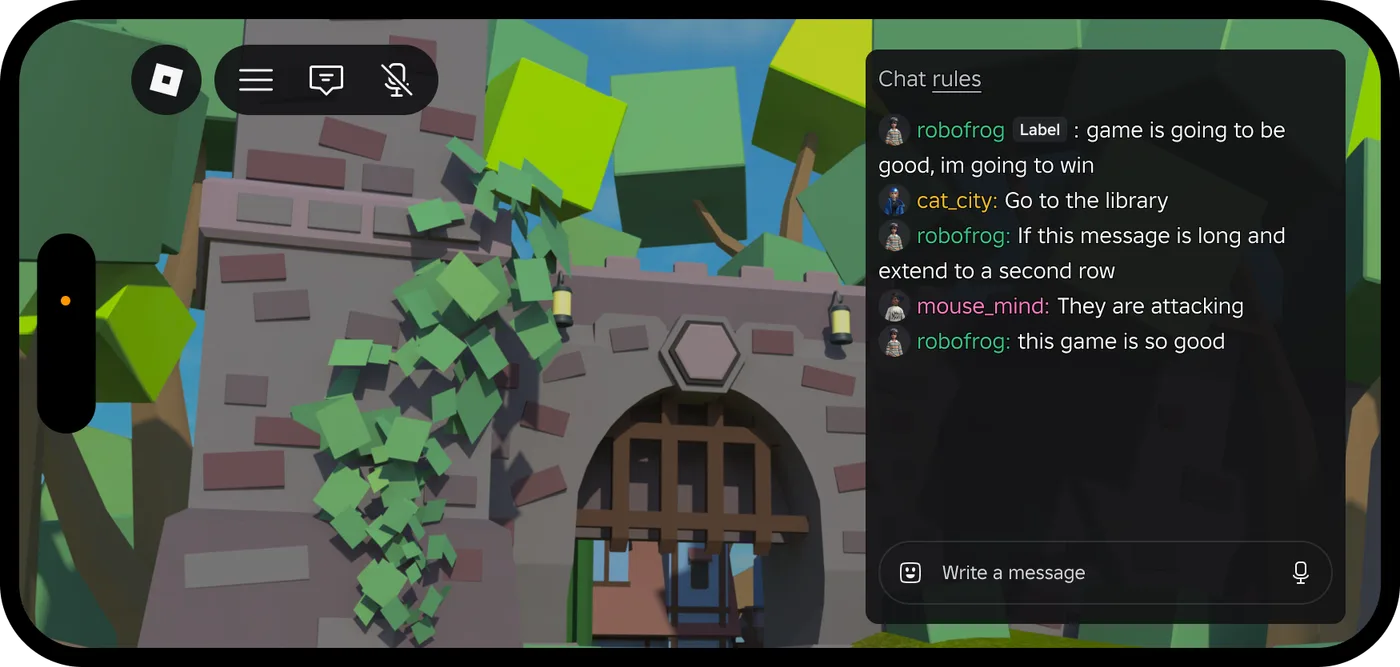
Roblox Platform-Integrated Chat: Migrate Your Custom Chat
On October 21, 2026, Roblox announced that chat message text will stop being readable from game code. It is opt-in today, the default from February 2027 and required from May 2027. Here is what stops working, the replacement for each custom chat feature, which one has no replacement yet, and how to test it in Studio now.
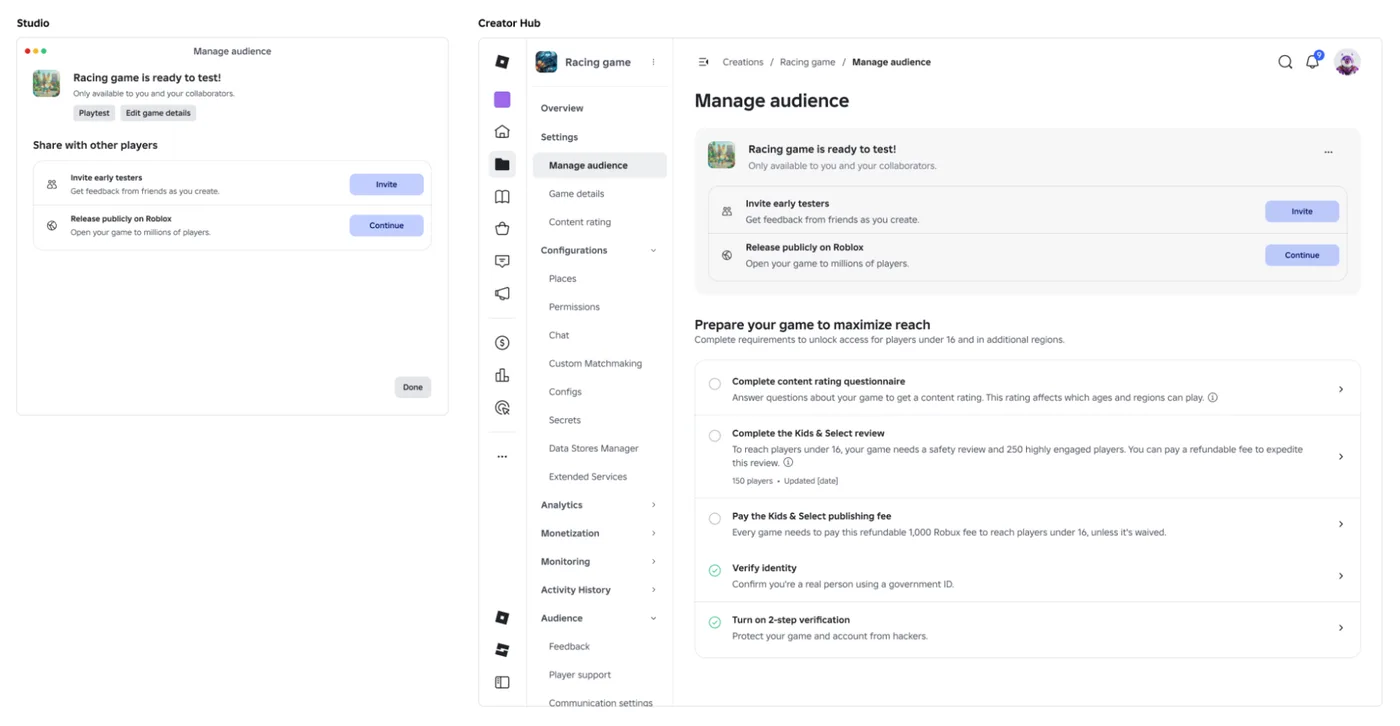
Roblox Early Testers and the New Publish Flow: What Changed
Since October 12, 2026, you can let up to 10 friends play your unreleased, unrated Roblox game, and Roblox is rolling out a path that lets a game with no age-restricted content reach age-checked players 16 and older by answering one question instead of the full questionnaire. Here is who can be an early tester, what replaced the Private and Limited audience settings, what the one question actually covers, and what still takes the long road to players under 16.

Roblox BadgeService Guide: Award, Check, Debug
Call AwardBadgeAsync on a player who isn't currently in your server and it fails one of five documented requirements — silently, the same way it fails for a disabled badge or a place outside the badge's own experience. Here is every BadgeService method, which four are dead, the rate limit two of them share despite a 10x difference in batch size, and the deprecated check that Roblox says will now always return true.

Best Roblox Games to Play in 2026
Roblox's front page is engagement bait. This is the filtered version: the games with real, sustained player counts and actual staying power, sorted by what you're in the mood for.

How to Get Robux Safely (Legit Ways + Scams to Avoid)
There is no free Robux generator. There never was. Here are the actual legit ways to get Robux without overpaying, the earning methods that really work, and the scams that exist purely to steal your account.