Tetris Finesse: Place Every Piece in Two Keypresses
Under SRS, every placement on the board is reachable in two keypresses before the drop. If you are spending five, you are not slow because of your hands — you are slow because of your habits.
Here is the claim that makes finesse worth an hour of your attention: using the Super Rotation System, every position on the playfield is reachable in two keypresses, not counting the hard drop that ends the placement. Two. That is not a pro-level target, it is the mathematical property of the system you are already playing in.
Now count what you actually do. Tap right four times to cross the board. Overshoot, tap back. Rotate twice because you rotated the wrong way first. That is seven inputs for a placement that needed two, and you are doing it forty times a minute.
This guide covers modern Guideline Tetris with SRS — TETR.IO, Jstris, Tetris Effect, Puyo Puyo Tetris, tetris.com. Classic NES Tetris has no SRS, no hold, and a fundamentally different movement model, so two-step finesse does not apply there.
What finesse actually means
Finesse, sometimes called movement finesse or two-step finesse, is input optimisation: placing a tetromino using the minimum number of keypresses. It is not about moving your fingers faster. It is about your fingers making fewer, better-chosen movements.
The distinction matters because the two feel identical from the inside and have opposite ceilings. Raw speed plateaus at whatever your hands can physically do. Input efficiency has no such wall — you are removing work rather than doing work faster, and the removed inputs never come back.
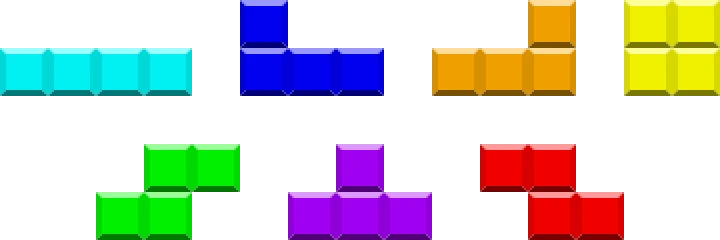
The pieces are not equal here. The O piece has one rotation state that matters, so it never needs a rotation input at all. The I, S and Z pieces each have two meaningfully distinct orientations. The J, L and T pieces have four. Your finesse burden is different for each piece, and the pieces you fumble are almost always J, L and T.
The two-keypress rule
The reason two presses suffice is that DAS — Delayed Auto Shift, the auto-repeat that kicks in when you hold a movement key — makes "travel all the way to the wall" a single input rather than one per column.
So your two presses are typically:
- One input that establishes horizontal position (a tap, or a held DAS to a wall).
- One input that establishes rotation (a single rotation press).
Some placements need only one input. A vertical I piece against the left wall is a rotation plus a DAS hold. An O piece flat against a wall is a single DAS hold with no rotation at all.
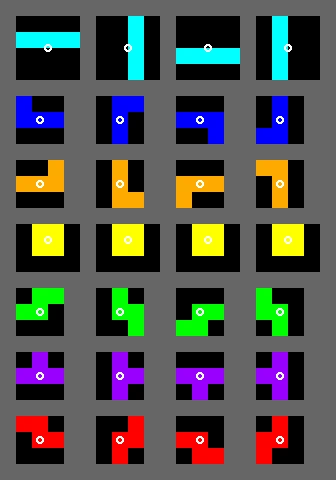
The single biggest finesse leak for most players is rotating the wrong direction first. Every piece with four orientations can reach any of them in at most two rotations, but the correct single rotation exists for three of the four targets. If you only ever press clockwise, you are spending two presses on every counter-clockwise target. Bind both rotation directions, use both, and the leak closes on its own.
DAS and ARR: tune these before anything else
Two settings govern how your held inputs behave, and both are exposed in TETR.IO, Jstris and most modern clients:
- DAS (Delayed Auto Shift) is the delay between pressing a direction and the auto-repeat starting. Lower DAS means the piece starts sliding sooner.
- ARR (Auto Repeat Rate) is how fast the piece moves once auto-repeat has begun. ARR of 0 makes the piece travel to the wall instantly.
There is no single correct pair of values, and anyone who tells you otherwise is selling their own muscle memory as physics. What is true:
- Very low ARR makes wall-to-wall travel effectively free, which is what makes DAS-based finesse comfortable. It also makes precise single-column taps harder, because a slightly long press sends the piece to the wall.
- Very low DAS makes taps feel twitchy — a deliberate single tap can trigger auto-repeat.
- Consistency beats optimality by a wide margin. Changing these settings resets your muscle memory. Pick reasonable values, then leave them alone for weeks.
The practical advice: set them once, early, before you have built habits around bad values. Then stop touching them. Players who re-tune every session never develop the reflexes that make the tuning worthwhile.
DAS tapback, the move that fixes columns 2 and 9
The awkward placements are the ones exactly one column away from a wall. Tapping across the board one column at a time is slow, and holding DAS overshoots into the wall.
The standard solution is DAS tapback:
- Hold DAS to the wall. The piece pins against the edge.
- Tap once in the opposite direction. It steps back exactly one column.
- Drop.
Two movement inputs, and crucially both are inputs you can perform without looking or counting. This is why tapback is worth drilling specifically: it converts an error-prone counting task into a fixed, repeatable gesture. Column 2 and column 9 stop being the columns where you fumble.
Rotation beats tapback more often than you think
Here is the refinement that separates people who have read about finesse from people who use it: not every one-away-from-wall placement needs a tapback.
Consider a T piece that needs to sit one column from the right wall, rotated. Tapback says: DAS right, tap left, rotate, drop — three inputs before the drop. But because the rotated T occupies a different footprint within its bounding box, you can instead do: DAS right, rotate counter-clockwise, drop. Two inputs. The rotation itself moves the piece off the wall.
The general principle: rotation changes which columns a piece occupies, so sometimes the rotation you needed anyway also does your horizontal adjustment for free. Before reaching for a tapback, ask whether the rotation gets you there by itself.
This is where finesse stops being a lookup table and starts being understanding. Two players can both know the tapback and only one of them notices when it is unnecessary.
Where finesse actually buys you time
Be clear-eyed about the payoff, because it is not evenly distributed:
- In sprint modes (40 lines), finesse is close to everything. You are placing 100 pieces and the board is usually clean. Cutting two inputs per piece cuts 200 inputs from the run.
- In versus, finesse buys thinking time. The value is not the milliseconds — it is that placements you execute without conscious attention free your attention for reading the queue, watching incoming garbage, and planning setups.
- In marathon and endurance modes, finesse matters most at high gravity, where you simply may not have enough frames to execute a sloppy sequence before the piece locks.
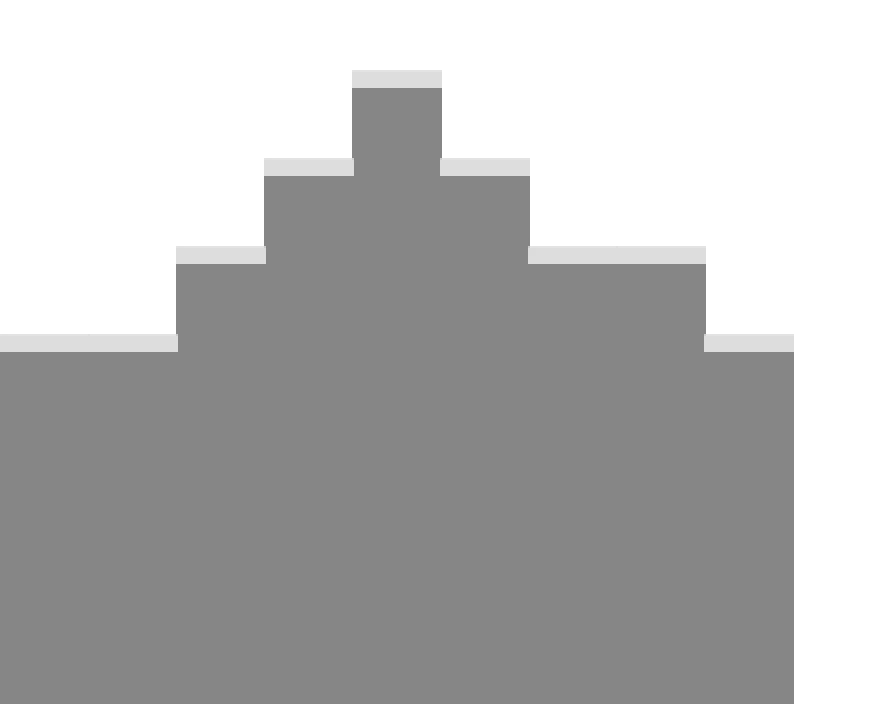
Notice the interaction with stacking. A board with a smooth surface presents mostly easy, wall-adjacent placements. A jagged board full of single-column canyons demands precise, high-input placements. Good stacking reduces the finesse burden, which is why the two skills compound — and why drilling finesse on a board you built badly feels so much harder than it should.
Training finesse without burning out
Most clients have a finesse warning or a finesse-fault counter. Turn it on. Then follow this order:
- Play slowly with the warning on. Deliberately. Accept a terrible sprint time. You are training decisions, not speed.
- Drill one piece at a time. Spend a session where you only care about J and L placements. These have four orientations and are where most faults live.
- Drill tapback in isolation. Set yourself the task of placing pieces exclusively in columns 2 and 9 for a few minutes.
- Turn the warning off and play normally. Do not chase zero faults in real games — the feedback loop makes you tentative, and hesitation costs more than a wasted keypress.
- Repeat weekly, not daily. Finesse consolidates during ordinary play. Grinding it every session produces frustration and marginal gains.
The realistic timeline is weeks, and progress feels like nothing happening followed by placements you did not consciously decide. That is what success looks like — the goal is for finesse to disappear from your awareness entirely.
What finesse will not fix
Worth saying plainly, because finesse gets oversold:
- It will not fix bad stacking. Placing a piece in the wrong column efficiently is still the wrong column. Board judgment is a separate and more valuable skill.
- It will not fix slow decisions. If you are staring at the queue deciding where a piece goes, saving one keypress is noise. Reading the queue earlier is the fix.
- It is not the reason you lose versus games. You lose those to holes, to bad downstacking, and to not watching incoming garbage.
Finesse is a multiplier on skills you already have. Build the fundamentals first — see Tetris stacking fundamentals for surface management, and the T-spin guide for turning a clean board into damage. More on the Tetris coverage hub.
Quick Action Checklist
- Bind both clockwise and counter-clockwise rotation, and actually use both.
- Target two inputs before the hard drop for every placement.
- Use DAS to a wall instead of tapping across the board column by column.
- Learn DAS tapback for the columns one away from each wall.
- Before using a tapback, check whether the rotation alone gets you there.
- Set DAS and ARR once, early, then leave them alone for weeks.
- Turn on your finesse warning for slow practice sessions only.
- Drill J, L and T specifically, since four orientations means the most faults.
- Turn the warning off for real games so you do not play tentatively.
- Fix your stacking first, because a clean surface means fewer hard placements.
Frequently Asked Questions
What is finesse in Tetris?
What DAS and ARR settings should I use?
What is DAS tapback and when do I use it?
Does finesse actually make you win more games?
Does finesse apply to NES Tetris?
Keep Reading
Related Guides
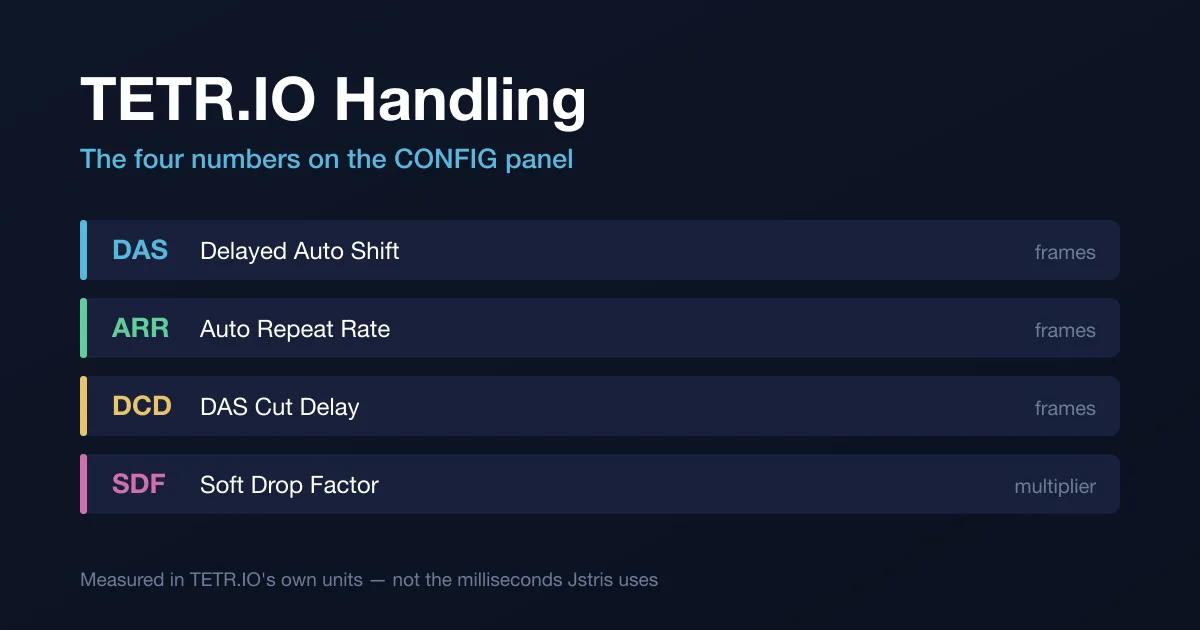
TETR.IO Handling Settings Explained: DAS, ARR, SDF, DCD
TETR.IO gives you four handling numbers and explains none of them in the panel. One of them had its ceiling raised out from under a warning, and one is described differently by the two sources that document it. Here is the whole panel, with the version and date each behaviour arrived.
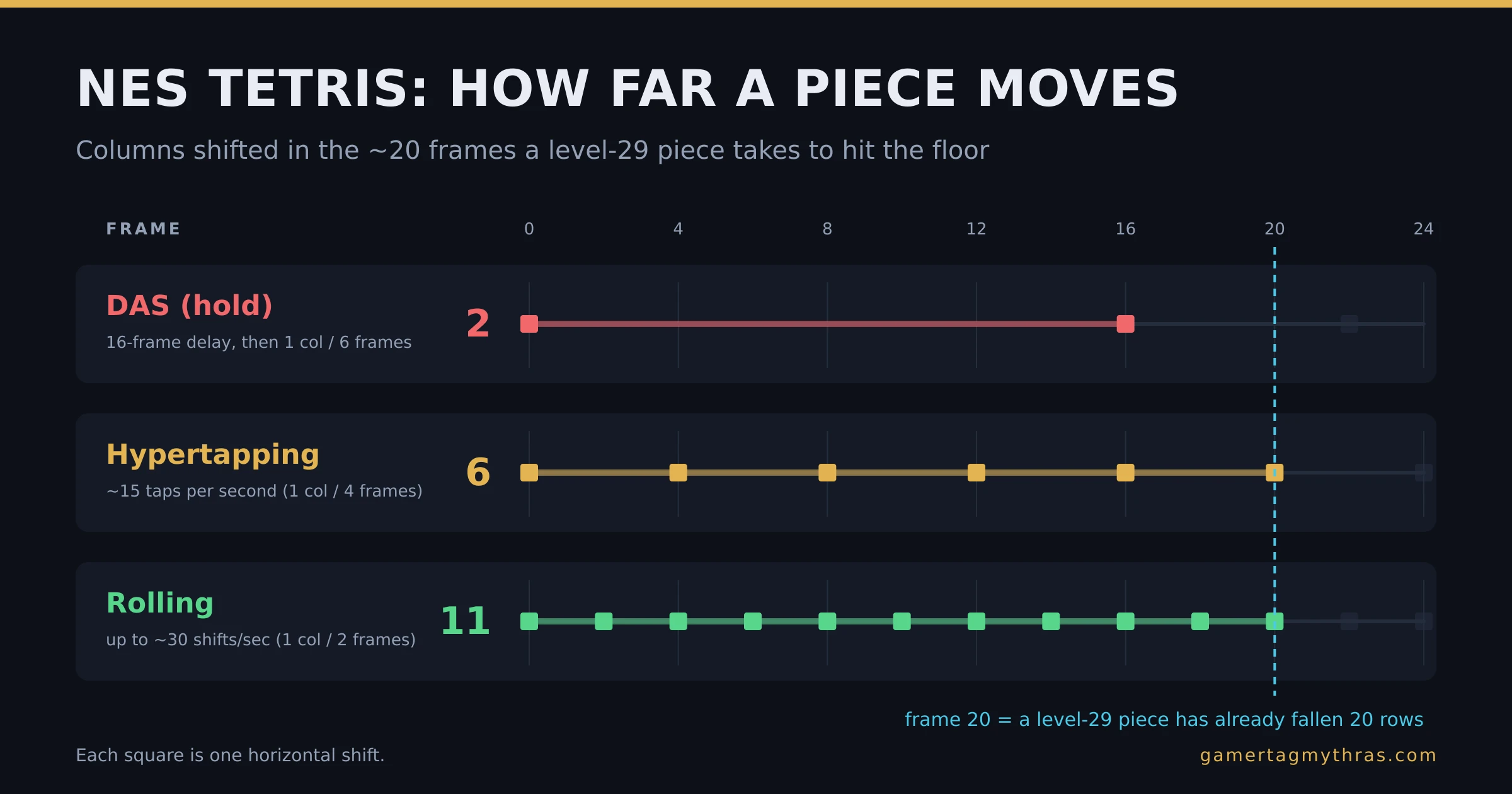
NES Tetris DAS, Hypertapping and Rolling: How the Kill Screen Died
NES Tetris moves your piece sideways ten times a second. At level 29 a piece falls the whole well in twenty frames. That gap is why hypertapping and rolling exist, and why the kill screen is not a kill screen anymore.
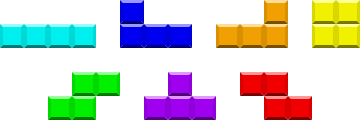
Tetris 40-Line Sprint: How to Actually Get Faster
You finished a clean run and the clock still said 48 seconds. The gap between you and a sub-30 sprint is not talent — it is two measurable numbers, and both of them are trainable. Here is exactly what to work on.
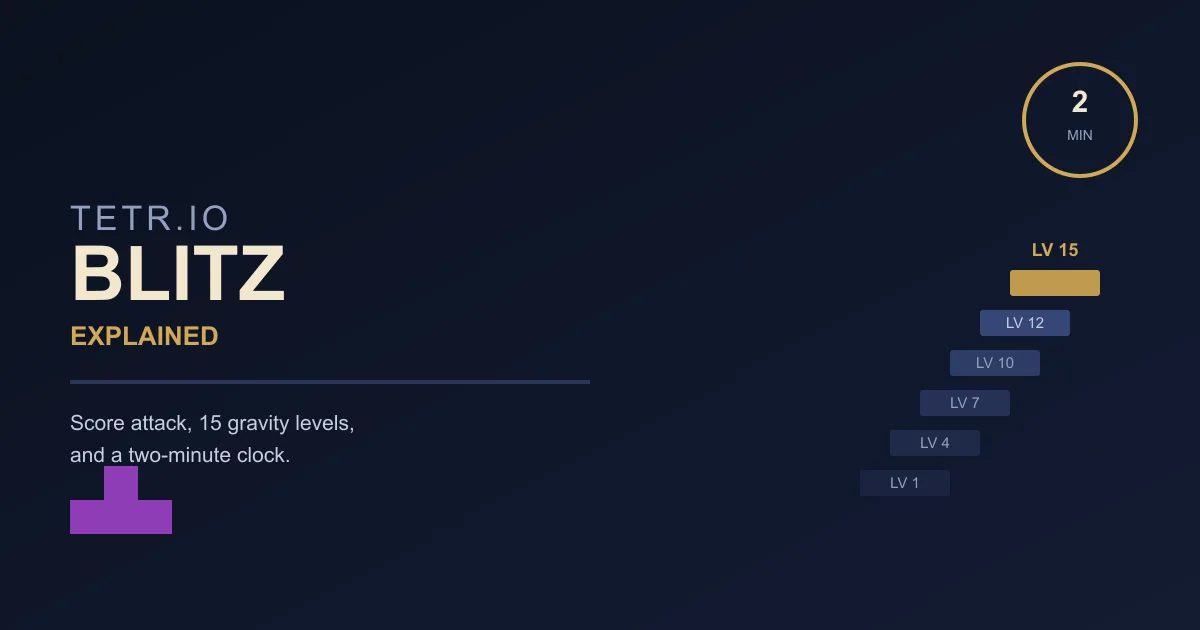
TETR.IO Blitz Explained: Levels, Gravity, and Score
TETR.IO's own wiki calls Blitz "similar to Ultra" and leaves it there. What that skips: a 15-level gravity ladder that multiplies every point you score and eventually outruns your reaction time, a Perfect Clear bonus that does not work the way Tetris Effect's does, and a spin rule the all-spin rework never touched.
Tetris Stacking Fundamentals: Build a Board That Wins
Most players do not lose to speed. They lose to a board they built themselves three minutes earlier. Here is how stacking actually works in modern Guideline Tetris, and the habits that stop you from burying your own well.
Tetris Forever Games: All 21 and Which Are Worth Playing
Digital Eclipse counts 21 playable games in Tetris Forever after its free updates, and one of them is a game of Go. What each one is, how its rules differ from modern Tetris, what each patch added, and which to open first.