The Last of Us Photo Mode Guide: Every Version Compared
Photo Mode has shipped in four Last of Us releases and the toolkit is different in each. How to open it, what each Part II tab does, what Part I and Part II Remastered added, and the slider settings Naughty Dog's own staff use.
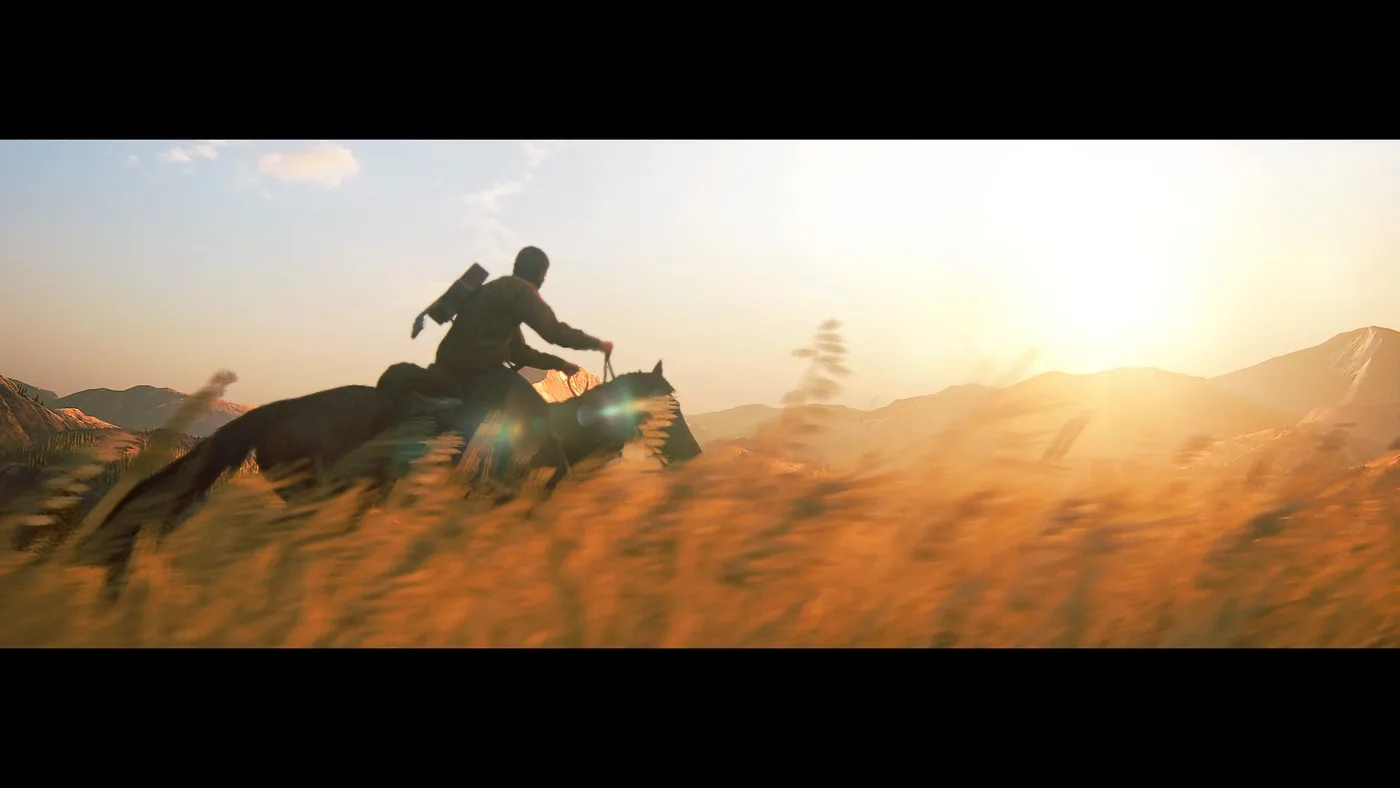
The Last of Us has shipped Photo Mode in four releases, and each one hands you a different kit. The 2014 Remastered version made you switch it on from the pause screen and then tap L3. Part II added an optional L3+R3 shortcut and a logo tab, but kept the camera on a short leash. Part I added up to three movable lights and a button that steps the scene forward one frame, and Part II Remastered brought those into the sequel and opened Photo Mode inside No Return. The 2013 PS3 original never had it.
This is the camera manual: how to open Photo Mode in each release, what each menu contains, what changed between versions, and the settings Naughty Dog's own staff say they use. Which release to buy is a separate question, answered in our versions guide. If you want to change what your subjects are wearing first, the outfits are in the Part I skins guide and the Part II Remastered skins guide.
Which releases have Photo Mode
| Release | Platform | How Photo Mode arrived | What that version brought |
|---|---|---|---|
| The Last of Us (2013) | PS3 | Never added | Nothing. The Last of Us Wiki says Photo Mode is not available in the PS3 version |
| The Last of Us Remastered (2014) | PS4 | Patch 1.01, which Naughty Dog said would be live worldwide by the July 29, 2014 launch | Ten colour filters, eleven frames, vignette and film grain |
| The Last of Us Part II (2020) | PS4 | Update 1.01, listed as a new feature about ten days before the June 19, 2020 launch | Eight tabs, logos and an optional L3+R3 shortcut |
| The Last of Us Part I (2022) | PS5, and PC from March 28, 2023 | In the game from its PS5 launch | Up to three dynamic lights and Frame Forward |
| The Last of Us Part II Remastered (2024) | PS5, and PC from April 3, 2025 | In the game at launch | Dynamic lighting, Frame Forward, Gaze Direction, new frames and logos, and Photo Mode inside No Return |
The Remastered row is from Naughty Dog's July 25, 2014 Photo Mode post, the Part II row from TheSixthAxis's report on update 1.01, the Part I row from the PlayStation Blog's Part I Photo Mode guide, and the Part II Remastered row from Naughty Dog's January 2024 features post. Naughty Dog's PC announcement says the PC version of Part II Remastered "brings with it all the new features the PS5 version introduced".
How to open it in each game
| Release | Open it | Shortcut | Camera in and out | Reset a tab | Hide the menu |
|---|---|---|---|---|---|
| Remastered (2014) | Switch Photo Mode on from the pause screen, then tap L3 during play | L3, once it is switched on | L1 and R1, in the Camera menu | R3 | X |
| Part II (2020) | Press Options and select Photo Mode | L3+R3, after you enable the binding in the Options menu | L2 and R2 | Triangle | Square |
| Part I (2022) | Press Options and select Photo Mode | L3+R3, after you enable it in the Options menu (P on keyboard) | L2 in, R2 out (Z and X on keyboard) | Triangle (R on keyboard) | Not documented |
Sources for that table: Naughty Dog's 2014 post and the wiki's summary of Naughty Dog's 2014 tutorial video for Remastered; TheSixthAxis and Android Central for Part II; GGRecon and the PlayStation Blog's Part I Photo Mode guide for Part I.
Three details that matter:
- Remastered will not freeze a cutscene. Naughty Dog's 2014 post says L3 works "as long you aren't in a cutscene".
- Turn the shortcut on before you need it. The PlayStation Blog's Part I guide says the shortcut is quicker than reaching for the Options button and "potentially miss a great composition". TheFourthFocus's Part II review says the binding stays active after you reload the game.
- Part II Remastered has no published control list. Naughty Dog lists what it added but not where the buttons are. TheFourthFocus's January 2024 comparison puts Frame Forward on the first tab, as in Part I, and says you can hide the menu and still cycle through settings.
Part II's eight tabs
Part II's menu is the base that Part I and Part II Remastered build on. Android Central lists its eight tabs from left to right, and the value ranges come from TheFourthFocus's review:
| Tab | What it controls |
|---|---|
| Camera | Game view or Custom. Custom orbits the character, with field of view (0 to 100) and roll (-120 to +120) |
| Depth of Field | On or off, Distance 0 to 100, Intensity 0 to 100 |
| Display | Brightness, saturation and sharpness |
| Screen Effects | Chromatic aberration, motion blur and film grain |
| Filters | 20 colour filters with intensity from 0 to 100, plus Hide Characters (None, Player, Allies, Enemies, Other, All) |
| Vignette | Intensity and size |
| Frames | Six frames, in black, white or screen colour |
| Logos | Five logos (Moth, Part II, Part II Vertical, Paw, Naughty Dog) in nine positions |
R3 toggles a grid overlay, according to Android Central. Naughty Dog's John Sweeney calls it a thirds grid, and Drew Wilson says he uses it to line up characters.
The weak point is the camera. In Custom mode it orbits the character on a tether and cannot tilt, and TheFourthFocus says L2 and R2 only pull it back "within a defined limit that varies by scene". It also found the manual focus steps too coarse, and TheSixthAxis's launch-week tips say you can't set a focal point directly. TheFourthFocus has one workaround: lower Camera Distance, in the Motion Sickness section of the Accessibility menu, and the Photo Mode camera gets slightly closer. That slider is covered in our Part II accessibility settings guide.
My read: Part II's colour tools are good and its camera is not. Composition is where the 2020 version runs out, so pick your spot before you press the shortcut.
Part I added lights and Frame Forward
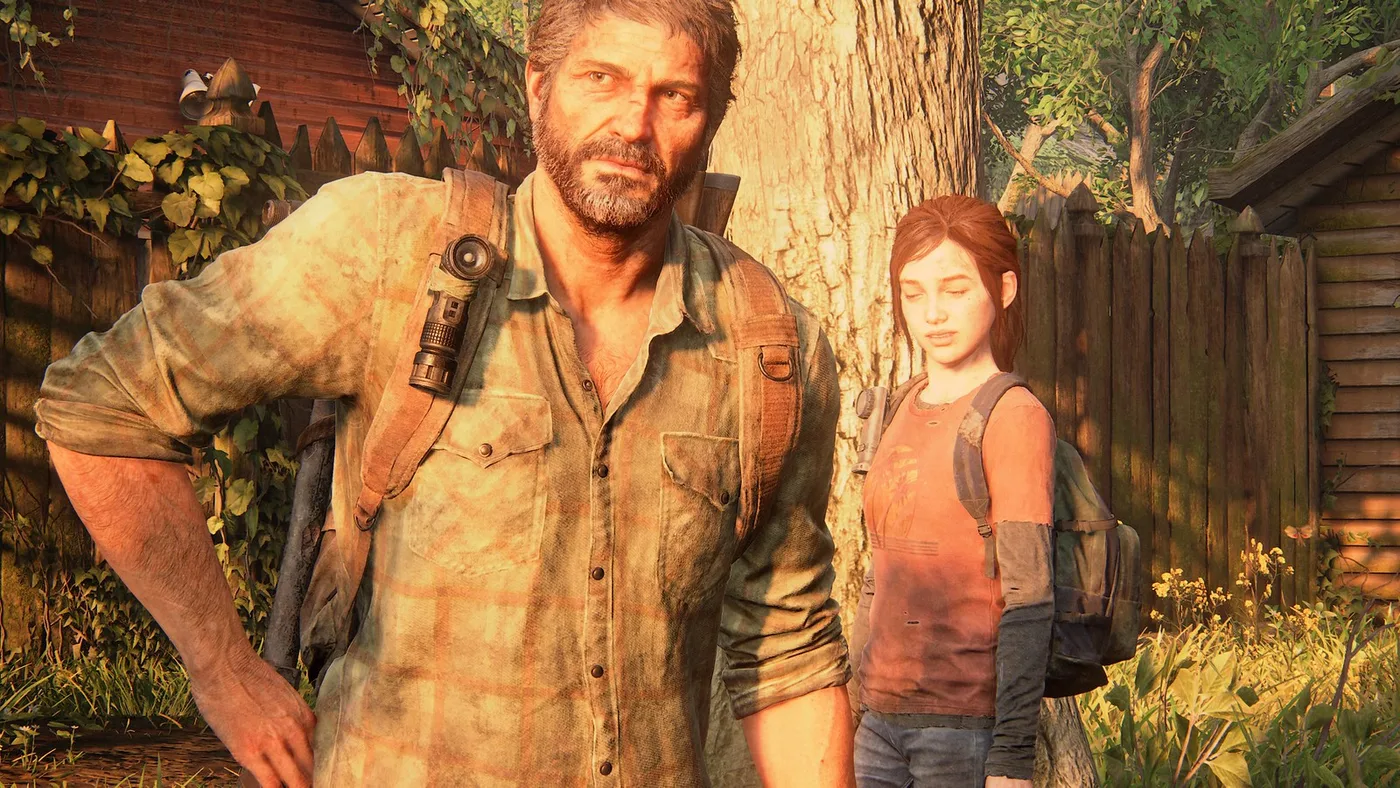
GGRecon's Part I walkthrough lists the same eight tabs as Part II plus a Lighting section. The PlayStation Blog's Part I guide, published September 7, 2022 and updated for the PC launch, singles out two additions.
Frame Forward is in the first tab. Each press moves the action on by a single frame. The blog's examples are a character caught mid-blink in a group portrait and an action pose that needs nudging. TheFourthFocus says the Part II Remastered version has no reverse step, so step through slowly.
Dynamic lights are in the far-right tab. Here is what the blog says you can set:
| Light control | What it does |
|---|---|
| Count | Up to three at once |
| Anchor | All three orbit your playable character, and each one moves independently |
| Position | Left stick |
| Distance | Set in the menu |
| Beam | Strength and size |
| Colour | Adjustable per light |
| Shadows | Each light can cast shadows from objects in the world, or not |
| Presets | Lighting presets such as "warm interior" |
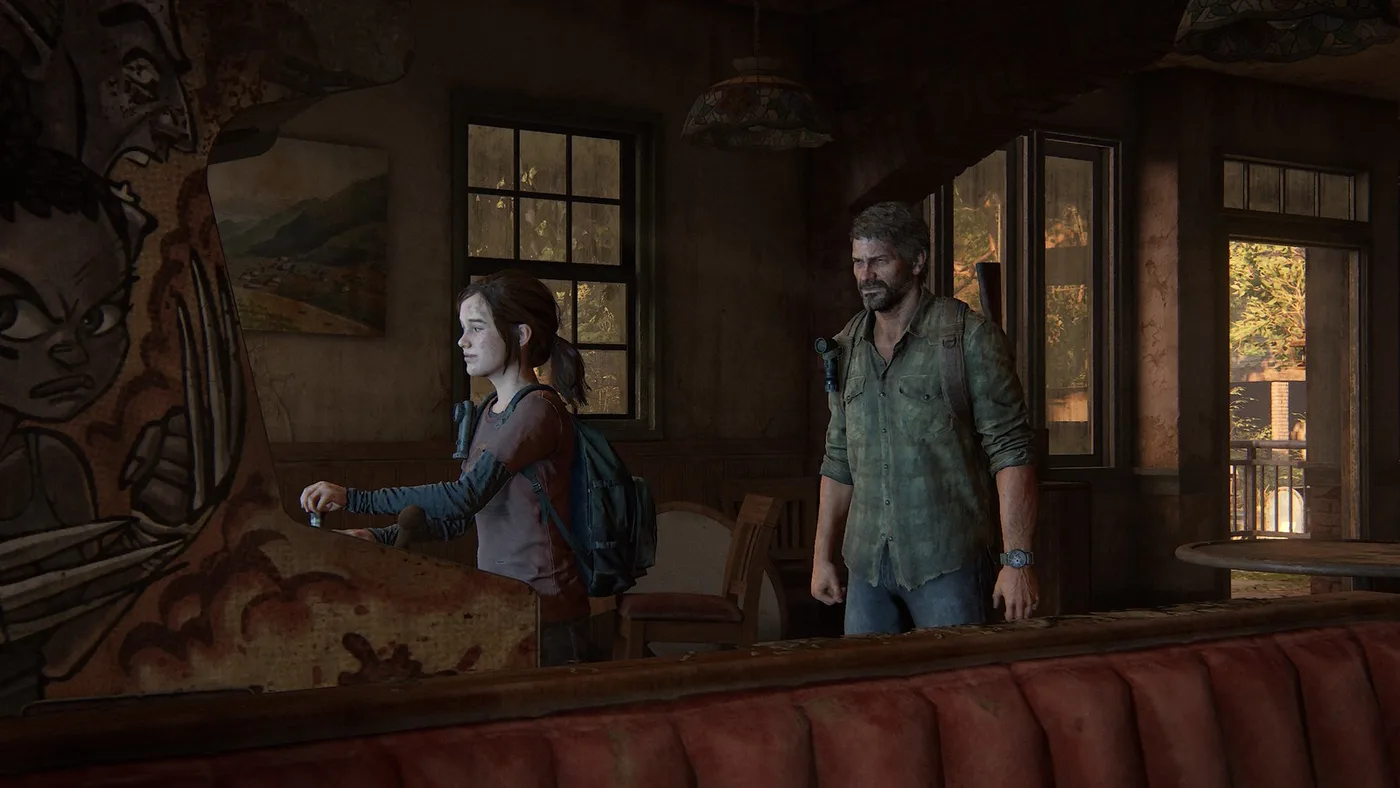
The blog's best practical tip, aimed at close-ups: keep Field of View wide (in the Camera tab) while you place lights, so you can see where each one is, then tighten the shot. The same guide uses Roll set to 90 for portrait orientation, Hide Characters to take Joel out of a frame, landscape and colour presets, and new "cut out" frames.
The PC version's Photo Mode bugs are in Naughty Dog's patch notes. v1.0.2.0 (April 2023) fixed the camera not rotating while in the Lighting tab. v1.1.0 (June 13, 2023) fixed a crash when saving Photo Mode images in 4K and an issue where exiting Photo Mode could make you throw your equipped item. v1.1.1 (July 2023) fixed "an issue blocking full selection of presets when using Gaze Direction". That note is the earliest Naughty Dog mention of Gaze Direction I could find. The PS5 guide does not mention it, so I can only confirm it for Part I on PC.
What Part II Remastered changed
Naughty Dog's January 2024 features post names four Photo Mode additions: dynamic lighting, Frame Forward, Gaze Direction, and new frame and logo options. It also says Photo Mode can be used in No Return. TheFourthFocus put the two versions side by side:
| Part II (2020) | Part II Remastered (2024) | |
|---|---|---|
| Camera roll | -120 to +120 | -180 to +180 |
| Frames | 6 | 34, including aspect-ratio crops, borders and text or logo cut-outs |
| Logos | 5 | 14 |
| Lights | None | Three, each moved and aimed separately, with brightness, spread and colour |
| Frame Forward | No | Yes |
| Gaze Direction | No | Yes |
| Photo Mode in No Return | No Return did not exist | Yes |
Gaze Direction moves the character's eyes. TheFourthFocus describes vertical and horizontal control plus preset positions, with the eyebrows following the eyes. It also found the option unavailable much of the time, whatever the character was doing.
The lights have caveats. TheFourthFocus found them weak even at maximum intensity, and weaker still in No Return. TheGamer adds that Photo Mode remembers your light setup for the next shot. Both reports date from January 2024. None of the Part II Remastered patch notes on Naughty Dog's support site mentions Photo Mode (ten PS5 patches, 1.0.5 to 2.1.1, and eight PC patches and hotfixes), so there is no official word on whether either issue has changed.
My pick for the most useful change is No Return support. Runs are randomised, so a frame you find there may not come round again. Naughty Dog has since published a fan Photo Mode collection built around No Return's playable characters (September 2024). Who those characters are and how they unlock is in our No Return guide.
Naughty Dog's own settings
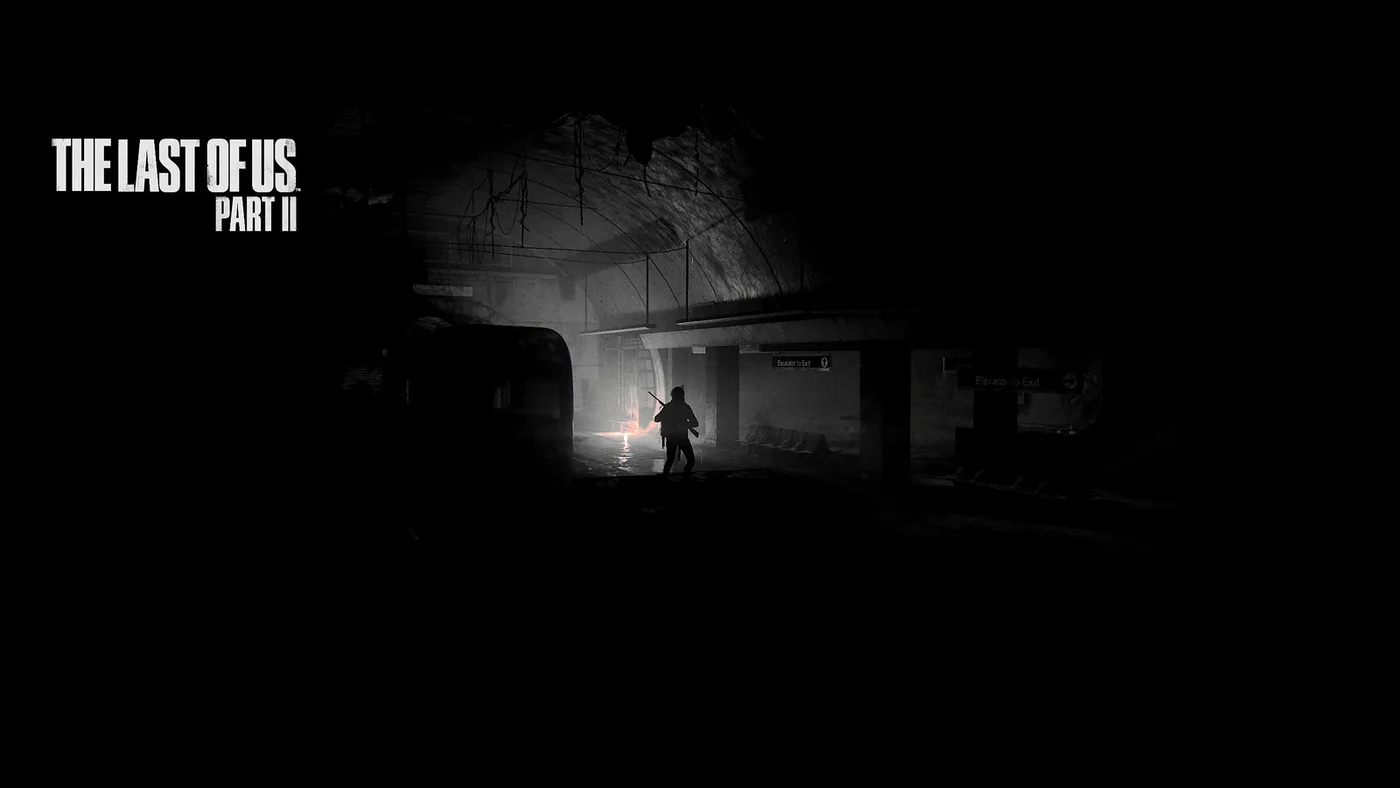
In October 2020 the PlayStation Blog published Photo Mode tips from five Naughty Dog staff, with the shots they took on a PS4 Pro. The numbers are from Part II, but the sliders they name are the ones in the tables above:
| Who | Role | What they set |
|---|---|---|
| John Sweeney | Art Director | Depth of Field and Motion Blur at around 10% together. Noir at 10 to 20% for Seattle's overcast levels, then Saturation and Exposure |
| Keith Paciello | Emotional Systemic Facial Animator | Cinematic: Depth of Field Distance 5 and Intensity 60, brightness about 60, the 2.75 frame. Portrait: the 1.33 frame plus vignette |
| Ashleigh Dale | QA and Dev Support | Black and white to find shapes. Blue Orange at about 85% for a painterly look, or Blue Orange or Vintage at about 75%. Max the Depth of Field strength to place the focus, then pull it back |
| Matt Neapolitan | Cinematographer | Motion Blur up to suggest speed, 0 to freeze it. Raise Depth of Field when you narrow Field of View. Saturation 0 or Noir to test a composition. Grain at 90 for low light |
| Drew Wilson | QA and Dev Support | Depth of Field on, Saturation up and Film Grain down as defaults. R2 to pull the camera out, the 2.75 frame for a cinematic look |
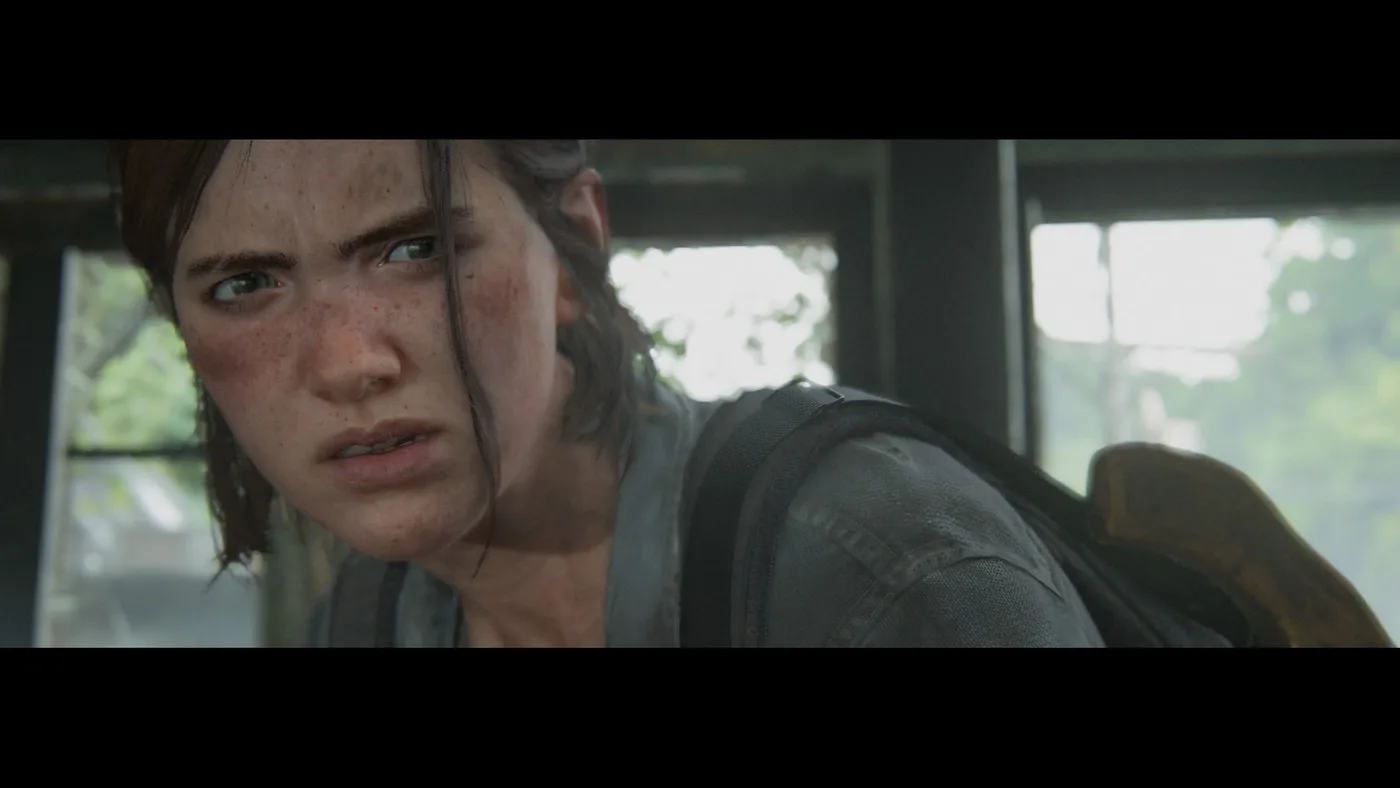
The image at the top of this page is Neapolitan's. He turned Motion Blur up to fake a slow shutter and left open space ahead of the horse. The tunnel shot above is Dale's. She pulled the camera out as far as it would go, silhouetted Ellie against a flare, and switched to black and white to see what shapes were left.
If you take one number from the table, take Sweeney's: Depth of Field and Motion Blur near 10% is the starting point he says he uses before touching the filters.
Slow Motion, Chapter Select and other tricks
- Slow the game down first. Sweeney points to the Slow Motion option in the Accessibility menu, which he says runs the game at half speed, for timing explosions and action poses. In Part II it is in the Combat Accessibility section, behind the Enable Combat Accessibility switch, with three settings: Off, While Aiming and Toggle. On Toggle, Naughty Dog's accessibility list says you swipe right on the touch pad to turn it on and off.
- Use Chapter Select to go back. The Part II blog post says Chapter Select is the easy route back to scenes once the campaign is done.
- Use the game's own animations for poses. Wilson got a wet look in a Seraphite fight by going prone to fully submerge underwater, and he believes Ellie's axe pose came from dodging with L1.
- Reset and look again. The Part I guide suggests pressing Triangle on each tab after a shot and sweeping the camera round. Its author got three different shots from one frozen moment with Hide Characters, a 90-degree Roll and a preset change.
Photo Mode filters are not the Extras filters
Two different things get called filters, and Part I uses the word for both.
- Photo Mode's own colour filters. TheFourthFocus's review counts 20 in Part II's Photo Mode Filters tab, each with an intensity from 0 to 100. These are the ones Naughty Dog's staff set to a percentage.
- The points-shop render modes, which Part I labels Filters. Naughty Dog's post on Part II's Grounded update, which arrived August 13, 2020, calls them "graphics rendering modes" and says they change the look of the game. The Last of Us Wiki says they cost 5 points each, counts 29 in Part II plus Dither Punk in Part II Remastered, and says Part I sells 30 of them, labelled filters, at 5 points each.
Some names are in both lists. Noir, Vintage and Trinity are Photo Mode filters in the Naughty Dog tips and are also on the wiki's render mode list. A guide that tells you to "use Noir" might mean either one. Points prices are in the Part I skins guide and the Part II Remastered skins guide.
Where your shots are saved
| Version | Where the image goes |
|---|---|
| Remastered and Part II on PS4 | Press Share to take the screenshot; it lands in the PS4 Capture Gallery |
| Part I and Part II Remastered on PS5 | The PS5 Media Gallery |
| Part I on PC | Your Windows Saved Games folder, under The Last of Us Part I, in a screenshots folder |
The PS4 row is from Android Central and the Part II blog post, and the Part I rows for PS5 and PC are from the Part I blog post; Part II Remastered on PS5 uses the same console Media Gallery. I could not find a published save path for Part II Remastered on PC. Our PC requirements guide covers the rest of both PC ports.
Quick Action Checklist
- Enable the L3+R3 Photo Mode shortcut in the Options menu in Part II and Part I (P on a keyboard in Part I on PC).
- On Remastered for PS4, switch Photo Mode on from the pause screen, then tap L3. It will not work in a cutscene.
- Start from Sweeney's base: Depth of Field and Motion Blur near 10%, then adjust filters.
- Use the 2.75 frame for a cinematic shot and the 1.33 frame for portraits.
- In Part I and Part II Remastered, use Frame Forward to fix a blink, and keep Field of View wide while you place lights for a close-up.
- Take Photo Mode into No Return in Part II Remastered, because a random run may not give you the same frame twice.
- For action shots, set Slow Motion under Combat Accessibility first.
- Don't confuse Photo Mode's colour filters with the 5-point Extras render modes, which Part I calls filters. Some share a name.
- On PS3 there is no Photo Mode. For screenshots of the first game, play Remastered or Part I.
More Last of Us breakdowns are on the The Last of Us coverage hub, the full chapter list for picking locations is in the Part I chapter walkthrough, and everything else is on the Mythras blog.
Frequently Asked Questions
How do you open Photo Mode in The Last of Us Part 2?
Does The Last of Us Part 1 Photo Mode have lighting?
What is Frame Forward in The Last of Us Photo Mode?
What did The Last of Us Part 2 Remastered add to Photo Mode?
Can you use Photo Mode in No Return?
Does the PS3 version of The Last of Us have Photo Mode?
Where are The Last of Us Part 1 Photo Mode screenshots saved on PC?
Keep Reading
- Mythras blog
- The Last of Us coverage hub
- The Last of Us versions guide
- The Last of Us Part I skins guide
- The Last of Us Part II Remastered skins guide
- The Last of Us Part II accessibility settings guide
- The Last of Us No Return guide
- The Last of Us PC requirements guide
- The Last of Us Part I chapter walkthrough
- The Last of Us Remastered Photo Mode — Naughty Dog (July 25, 2014)
- Photo Mode — The Last of Us Wiki
- The Last of Us Part II update 1.01 includes photo mode, full notes here — TheSixthAxis (June 9, 2020)
- The Last of Us Part II photo mode tips & tricks — TheSixthAxis (June 18, 2020)
- How to use photo mode in The Last of Us Part 2 on PS4 — Android Central
- The Last of Us Part II: Photo Mode Review — TheFourthFocus (June 26, 2020)
- Naughty Dog's guide to The Last of Us Part II's Photo Mode — PlayStation Blog (October 27, 2020)
- Does The Last Of Us Part 1 Photo Mode Exist? — GGRecon (August 31, 2022)
- The Last of Us Part I: Photo Mode detailed — PlayStation Blog (September 7, 2022, updated March 27, 2023)
- The Last of Us Part I v1.0.2.0 Patch Notes for PC — Naughty Dog
- The Last of Us Part I v1.1.0 Patch Notes for PC — Naughty Dog
- The Last of Us Part I v1.1.1 Patch Notes for PC — Naughty Dog
- Dive Deeper into New The Last of Us Part II Remastered Features, Out Jan. 19 — Naughty Dog (January 16, 2024)
- What are the new features of The Last of Us Part II Remastered? — Naughty Dog Support
- 8 Photo Mode Changes in The Last of Us Part II Remastered — TheFourthFocus (January 28, 2024)
- The Last Of Us Part 2 Remastered's Photo Mode Is A Great Cinematography Tutorial — TheGamer (January 31, 2024)
- The Last of Us Part II Remastered Comes to PC April 3, 2025 — Naughty Dog (December 12, 2024)
- Photo Mode Collection: No Return — Naughty Dog (September 26, 2024)
- The Last of Us Part II Accessibility Features Detailed — Naughty Dog
- Filter — The Last of Us Wiki
- The Last of Us Part II Update Adds Grounded Difficulty, Permadeath Mode, and More — Naughty Dog (August 11, 2020)
Related Guides
The Last of Us Part 1 Human Enemies: All Six Factions
Six human groups fight Joel and Ellie across eight of Part I's twelve chapters, and they do not carry the same kit. Where each one appears, what the wiki lists them carrying, who wears armor, and what the 2022 remake changed about how they hunt you.
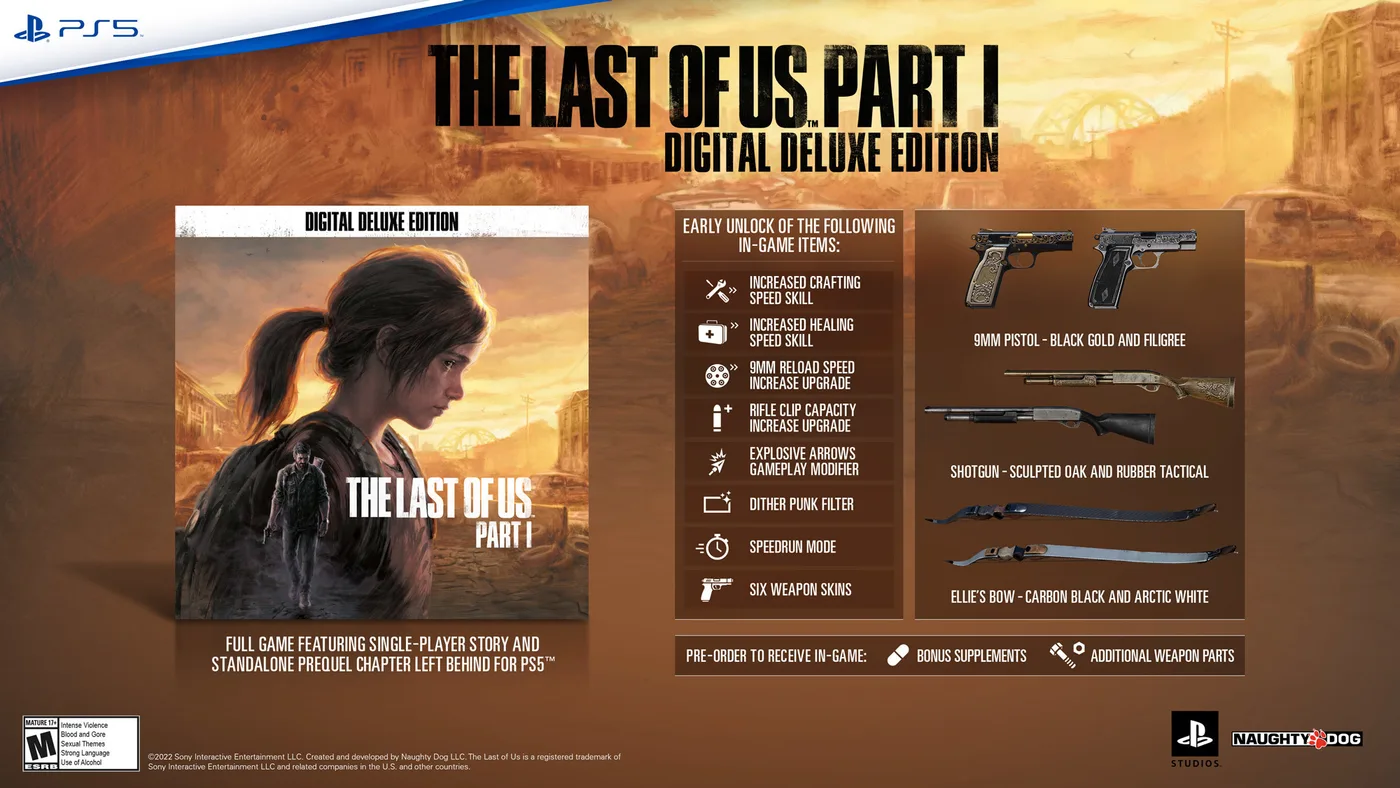
The Last of Us Part 1 Skins: All 55 and What They Cost
Part I kept all 21 skins from the 2013 game, added 18 outfits and 16 weapon skins, and put the lot in one points shop. Here is the listed price of each skin, filter and modifier, what the Digital Deluxe Edition actually unlocks, and the two Steam-only shirts.
The Last of Us Part 2 Crafting Guide: All 12 Recipes
Part II has twelve crafting recipes and neither character gets all of them. Here is every ingredient list, which recipes are locked behind a skill, what one craft yields, and where the ingredients collide.
The Last of Us Part 2 Remastered Skins: How to Unlock Them
The 2020 release of Part II had no outfits you could wear. Remastered added dozens, split between a points shop and No Return challenges. Here is what each one costs or asks of you, and where the lists disagree.
The Last of Us Infected Guide: How to Beat Every Type
A clicker cannot see you and cannot be strangled. Those two facts decide more encounters than any gun you own. Here is how all four infected stages actually work, and what to spend on each.
The Last of Us Part 2 Ending Explained
Ellie has Abby underwater, both hands locked around her throat, and every reason in the world to finish it. She lets go anyway. Here is the complete chain of events from the golf club in Jackson to the song Ellie can no longer finish on Joel's guitar.