Minecraft Bundle Guide: What Actually Fits Inside One
A bundle does not give you extra storage. It gives you one stack's worth of space that can hold mixed items, and the exchange rate is set by each item's stack size — so 64 cobblestone fit, 16 ender pearls fill it completely, and a single sword fills it on its own. Here is the full capacity math, both control schemes, the nesting rules, and where bundles generate.
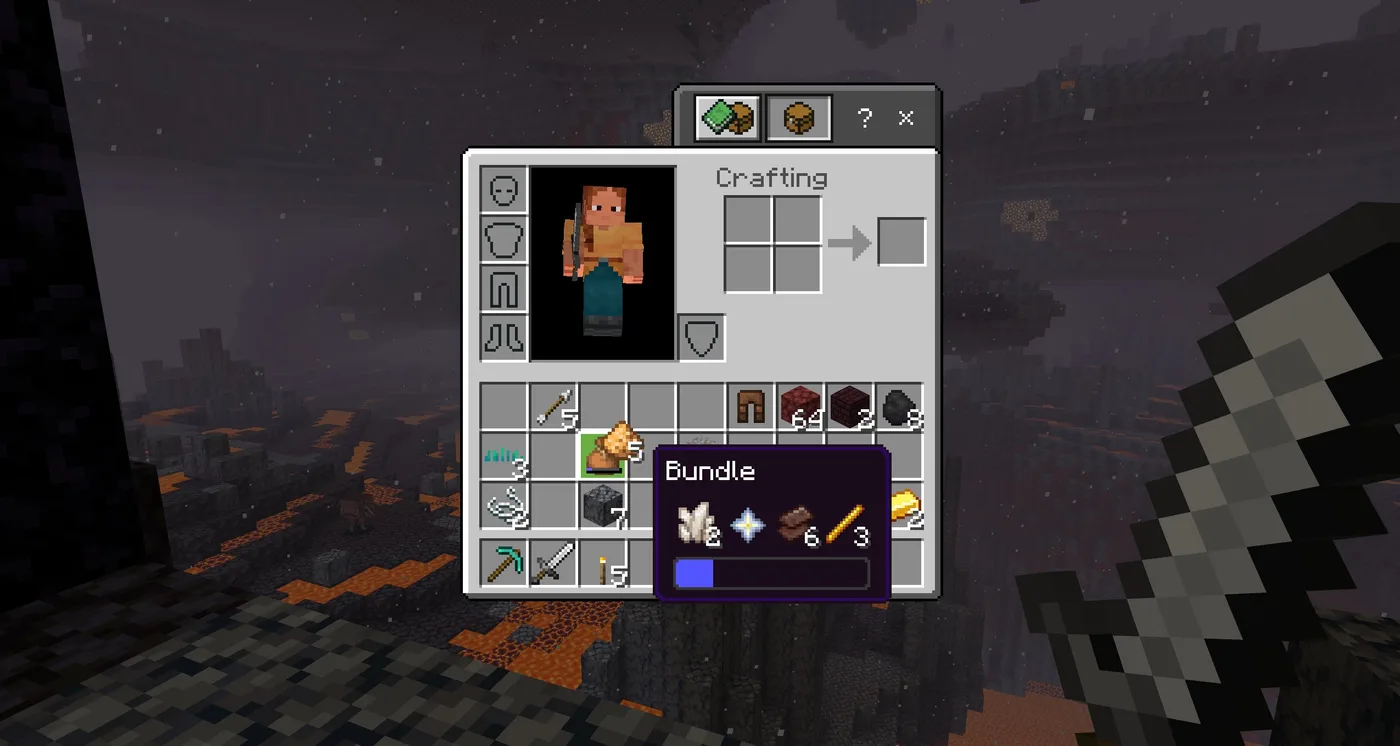
A bundle looks like a fix for inventory pressure, and half of that is true. The half that decides whether one is worth crafting is the number behind it: a bundle does not add capacity. It holds exactly one stack's worth of space — 64 units — and lets that space be occupied by different item types at once.
The exchange rate is what decides whether crafting one was worth a string and a piece of leather. An item costs bundle space equal to the reciprocal of its own stack size. A block that stacks to 64 costs 1 unit. An ender pearl, which stacks to 16, costs 4. A sword, which does not stack, costs all 64. That rule sets almost every capacity number in this guide — the Minecraft Wiki documents two items that override it, nested bundles and containers holding bees, and both are covered below.
Here is the whole item, with the capacity math, both control schemes, the nesting rules, and the two places a bundle actually comes from.
A bundle holds 64 units, not 64 items
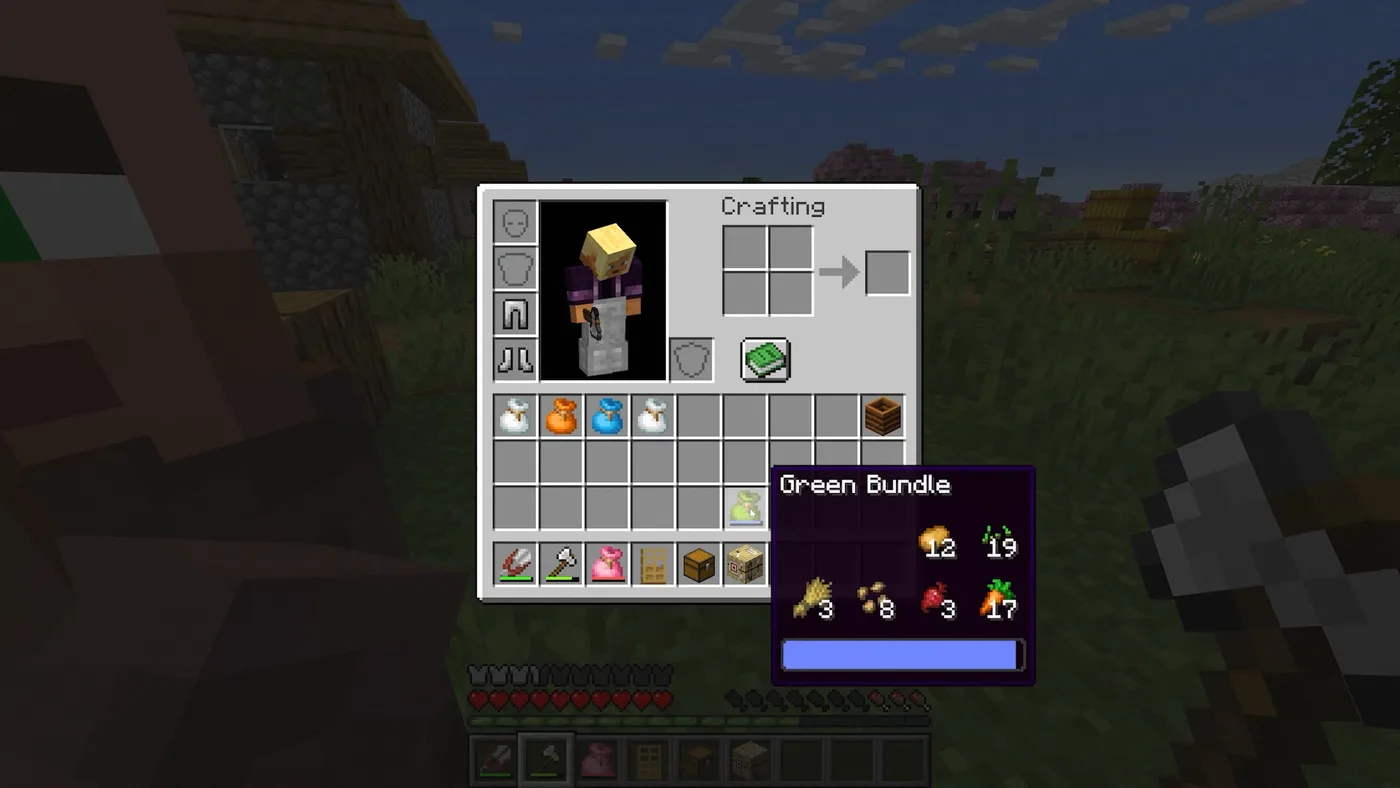
Think of the bundle as a meter that runs 0 to 64. Early snapshots printed that meter literally, as a fullness value out of 64, and the blue bar you see today is the same meter drawn as a graphic.
An item's cost in that meter is 64 divided by its normal stack size:
- Stacks to 64 (cobblestone, torches, arrows, coal, ender chests) → 1 unit each
- Stacks to 16 (ender pearls, eggs, snowballs, empty buckets, signs, banners, honey bottles, written books) → 4 units each
- Does not stack (potions, boats, minecarts, beds, saddles, enchanted books, every tool and armour piece) → 64 units, the entire bundle
On Java the rule is implemented literally against the item's max_stack_size data component, so a datapack that changes an item's stack size changes what it costs inside a bundle too.
The upshot is that a bundle is a defragmenter, not a container. It is at its best when you are carrying a dozen ragged part-stacks of ordinary 64-stack items and want them in one slot instead of twelve.
The capacity table
The figures below all assume an empty bundle. Every row except the last two is the reciprocal rule doing the arithmetic; those two are the exceptions the wiki documents separately:
| Item type | Normal stack size | Bundle units per item | Max in one bundle |
|---|---|---|---|
| Cobblestone, torches, arrows, coal, bread | 64 | 1 | 64 |
| Ender pearls, eggs, snowballs, empty buckets | 16 | 4 | 16 |
| Signs, banners, honey bottles, written books | 16 | 4 | 16 |
| Armor stands (Java) | 16 | 4 | 16 |
| Armor stands (Bedrock) | 64 | 1 | 64 |
| Potions, boats, minecarts, beds, saddles | 1 | 64 | 1 |
| Tools, weapons, armour, enchanted books | 1 | 64 | 1 |
| Another bundle (empty) | — | 4 | 16 |
| Bee nest or beehive with bees inside | — | 64 | 1 |
Two rows there are worth stopping on.
Armor stands split by edition. They stack to 16 on Java and 64 on Bedrock, so the same bundle carries 16 of them on one edition and 64 on the other. It is the cleanest example of the rule doing the work rather than a hand-written capacity list.
A bee nest with bees in it eats the whole bundle even though an empty nest stacks to 64. Occupied nests and hives are treated as a full stack's worth of space regardless of what their stack size says.
Where bundles come from
Two sources exist in a released version.
Crafting. One string above one leather. That two-item recipe replaced the original 1.17 snapshot version, which cost two string and six rabbit hide, during the 1.21.2 development cycle.
Village chests. Bundles were added to village loot in Java 1.21.5 and Bedrock 1.21.70, and they show up at the same rate in eight different containers:
| Structure | Container | Chance of a bundle | Quantity |
|---|---|---|---|
| Village | Plains house chest | 33.3% | 1 |
| Village | Desert house chest | 33.3% | 1 |
| Village | Savanna house chest | 33.3% | 1 |
| Village | Snowy house chest | 33.3% | 1 |
| Village | Taiga house chest | 33.3% | 1 |
| Village | Weaponsmith's chest | 33.3% | 1 |
| Village | Cartographer's chest | 33.3% | 1 |
| Village | Tanner's chest | 33.3% | 1 |
One in three per chest is generous, but the recipe is so cheap that village looting is a bonus rather than a plan. If you have killed a spider and a cow, you have a bundle.
A note on what has not shipped: Java 26.3 was still snapshot-only in late August 2026, and it adds bundles to barrels and chests in abandoned camps. That is a snapshot feature, not a released one — it is deliberately absent from the table above, and abandoned camps are not something you can go and loot in 26.2.
Putting things in and getting them out
The controls are asymmetric. You insert with the Take control and retrieve with the Take half control.
| Action | Mouse | Xbox | PlayStation | Switch | Touch |
|---|---|---|---|---|---|
| Insert item into bundle | Left click | A | Cross | A | Tap |
| Retrieve last item added | Right click | X | Square | Y | Tap bundle, tap item, tap slot |
| Scroll through bundle contents | Scroll wheel | Right stick | Right stick | Right stick | — |
| Dump one group into the world | Use bundle from hotbar | Use bundle from hotbar | Use bundle from hotbar | Use bundle from hotbar | Use bundle from hotbar |
Two ways to load one: hold the bundle on your cursor and click the items you want, or hold the items and click the bundle. Only the first of those lets you put a bundle inside another bundle.
Retrieval defaults to the most recently added slot — bundles behave like a stack of plates, not a filing cabinet. To reach anything underneath, hover the bundle with an empty cursor and scroll; the selected slot lights up with a bright underlay, the bundle icon opens, and the next Take half pulls that item instead. Move the cursor off the bundle and it closes without taking anything.
One more behaviour to know before you load anything valuable: using a bundle while it is selected in the hotbar throws the most recently added group out into the world, in the direction you are facing. That is a feature for dumping cobble, and a disaster for the bundle you keep your ender pearls in.
Three cases where a bundle costs you a slot
The capacity rule cuts both ways, and there are places where crafting a bundle makes your inventory worse.
1. One item type that stacks to 16. A full bundle of ender pearls holds 16. An ordinary inventory slot also holds 16. You have spent a slot and a crafting step to move 16 pearls from one square to a different square. Same for eggs, snowballs and empty buckets.
2. Anything unstackable. A bundle holds exactly one sword, one potion, one bed. Since bundles themselves do not stack, that is a slot holding one item, wrapped in a slot holding one item.
3. One item type that stacks to 64. A bundle of 64 cobblestone is a stack of 64 cobblestone that took leather to make and needs extra clicks to unpack.
The condition for a bundle to actually win is narrow and easy to state: several different 64-stack item types, none of them near a full stack, adding up to 64 or less. That is a mining return trip, a mixed food kit, a build's trim materials. It is not a bulk transport tool.
Nesting rules: bundles, boxes and bees
- A bundle can go inside a bundle. It costs 4 units of the outer bundle plus whatever the inner one is carrying — so 16 empty bundles is the ceiling, and each item you load into the inner one eats into the outer one's meter as well.
- A shulker box cannot go inside a bundle. The reverse works fine: bundles store in shulker boxes, chests, barrels, hoppers and ender chests.
- A nested bundle's own stack-size component does not change its cost. The 4 units is fixed on Java regardless of what
max_stack_sizesays — one of the two places the reciprocal rule is deliberately overridden, the other being an item carrying bees. - Occupied bee nests and beehives take the full 64 units, as above.
Bundle versus shulker box
These two are not competing for the same job. Full shulker mechanics are in the shulker box guide; the short version of the difference:
| Bundle | Shulker box | |
|---|---|---|
| Capacity | 64 units, mixed types | 27 full slots |
| Cost | 1 string + 1 leather | 2 shulker shells + 1 chest |
| Available from | First night | After reaching an End city |
| Placeable as a block | No | Yes |
| Stacks in inventory | No | No |
| Can hold a shulker box | No | No |
| Can go inside a shulker box | Yes | No |
| Colours | 16 dyes | 16 dyes |
A shulker box holds up to 27 full stacks — 1,728 items of a 64-stack type. A bundle holds 64 units total. The bundle wins on availability and on tidiness; the box is the one that moves bulk, and per the table above it is also the one you can place down and open as a container.
Dyeing, naming and reading the tooltip
Bundles come in the plain leather colour plus 16 dyed variants, each crafted shapelessly from any bundle plus the matching dye. You can re-dye a coloured bundle into a different colour; the recipe refuses only when the dye matches the colour it already is.
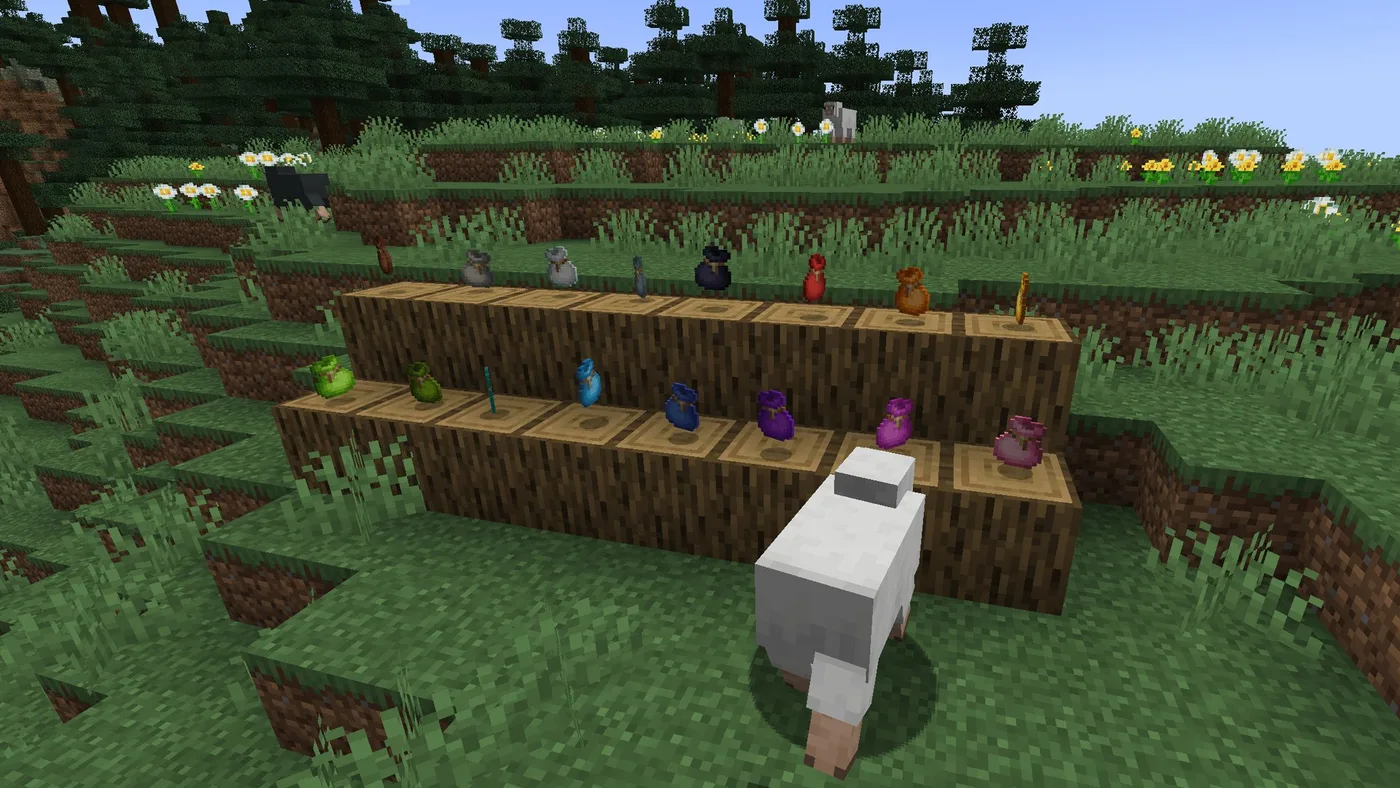
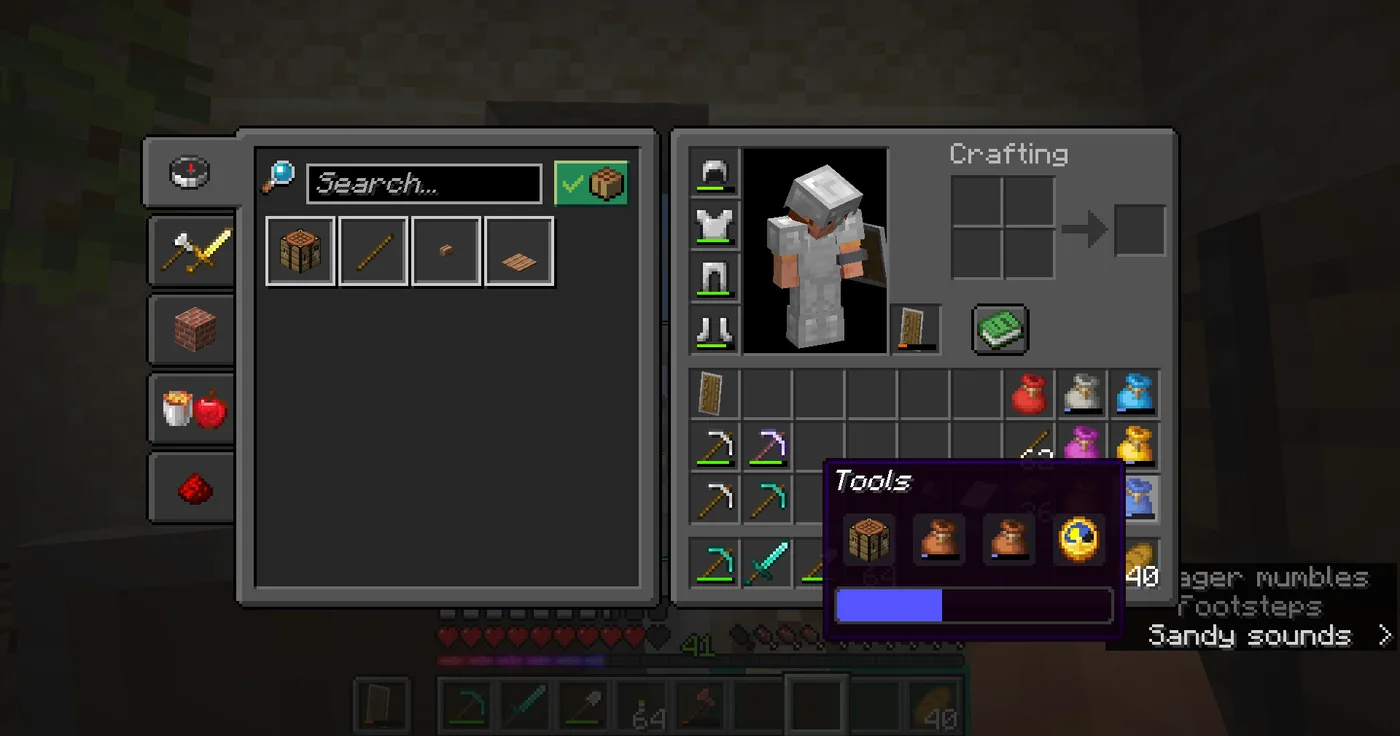
Combine that with an anvil rename and the tooltip does the work of a labelled chest row: a green "Food" bundle, a red "Blocks" bundle, a grey "Tools" bundle, each readable at a glance in the hotbar.
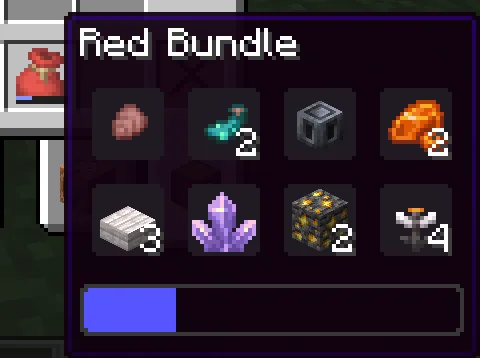
The tooltip itself carries more information than it looks like:
- The blue bar is the fullness meter. It turns red when the bundle is full.
- An empty bundle shows the text "Empty" and the description "Can hold a mixed stack of items".
- Contents are listed most recently added first, right to left, four slots per row.
- Only the top three rows are drawn. Past that, the bottom-right slot is replaced by a +N count, and N includes the slot the label displaced.
- Bundles also draw the fullness bar on the item icon itself, in the same place a tool draws durability.
What happens when you drop one
A dropped bundle is a single item entity carrying its contents, the same way a broken shulker box is. That has two consequences worth planning around.
Good: on death, a loaded bundle is one item to sprint back for instead of a scatter of part-stacks. Items despawn after 6,000 game ticks — 5 minutes — of sitting in a loaded, entity-ticking chunk, and one entity is far easier to reach inside that window than eleven.
Bad: item entities have 5 health and take damage from fire, lava, cacti and explosions. When a bundle item entity is destroyed, its contents drop as individual items — so an explosion or a cactus turns your one-slot tidy kit back into the scatter you were avoiding, on a fresh 5-minute clock. Lava is the worse case, because the contents drop into the thing that destroyed the bundle.
Version availability
| Edition | Version | What changed |
|---|---|---|
| Java | 1.21.2 | Bundles left the experimental data pack and became normal survival items; recipe cut to 1 string + 1 leather; 16 dyed variants added |
| Java | 1.21.4 | Tooltip slots given a grey background; open textures updated |
| Java | 1.21.5 | Bundles started generating in village chests |
| Bedrock | 1.21.30 | Bundles added behind the Bundles experimental toggle |
| Bedrock | 1.21.40 | Toggle removed — bundles available by default; 16 dyed variants added |
| Bedrock | 1.21.50 | Tooltip slots given a grey background |
| Bedrock | 1.21.70 | Bundles started generating in village chests |
Both editions run the same capacity rule, and both had bundles out of experimental status well before the current 26-series releases. If you are on anything current, the item is simply there.
Craft one on your first night, keep it for the mixed junk a cave trip produces, and do not put your pearls in it.
Frequently Asked Questions
How many items fit in a Minecraft bundle?
What is the crafting recipe for a bundle in Minecraft?
Where do bundles generate in Minecraft?
Can you put a shulker box inside a bundle in Minecraft?
How do you take items out of a bundle in Minecraft?
Are bundles better than shulker boxes in Minecraft?
Keep Reading
- Minecraft Wiki — Bundle capacity rules, controls, crafting, nesting and version history
- Minecraft Wiki — Ender pearl stack size (16)
- Minecraft Wiki — Armor stand stack size, 16 on Java and 64 on Bedrock
- Minecraft Wiki — Bee nest stack size with and without bees inside
- Minecraft Wiki — Item entity despawn timer (6,000 ticks) and item entity health
- Minecraft Wiki — Java Edition 26.2, the current release at time of writing
Related Guides
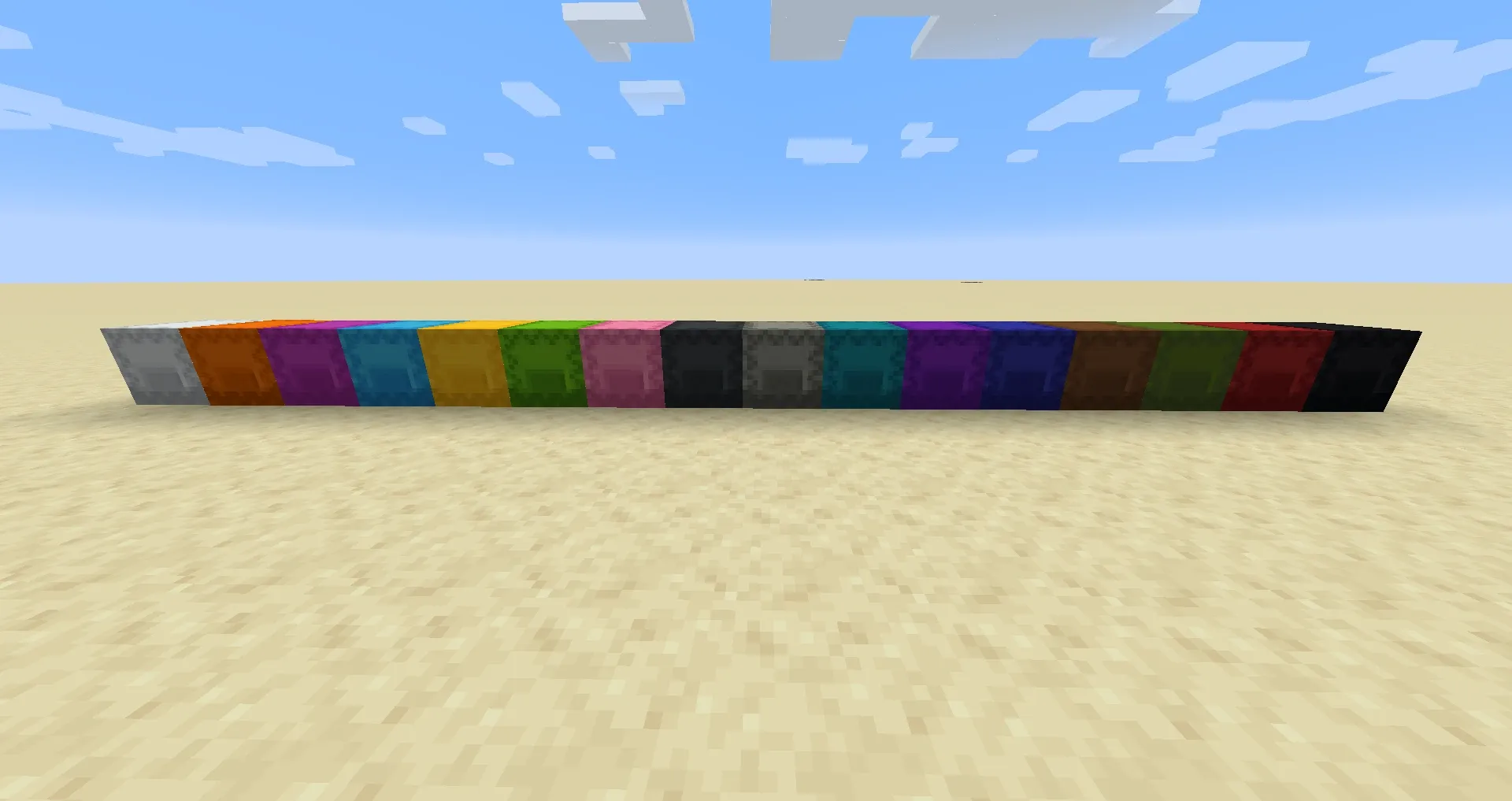
Minecraft Shulker Box Guide: Crafting, Dyeing, and Farming
Shulker boxes are the single biggest quality-of-life upgrade in Minecraft — a chest that keeps its contents when you break it. Here is how to farm shells, craft and dye boxes, and set up renewable shulker duplication so you never run out.
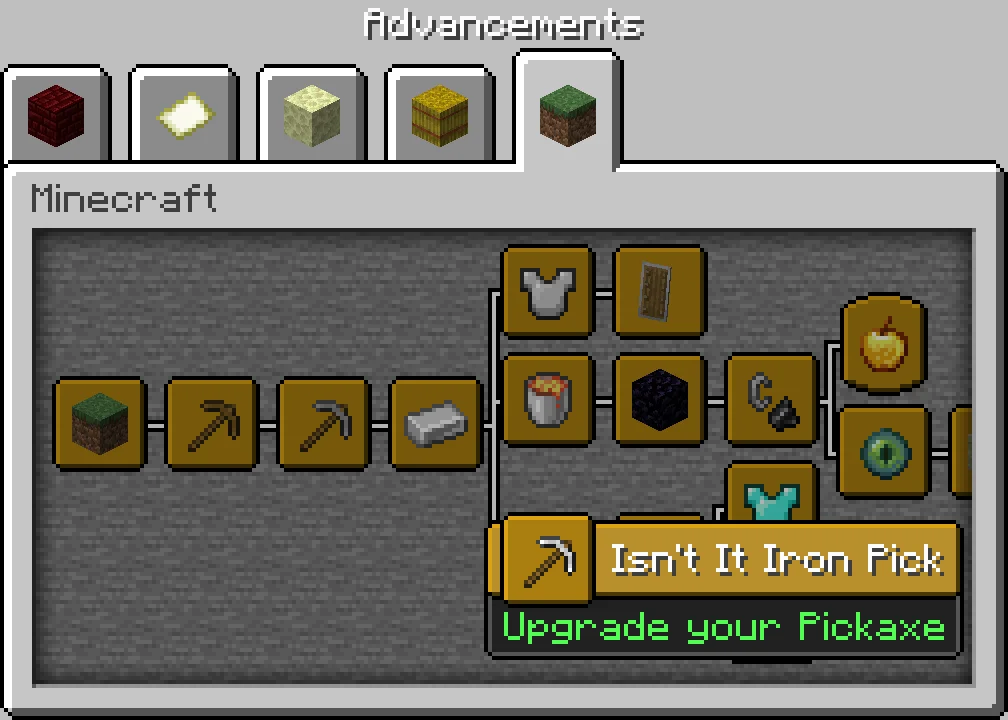
Minecraft Advancements List and How to Get the Hard Ones
Minecraft Java has 126 advancements, but only 23 pay XP, and one of them pays 1,000. Here is every advancement by tab for Java 26.3, the challenges ranked by reward, the full Adventuring Time, Monsters Hunted, A Balanced Diet and Two by Two checklists, the descriptions that mislead you, and what the 26.4 snapshots change.
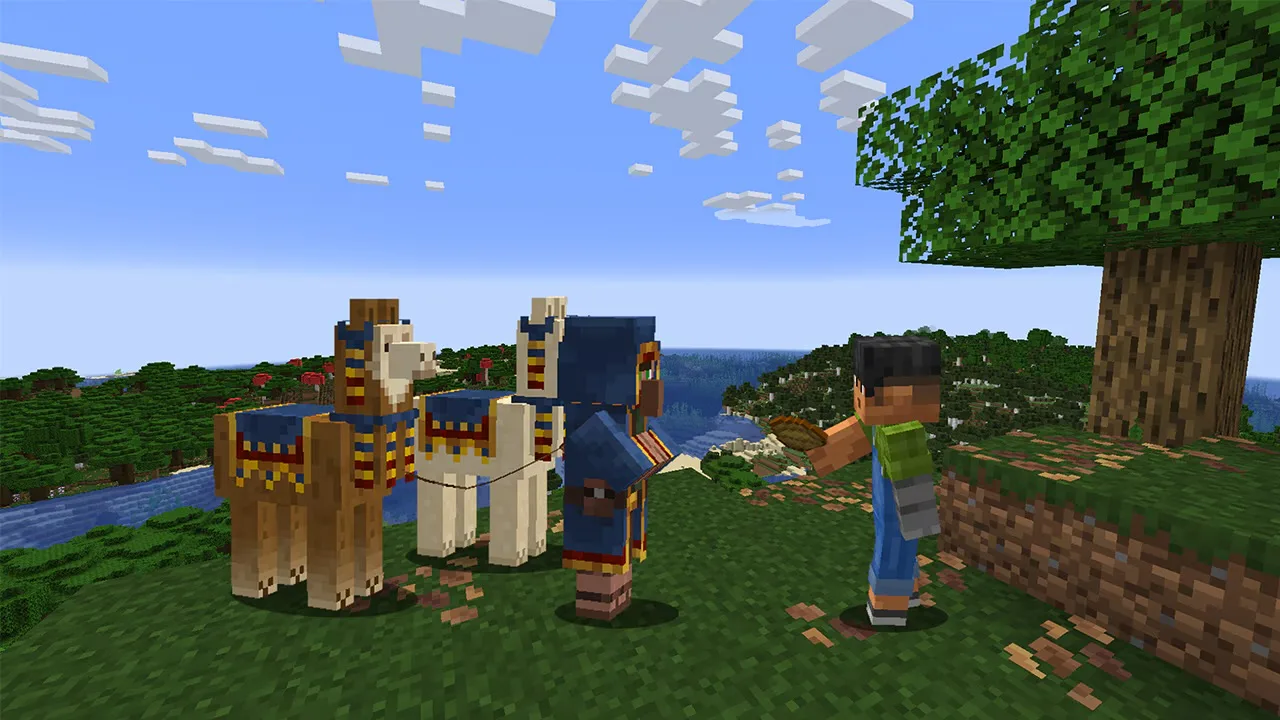
Minecraft Wandering Trader Guide: Trades, Spawns and Llamas
Every wandering trader shows 9 offers drawn from a pool of 100 that is the same on Java 26.3 and Bedrock 26.50. Here is the full price list from the game's own trade files, the odds of seeing the offer you want, what the trader buys from you, how long one takes to spawn, and why a name tag will not keep it.

Minecraft on Switch 2: Free Upgrade, Price and Minecoins
Digital owners of Minecraft for Nintendo Switch get the native Switch 2 version free in most regions until January 31, 2027. Cartridge owners have been offered nothing so far. Here are the editions, the US prices, what the native version changes, and the Minecoins change that lands on the same day.
Minecraft Survival Guide for Beginners: Your First Days
You have about ten minutes of daylight before the sun sets and the world tries to kill you. Here is exactly what to do with them — punch a tree, build a tool chain, and get a roof over your head before the zombies arrive.
Best Minecraft Enchantments, Ranked — The Ones Worth Your XP
Mending is the enchantment that ends the grind — gear that repairs itself forever. Everything else is a fight over your XP and anvil uses. Here is what actually earns a slot, ranked, with the real max levels.