Minecraft on Switch 2: Free Upgrade, Price and Minecoins
Digital owners of Minecraft for Nintendo Switch get the native Switch 2 version free in most regions until January 31, 2027. Cartridge owners have been offered nothing so far. Here are the editions, the US prices, what the native version changes, and the Minecoins change that lands on the same day.
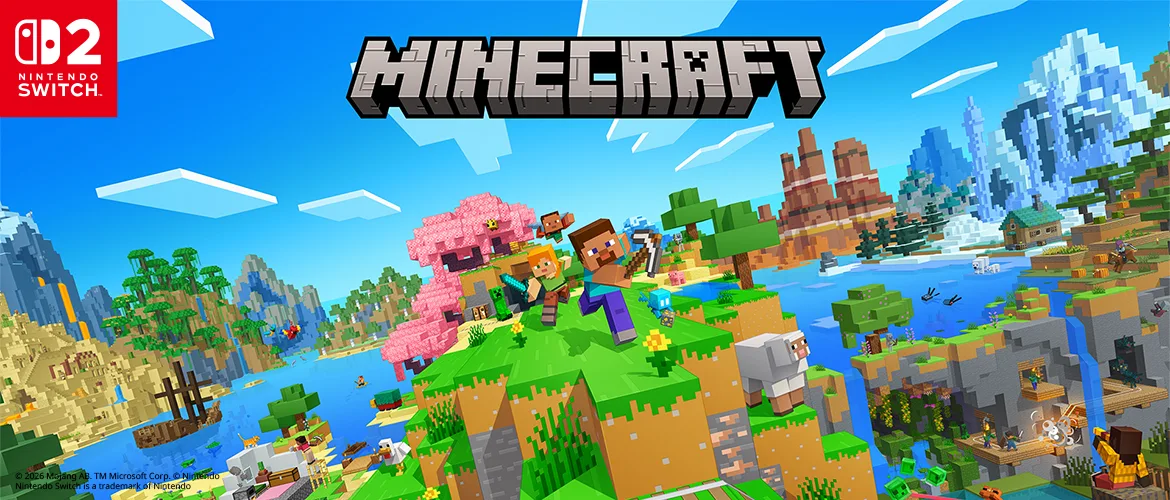
If you bought Minecraft digitally on the original Switch, the native Switch 2 version costs you nothing in most regions, as long as you claim it from the Nintendo eShop by January 31, 2027. If you bought the cartridge, none of the announcements from Mojang or Nintendo so far offers you an upgrade at all.
That is the real news in the pre-order announcement Mojang and Nintendo both published on October 7, 2026. Minecraft for Nintendo Switch 2 launches on October 27, with Vibrant Visuals on by default and three editions priced at $29.99, $39.99 and $49.99 in the US. On that same day, a separate change splits Minecoins bought on Nintendo hardware off from every other platform.
This is a pre-launch guide. It covers who pays what, what the native version changes on paper, and what happens to your worlds and your coins. It says nothing about how the game runs, because the game has not launched yet.
Minecraft on Switch 2 at a glance
| Detail | |
|---|---|
| Release date | October 27, 2026 (Nintendo Australia lists the digital release as October 28 locally) |
| Pre-orders | Open since October 7, 2026, digital and physical |
| US price | $29.99 Standard Edition, $39.99 Deluxe Collection, $49.99 Ultimate Collection |
| Free upgrade | Digital owners of Minecraft for Nintendo Switch, until January 31, 2027, through the Nintendo eShop only |
| Headline feature | Vibrant Visuals, on by default |
| In every edition | Super Mario Mash-Up Pack, updated for Vibrant Visuals |
| Your Switch worlds | Can be carried over, per Nintendo's store listing |
| Online play | Nintendo Switch Online for online multiplayer; a Microsoft account for cross-platform play |
| Players | 1-4 on one console, 2-8 over local wireless, 2-8 online (Nintendo's listing) |
| Download size | 1.2 GB estimated on the US eShop; the UK listing says 1.5 GB |
| Minecoins | From October 27, coins bought on Nintendo hardware can only be spent on Nintendo hardware |
Who gets the free upgrade, and who pays
The free upgrade is for people who already own a digital copy of Minecraft for Nintendo Switch. It gets you the digital Standard Edition for Switch 2, and you can claim it as a pre-order now or after launch, up to the deadline.
| Your situation | What the Switch 2 Standard Edition costs you |
|---|---|
| Digital Switch owner, most regions | Free until January 31, 2027 |
| Digital Switch owner in Japan | 100 yen |
| Digital Switch owner in Taiwan | 30 New Taiwan dollars |
| Digital owner who wants Deluxe or Ultimate | A discounted fee, not priced in the announcement |
| Cartridge owner | Full price; no upgrade announced |
| New player | $29.99 in the US |
Three conditions apply. Mojang says the offer is available only through the Nintendo eShop, it calls it a limited-time offer, and its article gives the deadline as "the end of January 2027", which Nintendo's store listing pins to January 31, 2027. Mojang has not published the discounted price for the Deluxe and Ultimate upgrades, so check the eShop listing while signed in to the Nintendo Account that owns the Switch copy.
Cartridge owners are not covered
Mojang's article, Nintendo's news post and the eShop listing all describe the offer as one for digital owners, and none of them mentions an upgrade for physical copies. You do not lose anything on October 27. The Minecraft Wiki notes that the original Switch version is backward-compatible with Switch 2, which is how Switch 2 owners have been playing it until now. What you do not get without paying is the native version, which means no Vibrant Visuals.
Standard, Deluxe or Ultimate
| Edition | US price | Add-ons | Character Creator items | Minecoins |
|---|---|---|---|---|
| Standard Edition | $29.99 | None beyond the Super Mario Mash-Up Pack | — | — |
| Deluxe Collection | $39.99 | Celebration Food, Rescue Dogs, Plenty O'Blocks | 3 | 700 |
| Ultimate Collection | $49.99 | The Deluxe three plus Decocraft and Weapons + Tools | 5 | 1,000 |
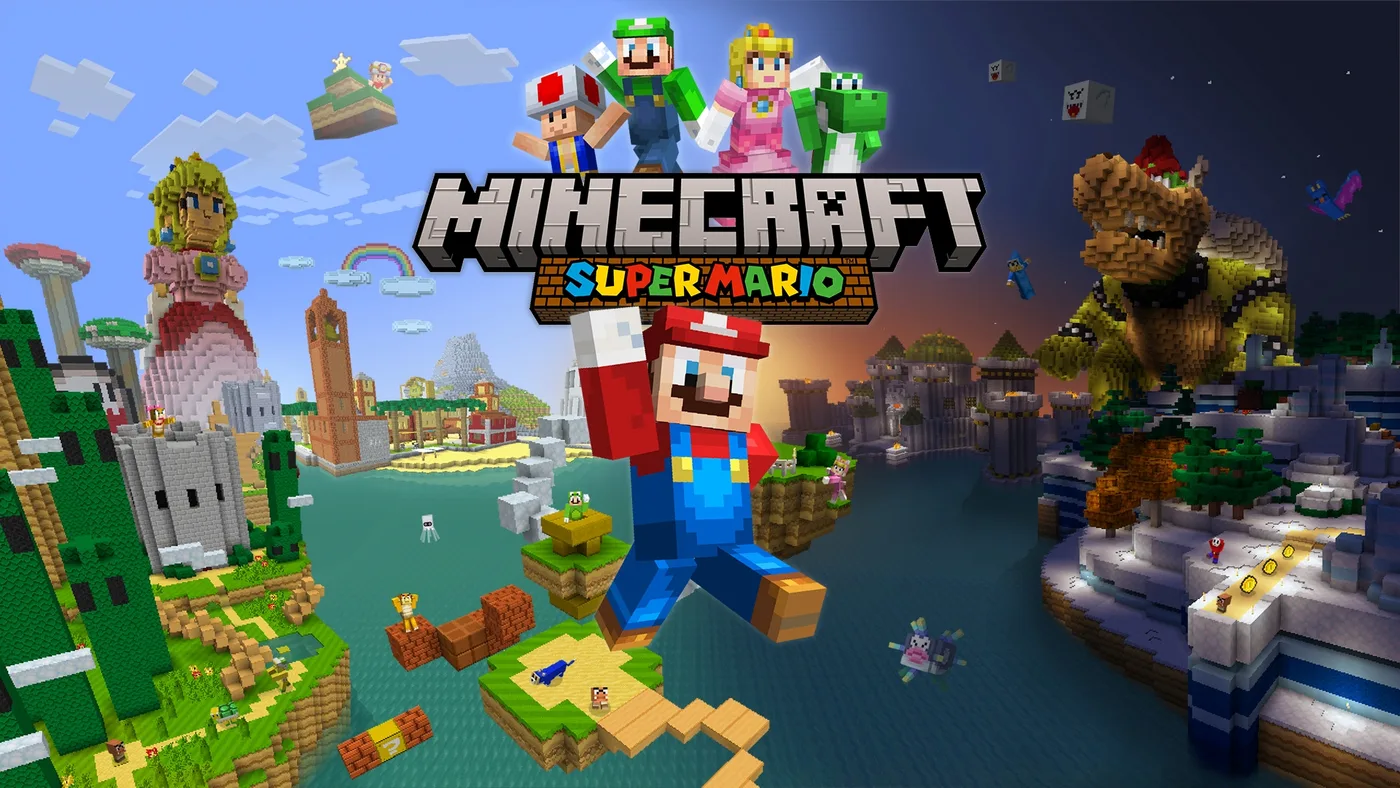
The extra $10 or $20 buys Marketplace content and coins, not a better version of the game. Mojang's announcement lists add-ons, Character Creator items and Minecoins as the only differences between editions, and every edition includes the Super Mario Mash-Up Pack, which Mojang notes is exclusive to the Nintendo versions of Minecraft. Nintendo's listing puts it at 15 music tracks and 40 skins plus the Mario-themed world.
The coins are the catch. Mojang's footnote says the Minecoins included with these editions must be used in the Nintendo ecosystem. Until October 27, Minecoins bought on a Switch could be used across compatible platforms. The 700 or 1,000 bundled here cannot. If you also play on a phone, a PC or another console, those coins are worth less to you than the same number bought before October 27. Our call: take the free Standard Edition, or pay $29.99 for it, unless you specifically want those five add-ons.
What the native version changes
Vibrant Visuals, switched on by default. Vibrant Visuals is Mojang's own graphics mode, with directional lighting, shadows that move with the sun, volumetric fog and water reflections. Mojang's June 9 announcement dates its release to June 2025, alongside the Chase the Skies update. The original Switch version never got it, and the Minecraft Wiki's availability section still lists Nintendo Switch consoles as unsupported. Mojang's announcement says the native version is what lets it bring Vibrant Visuals to Switch 2.
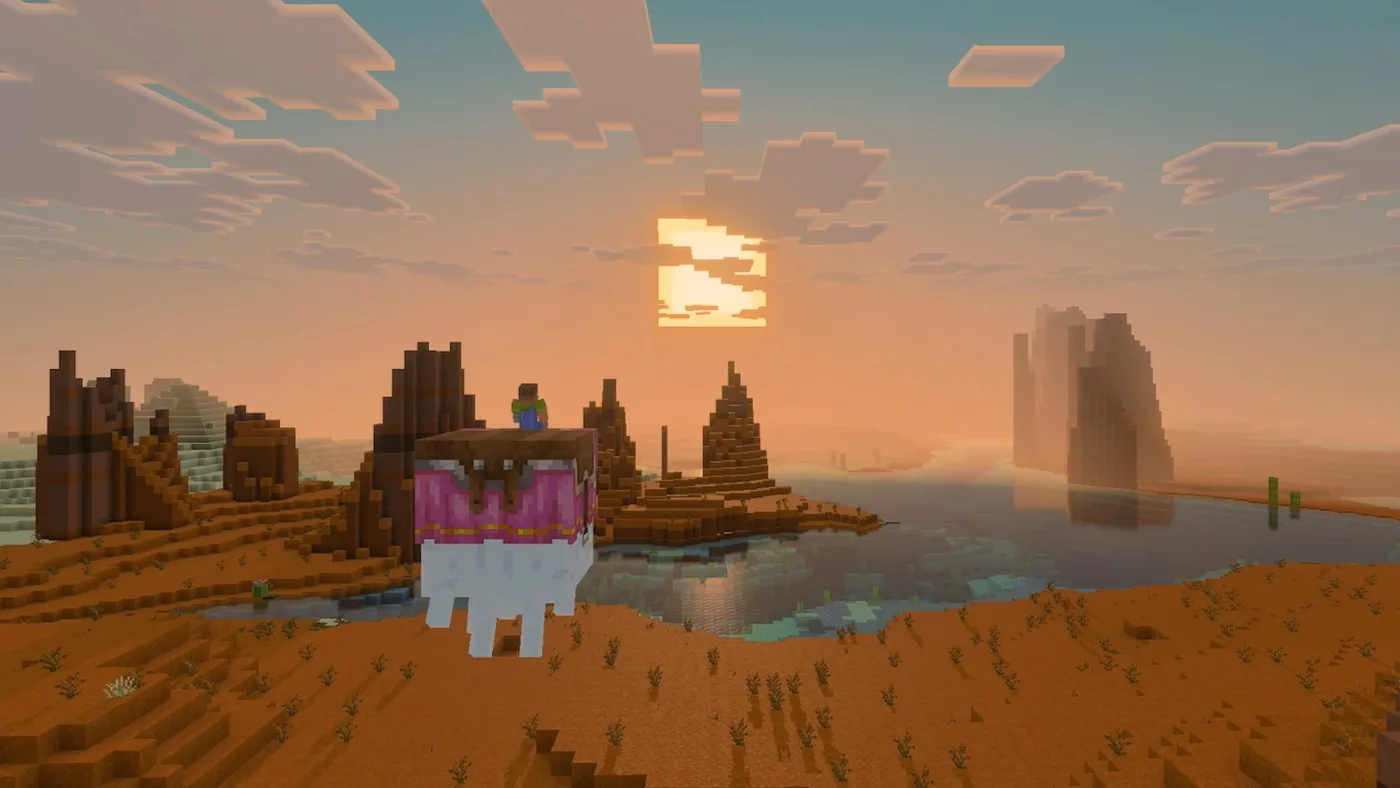
Not in split-screen. Mojang's footnote says Vibrant Visuals is not available in some gameplay, including split-screen and certain Marketplace worlds and content. The wiki adds that console split-screen is limited to the Fancy graphics mode or lower. If your Switch 2 Minecraft is mostly couch co-op, you will be playing with the classic graphics.
Render distance, as tested in the closed beta. The Minecraft Wiki's notes on the Switch 2 closed beta record how it differed from the Switch build. With Vibrant Visuals on, the maximum render distance was 16 chunks and point lights were off. With Vibrant Visuals off, render distance went up to 28 chunks, against 12 on the Switch build. Those are beta figures and could change before October 27, so treat them as a direction rather than a spec.
Not new: the rest of the eShop feature list. Nintendo's Switch 2 listing shows touch screen support, Save Data Cloud with Nintendo Switch Online and Nintendo Account family-group lending, but the US listing for the original Switch version shows all three as well. None of them is a reason to upgrade.
It is still Bedrock Edition, same as the Switch version. Java shader packs from our shaders guide do not apply here.
Your worlds, your friends and the closed beta
Worlds. Nintendo's store listing says Switch worlds can be carried over to the Switch 2 version so you can pick up where you left off. That is the whole statement. Neither Mojang's Switch 2 announcements (June 9, August 5 and October 7) nor Nintendo's listing spells out the steps. Keep the Switch version installed until you have opened your worlds in the new one.
Friends. Cross-platform play needs a Microsoft account, and online multiplayer needs a Nintendo Switch Online membership, both per Nintendo's listing. The same listing says Realms Plus gives you a private server for up to 10 friends.
The closed beta. The wiki's page on the Switch 2 closed beta says the first invitations went out on August 7, 2026, and sign-ups closed on September 14. It also says the beta app is not permanent and that, per the sign-up form, nothing can be transferred out of it. Treat anything you built in the beta as disposable.
The Minecoins split lands the same day
Mojang announced this on September 1, and it starts on October 27, 2026, the Switch 2 launch day. It affects everyone who buys Minecoins on a Switch or Switch 2, not just Switch 2 buyers.
| Minecoins | Spend on Switch or Switch 2 | Spend on other platforms |
|---|---|---|
| Owned before October 27 (moved to a Legacy Wallet) | Yes | Yes |
| Bought on a Switch or Switch 2 from October 27 (Nintendo Wallet) | Yes | No |
| Bought on any other device from October 27 | No | Yes |
| Included with the Switch 2 Deluxe or Ultimate Collection | Yes | No |
The rules behind that table, all from Mojang's notice:
- Coins you already own are not changing. On October 27 they move to a Legacy Wallet, they do not expire, and they stay usable across compatible platforms.
- Legacy coins are spent first. The Legacy Wallet runs down before any coins bought after October 27, which go into a separate Nintendo Wallet when bought on a Nintendo device.
- Retail cards are being split too. Newer Minecoin cards may no longer support Nintendo devices, so check the platforms printed on the packaging before you buy or redeem one.
The notice is about Minecoins only. It says nothing about Marketplace content you have already bought.
What you will be playing on day one
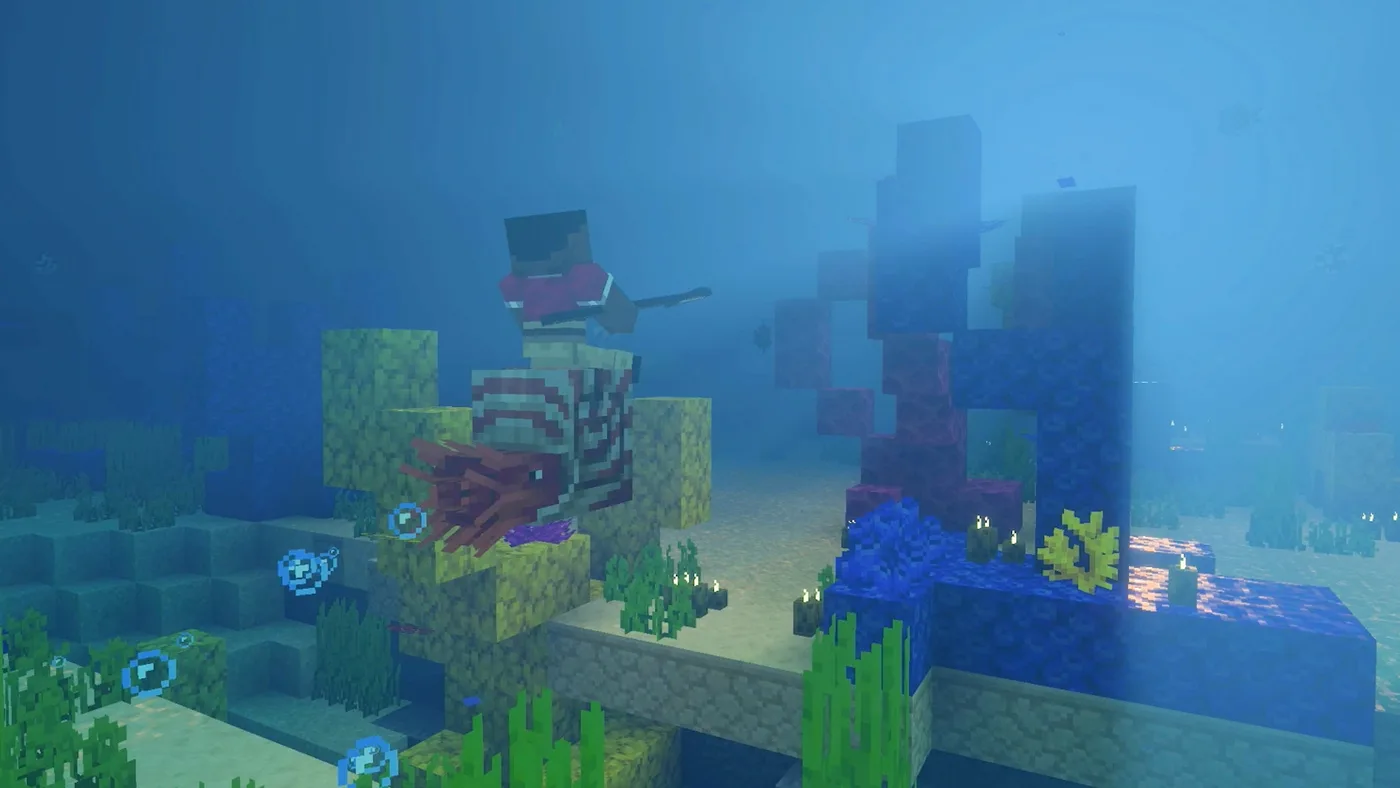
The Minecraft Wiki lists the Switch 2 launch as the first full release of Bedrock Edition 26.60, an update it dates to October 27 for Bedrock as a whole, so Switch 2 players should start level with everyone else. That means everything up to Wilderness Bound, which shipped on Bedrock as 26.50 on September 15: dappled forests, abandoned camps, cushions and straw beds. It also includes the nautilus mount and the spear from Mounts of Mayhem in December 2025, and the happy ghast from the badlands screenshot further up.
The wiki's page for 26.60 also lists a Drop 4 of 2026 experiment toggle, which is the ice caves, the frostbite and the Freezing effect. If that carries into the release build, Switch 2 players can try them on launch day. On Bedrock, a world with an experiment switched on cannot earn achievements, so use a throwaway world.
Quick Action Checklist
- Own it digitally on Switch? Claim the free Standard Edition on the Nintendo eShop before January 31, 2027. It is 100 yen in Japan and 30 New Taiwan dollars in Taiwan.
- Own the cartridge? Nothing has been announced for you. Your Switch copy keeps working on Switch 2, just without Vibrant Visuals.
- Choosing an edition? Standard at $29.99 unless you want the specific add-ons. The 700 or 1,000 coins in the bigger editions only work on Nintendo hardware.
- Play on more than one platform? Coins in your account before October 27 stay cross-platform. Coins bought on a Switch from October 27 do not, and coins bought elsewhere from that date cannot be spent on a Switch.
- Buying a Minecoin card? Check the platforms on the packaging.
- Keep the Switch version installed until your worlds have carried over.
- Playing split-screen? No Vibrant Visuals in split-screen.
- In the closed beta? Nothing transfers out of it, per the wiki's notes on the sign-up form.
- Want the ice caves on day one? Look for the Drop 4 of 2026 experiment, in a world you do not need achievements in.
Frequently Asked Questions
Is the Minecraft Nintendo Switch 2 upgrade free?
How much does Minecraft for Nintendo Switch 2 cost?
Can I upgrade my physical Minecraft Switch cartridge to Switch 2?
Do Minecraft Switch worlds transfer to Switch 2?
What is changing with Minecoins on Nintendo Switch?
Does Minecraft on Switch 2 have Vibrant Visuals in split-screen?
Keep Reading
- Minecraft.net — Pre-order Minecraft for Nintendo Switch 2 today! (October 7, 2026): editions, digital upgrade path and Minecoin footnote
- Nintendo — Pre-order Minecraft for Nintendo Switch 2 today! (October 7, 2026): US regular prices for all three editions
- Nintendo eShop (US) — Minecraft for Nintendo Switch 2: release date, January 31, 2027 upgrade deadline, world carry-over, play modes and file size
- Nintendo eShop (US) — Minecraft (original Nintendo Switch version): touch screen, Save Data Cloud and family-group lending already supported
- Nintendo Australia — Pre-order Minecraft for Nintendo Switch 2 today!: physical October 27, digital October 28
- Nintendo UK — Minecraft for Nintendo Switch 2 listing (1.5 GB download size)
- Minecraft.net — Minecraft for Nintendo Switch 2 is coming October 27th! (August 5, 2026)
- Minecraft.net — Minecraft is coming to Nintendo Switch 2 (June 9, 2026): native version, Vibrant Visuals by default, Super Mario Mash-Up update
- Minecraft.net — Changes are coming to Minecoins for Nintendo (September 1, 2026): Legacy Wallet, Nintendo Wallet and retail cards
- Minecraft Wiki — Nintendo Switch 2 closed beta: dates, render distance, Vibrant Visuals limits and transfer restriction
- Minecraft Wiki — Bedrock Edition 26.60 (planned for October 27, 2026): first full Switch 2 release and the Drop 4 of 2026 experiment
- Minecraft Wiki — Vibrant Visuals: platform availability and split-screen graphics limit
Related Guides
Minecraft Advancements List and How to Get the Hard Ones
Minecraft Java has 126 advancements, but only 23 pay XP, and one of them pays 1,000. Here is every advancement by tab for Java 26.3, the challenges ranked by reward, the full Adventuring Time, Monsters Hunted, A Balanced Diet and Two by Two checklists, the descriptions that mislead you, and what the 26.4 snapshots change.
Minecraft Game Rules List: Every Rule and Its New Name
Java 1.21.11 renamed every game rule: keepInventory is keep_inventory now, doDaylightCycle is advance_time, and doFireTick is gone entirely. Here is the full list for Java 26.3 and Bedrock 26.50, with old names, new IDs, menu labels, defaults, and the 19 Bedrock rules that switch your achievements off for good.
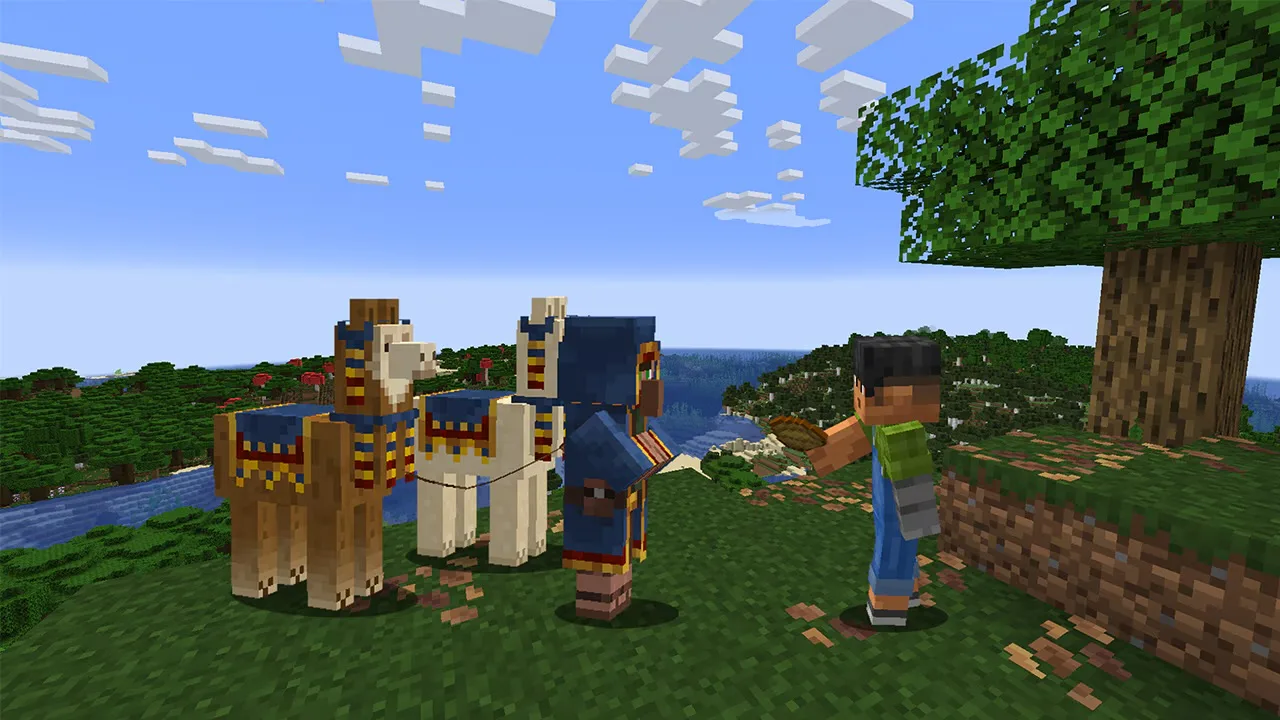
Minecraft Wandering Trader Guide: Trades, Spawns and Llamas
Every wandering trader shows 9 offers drawn from a pool of 100 that is the same on Java 26.3 and Bedrock 26.50. Here is the full price list from the game's own trade files, the odds of seeing the offer you want, what the trader buys from you, how long one takes to spawn, and why a name tag will not keep it.
Minecraft Spear Guide: Jab, Charge Damage, and Lunge
A diamond spear jabs for 4 damage. Held low on an elytra at rocket speed, the same spear charges for 37. The spear's charge takes its damage from how fast you are moving, and the weapon breaks several rules the rest of Minecraft combat runs on. Here are the real numbers for every tier, both attacks, and Lunge.
Minecraft Survival Guide for Beginners: Your First Days
You have about ten minutes of daylight before the sun sets and the world tries to kill you. Here is exactly what to do with them — punch a tree, build a tool chain, and get a roof over your head before the zombies arrive.
Best Minecraft Enchantments, Ranked — The Ones Worth Your XP
Mending is the enchantment that ends the grind — gear that repairs itself forever. Everything else is a fight over your XP and anvil uses. Here is what actually earns a slot, ranked, with the real max levels.