PUBG on PS5 and Xbox: 120 FPS Mode and Bigger Hitboxes
PUBG on PS5 and Xbox Series X|S was held to 60 FPS by design until July. Update 42.2 added a 120 FPS Frame Rate Priority mode on all four consoles, Update 43.1 enlarged console-only hitboxes with no damage or recoil changes attached to them, and Update 43.2 added two controller presets, PUBG Standard and Shooter Standard. Here is the resolution and frame rate for each console, the buttons 42.2 moved, and how the two new presets differ.
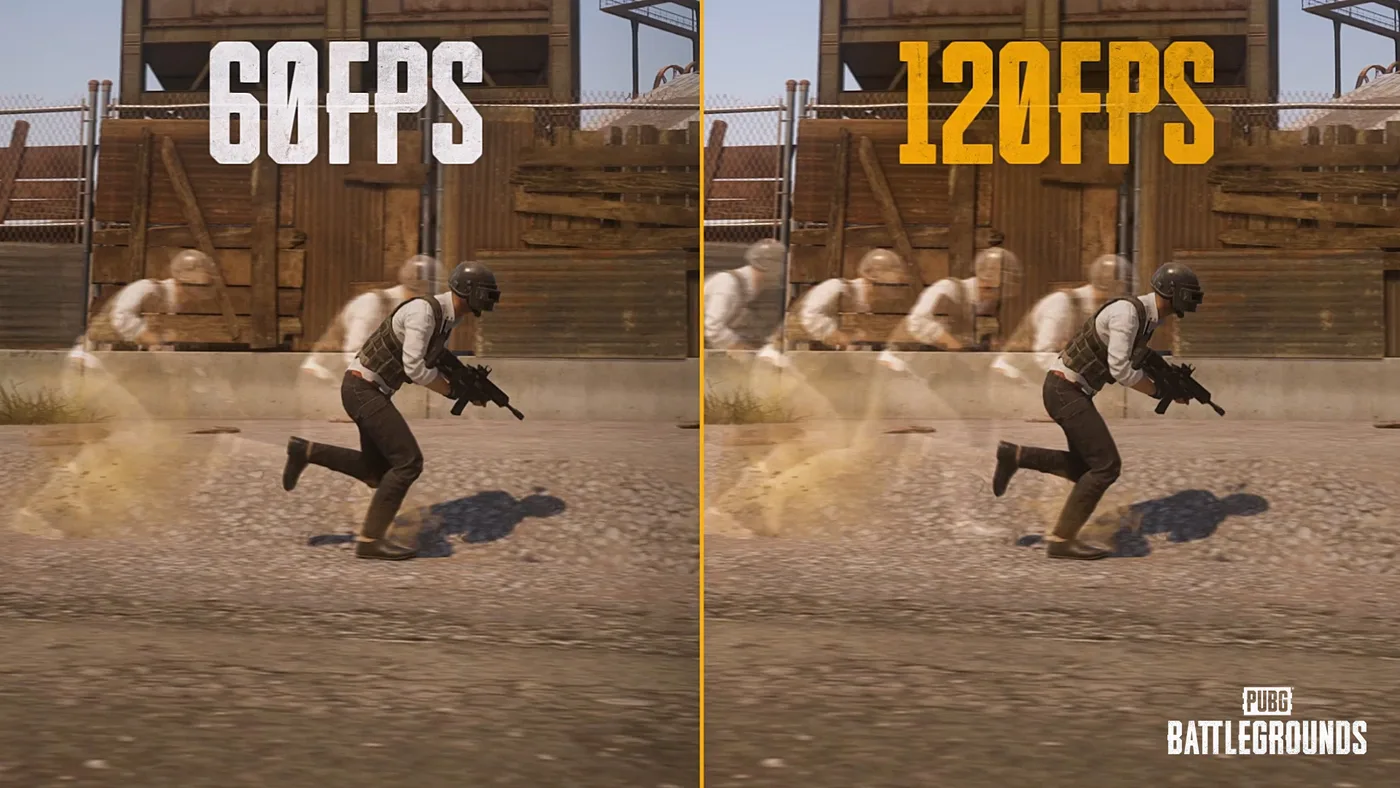
For just over eight months after PUBG dropped PS4 and Xbox One, every console that could still run it topped out at 60 FPS, and that was the plan. KRAFTON's August 2025 transition notice tied it to cross-play: because PlayStation and Xbox share one pool, "our goal is to provide a stable 60fps experience across all platforms."
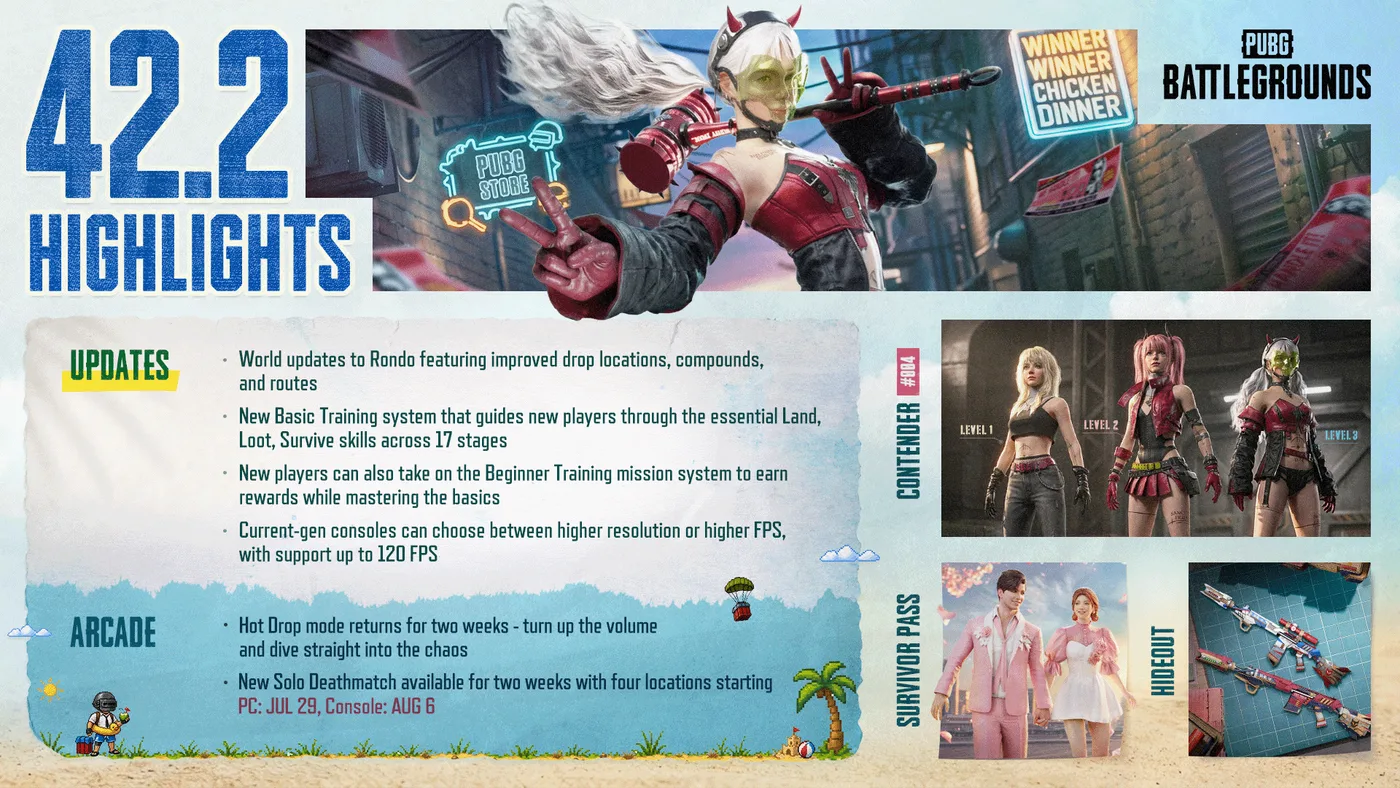
That ceiling is gone. Update 42.2 put a 120 FPS mode on all four current consoles in July, Update 43.1 made character hitboxes bigger on console, and only on console, in September, and Update 43.2 brought the promised control scheme changes in October, as two new presets. This is where PUBG on PS5 and Xbox Series X|S stands on 25 October 2026, built from KRAFTON's console roadmap dev letter of 8 July and the patch notes up to Update 43.2, the latest on pubg.com.
What changed on console in 2026, in one table
KRAFTON's 2026 Roadmap in March promised to put the current-gen hardware into "higher FPS and more" on console. The July dev letter named the work: visual quality, combat feel, out-of-game usability and the control scheme. Here is where each item stands, with the console dates from each update's live maintenance schedule (UTC):
| Change | Update | Live on console | Status on 25 October |
|---|---|---|---|
| Two graphics modes, up to 120 FPS | 42.2 | 23 July 2026 | Live |
| Faster menu loading (PC and console) | 42.2 | 23 July 2026 | Live |
| Console button changes | 42.2 | 23 July 2026 | Live |
| Bigger character hitboxes, console only | 43.1 | 17 September 2026 | Live |
| New controller presets: PUBG Standard and Shooter Standard | 43.2 | 22 October 2026 | Live |
The loading change is the vaguest of the set. The 42.2 notes say only "Improved page navigation speed for certain out-game pages," and the dev letter promises shorter waits in "key menus" without giving a single number.
Resolution and frame rate on each console
Since 42.2, console has a Graphics Mode option with two settings. Resolution Priority is the default and runs "at up to 60 FPS," per the patch notes. Frame Rate Priority supports "up to 120 FPS" and is "available only on displays that support high refresh rates (120Hz or higher)." Here's the dev letter's table, next to the specs KRAFTON published for the November 2025 move:
| Console | Before 42.2 | Resolution Priority (default) | Frame Rate Priority |
|---|---|---|---|
| Xbox Series S | 1080p at 60 FPS or 1440p at 30 FPS | 1440p at 60 FPS | 1080p at 120 FPS |
| Xbox Series X | 2160p at 60 FPS | 2160p at 60 FPS | 1440p at 120 FPS |
| PlayStation 5 | 1440p at 60 FPS | 1800p at 60 FPS | 1440p at 120 FPS |
| PlayStation 5 Pro | 2160p at 60 FPS | 2160p at 60 FPS | 1800p at 120 FPS |
Treat the two 42.2 columns as ceilings. KRAFTON's note under its table: "The resolutions above represent the maximum resolution supported by each graphics mode. All devices use dynamic resolution scaling."
Two consoles gained the most. On the base PS5, the default mode's resolution ceiling rose from 1440p to 1800p at the same 60 FPS, so a PS5 on a 60Hz TV got a higher resolution ceiling with no setting changed. The Series S was the only console whose old menu offered a 30 FPS option, and it now offers 60 in its higher-resolution mode and 120 in the other. In KRAFTON's words: "On Xbox Series S, both graphics modes offer higher frame rates than before."
Three conditions come with Frame Rate Priority:
- It needs a 120Hz display. On a 60Hz screen it isn't offered.
- HDR can hide it. "Depending on your display environment, you may need to disable HDR for the Frame Rate Priority option to appear."
- It doesn't split matchmaking. From the dev letter: "Players using different graphics modes will still be able to play together in the same matches."
Which mode to pick
If your screen does 120Hz, take Frame Rate Priority. At 60 FPS a new frame arrives every 16.7 milliseconds. At 120 it arrives every 8.3. KRAFTON pitches the mode as "smoother motion and faster response times," and that halved frame time is where both come from: in a close-range fight, a strafe or a peek reaches your screen sooner.
The cost is resolution, and that matters in a game where a prone player at long range can be a handful of pixels. Frame Rate Priority caps the Series X at 1440p instead of 2160p, the PS5 Pro at 1800p instead of 2160p, and the base PS5 at 1440p instead of 1800p. If most of your fights are long-range spotting duels on Miramar, the sharper picture is a fair choice.
What shouldn't decide it is fairness. KRAFTON's own statement above means your lobby can include players on either mode whatever you pick, so staying at 60 doesn't put you in a 60 FPS queue. It just means the player across the field may be seeing twice as many frames as you.
On a 60Hz TV there is no decision to make. You're on Resolution Priority, and the console settings guide covers the controller side of the menu.
The 43.1 hitbox change
The second big console change has no setting at all. It sits in the 43.1 notes under "(Console) Hit Detection Adjustments for Console":
On Console, character hitboxes have been enlarged, so hit detection is more forgiving in combat.
The lines around it set the limits. The changes "apply to Console only, not PC." "Weapon balance remains unchanged, including damage, rate of fire, and recoil." The dev letter gave the aim: to make sure "shots players reasonably expect to land are registered as hits, while preserving the distinct feel of PUBG Console gameplay."
The weapon-balance line covers the hitbox change, not the whole patch: the same 43.1 notes separately slowed LMG ADS, reduced the recoil control LMGs get from firing position, and lowered their damage multipliers against vehicles.
So the hitbox change is to whether a shot counts, not to what it does once it counts. A shot that grazes the edge of a target, the kind you expected to land, is what this is aimed at. PC and console don't share matches (the crossplay breakdown covers why), so a console-only hitbox creates no cross-platform imbalance. It does mean a near miss in a PC clip may not be a near miss on console.
The buttons that moved in 42.2
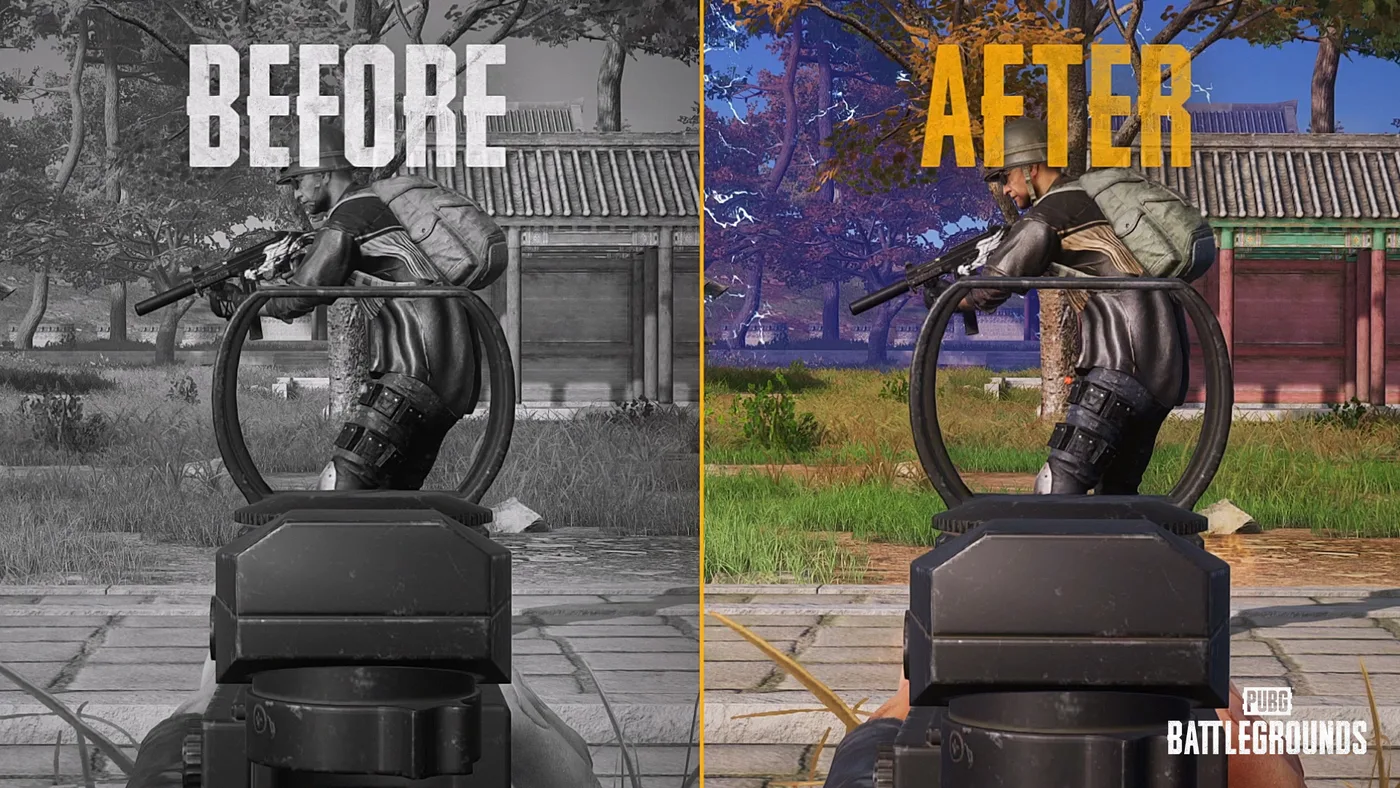
42.2 also moved a handful of console inputs. KRAFTON writes console buttons in Xbox terms, with L3 and R3 for the stick clicks. On a DualSense, LB, LT and RT are L1, L2 and R2, and X and B are Square and Circle. From the notes' "Console Key Changes" list:
| Action | Before 42.2 | Since 42.2 |
|---|---|---|
| Radio Message, on the Inventory screen | L3 | R3 |
| Use items, equip or swap attachments, switch slots, on the Inventory screen | R3 | L3 |
| Change weapon slots or open Starting Island outfit presets, on the Inventory screen | Not stated | Hold L3 |
| Switch between Driver and Aim mode while driving | Hold R3 | Press R3 twice |
| Switch perspective, Preset Type C | Hold R3 | Hold D-pad Left |
| Close the Radio Message Radial | Not stated | B |
| World Map cursor and markers | Not stated | R Stick moves a virtual cursor, R3 places markers |
| Show or hide teammate pings and waypoints, and the flight path | Not stated | Assignable on a custom preset, no default |
Note the vehicle change: if you still hold R3 to switch between Driver and Aim mode while driving, the game now wants a double press. 42.2's list predates the two 43.2 presets, which have layouts of their own (below).
43.1 added console inputs for the kick and for item carrying and instant use, and both have their own guides. The kick is LT while unarmed or jumping. For carrying and instant use, LB + X carries an item off the ground, RT throws it, and holding LB + X uses an item straight from the ground. 43.2 then let a Custom Preset put Scope Aim and Kick on the same button. To keep them apart, give the dedicated Kick action a button of its own.
The 43.2 controller presets
The last item on the July roadmap came with Update 43.2. Its patch notes of 13 October set the console maintenance for 22 October, 01:00–09:00 UTC, and pubg.com's announcements carried no postponement notice when we checked on 25 October. Under "(Console) Controller Input Improvements", which apply to console only, the notes add two presets:
- PUBG Standard is "the default preset for new players." KRAFTON adapted "familiar controls from other Console games" to cut the time it takes to learn PUBG.
- Shooter Standard is "a preset built around consistent controls." Similar actions share a place on the pad, and there are fewer exceptions for specific situations.
- Neither can be customized. "PUBG Standard and Shooter Standard do not support customization." Custom is still the preset for your own layout.
- Your setup stays. Type A, B and C and Custom "will remain unchanged," and "If you have existing saved controller settings, they will be retained."
These are the two approaches the July dev letter described: one that "reduces exceptions across the control scheme" and one "tailored to PUBG Console with the goal of making the early learning experience more accessible." The letter said KRAFTON was considering offering both, and the 43.2 developer's comment says the presets are "based on the two approaches we previously discussed." KRAFTON says both follow the letter's split: the left hand for movement and view, the right for actions and attacks.
The notes picture the BASIC tab of each new preset. This is every input that differs between the two on that tab, in Xbox terms as above (RB is R1, A is Cross and Y is Triangle on a DualSense):
| Action | PUBG Standard | Shooter Standard |
|---|---|---|
| Place / Remove Marker | RB | D-pad Up |
| Radio Message | Hold RB | Hold D-pad Up |
| Enemy Spotted | Double-tap RB | Double-tap D-pad Up |
| Free Look | LB + RB | R3 |
| Action Radial | Hold R3 | Hold D-pad Down |
| Jump and vault | A (Jump / Vault) | A to jump, hold A to vault |
| Equip or switch throwables (hold for the Throwable Items Wheel) | D-pad Up | D-pad Right |
| Change Secondary/Melee | D-pad Left | D-pad Down |
| Use Consumable (hold for the Heal Items Wheel) | D-pad Down | D-pad Left |
The rest of the tab is the same on both: LB to aim (double-tap to switch camera), LT for ADS, RT to fire, B to crouch (hold to go prone), X to reload or interact (hold to switch firing mode), Y for your primary weapon (hold to holster), the sticks to move and look, L3 to sprint (double-tap for auto run), and the View and Menu buttons for the map and inventory. Three of the nine rows are callouts. PUBG Standard puts marker, Radio Message and Enemy Spotted on a bumper and makes Free Look a two-bumper chord. Shooter Standard moves all three to D-pad Up and gives Free Look a stick click of its own.
43.2 changed more than the presets. The notes list improvements for all controller presets: actions triggered by holding a button now activate "slightly" sooner, a cursor moves around the World Map, and A selects the buttons along its bottom. The Marker and Message Radial also changed on console. The R Stick navigates the Message Radial, which stays open while you hold its button and sends the highlighted item when you let go. Enemy markers work "whether you're aiming or not," and the Radio Message Preset option is gone.
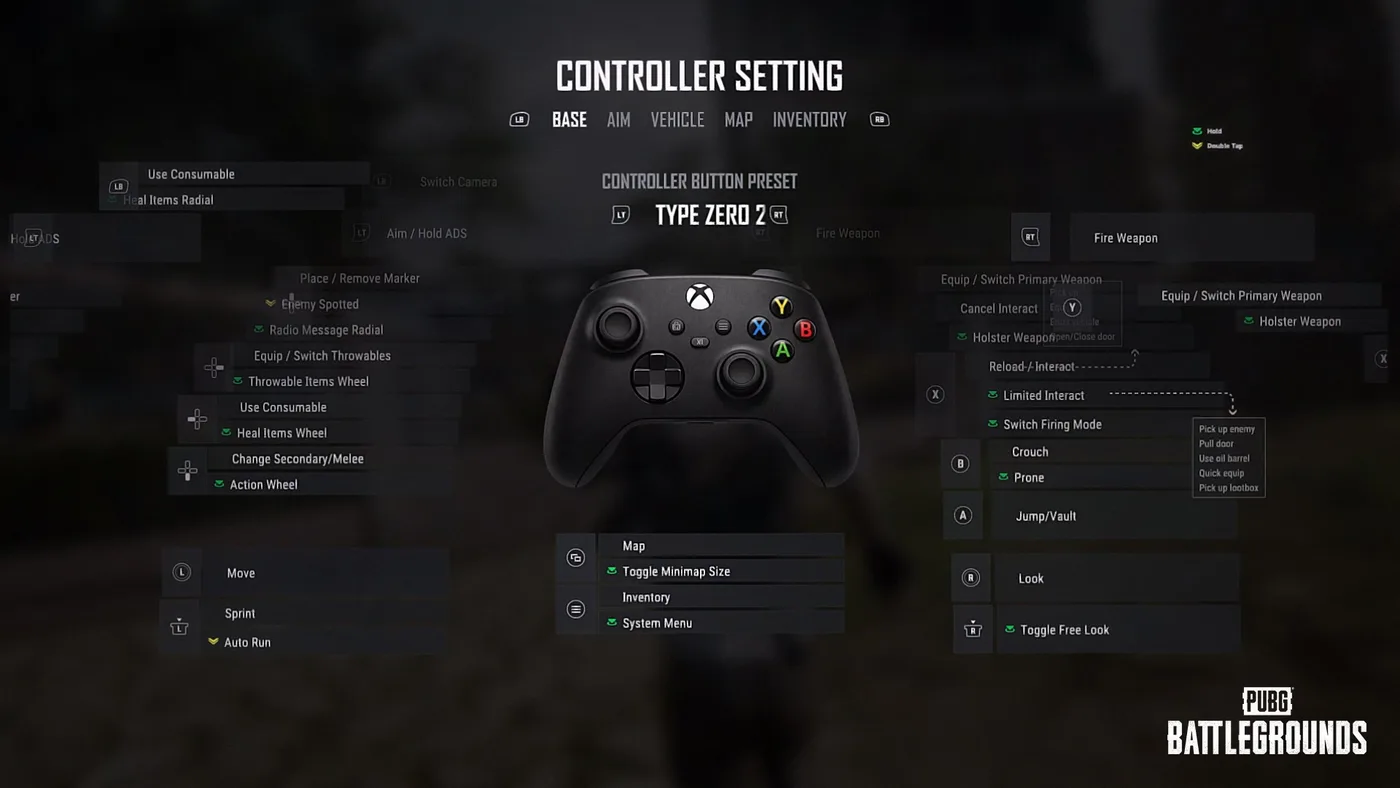
KRAFTON's July preview, below, showed a preset named "Type Zero 2." Neither the dev letter's text nor the 43.2 notes use that name. Its BASE tab already had Fire Weapon on RT, Crouch on B with Prone on a hold, and Jump/Vault on A, as PUBG Standard does.
What console still doesn't get
The split runs both ways. These are features KRAFTON tagged (PC) in the 42.3, 43.1 and 43.2 notes, and no patch notes up to 43.2 extend them to console:
| PC-only feature | Update | What it is |
|---|---|---|
| NVIDIA DLSS 4.5 and AMD FSR 4.1 | 43.1 | Resolution upscaling under Settings > Graphics > Advanced |
| PUBG: Playgrounds | 42.3 | The community-mode hub, covered in our Playgrounds explainer |
| POBG: Maintenance Mode | 42.3 | The offline mini-game that runs during maintenance, covered in POBG explained |
| Settings Sharing | 42.3 | Codes that copy Audio, Controls, Key Bindings and Gameplay settings, detailed in the crosshair and settings guide |
| Custom Match lobby chat setting | 43.2 | A host option, Host Only, that lets only the host message all participants |
One difference isn't a menu item. Update 42.3 added spread and recoil penalties to firing from moving vehicles, then carved console out of the recoil half: "On console, recoil while riding in vehicles remains unchanged and is still not applied." The vehicle combat guide covers drive-by technique.
What KRAFTON hasn't published
These are gaps in KRAFTON's own documents, not things left out here:
- Where the Graphics Mode option sits. The dev letter says Frame Rate Priority "can be enabled manually through the settings menu." Neither it nor the 42.2 notes names the tab.
- Real-world resolution and frame rate. The device table gives maximum resolutions under dynamic scaling. KRAFTON states no resolution floor and no minimum frame rate for either mode.
- How much bigger the hitboxes are. 43.1 says "expanded and fine-tuned" and "enlarged." It gives no size, and doesn't say whether the head, body and limbs changed by the same amount.
- The rest of the two new layouts. The 43.2 notes picture only the BASIC tab of PUBG Standard and Shooter Standard. Their Aim, Vehicle and Map tabs aren't shown.
- How much sooner hold actions fire. 43.2 says the activation time was "slightly reduced" and gives no figure.
- How much faster the menus load. No timings for any menu.
Quick Action Checklist
- On a 120Hz display, switch Graphics Mode to Frame Rate Priority for up to 120 FPS; Resolution Priority is the default
- If Frame Rate Priority doesn't appear, check the display supports 120Hz and try turning HDR off
- On a 60Hz TV, stay on Resolution Priority: up to 1800p on PS5, 2160p on Series X and PS5 Pro, 1440p on Series S
- Remember both graphics modes share the same matches, so picking 60 FPS doesn't change who you face
- On the older presets, driving: press R3 twice, not hold, to switch to Aim mode
- On Preset Type C, perspective switch is now a hold of D-pad Left
- Inventory screen: Radio Message is on R3, item and attachment actions on L3
- There's nothing to toggle for the 43.1 hitboxes; they're console-only and change no damage, fire rate or recoil
- To try the 43.2 layouts, set the Controller Button Preset to PUBG Standard or Shooter Standard; neither can be customized, and your saved settings are kept
- On Shooter Standard, marker, Radio Message and Enemy Spotted are on D-pad Up, Free Look is R3, and vaulting is a hold of A
- Don't look for DLSS, FSR, Playgrounds, POBG or Settings Sharing on console; they're PC-only
Frequently Asked Questions
Does PUBG run at 120 FPS on PS5 and Xbox Series X|S?
How do you turn on 120 FPS in PUBG on console?
What resolution does PUBG run at on each console?
Did PUBG make hitboxes bigger on console?
Does the PUBG console hitbox change affect PC?
Is the new PUBG console controller layout out yet?
What is the difference between PUBG Standard and Shooter Standard?
Keep Reading
- PUBG: BATTLEGROUNDS — [Dev Letter] Console Experience Improvement Roadmap (8 July 2026): Resolution Priority and Frame Rate Priority specs by device, loading improvements, console-only hit detection plan, new default control scheme under evaluation
- PUBG: BATTLEGROUNDS — Patch Notes, Update 42.2 (14 July 2026; console live 23 July): Graphics Mode options, out-game loading improvements, Console Key Changes
- PUBG: BATTLEGROUNDS — Patch Notes, Update 43.1 (9 September 2026; console live 17 September): (Console) Hit Detection Adjustments, console inputs for Kick, carrying and instant use, (PC) DLSS/FSR
- PUBG: BATTLEGROUNDS — Patch Notes, Update 43.2 (13 October 2026; console maintenance 22 October, 01:00–09:00 UTC): (Console) Controller Input Improvements with the PUBG Standard and Shooter Standard presets, Marker and Message Radial changes, Custom Preset Scope Aim/Kick, (PC) Custom Match lobby chat
- KRAFTON — Update 43.2 notes image: Controller Settings, BASIC tab, PUBG Standard [Default] button map
- KRAFTON — Update 43.2 notes image: Controller Settings, BASIC tab, Shooter Standard button map
- PUBG: BATTLEGROUNDS announcements index — checked 25 October 2026; no console postponement notice after the Update 43.2 notes (newest entry: Weekly Bans Notice, 21 October)
- PUBG: BATTLEGROUNDS — Console Service Update: Moving to Current-Gen and Ending Legacy Support (13 August 2025): PS5 and Xbox Series X|S only from 13 November 2025, 60fps target and per-device specs
- PUBG: BATTLEGROUNDS — 2026 Roadmap (23 March 2026): console section promising higher FPS on current-gen hardware
- PUBG: BATTLEGROUNDS — Patch Notes, Update 42.3 (11 August 2026): (PC) PUBG: Playgrounds, (PC) POBG Maintenance Mode, (PC) Settings Sharing, vehicle-firing recoil not applied on console
- PUBG: BATTLEGROUNDS patch notes index — checked 25 October 2026; Update 43.2 (13 October) is the most recent patch notes entry
Related Guides
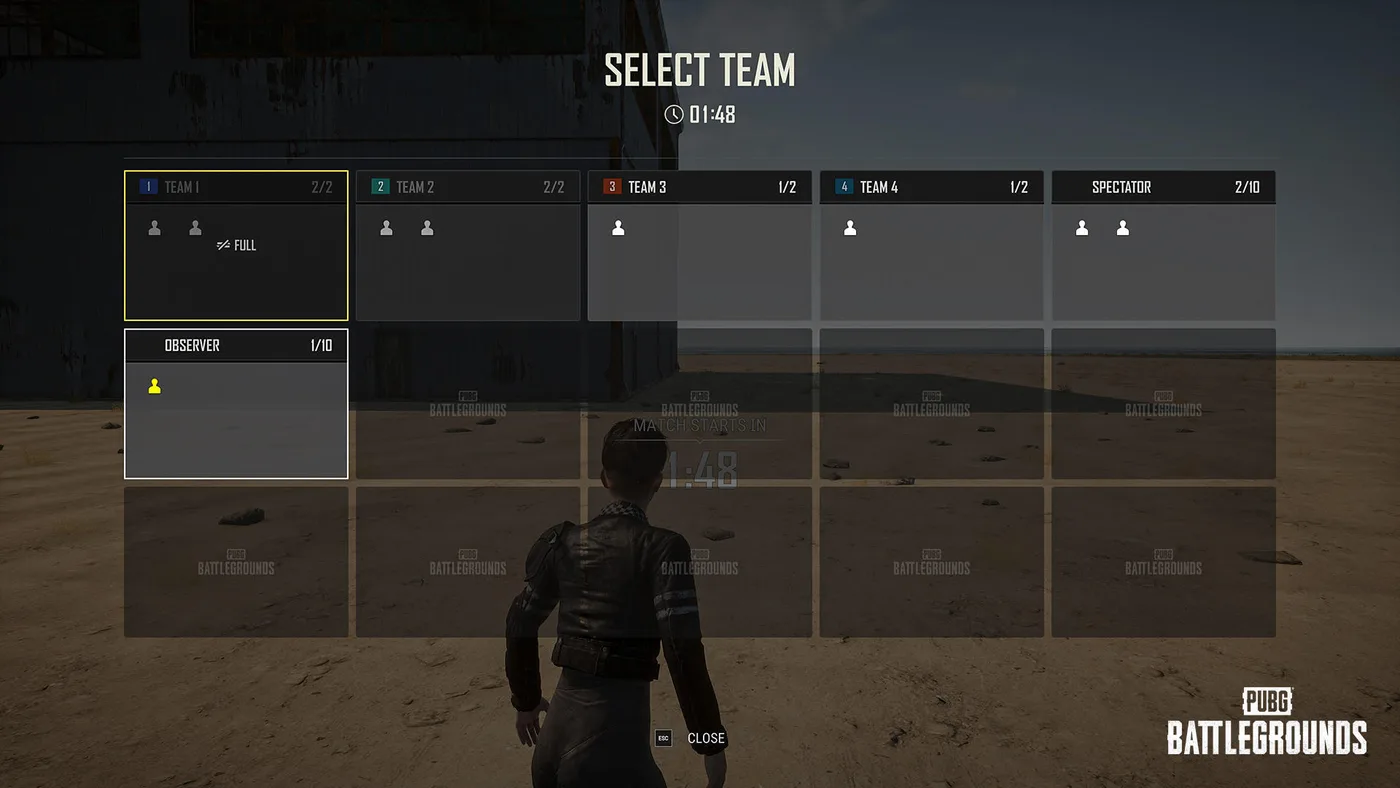
PUBG Custom Matches: How Hosting Works After Update 43.2
Update 43.2 gave PUBG custom match hosts a Force End button, random team assignment, a lobby-wide nickname hider, a host-only chat setting and a 0-10x explosion multiplier, and they don't all work in the same modes. Here is who can host, which tool works where, what Esports Mode copies from Ranked, and the patches that changed settings your old presets rely on.
PUBG Bans: What Gets You Banned and How Many Each Week
KRAFTON banned 34,271 PUBG accounts in the week of 12 to 18 October 2026, and 20,929 of them for cheating. Here is the Rules of Conduct penalty table, what counts as cheating on PC and console in 2026, the non-cheating offences that can still cost you the account, how reporting and appeals work, and 11 weeks of KRAFTON's own weekly ban figures.
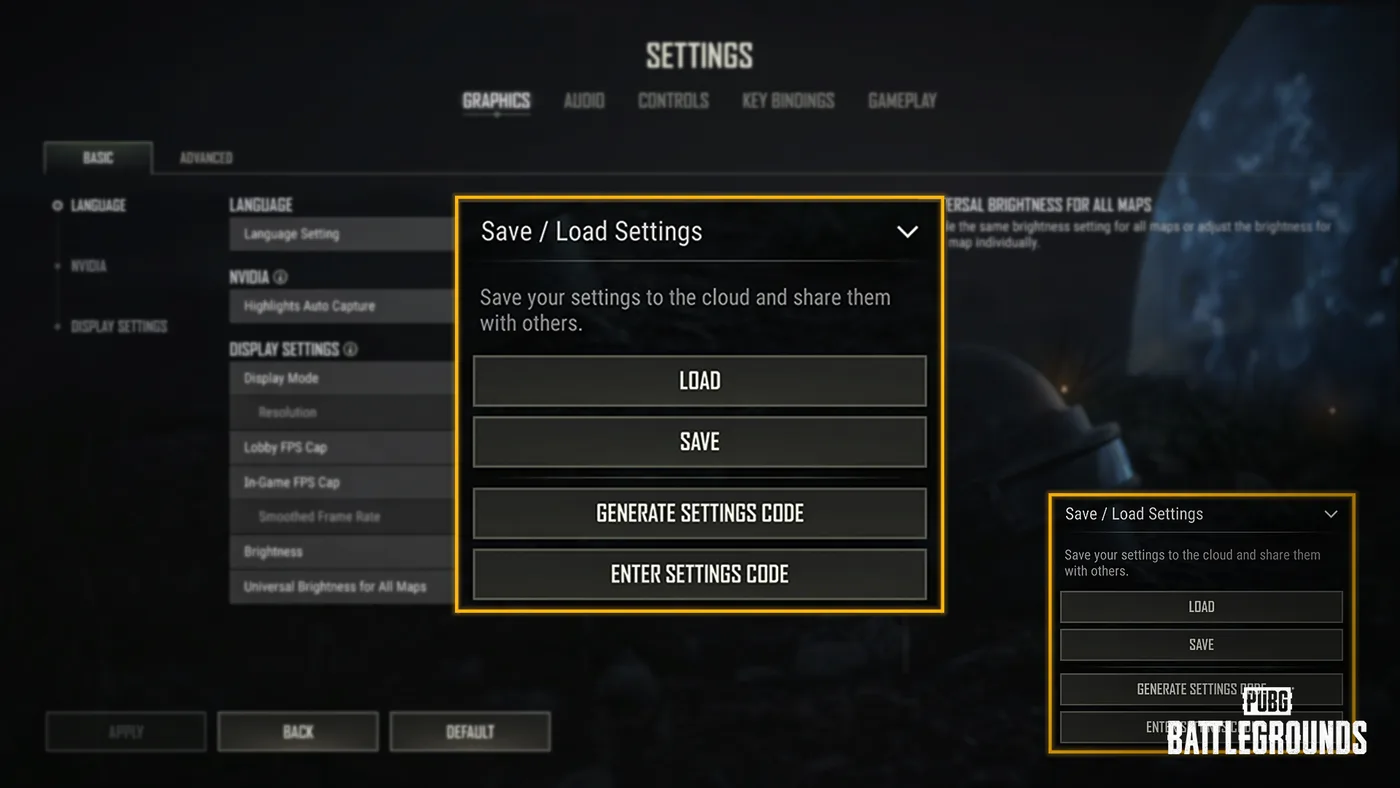
PUBG Crosshair Customization and Settings Sharing
Update 42.3 led with the RPD and the LMG Meta Rotation, but the same patch notes added a crosshair editor with four weapon profiles and a settings code that copies your setup onto someone else's machine. Here is every option KRAFTON listed, the two carve-outs that limit it, what a shared code does and does not carry, and the rest of the settings rebuild that shipped alongside it.
PUBG Dawnbreakers of Rondo: How the SLB PvE Mode Works
Update 43.2 brought back Survivors Left Behind, PUBG's co-op PvE mode against the Hungers, for a fourth run, this time on Rondo. Here is how a stage works, what Rookie and Veteran change, what you can craft and deploy, what carries over between matches, and how it differs from the Haven, Taego and Miramar versions.
Best Weapons in PUBG: Tier List
Every PUBG tier list is out of date the moment a balance patch drops. So here's the list, ranked by role, plus the durable logic to re-tier any gun yourself when the next patch shakes things up.
Best PUBG Loadouts & Attachments
A naked M416 and a fully kitted M416 are basically two different guns. Here's how to build the strongest two-gun loadouts in PUBG and the attachment priority that turns loot into recoil control.