Ocarina of Time Switch 2: Resolution, FPS and Modes
Nintendo never published a frame rate or resolution for the Ocarina of Time remake. Digital Foundry measured it: a held 60fps in both modes, 1080p to 1440p docked, 720p to 1080p handheld, upscaled with FSR 1 rather than DLSS. Here is what that means, what Nintendo's own pages add, and what is still undocumented.
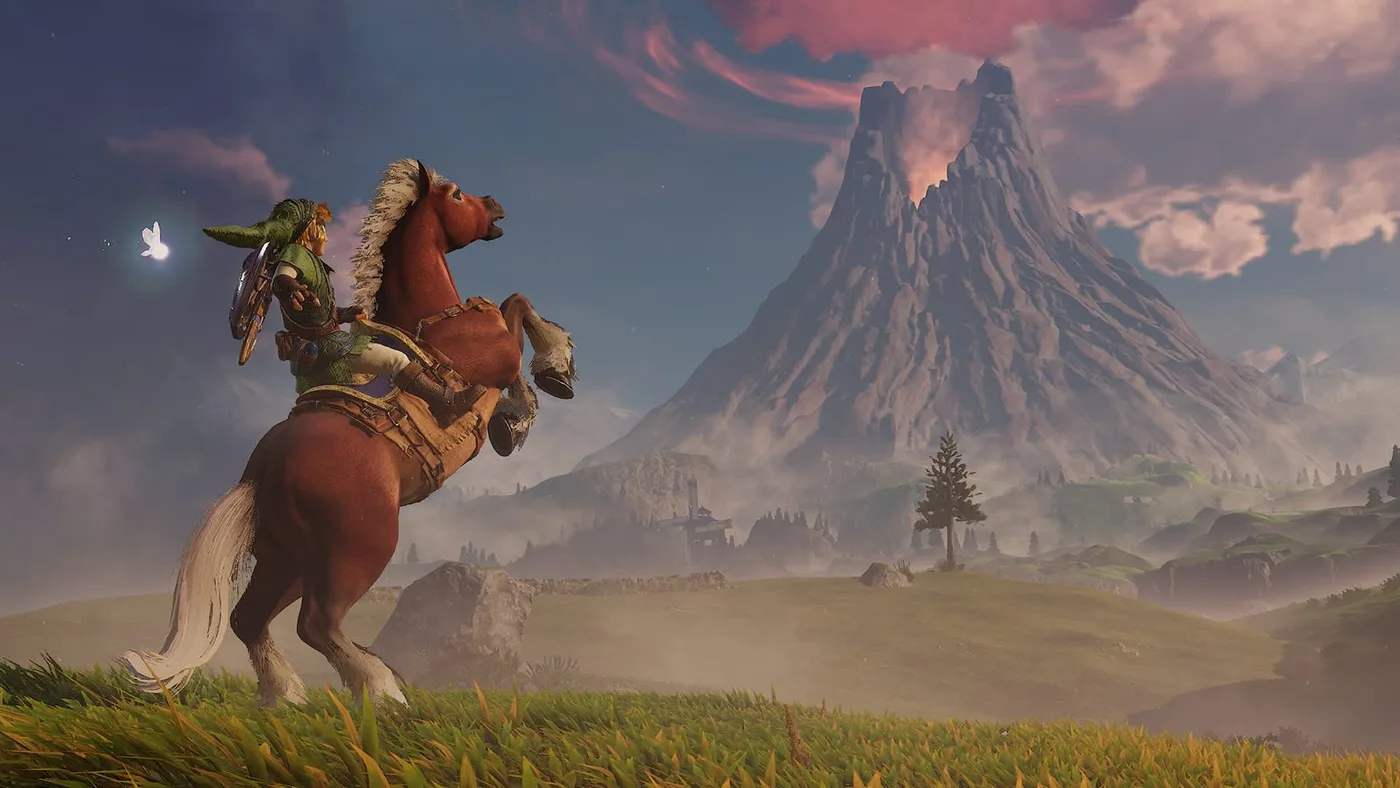
Ocarina of Time ran at 20 frames per second on the Nintendo 64. The Switch 2 remake runs at 60, in both docked and handheld play, according to Digital Foundry's tech review. That is three times the original's frame rate, and Nintendo's own store page and spec sheet do not give the number.
That last part is the reason this post exists. Nintendo's store page for the remake lists HDR and VRR output and stops there: no resolution, no frame-rate target, no mode options. Our Switch 2 remake overview and remake vs original comparison both had to list frame rate as undocumented for that reason. Digital Foundry's review, published November 4, 2026 by William Judd with a companion video on Digital Foundry's YouTube channel, fills the gap. I have not measured anything myself; every number below is Digital Foundry's or Nintendo's, and the source is named on each one.
The numbers
| TV mode (docked) | Handheld mode | Source | |
|---|---|---|---|
| Frame rate | 60fps, held consistently | 60fps, held consistently | Digital Foundry |
| Resolution | 1080p to 1440p | 720p to 1080p | Digital Foundry |
| Upscaling | AMD FSR 1 (spatial), not DLSS | Same | Digital Foundry |
| Anti-aliasing | SMAA | Same | Digital Foundry |
| HDR | Yes, on compatible TVs | Not stated for the game | Nintendo store page |
| VRR | Yes, on compatible TVs | Not stated for the game | Nintendo store page |
| Surround sound | Linear PCM | Not stated | Nintendo store page |
| Graphics mode toggle | Not documented | Not documented | Neither source lists one |
| Download size | 24.9 GB | 24.9 GB | Nintendo store page |
The store page also lists tabletop mode alongside TV and handheld. Digital Foundry only reports docked and handheld figures, and since tabletop uses the console's own screen, I would expect it to behave like handheld, but nobody has published a measurement for it, so treat that as my assumption.
Frame rate: 20, then 30, now 60
| Version | Frame rate | Source |
|---|---|---|
| Nintendo 64 (1998) | 20fps | Zelda Wiki, Digital Foundry |
| Ocarina of Time 3D (Nintendo 3DS, 2011) | 30fps | Zelda Wiki |
| Nintendo Switch 2 remake (2026) | 60fps | Digital Foundry |
Digital Foundry's wording is that the remake "targets and holds a fluid 60", and that frame delivery stays consistent in both docked and handheld modes. The review credits that with improving action sequences, platforming timing and general exploration.
The platforming point is worth dwelling on, because the remake adds a jump button: Zelda Wiki notes that Link can now jump on command and that automatic jumping has been removed. On N64, running off a ledge was the jump, and the game decided whether it happened. In the remake you press it, and pressing a button to time a jump is far more forgiving at 60 frames than at 20. I think the frame rate and the new controls are one change, not two. Our overview covers the control changes themselves.
Resolution and image quality
Digital Foundry puts the output resolution at 1080p to 1440p when docked and 720p to 1080p in handheld. Those are ranges, so the resolution moves with the scene. Digital Foundry does not say which areas sit at the top or bottom of each range.
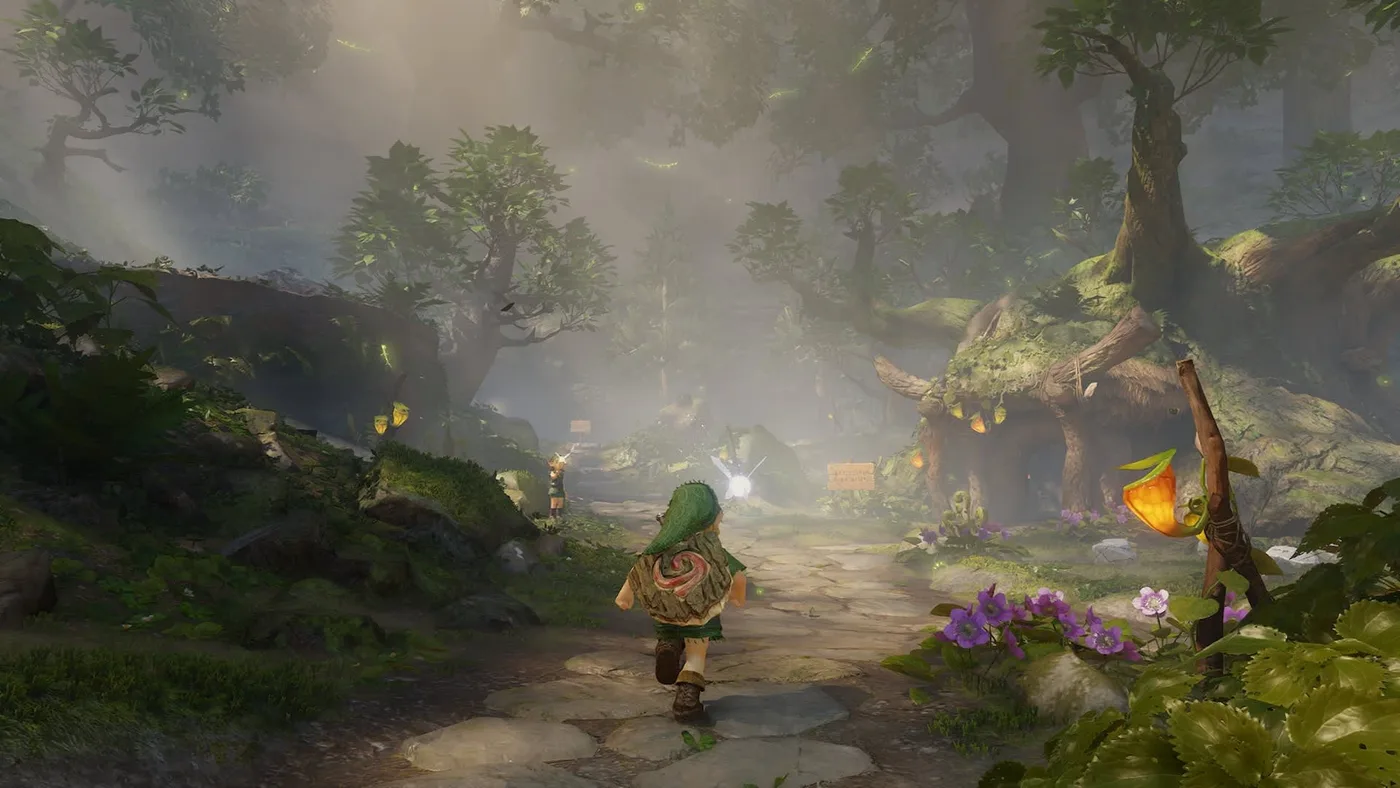
The image is built with SMAA anti-aliasing and AMD's FSR 1 spatial upscaler. Digital Foundry calls SMAA Nintendo's "classic" choice and the result the "characteristic first-party Nintendo look". The cost, in Digital Foundry's words, is that some fine geometric edges still shimmer and look soft. Its verdict is that image quality is "sufficient" in both modes and that the rest of the visuals make up for it.
For context, Nintendo's Switch 2 spec sheet says the console can output up to 4K at 60fps in TV mode, and up to 1080p on its own 7.9-inch screen. So the remake's docked range stays well under the console's 4K ceiling, while its handheld range tops out at the screen's native 1080p.
Why no DLSS matters more in handheld
Digital Foundry's sharpest line is about upscaling: Nintendo used FSR 1 "when DLSS is like, right there". The Switch 2 has the hardware for DLSS. FSR 1 is a spatial upscaler, meaning it works from the current frame only and does not reuse detail from earlier frames the way a temporal upscaler does.
My read: that matters most at the bottom of the handheld range. A 720p image stretched to a 1080p screen leaves the upscaler doing the most work, and a spatial upscaler has the least to work with. Docked at 1440p, there is far less to recover. If shimmer on fences, grass and thin geometry bothers you, the TV is where you will see less of it. That is an inference from Digital Foundry's numbers, not something the review tests side by side.
Is there a performance or quality mode?
Not that anyone has documented. Nintendo's store page lists the three play modes (TV, tabletop, handheld) and the HDR, VRR and surround features, and no graphics options. Digital Foundry's review describes one target, a held 60fps, and does not mention a mode toggle. The only display-related setting Digital Foundry mentions is a dynamic HUD that hides contextual icons until you need them.
Given that the game already holds 60 in both modes, a performance mode would have little to add. A quality mode trading frame rate for resolution is the thing that does not appear to exist. I have not seen the game's settings menu myself, so if you find one, that would be news.
HDR, VRR, surround and accessibility tags
Nintendo's store page lists these, with the first two "available on compatible TVs":
| Feature | What Nintendo lists | Console spec, for context |
|---|---|---|
| HDR output | Yes, on compatible TVs | Switch 2 supports HDR10 |
| VRR output | Yes, on compatible TVs | Switch 2 supports VRR up to 120 Hz |
| Surround sound | Linear PCM | Switch 2 outputs linear PCM 5.1ch over HDMI in TV mode |
| amiibo | Supported | Not applicable |
The Switch 2's own screen also supports HDR10 and VRR according to Nintendo's spec sheet, but the game's store page only lists both features for TVs. Whether the remake uses either on the built-in screen is not stated.
With a held 60fps, VRR is a safety net rather than the main event. It smooths out drops, and Digital Foundry describes frame delivery as consistent in both modes.
The same store page carries these Accessible Games Initiative tags:
| Tag | Listed |
|---|---|
| Stereo Sound | Yes |
| Surround Sound | Yes |
| Playable without Motion Controls | Yes |
| Playable without Touch Controls | Yes |
| Color Alternatives | Yes |
Nintendo's store page does not say what the Color Alternatives option changes in this game.
What the hardware is spending it on
The resolution figures look modest next to the 4K ceiling until you see the list of what each frame is doing. Digital Foundry describes:
- Physically based materials on stonework, foliage, metal and cloth, which it calls "a rarity for a first-party Nintendo game".
- Dynamic atmospheric scattering, global illumination and ambient shadowing in interiors.
- Foliage that reacts to wind, water and Link's sword.
- Pots that break into physics-driven shards.
- A fluid simulation driving a reactive low fog.
- Navi as a dynamic light source.
- Castle Town and its buildings rendered fully in real-time 3D, where the original used static pre-rendered backgrounds.
Zelda Wiki adds that the remake uses the same engine as Tears of the Kingdom, inheriting its physics and lighting systems, and that the draw distance is greatly expanded, so landmarks like the castle and Death Mountain can be seen from places they could not before. Digital Foundry's version is more cautious: the engine "appears to build upon" the one made for Breath of the Wild and revised for Tears of the Kingdom.
Nintendo's developers explain part of the trade in Ask the Developer Vol. 24, Part 2. The team chose separate maps for different areas rather than one seamless world, to keep the original's structure. For Hyrule Field, they gave reachable areas a high level of detail and used less detail in areas you cannot reach, and they enlarged landmarks such as the castle and windmill.
Updates: only Version 1.1.1 so far
Nintendo Support's update page for the game lists one version: Ver. 1.1.1, released November 4, 2026, the day before launch. Its notes, in full:
| Ver. 1.1.1 note | What it means |
|---|---|
| ZELDA NOTES is now supported. | The phone-app link; our ZELDA NOTES guide covers setup |
| After updating the software, please follow the instructions displayed at the start of the game to configure ZELDA NOTES. | Setup prompt |
| Several issues have been addressed to improve the gameplay experience. | Unspecified fixes |
Nothing in those notes mentions performance, resolution or frame rate. As of November 13, 2026, there is no post-launch patch listed, so there is no "performance update" to wait for or to install. Digital Foundry's review is dated November 4, the same day as Ver. 1.1.1; it does not say which version it tested.
Still not documented
- Exact resolution per area. Digital Foundry gives ranges, not a per-location breakdown.
- Whether the TV signal is upscaled to 4K. Digital Foundry reports the game's resolution range, not what the console sends to a 4K TV.
- Tabletop mode figures. Listed by Nintendo, not measured by Digital Foundry.
- Load times. No published timings.
- 120Hz or unlocked frame rate. The Switch 2 supports 120fps at 1080p and 1440p, but no source says the remake uses it, and Digital Foundry describes a 60fps target.
- HDR and VRR on the built-in screen. The game's store page only lists them for TVs.
Docked or handheld?
Both hold 60, so the choice comes down to image quality and convenience. If you have a TV and care about sharpness, dock it: you get the higher 1080p-1440p range, HDR, VRR and linear PCM surround over HDMI. If you are playing in bed, handheld loses none of the frame rate, which is the part of this remake that changes how it plays. What you give up is resolution and, by my reading of the FSR 1 point above, some clarity on fine detail.
For players coming from the N64 version on Nintendo Switch Online, the gap is bigger than any of these numbers suggest. Our 3D vs N64 breakdown covers what the last jump from 20 to 30fps changed.
Quick Action Checklist
- Expect 60fps in both TV and handheld mode, per Digital Foundry.
- Docked resolution is 1080p to 1440p; handheld is 720p to 1080p.
- Upscaling is FSR 1 with SMAA, not DLSS; expect some shimmer on fine edges.
- Do not look for a performance or quality mode; none is documented.
- Turn on HDR and VRR on a compatible TV; the store lists both for TV play.
- Use HDMI to an AV receiver for linear PCM surround.
- Install Ver. 1.1.1; it is the only update Nintendo lists, and it is needed for ZELDA NOTES.
- Keep 24.9 GB free for the digital version.
Frequently Asked Questions
What frame rate does the Ocarina of Time remake run at on Switch 2?
What resolution is Ocarina of Time on Switch 2?
Does the Ocarina of Time remake use DLSS?
Does Ocarina of Time on Switch 2 have a performance mode?
Has the Ocarina of Time remake had a performance patch?
Does the Ocarina of Time remake support HDR and VRR?
Keep Reading
- Digital Foundry (William Judd, November 4, 2026) — Ocarina of Time remake tech review: held 60fps docked and handheld, 1080p-1440p docked, 720p-1080p handheld, SMAA + FSR 1 not DLSS, PBR materials, GI, reactive fog, Navi as a light source (read 2026-11-13)
- Digital Foundry (YouTube) — The Legend of Zelda: Ocarina of Time 2026 - Switch 2 DF Tech Review (companion video to the written review)
- Nintendo (US store) — Ocarina of Time for Nintendo Switch 2: 24.9 GB, TV/tabletop/handheld modes, HDR and VRR on compatible TVs, surround (linear PCM), accessibility tags (read 2026-11-13)
- Nintendo — Nintendo Switch 2 tech specs: 1920x1080 7.9-inch screen with HDR10 and VRR up to 120 Hz, up to 4K60 in TV mode, linear PCM 5.1ch over HDMI (read 2026-11-13)
- Nintendo Support — How to Update The Legend of Zelda: Ocarina of Time: Ver. 1.1.1 (November 4, 2026) is the only version listed (read 2026-11-13)
- Nintendo — Ask the Developer Vol. 24, Part 2: separate maps rather than a seamless world; detail and landmark scale in Hyrule Field (read 2026-11-13)
- Zelda Wiki — Ocarina of Time (Nintendo Switch 2): same engine as Tears of the Kingdom, greatly expanded draw distance (read 2026-11-13)
- Zelda Wiki — Ocarina of Time 3D: frame rate increased to 30 FPS from the original's 20 FPS (read 2026-11-13)
Related Guides
Ocarina of Time ZELDA NOTES: Setup and All 11 Features
ZELDA NOTES for the Ocarina of Time remake needs update 1.1.1, the Nintendo Switch App and an online console, but no Nintendo Switch Online membership. Here is the setup, all 11 features as Nintendo documents them, and what the app costs you in Rupees.
Ocarina of Time Remake Boss Guide: What Changed
Six of the Switch 2 remake's bosses now have documented changes: Gohma, King Dodongo, Volvagia, Morpha, Ganondorf and a rebuilt four-phase Ganon. Here is what each change means for the fight, which N64 strategies still hold, and what the wikis have not documented yet.
Ocarina of Time Remake Shop Prices and Great Fairy Costs
Zelda Wiki now has price lists for five of the Switch 2 remake's shops and the Rupee cost of every Great Fairy. Here they are in tables, compared with the 3DS prices, plus the wallet each purchase needs and what is still undocumented.
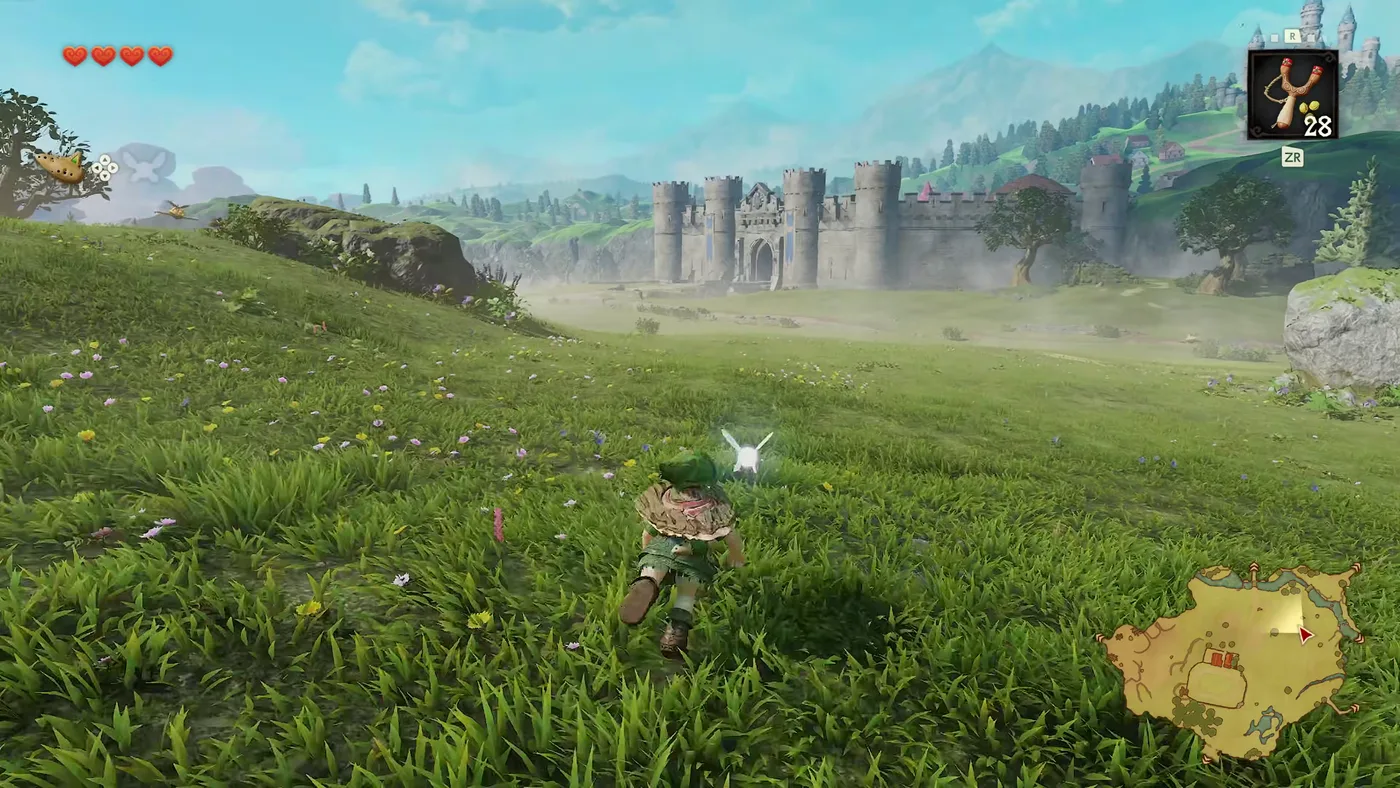
Ocarina of Time Remake Heart Pieces: All 36 Locations
The Switch 2 Ocarina of Time still has 36 Pieces of Heart, but not the same 36. Two moved, the Ice Cavern piece is missing from both remake lists, and Death Mountain Crater gained a Business Scrub selling one. Here is every piece by area, with where the sources disagree.
Ocarina of Time Dungeon Order: The Full Route, Explained
Ocarina of Time looks like an open adventure and plays like a corridor. Eight required dungeons, three side dungeons, and only a couple of places where the game genuinely lets you pick. Here is the whole route with the reasons behind each lock.
Ocarina of Time Remake: Switch 2 Buttons for All 12 Songs
The Switch 2 remake moved the ocarina notes again; only the 3DS's two shoulder-button notes stayed put. Here are the 12 learned songs with fixed inputs in the default Normal layout, checked against two sources, plus how to turn on humming, what Practice Mode and the songbook do, and why I am not printing a Classic table yet.