Pokopia Update History: Every Patch Through Ver. 2.0.1
Pokopia has shipped eight updates in six months, and seven of them were bug triage. The exception, Ver. 2.0.0, rewrote how you move, build and store things. Here is the whole version history with dates, what 2.0.0 actually changed, and what the September 2.0.1 hotfix cleaned up.
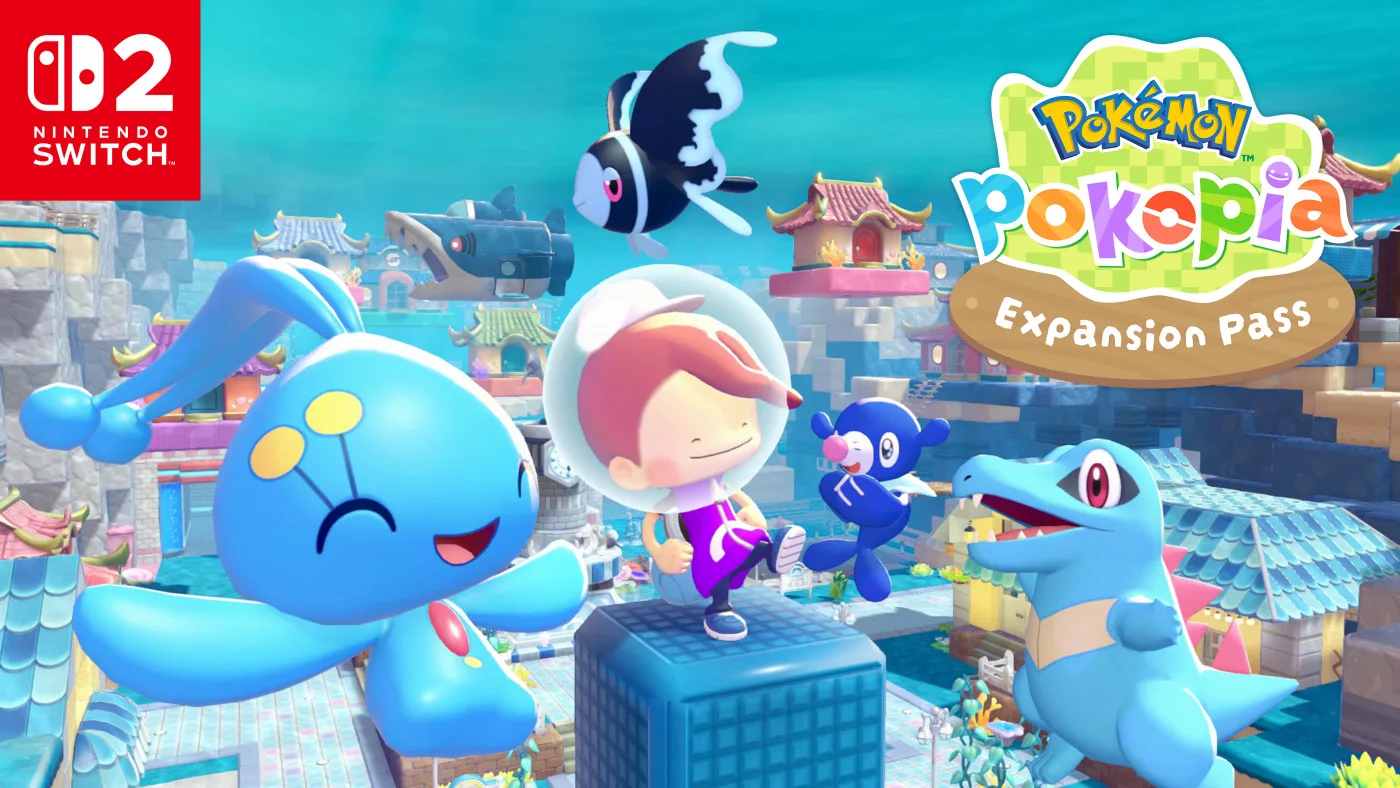
Pokopia has shipped eight updates in six months, and seven of them were housekeeping. Bug triage, request softlocks, a Pokedex typo, and most recently a Ho-Oh and Lugia stuck in a loop of descending and reappearing. The exception is Ver. 2.0.0, which doubled your power generator limit, quadrupled how many photos a town can display, taught Rollout to eat items off the ground, and made Strength work underwater.
That is the pattern worth knowing before you scroll a patch list. Game Freak, Omega Force and The Pokemon Company spent March through June putting out fires — and there were a lot of them, mostly in the request chains — and then dropped one enormous feature patch on top of the Expansion Pass launch, followed by a six-fix hotfix in September. If you bounced off Pokopia in April because a Dream Island stranded you in Palette Town, the game you are running today is not the game you quit.
Here is every version, every date, and what actually changed in the one that matters.
Every version and what it was for
Nintendo publishes the canonical list on its own support page, and it runs like this:
| Version | Released | The short version |
|---|---|---|
| 1.0.1 | March 3, 2026 | Day-one patch. "Several issues have been addressed." |
| 1.0.2 | March 17, 2026 | Request softlocks in three towns; Spinarak's Pokedex type was wrong |
| 1.0.3 | April 8, 2026 | Lost Pokemon in Pokedex search, Dream Island travel trap, controller rumble |
| 1.0.4 | April 22, 2026 | Pokemon Center relocation during events; three more Bleak Beach request fixes |
| 1.1.0 | June 9, 2026 | Electricity-using item cap 512 to 1,024, new Pokemon conversations, Cloud Island item loss |
| 1.1.1 | June 18, 2026 | Two fixes only: placed-item limits and Ditto's face during photo emotes |
| 2.0.0 | August 4, 2026 | Dive, underwater building; 13 new features, 35 improvements, 28 fixes |
| 2.0.1 | September 7, 2026 | Six fixes: Ho-Oh and Lugia looping, Pokedex search misses, relocation kit pickup, repeating sound effects, freezes, loading-screen hangs |
Note the release date on 1.0.1: two days before the game came out. Pokopia launched worldwide on March 5, 2026, and the day-one patch was already sitting on the eShop on March 3. Which makes 1.0.0 a version almost nobody ever ran: the patch was live before anyone could buy the game.
The gap between 1.1.1 and 2.0.0 is also worth a beat. Seven weeks with nothing, then everything at once — because 2.0.0 was built to ship on the same day as Bubbly Basin, the first paid part of the Expansion Pass. Ver. 2.0.1 followed on September 7, just over a month later, and is the opposite kind of patch: six fixes, nothing added.
One date discrepancy to be aware of: Nintendo's Americas support page stamps Ver. 2.0.0 as released August 4, 2026, while Pokemon.com's Bubbly Basin news post and Nintendo's Asia-Pacific announcement both say August 5. That is a time-zone artifact, not two patches. There is one Ver. 2.0.0.
Dive, and the gate you have to clear first
The headline addition is the move Dive, and — this is the part people keep getting wrong — it is free. It arrives for every Pokopia owner in Ver. 2.0.0 whether or not you bought the Expansion Pass.
Manaphy is the Pokemon who teaches it. To get there you need two things already in hand:
- Completed the request "Raise the environment level!" in Bleak Beach.
- The ability to jump, and the move Surf.
If you have been ignoring Bleak Beach's environment level, that is your homework, and our habitat and comfort guide is the fastest route through it. Once Dive is learned you can swim freely underwater, plant crops down there, and build. The Build specialty now works on underwater houses, which is the structural half of the feature — Dive without buildable seafloor would just be a swimming animation.
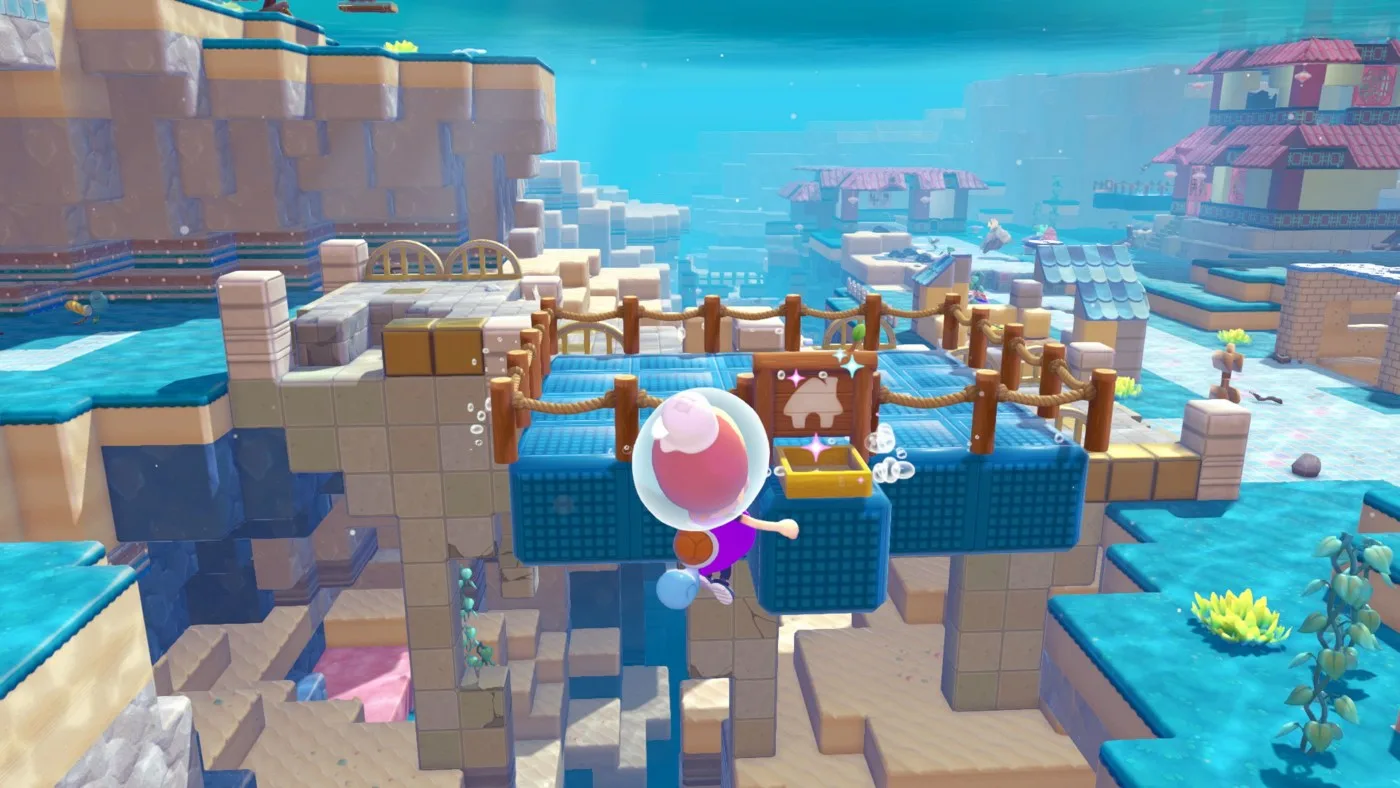
Nintendo also mentions laying railway track from land down to the seafloor and riding a handcar the whole way. That is the kind of detail that tells you the update was designed around continuity between your existing towns and the water, rather than treating underwater as a separate mode.
The caps that went up
Placement limits are the invisible ceiling in a building game, and Pokopia has raised three of them in two patches. If you run a dense, heavily powered town, these are the changes you will notice first.
| Limit | Was | Now | Patch |
|---|---|---|---|
| Items that use electricity | 512 | 1,024 | 1.1.0 |
| Power generator placement | 64 | 128 | 2.0.0 |
| Photos displayed per town | 10 | 40 | 2.0.0 |
| Lost relics appraised at once | 1 | 10 | 2.0.0 |
| Curved eaves crafted per batch | — | 10 | 2.0.0 |
One catch on that first row, and Nintendo spells it out in a parenthetical that is easy to skim past: the raised electricity cap applies to items placed after you install Ver. 1.1.0. It is a limit on what you place going forward, not a blanket re-rating of a town you built in May.
The generator jump is the real one. Electricity in Pokopia is generated by placeable sources - mini generators, windmills, waterwheels and furnaces - then distributed over power lines, and 64 generators was a genuine constraint on anyone running appliance-heavy habitats across five areas. Doubling it is not a rounding error.
The photo display change from 10 to 40 per town is quietly the most social one. Photographing other people's builds and reprinting them at home is the entire point of visiting a friend's island, as our multiplayer guide lays out, and a ten-photo wall was a hard stop on using your own town as a gallery.
Batch relic appraisal deserves a specific mention because it is pure tedium removal. Ten at a time instead of one at a time, and Smearguru can now learn patterns from photos you have stored rather than only from what you are holding.
Traversal moves got quietly rewritten
Buried in the improvements list is a set of changes to how the Ditto transformations behave, and collectively they change how a play session feels more than the new move does.
- Rollout can now inhale items and open your bag. Previously, rolling meant committing to rolling. Now you can gather while you move.
- Rollout destroys certain natural obstacles, large boulders included. That is a terraforming shortcut, not a convenience.
- Surf activates on land by pressing the button while holding focus, and the general activation conditions for Surf and Waterfall were smoothed out.
- Strength works underwater, which is the other half of making the seafloor a real build site.
- Leafage reverts farm soil back to normal soil blocks — the missing undo on a crop plot you regret.
- Your companion Pokemon now follows you during Surf, Glide, Rollout and Magnet Rise. Before this, fast travel meant leaving your friend standing on a hill.
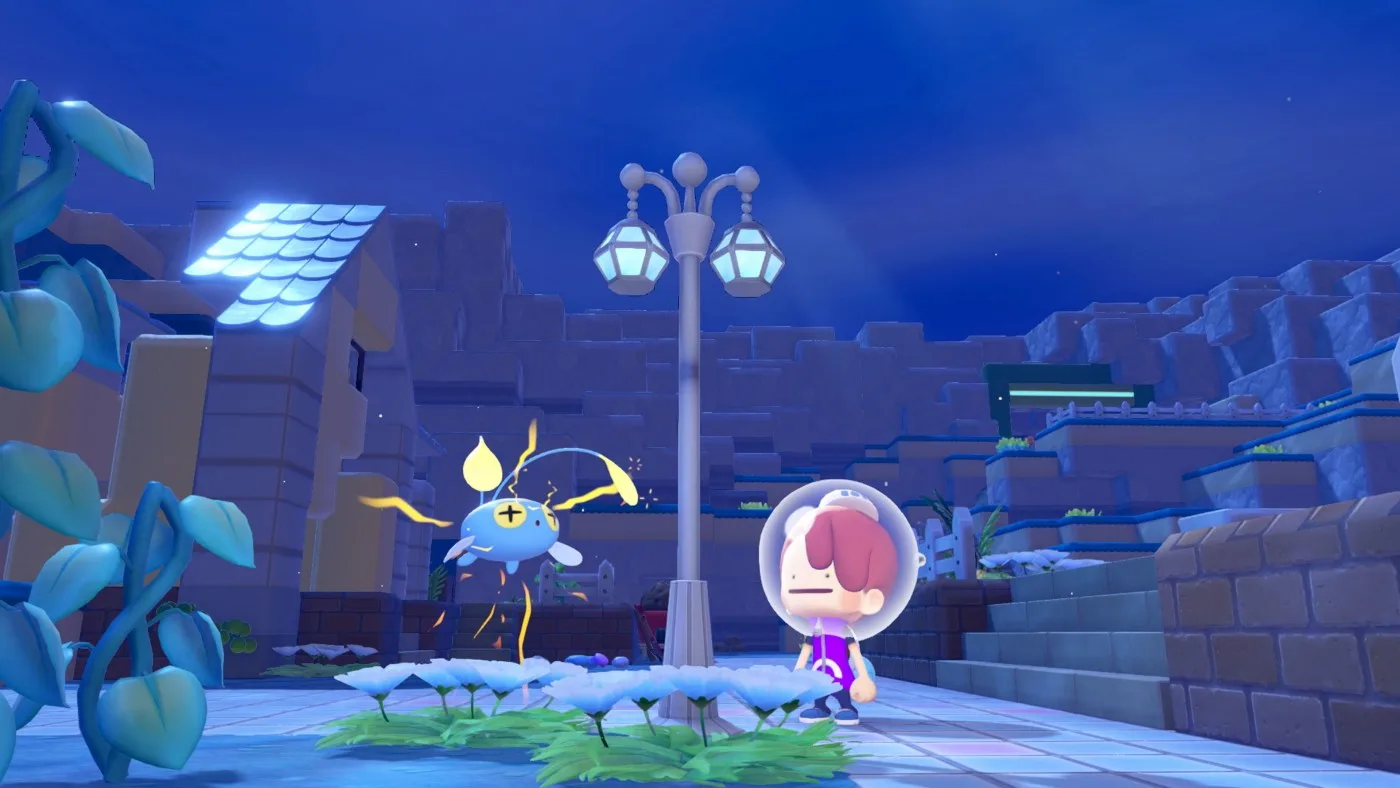
There is also a new setting to hide the Magnet Rise confirmation message, and another that lets you move while the move wheel is open. Both of those are small on paper and enormous in practice if you swap transformations constantly, which the areas and map guide will tell you is most of the game once you are travelling between the five regions.
Quality-of-life changes you will feel in ten minutes
Ver. 2.0.0's improvements list runs to 35 entries, on top of 13 new features. These are the ones that change your minute-to-minute routine:
- Bulk item transfer between the storage box and your bag, plus the ability to delete items straight out of containers like garbage bins.
- Crafting now pulls materials from a nearby storage box before your bag. Anyone who has stood at a workbench shuffling stacks knows exactly how much time that saves. Our resource guide covers what is worth hoarding in the first place.
- An "All" tab in both the Pokedex and the Habitat Dex.
- Pokedex search can now route you to other towns when the Pokemon you are hunting is not in the one you are standing in.
- Fine depth adjustment for windows, doors and similar items, so a window can sit flush instead of nearly flush.
- Paint, Gather Honey and Collect can be used multiple times per interaction rather than one prompt per action.
- A motion-sickness reduction option for the camera, which is a genuine accessibility addition and not a gimmick.
- Unassigned Pokemon will help with cooking while construction is underway, so your idle residents stop being idle.
The one that will save you the most grief long term: Pokemon whose habitats get destroyed no longer vanish into the void. If you rebuild the habitat nearby, they come back, and their happiness recovers faster when you replace furniture you removed. Renovating used to carry a real risk of losing a resident.
New items, emotes and hair colors
The cosmetic and item additions in Ver. 2.0.0, in full:
- Portal pod and safe — recipes unlock by raising Palette Town's environment level.
- The dynamic Ditto print pattern, obtainable from Smearguru once you have the diploma.
- Two emotes: Lie Down and Ready, Set, Go!, found in Bleak Beach and on Dream Islands. A Pokemon that taught you an emote will now respond with that same emote when you use it.
- Five hair colors: orange, light pink, yellow-green, blue-green and brown.
- Ten newly paintable items: stylish stool, handrail, metal chain, workbench, vending machine, bike, bookcase, Pokemon Center counter, arrow sign and rope.
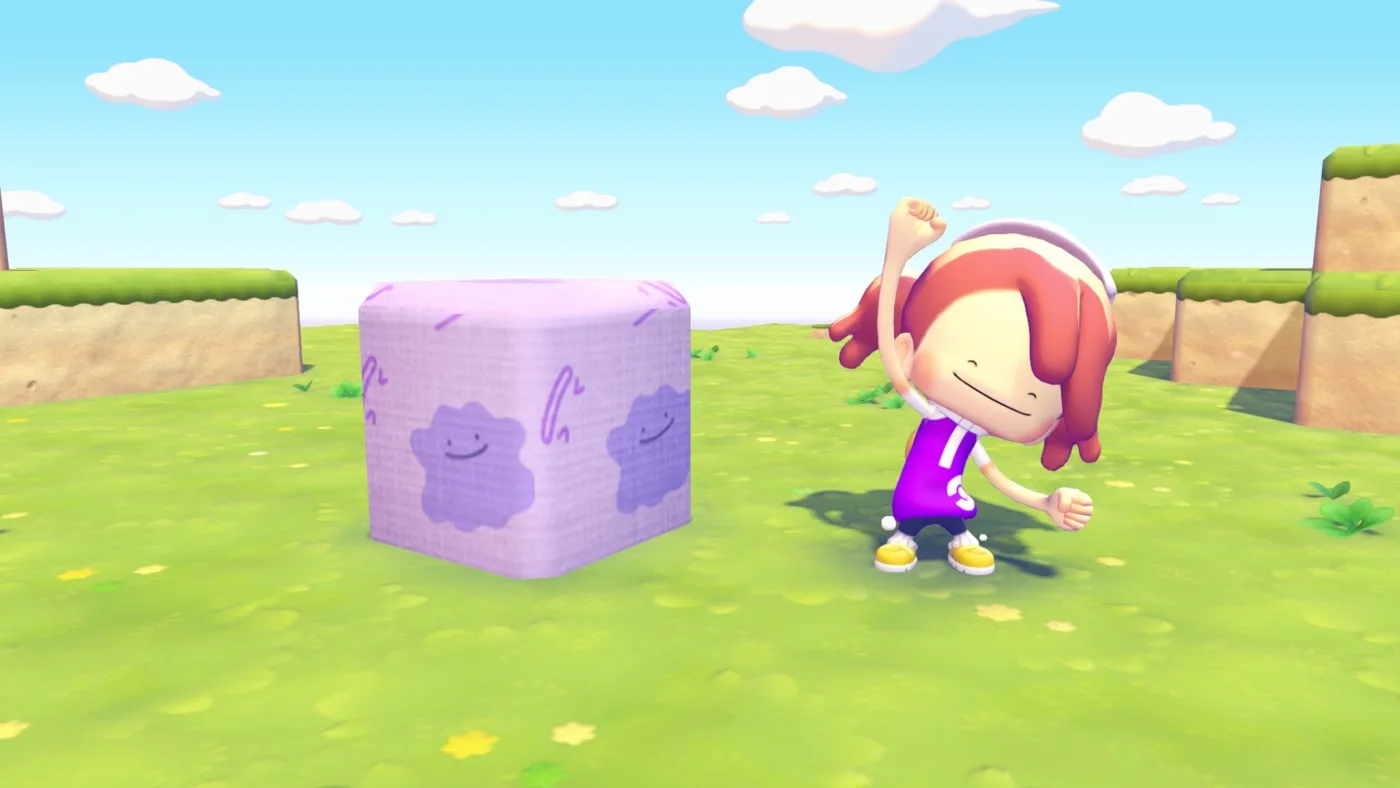
Two more that read as trivia until you build with them: certain roof items now block water, and the Tidal Bell and Clear Bell can be triggered by laser sensors and switches. Water-blocking roofs are how you keep a dry interior in a submerged build. Bells on sensors are how you make a door chime.
The 1.x patches were a softlock cleanup operation
Read the March and April notes back to back and a theme jumps out: Pokopia launched with request chains that could deadlock if you did things in an unexpected order. Which, in a game whose whole premise is "do whatever you want to the terrain," is an easy trap to fall into.
The specific casualties, all fixed:
- 1.0.2 — Squirtle could get stuck in trees during "Help make a home!" in the Withered Wasteland. Breaking bridge blocks too early during "Find the Pokemon Center!" in Bleak Beach blocked progress. Certain actions stopped Professor Tangrowth's bridge-repair request from triggering. A sequence of actions could prevent the Rotom encounter in Rocky Ridges. "Clear off the path!" could stall. And Spinarak's type was listed incorrectly in the Pokedex.
- 1.0.3 — Pokemon whose habitats had disappeared could not be found with the Pokedex search function. Travelling to a Dream Island under certain conditions dumped you in Palette Town with no way back to the original town. Continuous Switch 2 controller vibration was partially addressed.
- 1.0.4 — Three Bleak Beach request failures ("Wanted: Food!" unable to progress, "Pool repair needed!" not appearing, and Happiny refusing to accompany you after you finished "Pool repair needed!") plus Tinkmaster not following during "Pokemon Center tour guide!" in the Sparkling Skylands, and Professor Tangrowth going missing entirely. It also added the ability to relocate Pokemon Centers while in-game events are running, which is the only actual feature in the 1.0.x line.
- 1.1.0 — New conversation variations between Pokemon, two-story house floor selection, the ability to cancel trades during events, and settings access while auto-saving. On the fix side: Hoppip, Skiploom and Jumpluff unable to move through the air, construction failing to complete the next day, and the multiplayer ones that mattered most — item loss during host transfer or session disband, and items disappearing for Cloud Island guests who bought a lot at once.
- 1.1.1 — Exactly two fixes. Problems when an area exceeded a placed-item limit, and Ditto's facial expression not changing when using an emote during photos.
If you are still on a pre-1.1.0 save and you play Cloud Islands, that item-loss fix alone is worth booting the game to patch. Losing a bag on a host transfer was not a rumor.
Ver. 2.0.0's own fix list runs to 28 entries and covers Suicune and Gholdengo failing to cross water, Cloud Island relocation kit permissions, Dream Island return loading failures, multiplayer building completion and cancellation errors, and pronoun display errors on Cloud Islands across several languages.
Ver. 2.0.1, released September 7, 2026, is the post-Dive hotfix, and Nintendo's notes for it are six one-liners, each prefixed "under certain conditions": Ho-Oh and Lugia repeatedly descending and reappearing, Pokemon not turning up in the Pokedex search function (the same cannot-be-found symptom 1.0.3 patched for Pokemon whose habitats had vanished), the relocation kit being impossible to pick up, sound effects playing repeatedly, the game freezing, and the game getting stuck on the loading screen. No features, no improvements, and no detail on what the conditions were. That is the whole list.
What this update changes about the Expansion Pass
Ver. 2.0.0 shipped alongside Part 1, and the free-versus-paid line is now clean enough to state plainly. The free update gives you Dive, underwater movement, and underwater building. The $34.99 Expansion Pass gives you Bubbly Basin, the pre-built underwater town, plus its buoyant blocks, its residents including Mudkip and Chinchou, watermelon farming, a Starmie doll that opens a new Dream Island, and a Sharpedo submarine you can build as a room.
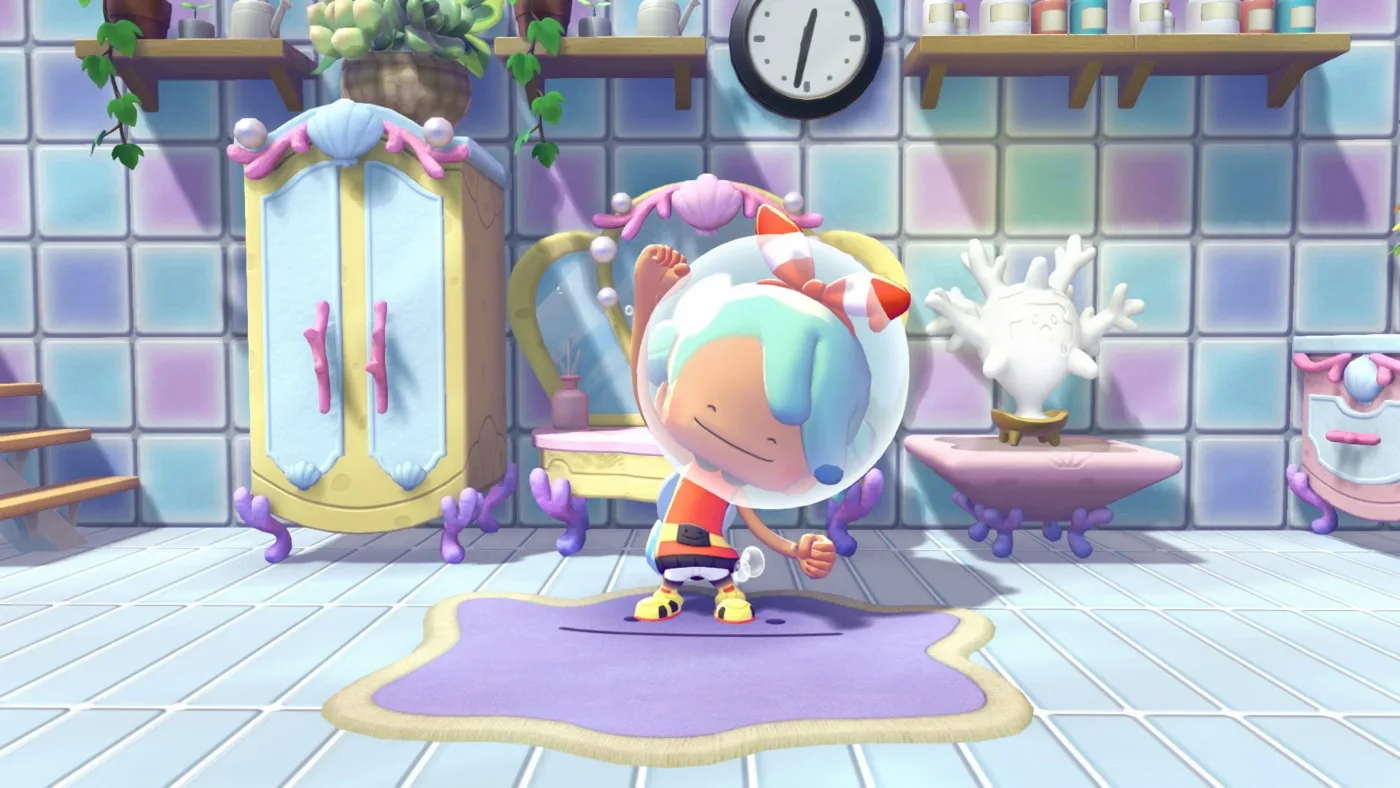
The other thing that changed with this announcement: Part 2 finally has a description. It arrives in late 2026, and Nintendo has now confirmed it adds accessories, additional furniture and additional Pokemon — and explicitly states that a new town will not be added in Part 2. Part 3, in 2027, is the one carrying the pass's second new town.
That is a meaningful correction to how the pass was being sold in June, when the middle part was a single vague sentence. If you were holding off on the pass because you assumed each part meant a new area, now you know: it is one town now, cosmetics and creatures at the end of the year, and a second town next year.
Quick Action Checklist
- Check your version from the HOME Menu; the current build is Ver. 2.0.1, anything below 2.0.0 is missing Dive, and online play requires everyone to be on the same version.
- Clear "Raise the environment level!" in Bleak Beach and have jump plus Surf ready, then get Dive from Manaphy.
- If you build densely, revisit your power layout — generators went from 64 to 128, and items that use electricity went to 1,024 back in 1.1.0 (that higher cap applies to items placed after you install 1.1.0).
- Turn on the motion-sickness camera setting and the move-while-the-wheel-is-open option before your next long session.
- Use Rollout to gather and to smash large boulders now that it allows bag access mid-roll.
- Appraise lost relics in batches of ten instead of queuing them one by one.
- Rebuild a destroyed habitat nearby and the resident comes back — renovation is no longer a gamble.
- Expansion Pass buyers: Part 2 has no new town. Budget your expectations for late 2026 accordingly.
Frequently Asked Questions
What is the latest version of Pokemon Pokopia?
How many updates has Pokemon Pokopia had?
Do I need the Expansion Pass to get Dive in Pokopia?
What placement limits did Pokopia 2.0.0 raise?
Why did my Pokemon disappear when I destroyed its habitat?
What is in Part 2 of the Pokopia Expansion Pass?
How do I update Pokemon Pokopia?
Keep Reading
- Nintendo Support — How to Update Pokemon Pokopia (official update history)
- Pokemon Pokopia official site — Free Software Update
- Nintendo — Bubbly Basin release date, Part 2 details and Ver. 2.0.0 free update
- Pokemon.com — Dive into Pokemon Pokopia Expansion Pass Part 1: Bubbly Basin
- Bulbapedia — Pokemon Pokopia
Related Guides
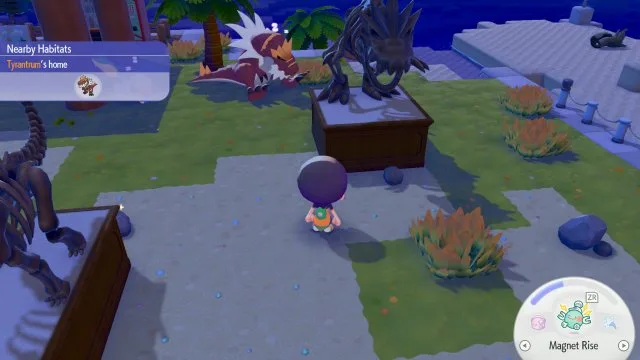
Pokopia Litter Guide: All 40 Litter Pokemon and Their Drops
Forty Pokopia Pokemon have the Litter specialty and drop one of 14 materials near their home. Here is every one with its habitat, the drops worth farming (Fluff, iron ore, Twine, squishy clay, honey), and the Gather Pokemon and community box that pick it all up for you.
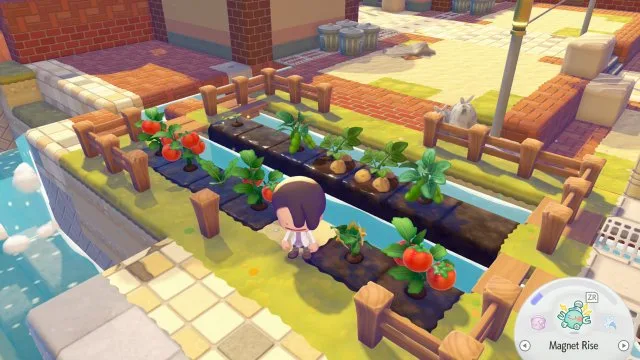
Pokopia Farming Guide: How to Grow All 5 Crops
A Pokopia crop is planted once: harvest it, water it and it grows back. Here is how Rototiller works, where the seeds for all five crops come from (and where the wikis disagree), the stage-a-day growth rule, and the 31 Pokemon with the Grow specialty.
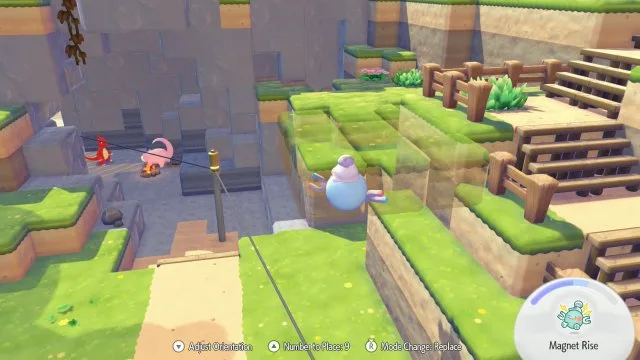
Pokopia Magnet Rise: How to Unlock It and What It Can Move
Magnet Rise is the Ditto transformation Serebii ties to the post-game, and the one that lets you pick up trees, boulders and ore deposits whole. Here is the Factory Storage unlock, the controls, Replace mode, and the 102 trees, deposits, boulders and ruins Serebii lists as Magnet Rise pickups.
Pokopia Photo Ops: All 50 Highlight Reel Shots and Frames
Pokopia's Highlight Reel is a 50-shot photo checklist, and it is where most of the game's photo frames come from. Here is every photo op, the Pokemon and prop each one needs, the 15 that pay a frame, and where Serebii and Bulbapedia disagree on the setup.
Pokemon Pokopia Beginner Guide: What To Do In Your First Hours
Pokopia does not punish you for playing badly. It punishes you for building beautifully in the wrong place before you have the tools to move it. Here is the early-game order of operations that saves you a teardown.
Pokopia Paint Guide: All 18 Colors, Patterns and Smearguru
Pokopia's paint system runs through Smearguru, a Pokemon the story never makes you meet. Here is how to unlock it, which berry makes which paint, the recipe for all 18 colors, and where every one of the 116 patterns comes from.