Roblox Custom Loading Screen: ReplicatedFirst + Preload
A LocalScript anywhere other than ReplicatedFirst does not run until the game has already loaded, which is why your loading screen never shows up. Here is what ReplicatedFirst actually guarantees, why the default Roblox screen vanishes on its own a few seconds after you put anything in there, and why game:IsLoaded() returning true does not mean a single texture has downloaded.
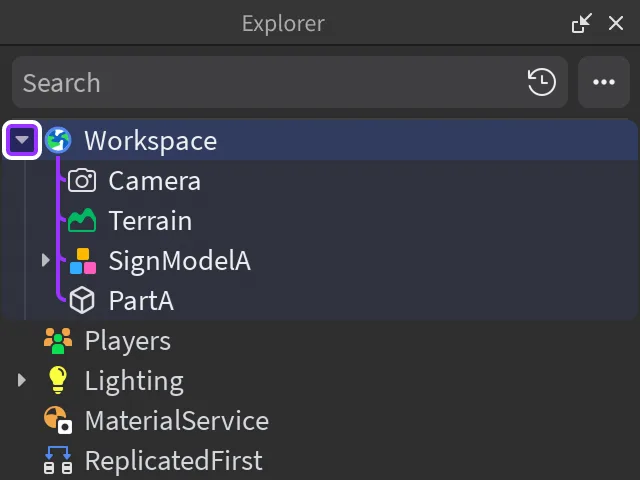
You write a loading screen, you put the LocalScript in StarterPlayerScripts where every other client script lives, and it never shows. By the time it runs, the thing it was supposed to hide is already on screen.
That is not a bug in your code. It is one sentence in Roblox's DataModel reference, repeated on both IsLoaded() and the Loaded event: "Unless they are parented to ReplicatedFirst, LocalScripts do not run until the game has loaded." A loading screen is the one piece of UI in your entire experience that has to exist before loading finishes, so it is the one piece of UI that cannot live where the rest of your client code lives.
Here is the whole path: which container runs early and what it costs you, the default screen's self-destruct timer, why game:IsLoaded() returning true does not mean a single texture has downloaded, and what ContentProvider:PreloadAsync() actually fetches when you hand it a list.
Why the script has to live in ReplicatedFirst
ReplicatedFirst is described in its class reference as "a container whose contents are replicated to all clients (but not back to the server) before anything else," and the same page says it is "most commonly used to store LocalScripts and other elements that are essential for the experience's start such as loading screens." Everything else client-visible — ReplicatedStorage, StarterGui, StarterPlayer — replicates in the normal pass, and it is the completion of that pass that flips game:IsLoaded() to true.
The container earns its speed by being small, and the reference is blunt about the two things that cancel the benefit:
- A
LocalScriptinReplicatedFirst"will need to wait for any objects they require to replicate usingInstance:WaitForChild()" — nothing outside the container is guaranteed to exist yet, includingPlayerGui. - "Any objects that are to be used by a
LocalScriptinReplicatedFirstshould also be parented toReplicatedFirst. Otherwise, they may replicate to the client late, yielding the script and negating the benefit of initial replication."
Read that second bullet as a rule about your art. If your loading screen references a background image, a logo, a font asset or a module stored in ReplicatedStorage, the script stalls on WaitForChild for exactly as long as the normal replication pass takes — which is the thing you were trying to cover. Everything the loading screen touches goes in ReplicatedFirst with it, and nothing that is not a loading screen goes in there at all.
The default screen leaves whether you ask it to or not
ReplicatedFirst:RemoveDefaultLoadingScreen() does what it says, and its reference carries the detail that turns a half-finished loading screen into a visible bug:
"Note that if any object has been placed in
ReplicatedFirst, the default loading screen will be removed after a few seconds regardless if this method has been called or not."
So the removal is not opt-in. Putting anything in ReplicatedFirst — a stub script, a folder you meant to clean up, a module you parked there while testing — starts a few-second timer on the default screen. The same page spells out the consequence: "You should not remove the default loading screen unless you want to display your own. If you remove the default screen without a replacement, players will be able to see geometry loading in the background."
That is a failure mode you can ship without writing any loading-screen code at all: something is parked in ReplicatedFirst, the default screen goes away on its timer, and there is nothing behind it. It is not the whole story for a world that looks unfinished on join — assets download on their own schedule regardless, which is the next section — but it is the cause you can rule out in ten seconds by looking in the Explorer.
The minimum viable custom loading screen
Roblox's loading-screens article gives two shapes: build the ScreenGui in the LocalScript, or reference one you already placed in ReplicatedFirst. The second is friendlier, and the docs include the workflow tip that saves you from designing UI blind — build the ScreenGui inside StarterGui so you can preview it, then move it to ReplicatedFirst when you are happy with it.
The skeleton, matching the structure in Roblox's own sample:
local Players = game:GetService("Players")
local ReplicatedFirst = game:GetService("ReplicatedFirst")

local player = Players.LocalPlayer
local playerGui = player:WaitForChild("PlayerGui")

local loadingScreen = ReplicatedFirst:FindFirstChild("LoadingScreen")
if loadingScreen then
	loadingScreen.IgnoreGuiInset = true
	loadingScreen.Parent = playerGui

	ReplicatedFirst:RemoveDefaultLoadingScreen()

	task.wait(5)  -- minimum time the screen stays up

	if not game:IsLoaded() then
		game.Loaded:Wait()
	end

	loadingScreen:Destroy()
end
Four lines in there are doing non-obvious work.
WaitForChild("PlayerGui") is not defensive padding. PlayerGui is outside ReplicatedFirst, so per the rule above it is not guaranteed to be there when this script starts.
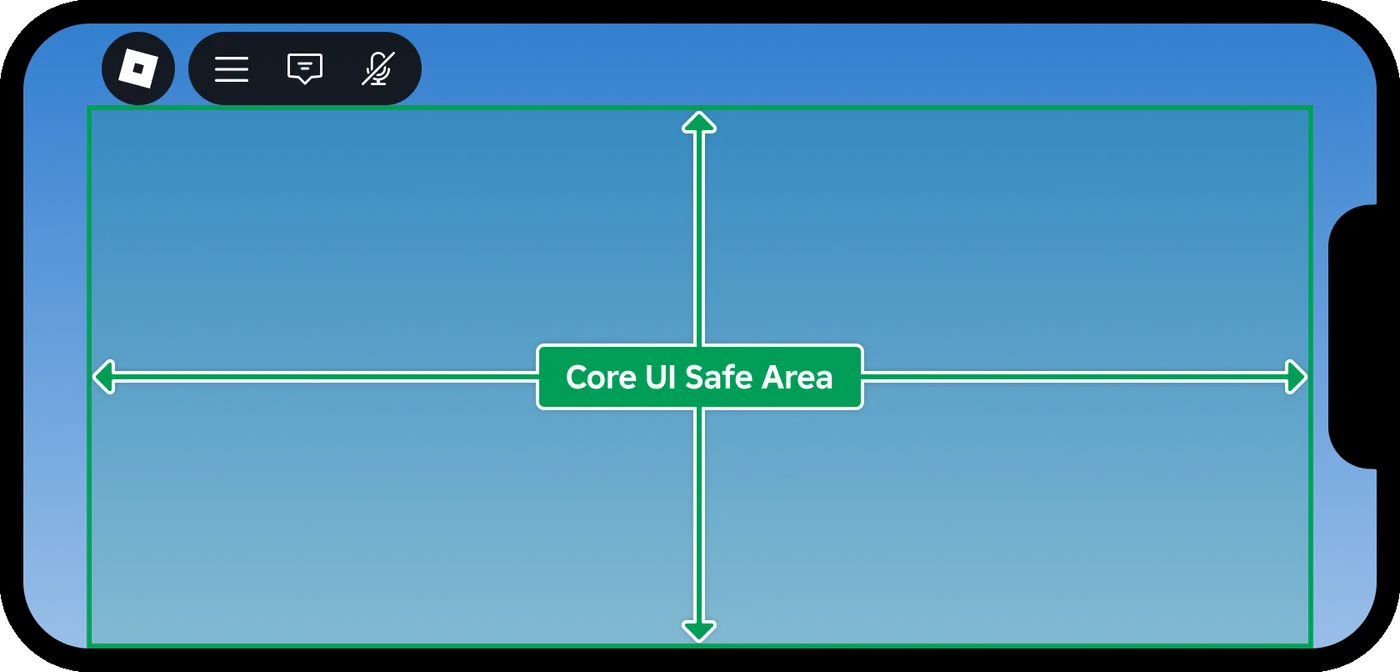
IgnoreGuiInset = true is what makes the screen cover the whole screen. The ScreenGui reference spells out the mechanism: when IgnoreGuiInset is false — the default — ScreenInsets is set to CoreUISafeInsets, "effectively keeping its bounds below the Roblox top bar core UI." Leave it alone and your loading screen stops short of the top bar, with the game visible in the strip above it. A loading screen is also one of the few candidates for the None inset mode, which the ScreenInsets reference recommends only for a ScreenGui "that contains non-interactive content like background images" — if yours has a skip button, keep the button inside the safe area.
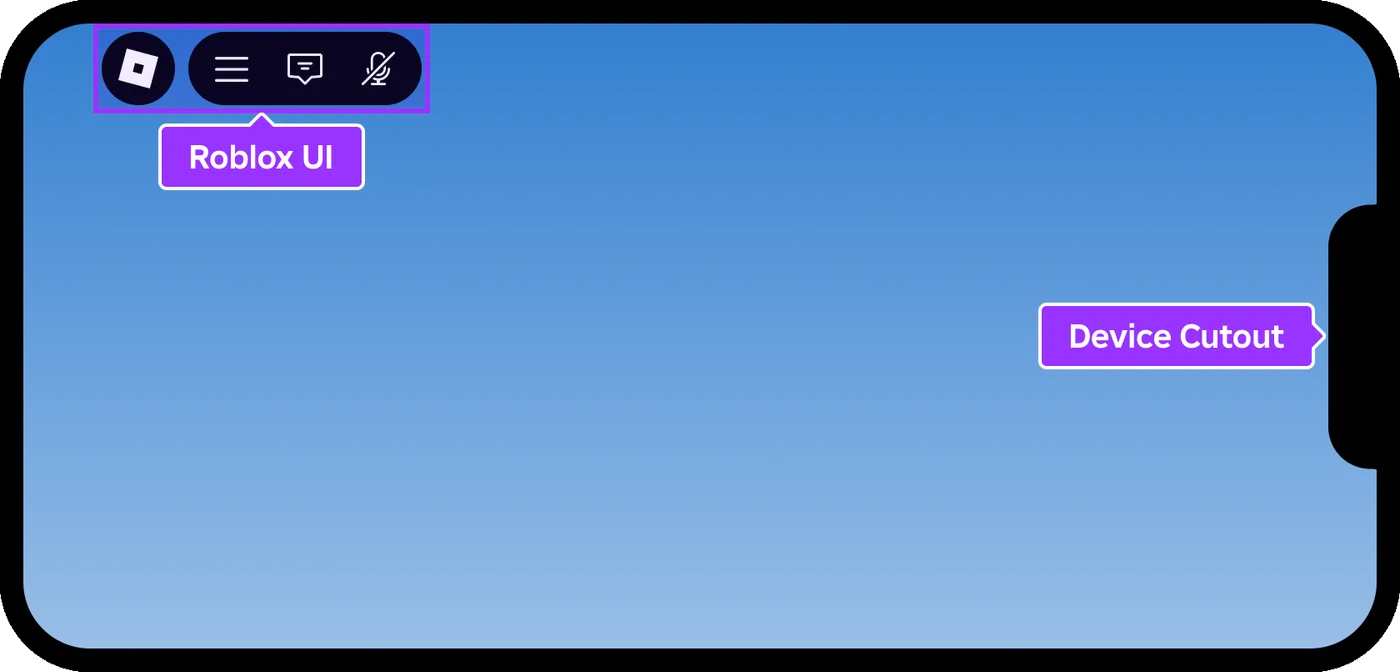
The task.wait(5) is a floor, not a load wait — the comment in Roblox's own sample calls it forcing the screen "to appear for a minimum time." It exists so a fast client does not get a 200ms flash of your logo. It does not wait for anything.
And if not game:IsLoaded() then game.Loaded:Wait() end is the pattern the DataModel reference prints verbatim for yielding until the game has loaded. The if guard matters: on a client that already finished, Loaded:Wait() alone would wait for an event that has already fired.
If you want motion, TweenService on a rotating ImageLabel is the approach Roblox's own animated example uses — same technique as any other tweened UI element, just parented somewhere unusual.
IsLoaded means replicated, not downloaded
Here is the part that separates a loading screen that works from one that only looks like it does. DataModel:IsLoaded() is defined as: "When all initial Instances in the game have finished replicating to the client, this function returns true."
Instances. Not assets.
The ContentProvider reference describes the other half: "Roblox servers stream all assets to the client at runtime: objects in the Workspace, mesh assets, texture assets, etc. Assets such as mesh visual data, textures, decals, and sounds are streamed in as required, regardless of whether Streaming is enabled," and "In some cases, this behavior is undesirable, as it can lead to a delay before the content loads into the experience."
Put the two definitions side by side and the gap is obvious. A Decal instance can be fully replicated — it exists, it has a content ID, game:IsLoaded() is happy — while the image it points at has not been downloaded. A loading screen that waits only on game.Loaded hands the player a world whose geometry is present and whose surfaces are not. Closing that gap is the entire job of ContentProvider.
PreloadAsync: what it loads and what it ignores
ContentProvider:PreloadAsync(contentIdList, callbackFunction?) yields "until all of the assets associated with the given Instances have loaded." The parameter is documented as "an array of instances to load," and the mechanism is worth understanding rather than memorising: "the engine identifies links to content for each item in the list. For any of the Instances which have properties that define links to content, such as a Decal or a Sound, the engine attempts to load these assets from Roblox."
So it walks the properties of what you hand it. Passing an instance that owns the asset is the documented path — a Sound with its SoundId set, an ImageLabel with its image set — which is why the code samples on the ContentProvider page construct the instance first.
The optional second argument is where the useful information lives. It "is called when each asset request completes" and receives the content string plus that asset's final AssetFetchStatus:
local ContentProvider = game:GetService("ContentProvider")

local sound = Instance.new("Sound")
sound.SoundId = "rbxassetid://9120386436"

local assets = { sound }

local function onAssetResolved(contentId, assetFetchStatus)
	print("resolved", contentId, assetFetchStatus.Name)
end

local startTime = os.clock()
ContentProvider:PreloadAsync(assets, onAssetResolved)
print(string.format("Preloading complete, took %.2f seconds", os.clock() - startTime))
Three limits, all documented, all easy to trip over:
- Failures are silent to your code. "If any of the assets fail to load, an error message appears in the output. The method itself will not error and it will continue executing until it has processed each requested instance." Your
pcallwill never fire. If you need to know, use the callback or theAssetFetchFailedevent, which passes the content ID of the asset that failed. SurfaceAppearanceandMaterialVariantare not supported, "because these objects rely on processed texture pack assets rather than directly loading individual textures." CallingPreloadAsyncon aSurfaceAppearance"will not do anything, but the associated textures will still be streamed in during runtime" — meaning a PBR-heavy starting area can still pop in after a loading screen that reported success.- Preloading something invisible may not keep it in memory. For instances that are not currently visible, "the Engine will download and store textures used by those Instances in its disk cache," and because they are not visible "the Engine may reduce memory consumption by unloading the textures after preloading them."
What to preload, and what Roblox tells you not to
The temptation is ContentProvider:PreloadAsync(workspace:GetDescendants()). The ContentProvider page's own best-practice list says the opposite:
"Only preload essential assets, not the entire Workspace. You might get occasional pop-in, but it decreases load times and generally doesn't disrupt the player experience. Assets that are good candidates for preloading include those required for the loading screen, the UI, or the starting area."
That list's second entry is operational: "Let players skip the loading screen, or automatically skip it after a certain amount of time." Since PreloadAsync yields per batch and a single TimedOut asset extends that yield, a loading screen with no escape hatch is a loading screen that can hold a player hostage over one bad content ID. Give it a skip button, a timeout, or both.
AssetFetchStatus: the five states behind a real progress bar
Enum.AssetFetchStatus is what the callback hands you, what ContentProvider:GetAssetFetchStatus(contentId) returns, and what GetAssetFetchStatusChangedSignal(contentId) fires on. Every content ID "has exactly one status at any given time, transitioning from None (never requested) to Loading (fetch in progress) and finally to a terminal state of Success, Failure, or TimedOut."
| Status | Value | What it means | Retry? |
|---|---|---|---|
Success | 0 | The asset loaded successfully | Done |
Failure | 1 | Failed to load; "subsequent attempts are likely to fail; there may be something wrong with the Content string" | No — fix the ID |
None | 2 | "The engine has no information about this asset. The engine never tried to load it." | Not requested yet |
Loading | 3 | The fetch is in progress | Wait |
TimedOut | 4 | The engine tried and timed out; "future attempts to load may succeed" | Yes |
Failure and TimedOut are the two that matter and they are not interchangeable. A Failure is the engine telling you the content string itself is suspect, so retrying it burns time for nothing. A TimedOut is a network result and is explicitly documented as worth another attempt. A loading screen that treats both the same either gives up on assets that would have arrived, or loops forever on an ID that is never going to resolve.
One related property for images specifically: ImageLabel.IsLoaded "indicates if the Image property has finished loading from Roblox," with the blunt footnote that "images declined by moderation will never load." If a single UI image hangs your screen forever, moderation is the first thing to check.
RequestQueueSize is not a progress bar
ContentProvider.RequestQueueSize reads like the number you want — "the number of items in the ContentProvider request queue that need to be downloaded" — and the reference tells you not to use it for the obvious purpose:
"Developers are advised not to use RequestQueueSize to create loading bars. This is because the queue size can both increase and decrease over time as new assets are added and downloaded."
Items land in that queue whenever an asset is used for the first time or PreloadAsync is called, so it is a live measure of outstanding work, not a fraction of a fixed total. Bind a bar to it and the bar goes backwards.
Two documented ways to get a number that only moves forward:
| Approach | How it works | Cost |
|---|---|---|
| One asset per call | Loop your asset array, call PreloadAsync({asset}) per item, set the bar to i / #assets after each | Serialises the downloads — the docs' own loading-bar sample does this |
| Callback counter | One PreloadAsync(assets, callback) call, increment a counter inside the callback, set the bar to count / #assets | Keeps the single batched call; the bar advances as each asset reaches a terminal status |
The first is the pattern printed in the RequestQueueSize documentation. The second follows directly from the callback's documented contract — one invocation per requested asset, carrying that asset's final status — and does not give up the batch. Pick based on whether you would rather follow the documented pattern exactly or keep your assets in one call.
Content vs ContentId: why old preload snippets look different
If you compare a preload snippet from a few years ago with the one on the ContentProvider page today, the asset assignment has changed shape. Old: decal.Texture = "rbxassetid://5447528495". Current sample: decal.ColorMapContent = Content.fromUri("rbxassetid://5447528495").
Both property forms exist on the classes right now — Decal carries Texture (type ContentId) alongside TextureContent and ColorMapContent (type Content), and ImageLabel carries Image (ContentId) alongside ImageContent (Content). Neither of the older ContentId properties is marked deprecated in the current reference, so a snippet using Texture or Image is not broken. It is just not what the docs hand you any more.
The Content datatype is worth knowing because it wraps more than a URL string. Content.fromUri(uri) takes an asset URI, Content.fromAssetId(id) is a convenience constructor "equivalent to calling Content.fromUri("rbxassetid://" .. tostring(assetId))", and Content.fromObject(object) holds a strong reference to an in-place object such as an EditableImage. Two edges the reference calls out: fromAssetId(0) returns Content.none rather than erroring, and Content values holding an object do not replicate yet — a replicated placeholder "will render as a cyan and magenta checkerboard pattern," and the docs say plainly not to use EditableImage or EditableMesh as Content on the server on an instance that can replicate to clients.
This is not instance streaming
Two different systems, easy to confuse, and the ContentProvider reference draws the line itself: assets "are streamed in as required, regardless of whether Streaming is enabled."
Instance streaming is about instances in Workspace arriving and leaving as the player moves, controlled by StreamingEnabled and its siblings. Asset loading is about the bytes behind a content ID — a mesh, a texture, a sound — and happens in every experience whether or not streaming is on. Preloading does not substitute for a streaming configuration, and a streaming configuration does not preload anything.
The other neighbour is the teleport transition. A custom screen shown while a player moves between places is a different API entirely — TeleportService:SetTeleportGui(), covered in the teleport service guide — and Roblox's loading-screens article draws that line itself, in a note at the top saying it covers the screens shown when a user initially joins, and pointing the between-places case at the Teleport between places article instead.
Quick Action Checklist
- Put the loading-screen
LocalScriptinReplicatedFirst; nothing else runs before the game loads - Put every asset that screen references in
ReplicatedFirsttoo, orWaitForChildwill stall you for exactly as long as normal replication -
WaitForChild("PlayerGui")before parenting — it is outside the container and may not exist yet - Set
IgnoreGuiInset = trueso the screen covers the top-bar region - Call
RemoveDefaultLoadingScreen()only once your replacement is on screen — and remember anything parked inReplicatedFirstremoves it after a few seconds anyway - Guard the wait:
if not game:IsLoaded() then game.Loaded:Wait() end - Preload the loading screen, the UI and the starting area — not
workspace:GetDescendants() - Use the
PreloadAsynccallback orAssetFetchFailed; the method never throws on a failed asset - Branch on
AssetFetchStatus: retryTimedOut, do not retryFailure - Never drive a progress bar from
RequestQueueSize— it goes up as well as down - Ship a skip button or a timeout so one bad content ID cannot trap a player
Frequently Asked Questions
Why does my Roblox custom loading screen never appear?
What does ReplicatedFirst:RemoveDefaultLoadingScreen() actually do in Roblox?
Does game:IsLoaded() mean all Roblox assets have finished downloading?
How do you build a loading bar for ContentProvider:PreloadAsync in Roblox?
What is the difference between AssetFetchStatus.Failure and AssetFetchStatus.TimedOut?
Keep Reading
- Roblox Creator Documentation — Loading screens (official)
- Roblox Creator Documentation — ReplicatedFirst class reference (official)
- Roblox Creator Documentation — ContentProvider class reference (official)
- Roblox Creator Documentation — AssetFetchStatus enum reference (official)
- Roblox Creator Documentation — DataModel class reference, IsLoaded and Loaded (official)
- Roblox Creator Documentation — Content datatype reference (official)
- Roblox Creator Documentation — ScreenGui class reference, IgnoreGuiInset and ScreenInsets (official)
- Roblox Creator Documentation — ScreenInsets enum reference (official)
- Roblox Creator Documentation — ImageLabel class reference, Image and ImageContent (official)
- Roblox Creator Documentation — Decal class reference, Texture and ColorMapContent (official)
Related Guides
Roblox Animation Graph Editor: Blends and State Machines
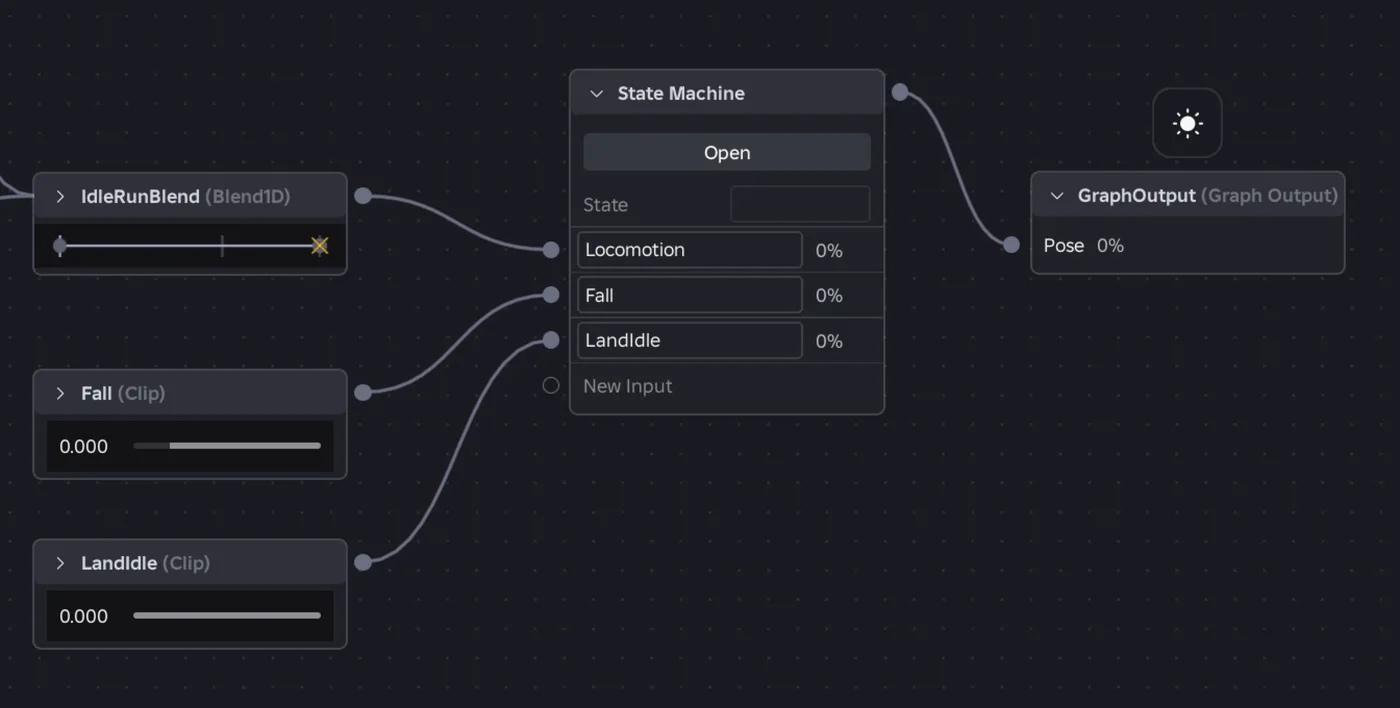
Animation graphs left beta on July 15, 2026, and on October 8 Roblox added State Machine nodes and Expressions as a Studio beta. Here is how a graph loads like any animation, what each of the 15 node types does, how SetParameter drives it, what the beta features can't do in a live game yet, and who runs the graph under each authority mode.
Roblox Collision Summaries: Impact Speed, Point and Normal
Touched tells you what your part hit. BindToCollisionSummaries, live since October 6, 2026, tells you where, from which direction and how hard. Here are the seven fields, why one bump arrives as several summaries, the Normal field Roblox's own pages describe two ways, and the network-ownership rule that decides which machine sees a summary at all.
Roblox Localization: How to Translate Your Game
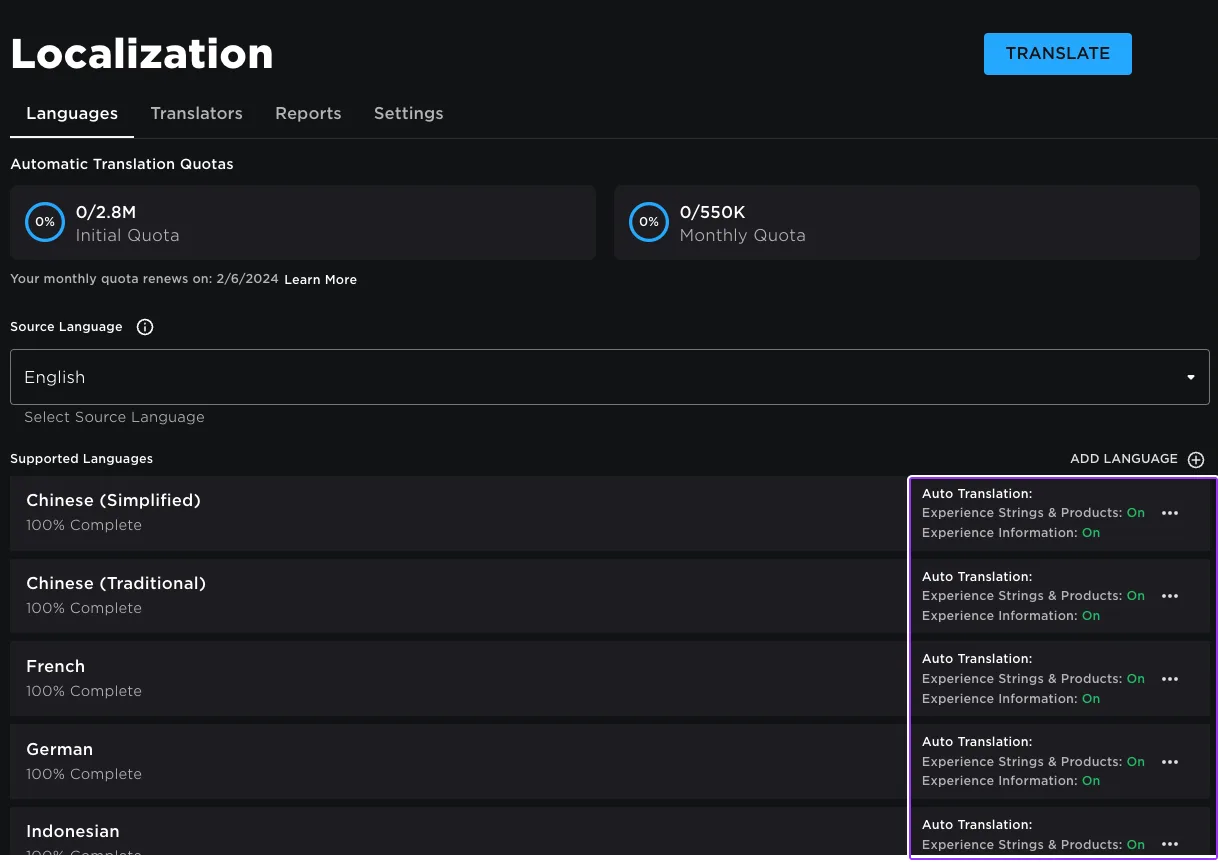
Since June 2026, any player can switch on Automatic Translations and read your game through Roblox's machine translator, whether or not you ever opened the Localization page. Here is what gets translated, how to stop it on text that should stay put, the five kinds of text automatic capture never sees, and the Translator and real-time APIs that cover the rest.
Roblox Ban API: BanAsync, Alt Accounts, Device Blocks
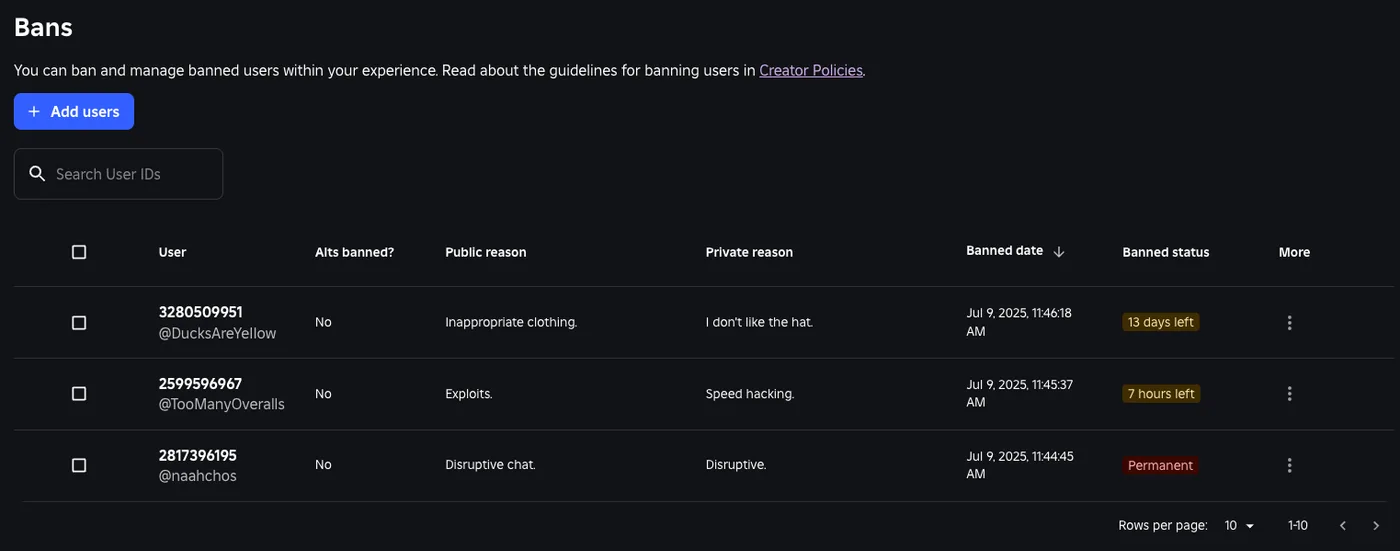
Player:Kick() drops someone from one server. Players:BanAsync() evicts them from every server, keeps them out for as long as you say, and bans their suspected alts by default. Here is every field in the config table, the scope rule that decides whether your unban does anything, the 24-hour device block only one unban path can lift, and why GetBanHistoryAsync fails in Studio.

Best Roblox Games to Play in 2026
Roblox's front page is engagement bait. This is the filtered version: the games with real, sustained player counts and actual staying power, sorted by what you're in the mood for.

How to Get Robux Safely (Legit Ways + Scams to Avoid)
There is no free Robux generator. There never was. Here are the actual legit ways to get Robux without overpaying, the earning methods that really work, and the scams that exist purely to steal your account.