Roblox ModuleScripts Guide: Stop Copy-Pasting Code
The moment you paste the same block of code into a third script, you've outgrown Scripts and LocalScripts. ModuleScripts are how real Roblox games stay maintainable — one source of truth, required from everywhere. Here's exactly how require() works, where modules live, the cache gotcha that confuses everyone, and the OOP pattern that powers most serious codebases.
You wrote a neat function that formats a number as 1.2K or 3.4M for your currency display. It works great. Then you need it in your shop UI, so you copy it. Then in your leaderboard, so you copy it again. Then you fix a bug in one copy and forget the other two. Congratulations — you've hit the copy-paste wall, and every Roblox developer hits it. The way through it is the ModuleScript, the single most important tool for keeping a growing game from collapsing into spaghetti.
A ModuleScript is how you write a piece of code once and use it from everywhere — one source of truth that a hundred other scripts can borrow. It's the jump from "I have a folder of scripts that each do one thing" to "I have a real, organized codebase." If you've got the Studio basics down and can write a first Luau script, modules are the next thing that levels you up. Let's break down exactly how they work, including the cache behavior that trips up nearly everyone.
The copy-paste wall
Regular Scripts and LocalScripts run on their own. Drop a Script into the Workspace and Roblox executes it automatically when the game starts. That's perfect for "do this thing" logic — spawn the boss, start the round timer. But it's the wrong shape for shared logic, because a Script can't cleanly hand its functions to another Script. They each run in their own little world.
A ModuleScript is the opposite: it does not run on its own. It just sits there holding code, waiting for another script to ask for it. When a script calls require() on it, the module runs, hands back whatever it returns, and that returned value is now usable by the requester. One module, required from ten places, gives all ten the same functions. Fix the bug once and every caller is fixed. That's the entire point.
The mental model that makes it click: a Script is a worker that does a job on its own. A ModuleScript is a toolbox that other workers open when they need a tool. The toolbox never walks around doing things by itself — it exists to be opened.
What a ModuleScript actually is
Per Roblox's official documentation, a ModuleScript is a reusable script that runs once and returns exactly one value when it's first required. That value is almost always a table — a bundle of related functions and data — though it can technically be anything: a number, a function, a string. The one hard rule is that a ModuleScript must return exactly one value, and that return has to be the last thing it does.
Here's the skeleton every module follows:
local MyModule = {}

-- add functions and values to the table here

return MyModule
You create one the same way you create any script: in the Explorer, hover a container, click the +, and insert a ModuleScript. It shows up with a distinct icon and a default return statement already in place, because Roblox knows you'll forget it otherwise. Leave off that final return and every require() on the module errors out — that's the number-one beginner mistake with modules, and the error message ("Module code did not return exactly one value") tells you exactly what happened.
Your first module: return one thing
Let's turn that copy-pasted number formatter into a proper module. Insert a ModuleScript into ReplicatedStorage, rename it NumberFormat, and write:
-- ModuleScript: NumberFormat
local NumberFormat = {}

function NumberFormat.abbreviate(n)
	if n >= 1_000_000 then
		return string.format("%.1fM", n / 1_000_000)
	elseif n >= 1_000 then
		return string.format("%.1fK", n / 1_000)
	end
	return tostring(n)
end

return NumberFormat
Two things to notice. First, functions get attached to the table with function NumberFormat.abbreviate(n) (or equivalently NumberFormat.abbreviate = function(n) ... end). Second, the very last line returns the table. Everything the module wants to expose lives on that table; anything you declare as a plain local above it stays private to the module. That's how you get clean, deliberate public-versus-private code without any special syntax — if it's on the returned table, callers can use it; if it's a local, it's yours alone.
Requiring it from anywhere
Now any script — server or client — can use it. You call require() with a reference to the ModuleScript instance, and it hands you back that table:
-- Any Script or LocalScript
local ReplicatedStorage = game:GetService("ReplicatedStorage")
local NumberFormat = require(ReplicatedStorage:WaitForChild("NumberFormat"))

print(NumberFormat.abbreviate(1500))     -- "1.5K"
print(NumberFormat.abbreviate(2_400_000)) -- "2.4M"
The pattern to internalize: require(<the ModuleScript instance>) returns whatever the module returned, and you stash it in a local named after the module. From there it's just a table — call its functions, read its values. On the client, reach the module with WaitForChild in case it hasn't replicated yet; on the server you can usually index it directly since server containers are ready before your scripts run.
That's genuinely the whole workflow: write once in a module, require it everywhere. The same client-server split you handle with RemoteEvents applies here too — a module in ReplicatedStorage is visible to both sides, which is exactly why it's the default home for shared code.
The cache: the part everyone misreads
Here's the behavior that causes the most confusion, and it's worth reading twice. A ModuleScript's code runs only the first time it's required. Every require() after that returns the exact same value from a cache — the module does not run again.
That has a huge consequence: modules can hold shared state. Watch:
-- ModuleScript: Counter
local Counter = {}
Counter.value = 0

function Counter.increment()
	Counter.value += 1
	return Counter.value
end

return Counter
If Script A requires Counter and calls increment() three times, then Script B requires the same Counter, Script B sees value already at 3 — not 0. Both scripts got the same table, because the module ran once and both requires returned that one cached instance. This is incredibly useful (it's how you build shared services and managers), and it's a trap if you assumed each require gets a fresh copy. It does not. One module, one shared table, per environment.
Once per environment: server and client are separate
Now the critical nuance, straight from the docs: that cache is per Luau environment, and the server and each client are different environments. Require Counter on the server and it runs once and lives in the server's cache. Require the same Counter on a client and it runs again — a completely independent copy with its own value — living in that client's cache. They do not share memory across the boundary.
And there is a third kind of environment hiding in that sentence: Actors. If you use parallel Luau, each Actor runs in its own Luau VM, and per the Actor docs, modules required by an Actor are not shared or cached across Actors or with the main thread — each VM executes its own copy of the module. So a single server can hold many independent module caches at once, and a "server-side singleton" stored on a module table quietly stops being a singleton the moment Actors start requiring it.
This bites people who try to use a module as a communication channel: "I'll just set a value in the module on the server and read it on the client." Doesn't work. The server's copy and the client's copy are strangers. Sharing data across that line still requires RemoteEvents, full stop — a module is a way to share code, not a way to smuggle state past the client-server boundary. Keep those two jobs separate in your head and a lot of confusing bugs disappear.
Where to store modules
Where you put a module decides who can see it, and that's a security decision, not just an organizational one:
| Location | Who can require it | Use for |
|---|---|---|
| ReplicatedStorage | Server and all clients | Shared code both sides need — formatters, config, constants |
| ServerScriptService | Server only | Server logic that must never reach a client |
| ServerStorage | Server only | Server-only modules and assets, kept out of replication |
| StarterPlayerScripts | That player's client | Client-only UI and input logic |
The rule that matters: anything a client can require, an exploiter can read. If a module in ReplicatedStorage contains your real shop prices, drop rates, or anti-cheat thresholds, assume a determined player has already read all of it. Sensitive logic — the code that decides whether a purchase is legitimate, what a boss actually drops — belongs in ServerScriptService or ServerStorage where clients can't touch it. This is the same "never trust the client" discipline that governs remotes; putting authoritative logic server-side is half of it, and the DataStore saving guide covers keeping the resulting state honest when you persist it.
The OOP pattern: .new() and metatables
Once modules click, you'll want to make many things of the same kind — a bunch of enemies, several pets, a weapon per player — each with its own data but the same behavior. That's object-oriented programming, and in Luau it's built on modules plus metatables. The standard pattern looks intimidating the first time and becomes muscle memory by the tenth:
-- ModuleScript: Enemy
local Enemy = {}
Enemy.__index = Enemy

function Enemy.new(name, health)
	local self = setmetatable({}, Enemy)
	self.name = name
	self.health = health
	return self
end

function Enemy:takeDamage(amount)
	self.health -= amount
	if self.health <= 0 then
		print(self.name .. " died")
	end
end

return Enemy
Then you spin up as many independent enemies as you want:
local Enemy = require(game.ServerScriptService.Enemy)

local goblin = Enemy.new("Goblin", 50)
local ogre = Enemy.new("Ogre", 200)

goblin:takeDamage(60)  -- "Goblin died"
ogre:takeDamage(30)    -- ogre survives at 170
What's happening: Enemy.new builds a fresh table for each enemy and uses setmetatable with Enemy.__index = Enemy so that when you call goblin:takeDamage(...), Luau looks up takeDamage on the shared Enemy table. The colon (:) syntax passes the individual object in as self automatically, which is why each enemy tracks its own health while sharing one copy of the method code. That's the whole trick, and it's how most serious Roblox systems — inventories, status effects, tower-defense units — are structured. You don't need to master metatables to use modules, but the moment you want "many of a thing," this is the pattern.
The traps: circular requires and shared state
Two failure modes cause almost all module pain. First, circular requires. If module A requires module B, and B requires A, Roblox can't resolve which runs first and throws an error about a module being required recursively. The fix is architectural, not syntactic: restructure so dependencies flow one direction. Pull the shared piece both need into a third module they each require, or pass the needed value in as an argument instead of requiring back. If you find A and B reaching into each other, that's a design smell telling you the responsibilities are tangled.
Second — and I'll say it again because it's the sneaky one — shared state is per-environment and it persists. Because a module runs once and caches, any state you store in it is shared across every script that requires it on that side, and it sticks around for the whole session. Great for a central manager; a nasty surprise if you expected fresh data each time. When you want a fresh instance every time, use the .new() pattern above; when you want one shared thing, store it on the module table directly. Deciding which you want before you write the module saves you from bugs that only show up once two systems touch the same module. If any of the underlying scripting still feels shaky, the beginner's guide to Roblox and the Lua scripting basics fill in the foundation this all sits on.
Quick Action Checklist
Turn your tangle of scripts into an organized, reusable codebase:
- Spot the copy-paste wall: any code you've pasted into a second script belongs in a ModuleScript
- Build the skeleton —
local M = {}, add functions toM,return Mas the last line (missing return = the classic error) - Attach public functions to the returned table; keep helpers as plain
locals to make them private - Require it with
require(theModuleScript); on the client useWaitForChildin case it hasn't replicated - Remember the cache: the module runs once, and every require gets the same value — modules hold shared state
- Remember the boundary: server and each client cache separately — modules share code, not state across the client-server line
- Store shared code in ReplicatedStorage; keep sensitive logic in ServerScriptService or ServerStorage where clients can't read it
- For "many of a thing," use the
.new()+setmetatableOOP pattern so each object has its own data and shared methods - Avoid circular requires — if A needs B and B needs A, refactor the shared piece into a third module
Frequently Asked Questions
What is a ModuleScript in Roblox and how is it different from a Script?
How does the require function work in Roblox?
Does a ModuleScript run every time you require it?
Do the server and client share the same ModuleScript state?
Where should I store ModuleScripts in Roblox?
Why does my ModuleScript say it did not return exactly one value?
What is the .new() pattern in Roblox ModuleScripts?
Keep Reading
Related Guides
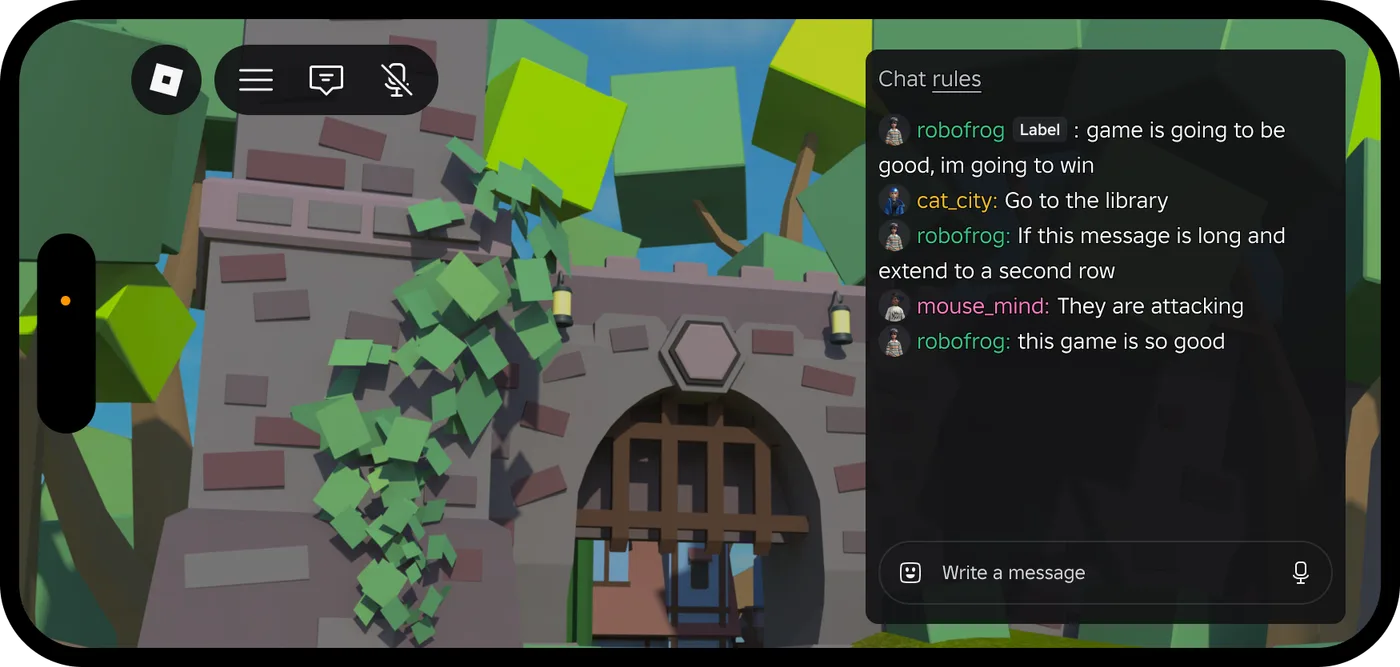
Roblox Platform-Integrated Chat: Migrate Your Custom Chat
On October 21, 2026, Roblox announced that chat message text will stop being readable from game code. It is opt-in today, the default from February 2027 and required from May 2027. Here is what stops working, the replacement for each custom chat feature, which one has no replacement yet, and how to test it in Studio now.
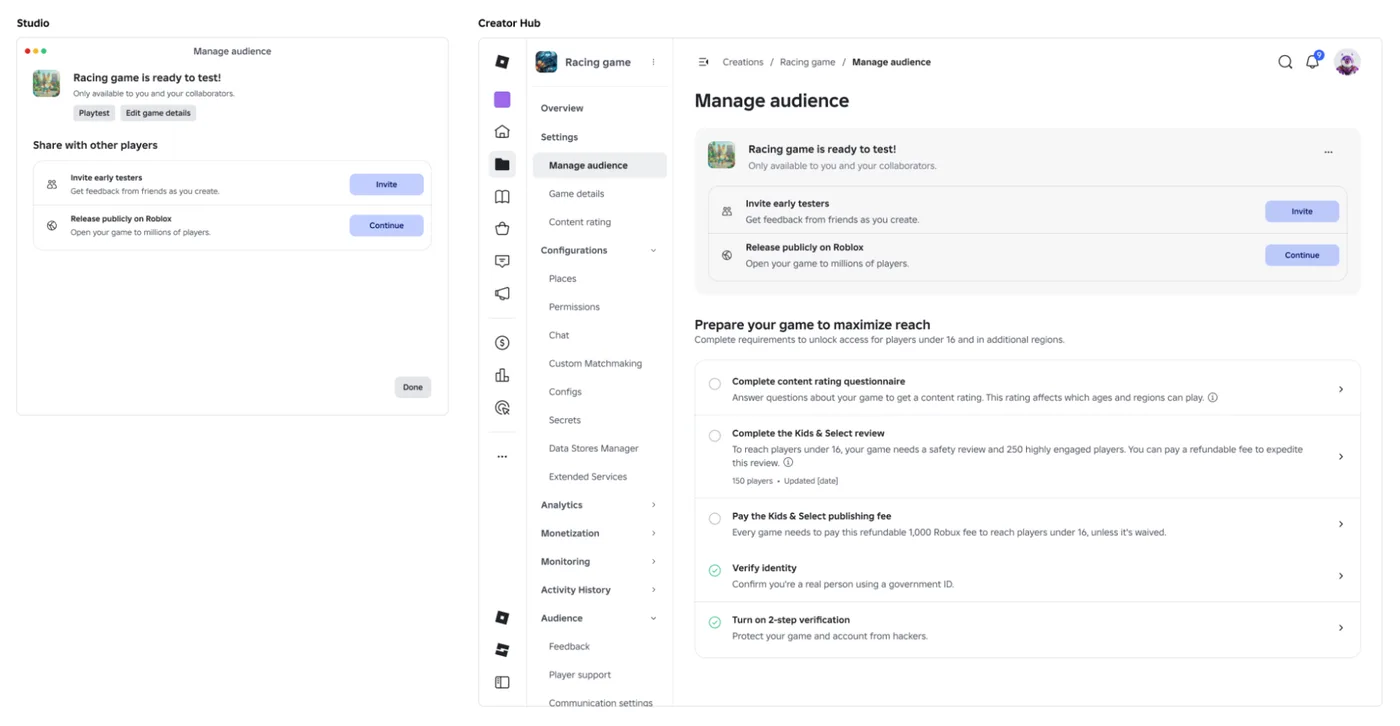
Roblox Early Testers and the New Publish Flow: What Changed
Since October 12, 2026, you can let up to 10 friends play your unreleased, unrated Roblox game, and Roblox is rolling out a path that lets a game with no age-restricted content reach age-checked players 16 and older by answering one question instead of the full questionnaire. Here is who can be an early tester, what replaced the Private and Limited audience settings, what the one question actually covers, and what still takes the long road to players under 16.

Roblox BadgeService Guide: Award, Check, Debug
Call AwardBadgeAsync on a player who isn't currently in your server and it fails one of five documented requirements — silently, the same way it fails for a disabled badge or a place outside the badge's own experience. Here is every BadgeService method, which four are dead, the rate limit two of them share despite a 10x difference in batch size, and the deprecated check that Roblox says will now always return true.
Roblox Luau Type Checking: nocheck, nonstrict, strict
Roblox says every script used to default to no typechecking. That is no longer how it works: a Workspace property now sets the default mode, projects using only nocheck and nonstrict were moved to the New Type Solver automatically, and strict mode projects were not. Here is what each mode reports, what the new solver changed, and the annotation syntax that covers most code.

Best Roblox Games to Play in 2026
Roblox's front page is engagement bait. This is the filtered version: the games with real, sustained player counts and actual staying power, sorted by what you're in the mood for.

How to Get Robux Safely (Legit Ways + Scams to Avoid)
There is no free Robux generator. There never was. Here are the actual legit ways to get Robux without overpaying, the earning methods that really work, and the scams that exist purely to steal your account.