Minecraft Banner Guide: Loom Patterns, Shields, and Maps
Banners are the deepest decoration system in Minecraft, and most players never get past a plain colored flag. Here is how the loom, all ten pattern items, shield decoration, and map markers actually work.
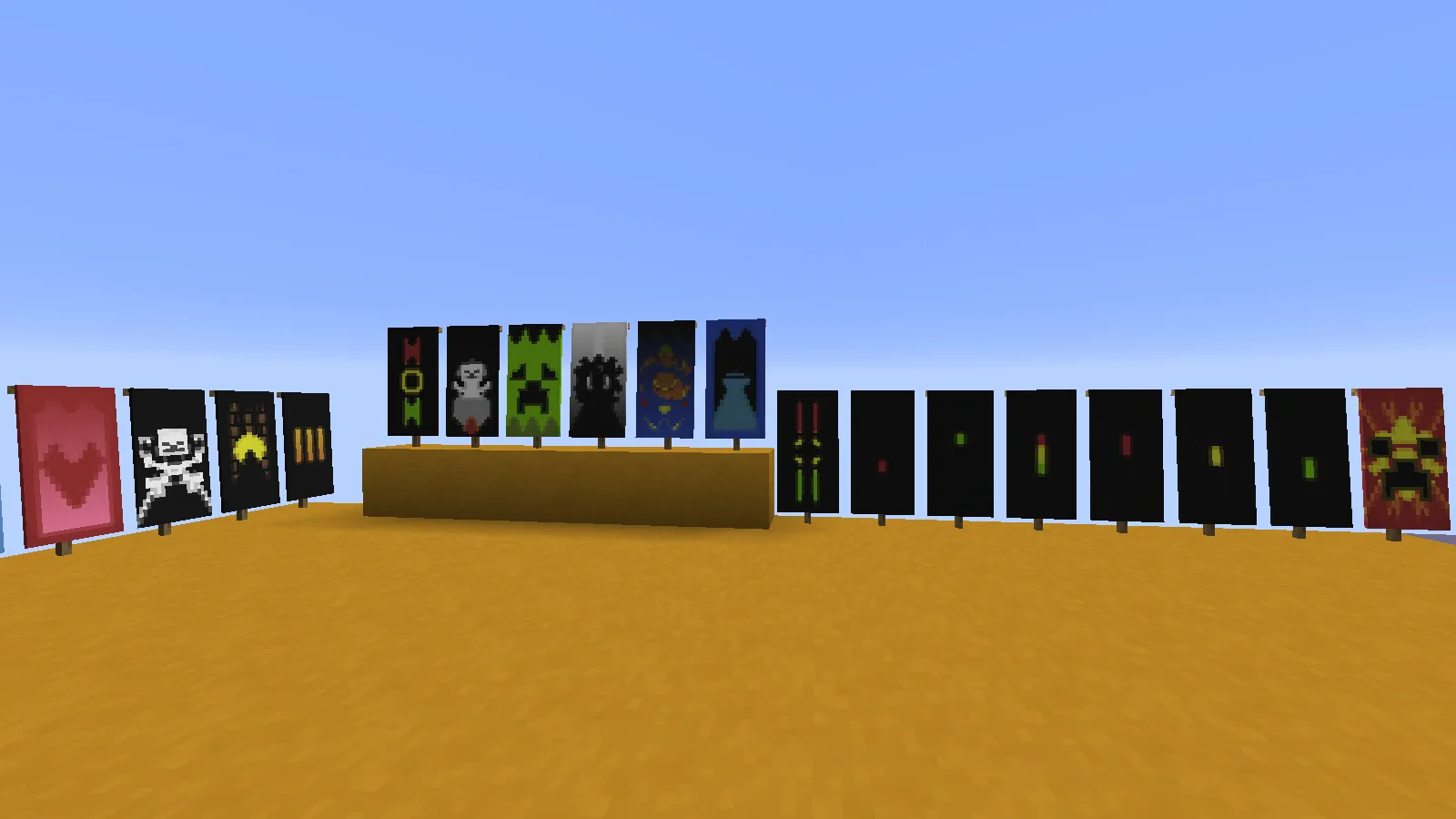
The most famous flag in Minecraft is one you cannot craft. The ominous banner that raid captains carry uses eight pattern layers, and the loom caps you at six — Mojang literally built the game's best banner design out of reach, and most players have no idea that limit even exists. That is the banner system in a nutshell: it looks like simple decoration, and underneath it is the deepest customization tool in the game, with pattern layering, ten collectible pattern items, shield decoration, and a map marker feature that half of Java players have never touched.
This guide covers the whole system with real numbers from the Minecraft Wiki: the recipes, how the loom actually applies layers, where every banner pattern item comes from, and the two features — shields and map markers — that turn banners from wall art into gear.
Crafting your first banner
The base recipe is simple and looks exactly like a sign:
- 6 wool + 1 stick — two rows of wool across the top of the crafting grid, one stick in the bottom-center slot — yields 1 banner.
All six wool blocks must be the same color, and that color becomes the banner's base. There are 16 colors of blank banner, one per dye color, and in Java Edition the base color is locked once crafted — you layer patterns on top of it, but you never repaint it. Banners also stack only to 16, not 64, which matters when you are hauling a shulker box of them to decorate a castle.
A few placement quirks worth knowing: banners look two blocks tall but their hitbox is only one block high, they have no collision (you can walk straight through them), and they sway gently whether or not there is any wind to justify it. You can place them on the ground facing any direction, hang them on walls, or drop them into item frames, where they display as the item icon.
The loom: how pattern layering works
The loom is a cheap block — 2 string + 2 planks — and it is the entire banner customization interface. It also doubles as the shepherd's job site block, so you will find one in shepherd houses in villages, and placing one near an unemployed villager converts them, as covered in the villager jobs guide.
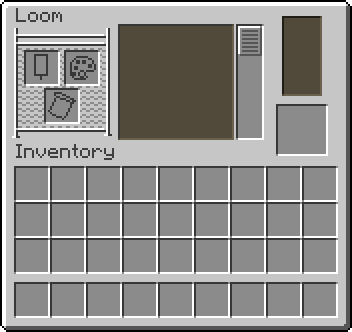
The loom has three input slots: a banner, a dye, and an optional banner pattern item. Put a banner and dye in, and a scrollable list of patterns appears — stripes, crosses, chevrons, halves, borders, gradients, and more. Pick one, and the preview shows the pattern in your dye's color layered over whatever the banner already has. Take the result, and the banner and dye are consumed.
The rules that actually matter:
- A banner holds up to 6 pattern layers in survival. Java can push that to 16 with commands, but no loom will do it.
- Layers stack in order. The last pattern applied renders on top. A black "per fess" (top half) applied after a white stripe hides the stripe; applied before, it becomes the backdrop. Order is the whole art form.
- The dye sets the pattern color, so one pattern shape exists in all 16 colors.
- Banner pattern items (next section) are never consumed — one Creeper Charge pattern lasts forever.
Washing off and copying patterns
Two quality-of-life mechanics most players miss. First, using a patterned banner on a water-filled cauldron washes off the top layer — the most recent pattern only, one wash at a time. Botched the sixth layer? You do not have to recraft, just wash and redo it. Second, banners can be copied: craft a patterned banner together with a blank banner of the same base color and you get two identical banners. Mass-producing your faction flag costs one loom session and a pile of blanks — though banners with more than six layers (like the ominous banner) refuse to copy.
All 10 banner pattern items and where to get them
Beyond the loom's built-in list, there are 10 special banner pattern items that unlock designs you cannot get any other way. Six are craftable — each is just 1 paper + 1 key item anywhere in the grid:
- Flower Charge — paper + oxeye daisy. A daisy emblem.
- Creeper Charge — paper + creeper head. The classic creeper face.
- Skull Charge — paper + wither skeleton skull. Skull and crossbones.
- Thing — paper + enchanted golden apple. The old Mojang logo, and yes, it really is named "Thing."
- Field Masoned — paper + bricks. A full brick-wall texture.
- Bordure Indented — paper + vines. A toothed decorative border.
Field Masoned and Bordure Indented were Bedrock-only for years; Java finally got them as craftable items in 1.21.2. The other four have steeper prices — a creeper head means creeper-on-creeper explosion collateral, and Thing costs an enchanted golden apple, which makes it one of the most expensive cosmetics in the game.
The remaining four cannot be crafted at all:
- Globe — sold by master-level cartographers for 8 emeralds. Leveling a cartographer is the easy part; the villager trading guide covers the fastest route.
- Snout — a piglin snout design, found only in bastion remnant chests. Details on raiding those are in the fortress and bastion guide.
- Guster — a breeze emblem from trial chamber vaults (15% chance per vault).
- Flow — a spiral from ominous vaults at a stingy 4.2%, making it the rarest pattern in the game. The trial chambers guide explains how ominous trials work.
Since pattern items are never consumed, each of these is a one-time unlock. Collect all ten and every design in the game is permanently on your loom.
Putting a banner on a shield
This is the feature that turns banners into gear. Craft a shield + a banner together and the banner's full design transfers onto the shield face. The banner is consumed, so make a copy first if you care about it.
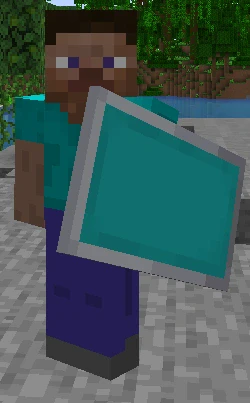
The fine print, verified against the wiki:
- The shield must have no existing pattern — you cannot overwrite a decorated shield, and unlike banners, shields cannot be washed in a cauldron. One shot per shield.
- Durability and enchantments are unaffected, so decorate your Unbreaking III shield without fear.
- Shield textures render at half the resolution of banner textures, so intricate six-layer designs come out slightly mushier than they look on cloth.
This used to be a Java-exclusive flex, but Bedrock added shield customization in 1.20, so everyone gets to block arrows in style now.
Banners as map markers (Java only)
In Java Edition, banners double as a navigation system. Hold a map and use it on a placed standing banner, and a marker appears on the map at that spot, colored to match the banner's base. Use it again to remove the marker. Wall banners do not work — the banner must be standing.
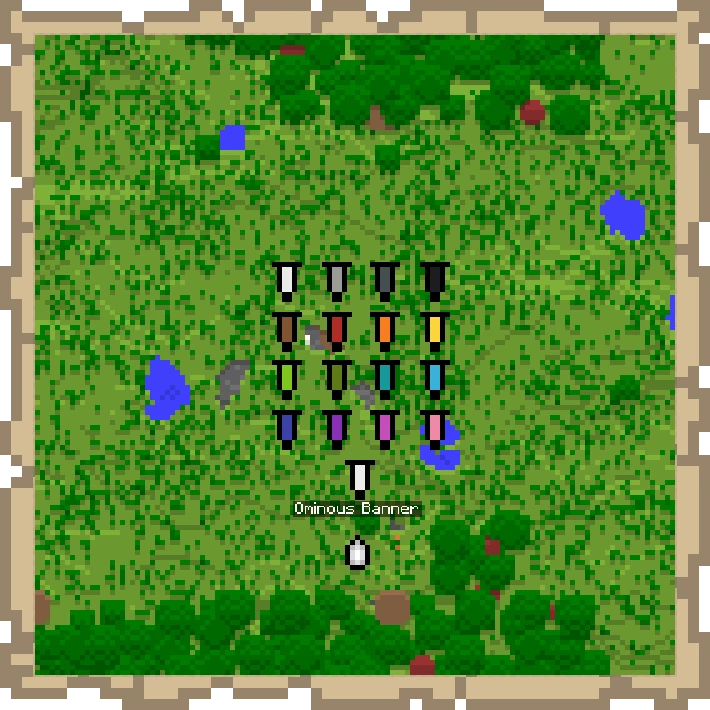
The killer detail: rename a banner on an anvil before placing it, and the name appears under its map marker. Sixteen colors plus custom labels equals a real waypoint system — "Home," "Creeper Farm," "Do Not Dig" — all on vanilla maps. Two caveats: if the banner is destroyed, its marker vanishes on the next map update unless the map was locked with a cartography table, and the whole feature simply does not exist on Bedrock. For the full mapping workflow, see the maps and cartography guide.
The ominous banner and other loot flags
Some banners only exist as loot. The ominous banner (called the illager banner on Bedrock) flies over pillager outposts and rides on the head of every raid captain, who always drops it on death. In Java it is a legitimate banner using eight layers — two more than the loom allows — which is why it cannot be crafted or copied. On Bedrock it is a separate item type that will not even go into a loom. Either way, each one you own was taken from an illager personally, which is the correct way to acquire a war trophy. Just remember why captains matter mechanically — the raids and pillagers guide covers Bad Omen and raid farming.
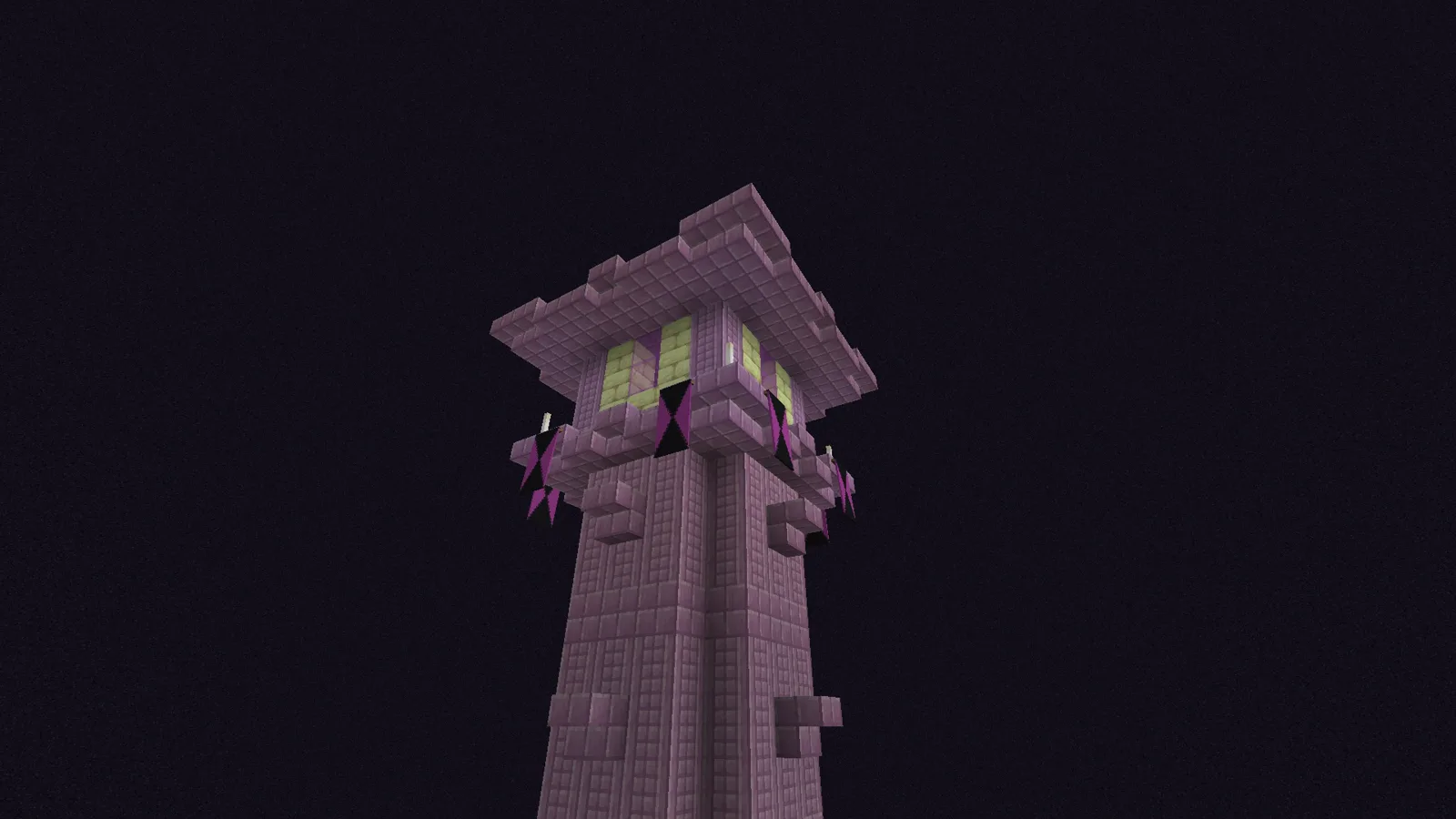
Other structures generate their own flags: End cities hang magenta banners with black chevrons off their towers (grab a few on your elytra run — the End cities guide has the route), woodland mansions decorate rooms with gray, light gray, and black banners, and savanna villages fly plain brown ones.
Design tips that don't look like a flag accident
- Think in three layers, not six. Base color, one big shape (halves, saltire, chevron), one emblem on top. Most clean designs stop there; six-layer designs usually read as noise from ten blocks away.
- Order beats selection. The same three patterns in a different order produce a completely different banner. If a design looks wrong, re-order before you swap patterns.
- Gradients are your shading tool. Layering the gradient pattern over a shape softens it; stacking gradients repeatedly deepens the fade.
- Borders hide sins. Bordure or Bordure Indented as the final layer frames a messy middle and instantly makes it look intentional.
- Contrast first. White-on-black or yellow-on-purple reads across a courtyard. Two mid-tones (lime on green) disappear.
- Prototype in a loom, publish with copying. Nail the design once, then batch-copy onto blanks instead of re-looming every flag.
The math backs up the depth here: with 16 base colors, dozens of patterns in 16 colors each, and up to six ordered layers, the wiki puts the number of unique craftable banners in the hundreds of quadrillions. Your faction flag can genuinely be one of a kind.
Java vs Bedrock differences
The core loom system is identical, but the edges differ:
- Map markers are Java-only. Bedrock banners cannot mark maps at all.
- Bedrock can pattern banners in a crafting table as well as a loom; Java requires the loom.
- The ominous banner is a real 8-layer banner in Java; on Bedrock the illager banner is a separate un-loomable item.
- Bedrock (and Education) has bleach, which strips any banner back to white — Java has no equivalent, and a Java banner's base color is permanent.
- Bedrock banners can be waterlogged; Java's cannot.
Quick Action Checklist
- Craft banners: 6 matching wool + 1 stick (16 colors, stack to 16)
- Craft a loom (2 string + 2 planks) and layer up to 6 patterns, dye sets the color
- Wash a mistake off in a water cauldron (removes the top layer only)
- Copy finished designs: patterned banner + same-color blank banner
- Craft the 6 paper-based pattern items (daisy, creeper head, wither skull, enchanted golden apple, bricks, vines)
- Buy Globe from a master cartographer (8 emeralds); loot Snout, Guster, and Flow from bastions and trial chambers
- Decorate a shield (shield + banner; banner consumed, shield must be blank)
- Java: rename banners on an anvil and use maps on them for labeled waypoints
- Kill a raid captain for an ominous banner you can never craft yourself
Frequently Asked Questions
How do you make a banner in Minecraft?
How many patterns can you put on a banner?
How do you put a banner on a shield?
How do banner map markers work?
Where do you get all the banner pattern items?
Keep Reading
Related Guides
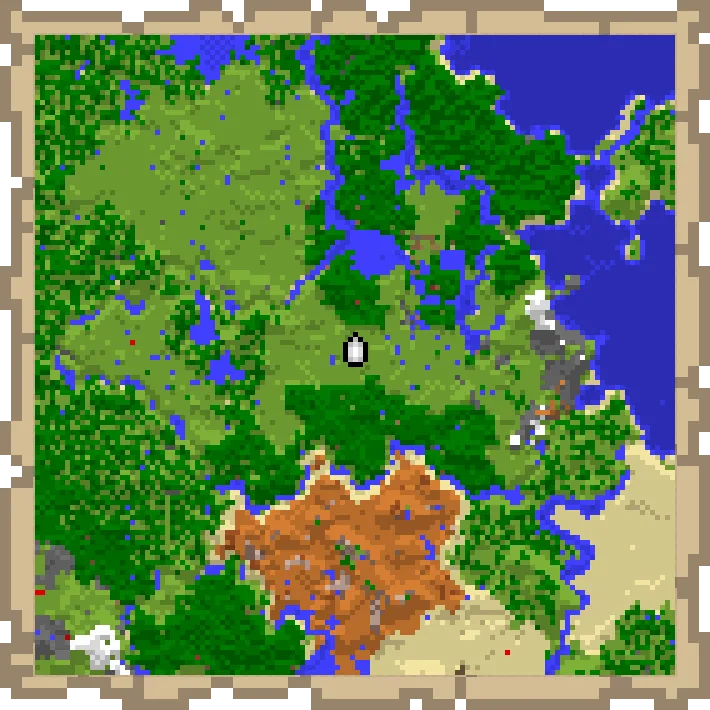
Minecraft Map Art Guide: Pixel Art With Maps Explained
Every filled map in Minecraft is a 128x128 grid of pixels, and each pixel copies the color of the block beneath it. Learn to control those colors and you can paint anything from a company logo to a full landscape on your wall. The trick nobody tells you: raising a block one level makes its color brighter, which turns 61 flat colors into 183.
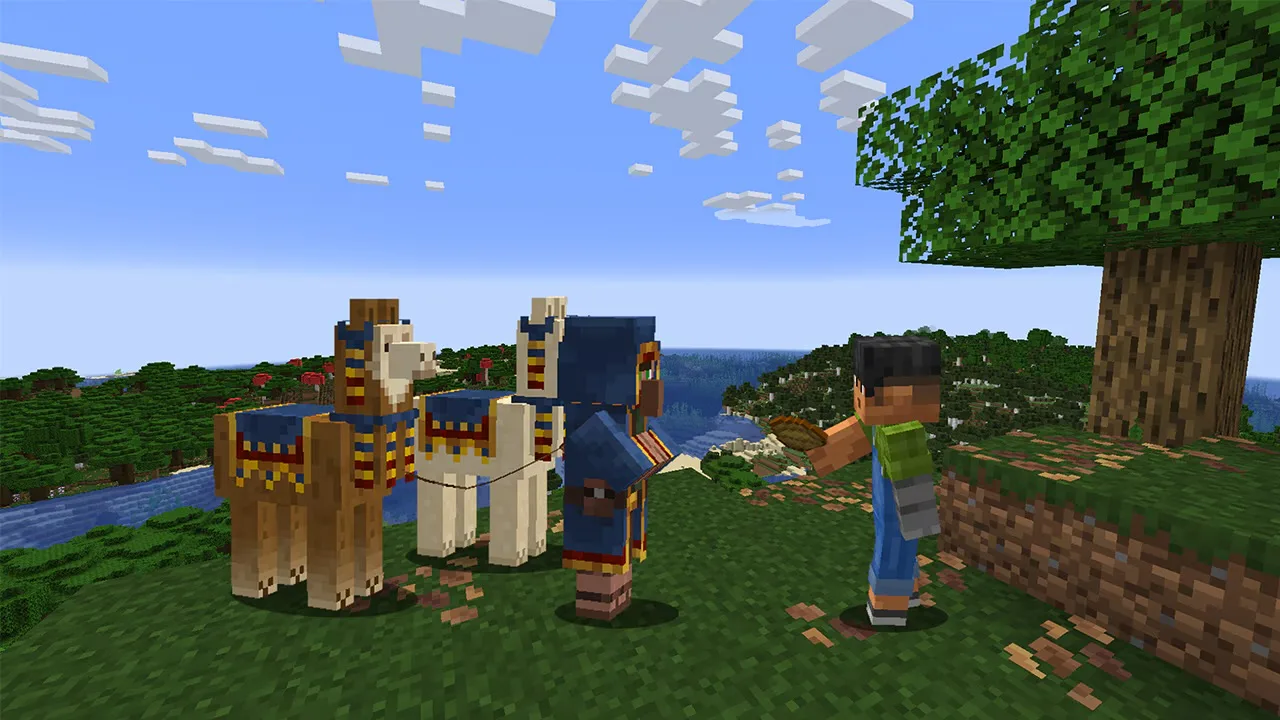
Minecraft Wandering Trader Guide: Trades, Spawns and Llamas
Every wandering trader shows 9 offers drawn from a pool of 100 that is the same on Java 26.3 and Bedrock 26.50. Here is the full price list from the game's own trade files, the odds of seeing the offer you want, what the trader buys from you, how long one takes to spawn, and why a name tag will not keep it.
Minecraft on Switch 2: Free Upgrade, Price and Minecoins
Digital owners of Minecraft for Nintendo Switch get the native Switch 2 version free in most regions until January 31, 2027. Cartridge owners have been offered nothing so far. Here are the editions, the US prices, what the native version changes, and the Minecoins change that lands on the same day.
Minecraft Spear Guide: Jab, Charge Damage, and Lunge
A diamond spear jabs for 4 damage. Held low on an elytra at rocket speed, the same spear charges for 37. The spear's charge takes its damage from how fast you are moving, and the weapon breaks several rules the rest of Minecraft combat runs on. Here are the real numbers for every tier, both attacks, and Lunge.
Minecraft Survival Guide for Beginners: Your First Days
You have about ten minutes of daylight before the sun sets and the world tries to kill you. Here is exactly what to do with them — punch a tree, build a tool chain, and get a roof over your head before the zombies arrive.
Best Minecraft Enchantments, Ranked — The Ones Worth Your XP
Mending is the enchantment that ends the grind — gear that repairs itself forever. Everything else is a fight over your XP and anvil uses. Here is what actually earns a slot, ranked, with the real max levels.