Minecraft Nether Portal Linking: The 1:8 Coordinate Math
Two portals, 200 blocks apart, both dumping you at the same Nether exit. That is not a bug — it is a search radius doing exactly what it was written to do. Here is the actual math behind portal linking and how to force the pairing you want.

A first Nether portal goes up like this: slap fourteen obsidian into a doorway, flint and steel, in you go, spooky. That one always works. It is the second portal that breaks people. You build one at your base, walk 200 blocks to your mine, build another one there, step through — and you come out at the exact same Nether portal you made an hour ago. Step back and you are at your base again. The mine portal has effectively been eaten.
That is not a bug and it is not bad luck. Minecraft is running a two-line coordinate formula and a distance search, and both of them are doing precisely what they were written to do. Once you know the numbers, portal linking stops being superstition and becomes something you can dictate down to the block.
Here is the single most useful number in this entire article: when the game looks for an existing portal in the Nether, it only searches a 16-block radius. Not 128. Sixteen.
The problem everyone hits second
Portals do not remember each other. There is no saved pairing, no invisible cable, no "this portal belongs to that portal" record you can inspect. Every single time you step through, the game does the same three things from scratch:
- Convert your current coordinates into destination-dimension coordinates.
- Look for an already-existing portal near those coordinates.
- If it does not find one, build a brand new portal for you.
Let us take them in order.
The only two formulas you need
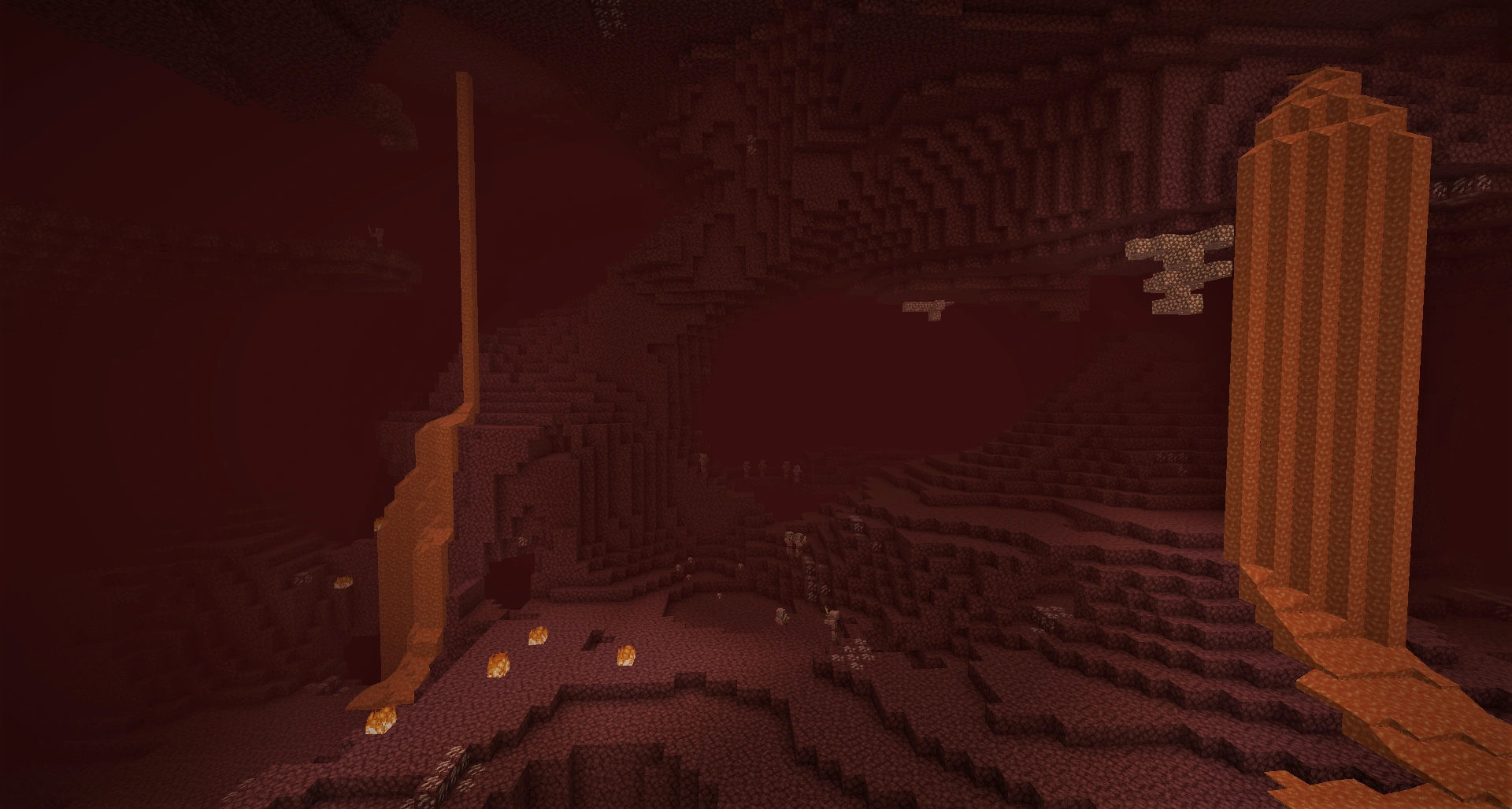
The Nether is horizontally compressed relative to the Overworld at a 1:8 ratio. One block walked in the Nether covers eight in the Overworld. The Y axis is not scaled — your height carries over unchanged.
So, going Overworld to Nether:
- Nether X = floor(Overworld X divided by 8)
- Nether Z = floor(Overworld Z divided by 8)
- Y stays the same
And going Nether to Overworld:
- Overworld X = Nether X multiplied by 8
- Overworld Z = Nether Z multiplied by 8
- Y stays the same
Work a real example. Say your base portal sits at Overworld X 1204, Z -463. Divide both by 8: 1204 ÷ 8 = 150.5, and -463 ÷ 8 = -57.875. Floor them (round down, which for negatives means away from zero): your Nether target is X 150, Z -58.
Run it backwards and Nether 150 / -58 maps to Overworld 1200 / -464. Notice that is not exactly where you started — the round trip is lossy by a few blocks because of the floor. That is fine. A four-block drift is nowhere near enough to break a link. What breaks links is the search radius.
Hit F3 on Java to read your coordinates live, or check the debug/coordinates toggle on Bedrock. Write both portals' numbers down. Guessing is how you end up digging a 300-block tunnel to a portal that was never going to link.
The search radius that explains everything
After the game converts your coordinates, it goes looking for an existing portal near that spot. The search area is asymmetric, and that asymmetry is the whole ballgame:
- Searching in the Overworld: a 256×256 block area, so a 128-block radius around the converted coordinates.
- Searching in the Nether: a 32×32 block area, so a 16-block radius.
(Modern Java Edition implements the Overworld sweep as a 17×17 chunk search rather than a strict block square, but 128 blocks is the number to plan around.) Both searches cover the full map height, and when multiple portals qualify the game picks the closest by straight-line distance — including the Y difference, which is why a portal two floors above can steal a link from one that looks closer on the map.
Those two radii are actually the same distance in disguise: 16 Nether blocks × 8 = 128 Overworld blocks. The game is being consistent. It just does not feel consistent when you are the one walking.
If nothing turns up in range, the game builds you a portal. It first hunts for a 3×4 buildable space within 16 blocks horizontally (any vertical distance), then falls back to a 1×4 space, and if neither exists it force-generates a 2×3 obsidian platform at the target coordinates — carving through whatever terrain is in the way, with Y clamped between 70 and 118 in the Nether. That last case is how people end up with a portal sunk into a lava ocean or embedded in the ceiling.
The 128-block spacing rule
Now the second-portal mystery solves itself. Two Overworld portals less than 128 blocks apart convert to Nether coordinates less than 16 blocks apart, which puts them inside a single Nether portal's search radius. The second one has no choice but to link to the first one's Nether portal.
That is your hard rule: Overworld portals need to be at least 128 blocks apart (ideally 200+) if you want them to have independent Nether ends. In the Nether, the equivalent spacing is 16 blocks — which sounds tiny until you are laying out a hub and realize two tunnels running side by side 10 blocks apart will fight over links forever. Space Nether hub portals at least 20 blocks apart and the problem disappears.
How to pair two portals on purpose
Forget calculators for a second; the manual process is four steps.
- Build and light the Overworld portal. Note its exact X, Y, Z.
- Do the division. Divide X and Z by 8, floor both. Keep Y as-is (any Y in the Nether's buildable range works; near 70-100 is comfortable).
- Go through, then travel to those Nether coordinates. You will pop out at a game-generated portal somewhere nearby. Walk or bridge to your calculated numbers.
- Build a new portal at the calculated coordinates and break the auto-generated one. Breaking the temporary portal is what keeps the link clean. As long as your hand-placed portal is the only candidate within 16 blocks, it wins.
Then test it. Step through both ways twice. If you come out somewhere unexpected, you either fat-fingered the division or there is a stray portal — including a lit ruined portal you wandered past — inside the radius.
Building the frame so it does not fight you
The frame itself is simpler than the folklore around it:
- Obsidian only. No other block activates.
- Minimum size is 4×5 including the frame, which is a 2×3 opening. Skip the four corners and that is 10 obsidian, not 14. Corners are cosmetic; the game includes them on portals it generates, which is where the extra four come from.
- Maximum size is 23×23, so you can absolutely build a portal wide enough to ride a horse through without dismounting.
- Light it with anything that makes fire inside the frame — flint and steel, a fire charge, a ghast fireball, even lightning.
- Nether portals cannot be activated in the End. Overworld and Nether only.
One practical note: place obsidian with a diamond or netherite pickaxe if you ever want it back. Everything else destroys it. If you are still short on obsidian, the mining guide covers the water-over-lava trick that makes it cheap.
The nether hub payoff
This is why the math is worth learning. Because 1 block in the Nether equals 8 in the Overworld, a 1,000-block Overworld trip is a 125-block Nether walk. Build an ice-boat or powered-rail line through a hub tunnel and cross-continent travel becomes a commute — see the transportation guide for the rail and ice-road builds worth wiring in.
A working hub is just this article applied repeatedly: one central room, portals spaced 20+ blocks apart, each one hand-placed at coordinates you calculated from an Overworld location, each Overworld end at least 128 blocks from every other. Label them with signs. Future you will be grateful.
There is a bonus in Java Edition, too: when an entity teleports, the chunk at the linked portal gets load-ticked at level 30 for 15 seconds, refreshing each time something passes through. That is the basis of portal-based chunk loaders that keep remote farms running.
Portal quirks worth knowing
- You stand in it for 4 seconds (80 ticks) in Survival before teleporting. Creative is 1 tick. That delay is the whole reason "portal trapping" works on servers.
- Mobs and items travel instantly but get a 300-tick (15-second) cooldown afterward. Minecarts and boats only get 10 ticks, which is what makes automated portal rail systems viable.
- The wither and ender dragon cannot use portals. Everything else mostly can.
- A 90° orientation mismatch rotates you. If the destination portal faces perpendicular to the source, your yaw and velocity rotate 90° clockwise, so you can appear to exit through the "wrong" side. Align both portals the same way if that bugs you.
- Zombified piglins spawn on the bottom frame in the Overworld in Java Edition whenever a portal block above receives a block tick — twice as often on Normal as on Easy, three times as often on Hard. Wall your Overworld portals in or you will farm them by accident. Not the worst outcome; see the piglin bartering guide for what to do with the gold.
Portal linking has a reputation for being cursed, and it really is just division plus a 16-block radius. Learn those two things and the Nether stops being a place you survive and becomes the fastest road in your world.
Quick Action Checklist
- Write down the exact X, Y, Z of every portal you build (
F3on Java, coordinates toggle on Bedrock) - Overworld to Nether: divide X and Z by 8 and floor; Nether to Overworld: multiply by 8; Y never changes
- Keep Overworld portals at least 128 blocks apart so they do not share a Nether end
- Keep Nether portals at least 20 blocks apart (the search radius there is only 16)
- Hand-build your Nether portal at the calculated coordinates, then break the auto-generated one
- Test the link both directions twice before committing to a tunnel
- Minimum frame is 10 obsidian (4×5 outer, corners optional); maximum is 23×23
- Enclose Overworld portals to stop zombified piglins spawning on the bottom frame
- Build the hub tunnel and remember 1 Nether block equals 8 Overworld blocks
Frequently Asked Questions
Why do two of my Minecraft nether portals link to the same place?
What is the coordinate formula for nether portals?
How do I force two nether portals to link to each other?
What is the minimum size of a nether portal?
How much travel time does the Nether actually save?
Keep Reading
Related Guides
Minecraft Ominous Vault Loot Table and Heavy Core Odds
The heavy core is a 7.5% roll on a single loot pool, and a trial chamber only holds six to eight ominous vaults — so a perfect clear of an entire chamber is still worse than a coin flip for one core. Here are both vault loot tables with the real numbers, what a key actually costs, and the item in the pool that is rarer than the heavy core.
Minecraft Speedrun Guide: The Any% Route to the Ender Dragon
Speedrunning Minecraft is a race from an empty spawn to a dead dragon in under ten minutes. Here is the actual route the world's fastest players run — wood to Nether to stronghold to bed bombs — and where beginners lose the run.
Minecraft Enchanting Setup Guide: Build a Level 30 Room
Enchanting rooms are easy to build wrong. Here is the exact bookshelf geometry for level 30, what the three offers actually cost you, why you should enchant books instead of gear, and how to stop hitting Too Expensive on the anvil.
Minecraft Hardcore Mode Guide: How to Survive Permadeath
Hardcore mode locks you to Hard difficulty and gives you exactly one life. Die once and the world is over — you watch it as a ghost. Here is how the mode actually works, and the survival plan that gets you past the deaths that kill most runs.
Minecraft Survival Guide for Beginners: Your First Days
You have about ten minutes of daylight before the sun sets and the world tries to kill you. Here is exactly what to do with them — punch a tree, build a tool chain, and get a roof over your head before the zombies arrive.
Best Minecraft Enchantments, Ranked — The Ones Worth Your XP
Mending is the enchantment that ends the grind — gear that repairs itself forever. Everything else is a fight over your XP and anvil uses. Here is what actually earns a slot, ranked, with the real max levels.