Fortnite Mobile: How to Install on iPhone and Android
Fortnite is back on both phone stores — the App Store worldwide since 19 May 2026, Google Play since 19 March 2026 — and Australia is the one country still locked out. Here is the install route for your device, the exact hardware floor, and the two things the mobile build does not have.
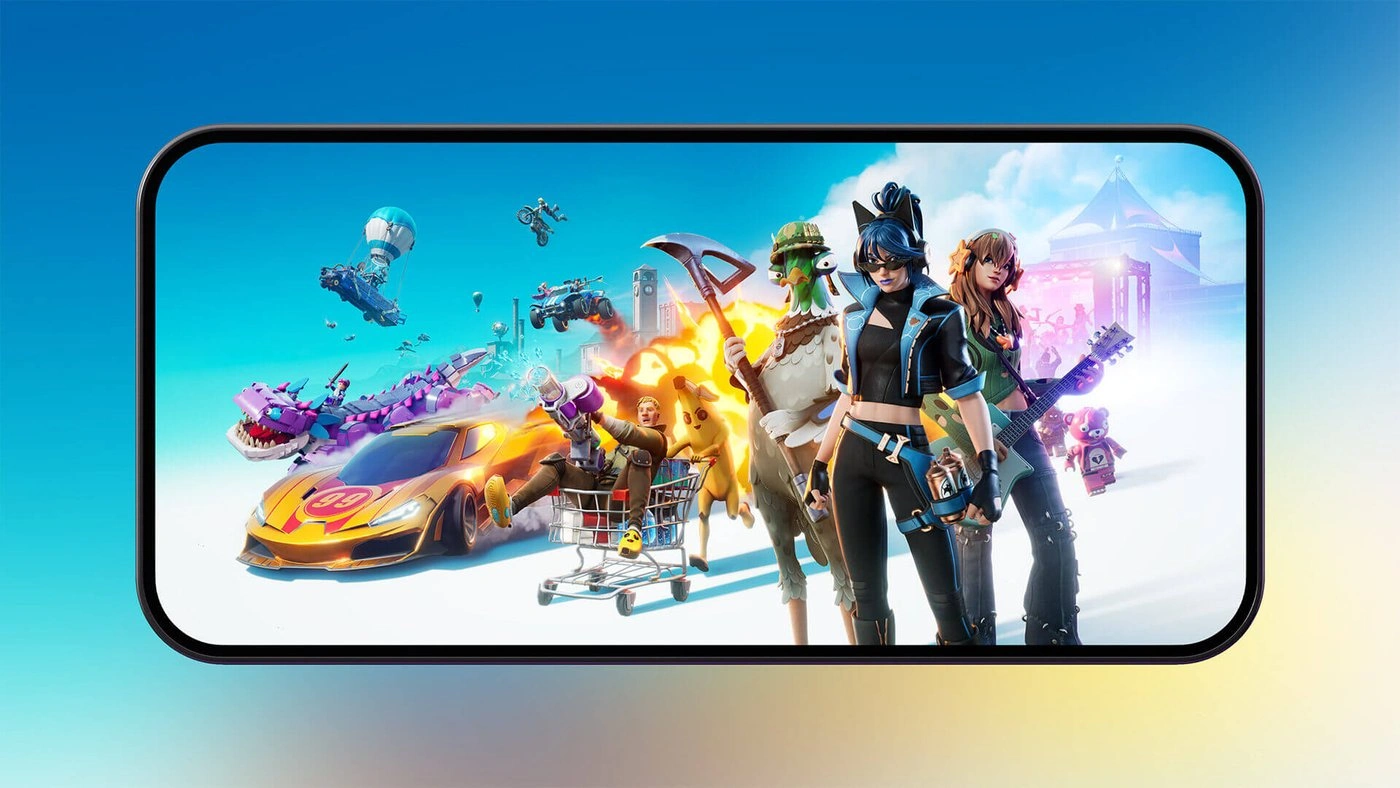
Epic's own mobile page says the August 2020 build of Fortnite "no longer works on iOS/iPadOS/macOS and Android devices." That version is a museum piece. The app that replaced it is back on both phone stores: the App Store listing went worldwide on 19 May 2026, and Google Play got Fortnite back on 19 March 2026. Exactly one country is still shut out, and only on one of the two platforms.
This is the install guide, not a mode guide. Which store you use depends on your device and where you live, the hardware floor is published and specific, and there are exactly two features the mobile build does not carry. All of it below, with the routes that actually work in August 2026.
Where Fortnite mobile stands right now
Epic's mobile hub states the position plainly: Fortnite "is available around the world on iOS devices and on Android via the Epic Games Store and the Play Store."
The two returns landed two months apart, for different reasons:
- Google Play, 19 March 2026. Epic announced it with a new Battle Royale season and an Invite a Friend reward, the Yeddy Outfit.
- The App Store, worldwide, 19 May 2026. Epic's newsroom framed this one as a legal calculation, not a truce: Fortnite returned "because we are confident that once Apple is forced to show its costs, governments around the world will not allow Apple junk fees to stand."
Australia is the exception, and it is an iOS-only exception. Epic's note is explicit: "We've not returned to the Australia App Store yet... Epic can't return under an illegal payment arrangement with Apple, so unless Apple agrees to adopt lawful payment terms in the interim, we must wait for a Court decision." Australian Android players are unaffected — Google Play and the Epic Games Store both work there. Australian iPhone and iPad players have cloud streaming and nothing else.
The store listings are not a rounding error, either. As of August 2026 the Google Play listing shows 10M+ downloads and a 4.7 rating from 478,000 reviews, last updated 13 August 2026. The US App Store listing shows 4.6 from 285,000 ratings and a download size of 2.2 GB, rated 13+.
Where to install it, by device and region
Four stores carry Fortnite between them, and which ones you can see depends on your hardware and your country.
| Device | Store | Where it works |
|---|---|---|
| iPhone | App Store | Everywhere except Australia |
| iPad | App Store | Everywhere except Australia |
| iPhone | Epic Games Store app | EU, Brazil, Japan |
| iPad | Epic Games Store app | EU only |
| iPhone and iPad | AltStore PAL | EU only |
| Android phone or tablet | Google Play | Worldwide, since 19 March 2026 |
| Android phone or tablet | Epic Games Store app | Worldwide |
Two lines in that table trip people up. The Epic Games Store app on iOS is iPhone-only in Brazil and Japan — Epic's mobile hub spells out that Fortnite is "not available in Australia or on iPads in Brazil or Japan." And AltStore PAL is EU-only: Epic's support article routes EU users to AltStore.io, then to selecting Fortnite in AltStore PAL and tapping Free.
If you are on iOS outside those regions, the App Store is your route and it is the simple one — search, tap Get, done.
Will it run on your phone
Epic publishes a hard floor and a recommended tier for both platforms, and the numbers are identical across its support article and its mobile pages.
| Requirement | Minimum | Recommended |
|---|---|---|
| iOS version | iOS 17.6.1 or higher | iOS 17.6.1 or higher |
| iPhone/iPad RAM | 4 GB | 6 GB or more |
| iPhone model | iPhone 11 or newer | iPhone 14 series or newer |
| iPad model | See the App Store compatibility list below | iPad (11th generation) or newer |
| Android version | Android 10.0 or higher | Android 14.0 or higher |
| Android RAM | 4 GB | 8 GB or more |
| Android processor | 64-bit ARM64 | Snapdragon 8 Gen 3, Exynos 2400, or Dimensity 9200 and newer |
| Android GPU | Adreno 530 or higher, Mali-G71 MP20, or Mali-G72 MP12 or higher | Covered by the recommended SoCs |
Three specifics worth pulling out of the table:
- The iPhone SE (2nd generation) is explicitly excluded, even though it is newer than the iPhone 11 that sets the floor. Epic names it by hand in its support article.
- The App Store listing carries a longer compatibility line than the spec sheet. It names iPhone 11 and newer, iPhone XS and newer, iPhone 12 Mini and newer, iPhone SE 3 and newer, iPad Pro 10.5-inch and newer, iPad Air 4th Gen and newer, iPad 10th Gen and newer, and iPad Mini 6th Gen and newer. If you own an iPad, that line is the one to check — the spec sheet only names the recommended iPad.
- A missing store listing is a compatibility signal, not a bug. Epic's help article on the subject is blunt: "If Fortnite does not appear in the store or cannot be installed, your device may not be supported." Do not go hunting for an APK; check the model first.
Meeting the minimum gets you a running game, not a good-looking one. Epic's own wording: if your device "only meets the minimum system requirements, Fortnite will run but may not provide the highest graphics settings." Turning settings down and closing background apps is the lever it recommends, and it is the same lever our performance and FPS guide pulls on PC.
Installing on Android without Google Play
The Epic Games Store route predates the Google Play return and still works worldwide. Epic's steps:
- Open your mobile browser and go to the Epic Games Store for Android download page.
- Follow the instructions to download and install the Epic Games app.
- Open the Epic Games app and install Fortnite from there.
Two device-specific gotchas Epic documents:
- You may need to allow app installs from unknown sources in your phone's settings. That is a normal Android permission for any store that is not Google Play.
- Samsung owners may need to turn off Auto Blocker first, in the "Security and Privacy" part of device settings. Epic's FAQ says you "can turn Auto Blocker back on after you download the Epic Games Store and Fortnite" — so this is a temporary toggle, not a permanent security downgrade.
Already installed Fortnite through the Epic Games Store and wondering whether to switch now that Google Play carries it? Epic's guidance is that you "can update the game from the original source or reinstall from Google Play App." Either path is supported; there is no forced migration.
Rooted Android devices are not supported. Epic's answer is a flat no, with a reason attached: "We're looking into the possibility of supporting rooted devices in the future, provided we can find effective anti-cheat solutions." If your phone is rooted, cloud streaming is your route.
What the mobile build does not have
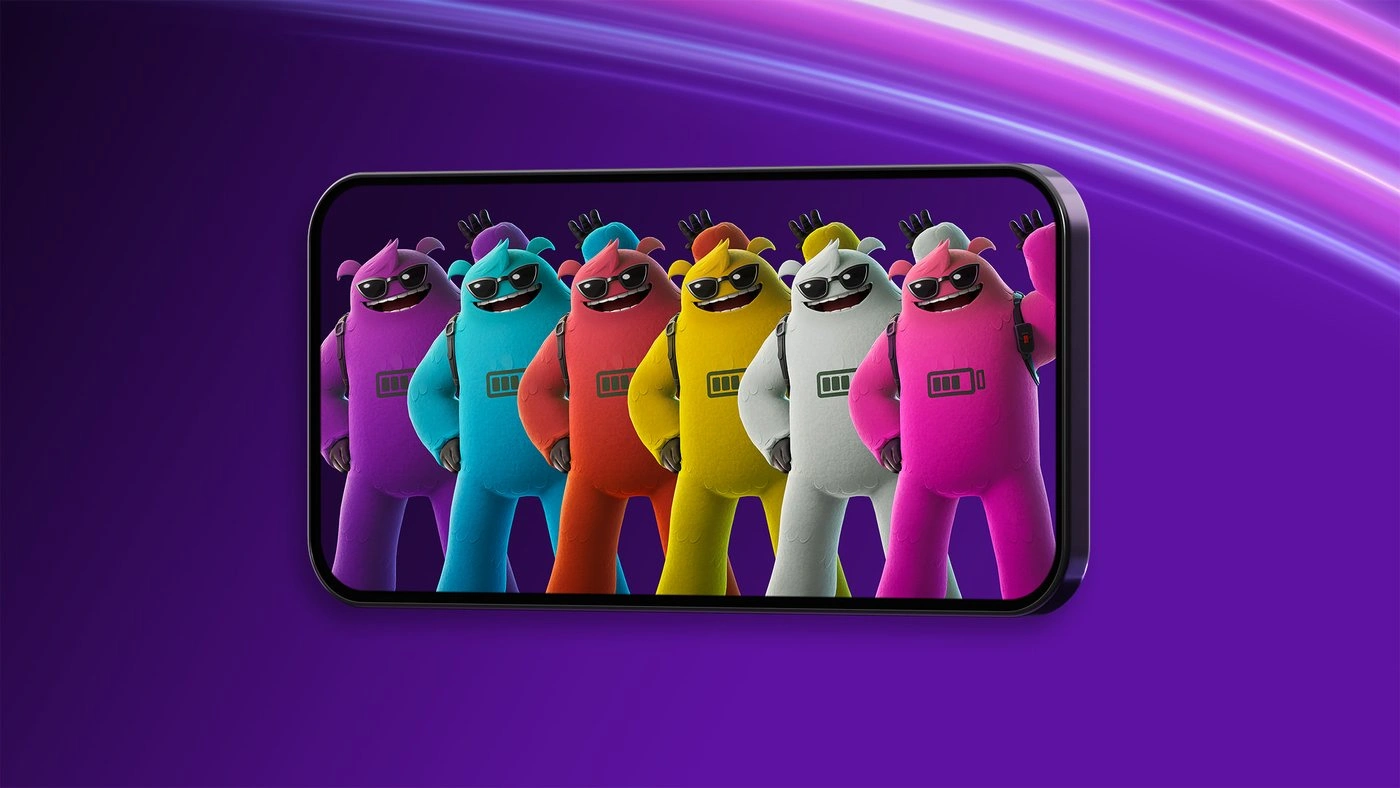
Most of Fortnite ships on phones. Google Play's listing enumerates what is inside the app: Battle Royale, Blitz Royale, Zero Build, Fortnite OG, LEGO Fortnite, Fortnite Festival, Droid Tycoon, and developer-made games. Both store descriptions also name Reload.
Two absences are real and neither is subtle:
| What is missing | Scope of the gap |
|---|---|
| Save the World | Unavailable on phones and tablets "natively or through cloud gaming" |
| Keyboard and mouse | Not supported on mobile at all, native or via Xbox Cloud Gaming, GeForce NOW, or Amazon Luna |
The keyboard-and-mouse line is worth reading twice, because cloud streaming looks like it should sidestep it. It does not — Epic's FAQ closes all four doors in a single sentence, native and all three cloud services. If you want mouse aim, you want a PC, and our controller versus keyboard and mouse breakdown covers what that choice actually costs you.
There is also a small audio quirk worth knowing before you blame your headset: voice chat works on mobile, but "if you're using Bluetooth headsets, voice input will go through the iPhone mic instead of the headset mic." The Android FAQ says the same thing about the device mic.
One mode you will not find listed among the mobile games is Rocket Racing, and that is about to stop mattering everywhere — Epic has it scheduled for removal in October 2026 across all platforms, as covered in our removed modes guide.
What mobile gets that PC does not
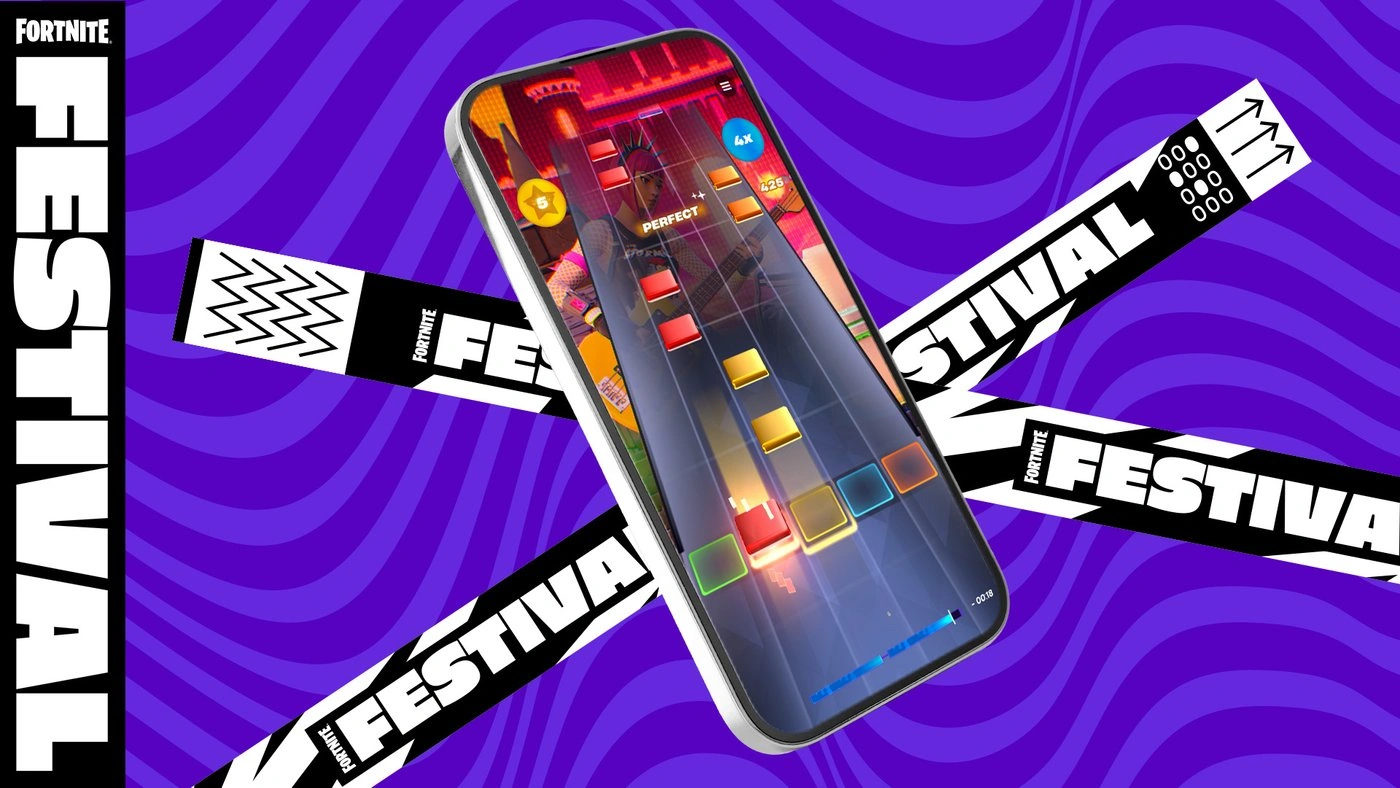
The mobile app is not a stripped port with the same UI shrunk down. Three things exist there and nowhere else:
- The HUD Layout Tool. Touch controls are fully rearrangeable. Epic's path: select your profile picture in the upper-right corner, open the hamburger menu in the bottom-left, and pick HUD LAYOUT TOOL at the end of the menu. It lets you "move, resize, and add buttons from the extra section on the screen." Go there first, before you decide the default layout is the ceiling.
- Portrait-mode Festival. With the Google Play return, Epic put the Festival Main Stage into portrait on mobile so you "tap directly on the note highway and feel every beat with haptic feedback." That is a different instrument from the horizontal PC highway, and if Festival is your reason for playing, our Festival guide covers the scoring underneath it.
- Mobile-only tournaments with cash attached. More on those below.
Controllers work on both mobile platforms. On iPhone and iPad, "most MFi controllers are supported, including the Gamevice and Steelseries Nimbus+." Android supports controllers natively too, with separate supported-device lists for each cloud service.
Crossplay is not restricted either. Epic: "whether you're playing Fortnite on iPhone natively or through cloud gaming, you'll be playing with players across all platforms," and you can party up with friends on other devices. That does have a matchmaking consequence you should know about before you queue with your phone-owning friend — our bots guide explains why mobile lobbies fill differently and how that transfers to your whole party.
One money note that is not mobile-exclusive but is easy to miss on a phone: Epic offers 20% back in Epic Rewards when you use Epic's own payment system, which is available "when you check out on Google Play in the US, and globally on iOS, the web, or on PC through the Epic Games Store." Epic says it is still working to bring the option to Google Play elsewhere. If you buy V-Bucks or passes regularly, that is a standing discount worth routing around — see our V-Bucks and Item Shop guide for the rest of the currency math.
Cloud streaming is the fallback that works anywhere
Three services stream Fortnite to phones and tablets in supported regions, with no download at all: Xbox Cloud Gaming, NVIDIA GeForce NOW, and Amazon Luna.
For Australian iOS users this is not a fallback — Epic's own answer to "I live in Australia, can I play Fortnite on iPhone or iPad?" points at exactly those three services and nothing else. Otherwise, cloud is the answer when your phone is under the spec floor, when it is rooted, or when you do not want 2.2 GB of storage gone.
What cloud does not fix: Save the World is unavailable through cloud gaming as well as natively, and Epic names all three cloud services when it says keyboard and mouse is unsupported. Epic also flags the obvious requirement — cloud streaming "requires a high-speed, low-latency, and stable internet connection for the best experience." On a phone that usually means a good Wi-Fi network rather than cellular, and our ping and packet loss guide explains what latency actually does to your shots.
Mobile has its own prize money

Mobile is not just a place to play Fortnite; it is its own competitive bracket. On 3 December 2025 Epic announced the Fortnite Mobile Series: a Solo, touch-only tournament series in Blitz Royale with a $1,000,000 USD prize pool, with the first Monthly Open starting 5 December 2025. If you are reading this to enter, check the calendar first: Epic's Chapter 7 rules put the last Monthly Open Qualifier on 15 August 2026, the Last Chance Open Qualifier on 5–6 September, the Group Stage on 12 September, the Semi-Finals on 13 September, and the in-person Championship on 24–25 October 2026.
The structure and the money:
| Stage | What happens | Money |
|---|---|---|
| Phase 1: Monthly Opens | Rounds feed into Qualifiers; players can compete in up to 20 Qualifiers across all the Opens | Qualifiers pay cash; the Last Chance Qualifier does not |
| Phase 2: Group Stage and Semi-Finals | The field narrows toward the Championship | Advancement, not payout |
| Phase 3: Mobile Series Championship | 16 players compete in person | $200,000 USD shared, with the winner taking the top cut |
Qualifier payouts split by region, and the current Chapter 7 rules pay more than the December launch table did. In NAC and EU, first place pays $1,500 and 15th–16th still pay $300. In NAW, OCE, ASIA, ME and BR, first pays $1,200 on the same 16-deep ladder down to $200. The Semi-Finals send the top three from NAC and EU and the top two from each other region to the in-person Championship.
There is also a lower-commitment route: between the Semi-Finals and the Championship, Epic runs four Solo Mobile Victory Cash Cups, open to any mobile player meeting the eligibility bar — Account Level, Two-Factor Authentication, and a required rank. Once you reach Round 2 of one, every Victory Royale is worth $100 USD.
Touch-only means touch-only: Epic's own description of the Series rules controller players out of the bracket. If you are coming from the PC ladder, our Cash Cups and competitive guide explains how points-based Fortnite tournaments score, and it applies here.
Quick Action Checklist
- On iPhone or iPad outside Australia, use the App Store — that listing has been worldwide since 19 May 2026
- In the EU, Brazil or Japan, the Epic Games Store app is a second route — iPhone-only in Brazil and Japan, iPhone and iPad in the EU
- On Android, take Google Play or the Epic Games Store — Google Play has carried Fortnite worldwide since 19 March 2026
- Check the floor before you download: iPhone 11 or newer with 4 GB RAM on iOS 17.6.1, or 64-bit Android 10 with 4 GB RAM
- iPad owners: read the App Store compatibility line, which lists more models than the spec sheet
- Samsung owners: turn Auto Blocker off before installing the Epic Games Store, then turn it back on
- Clear 2.2 GB — that is the size the US App Store listing reports
- Do not plan around keyboard and mouse or Save the World — neither exists on mobile, native or cloud
- Rooted phone or Australian iPhone? Use cloud streaming via Xbox Cloud Gaming, GeForce NOW or Amazon Luna
- Open the HUD Layout Tool on day one — profile picture, hamburger menu, last item — before you decide touch controls are unplayable
Frequently Asked Questions
Is Fortnite on the App Store in 2026?
How do you download Fortnite on Android?
What are the system requirements for Fortnite on mobile?
Can you play Save the World on Fortnite mobile?
Does Fortnite mobile support a keyboard and mouse?
Are there Fortnite tournaments for mobile players only?
Keep Reading
- Mythras blog
- Fortnite coverage hub
- Fortnite beginner's guide
- Fortnite game modes explained
- Fortnite bots explained
- Fortnite performance and FPS guide
- Fortnite controller vs keyboard and mouse
- Fortnite removed modes guide
- Fortnite Festival guide
- Fortnite Cash Cups and competitive guide
- Fortnite ping and packet loss guide
- Fortnite V-Bucks and Item Shop guide
- Epic Games — Fortnite Mobile hub: regional availability and cloud streaming
- Epic Games — Fortnite on iPhone and iPad: stores, specs, and FAQ
- Epic Games — Fortnite on Android: stores, specs, and FAQ
- Epic Games Support — Fortnite iOS system requirements
- Epic Games Support — Fortnite Android system requirements
- Epic Games Support — How to install Fortnite on iOS or iPadOS
- Epic Games Support — How to download Fortnite on Android
- Epic Games Support — HUD Layout Tool on mobile
- Epic Games — Fortnite Returns to Google Play (19 March 2026)
- Epic Games — Fortnite is Back on the App Store Around the World (19 May 2026)
- Epic Games — $1,000,000 Fortnite Mobile Series official announcement
- Epic Games — Fortnite Mobile Series Chapter 7 Official Rules: schedule and prize tables
- Google Play — Fortnite listing: rating, downloads, and in-app game list
- App Store — Fortnite listing: download size and device compatibility
Related Guides
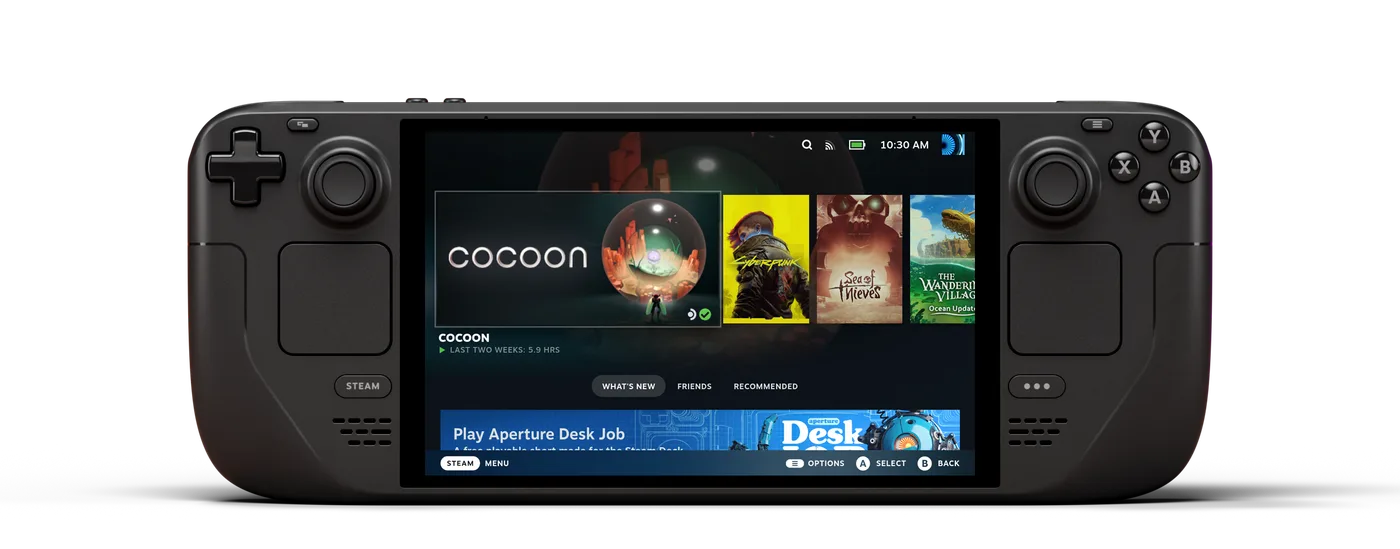
Can You Play Fortnite on Steam Deck?
Our mobile guide covers where Fortnite installs on a phone. It says nothing about the handheld a lot of those same readers also own, because a Steam Deck isn't a phone and Epic doesn't treat it like one. The short version: it's Epic's call, not a hardware limit, and the fix depends on which handheld is actually in your hands.
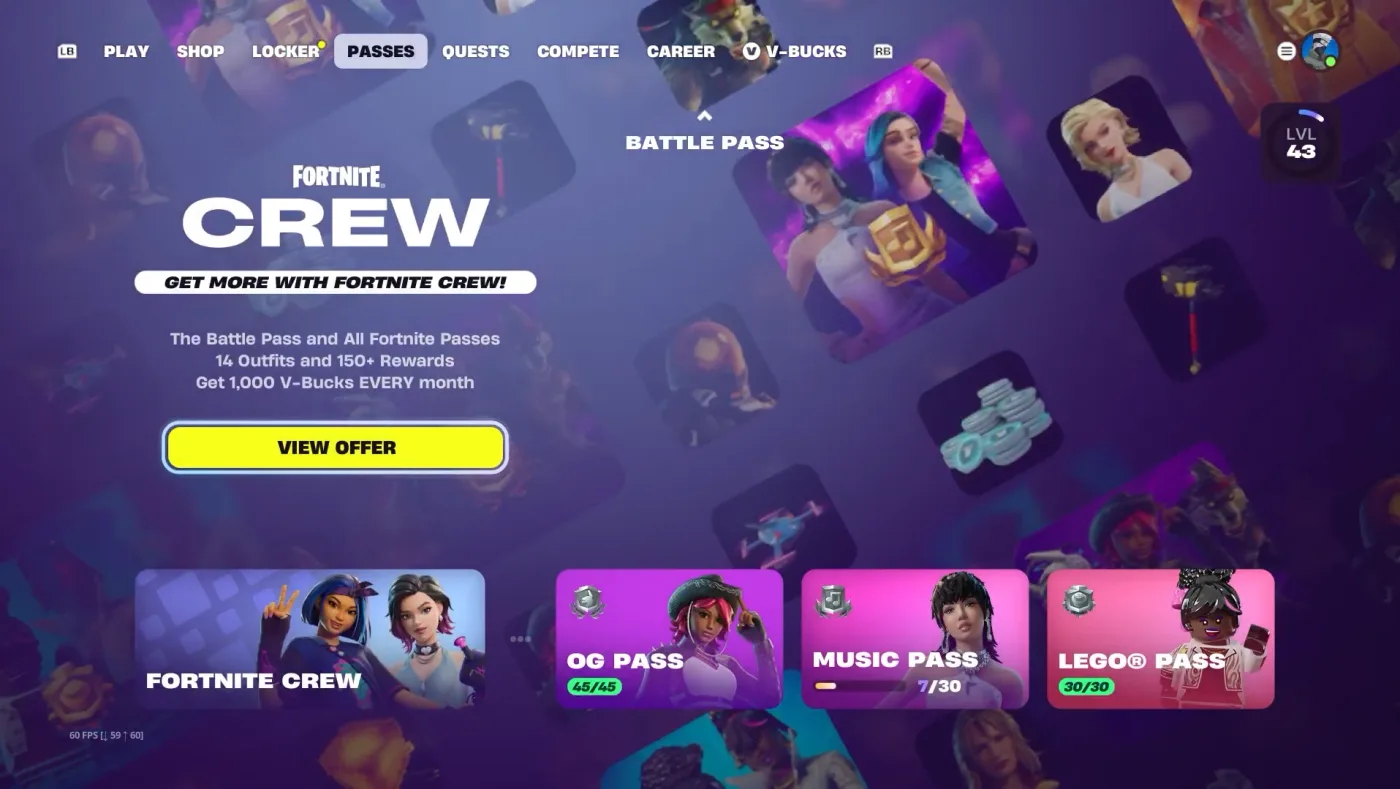
Fortnite Crew Guide: What You Get and Is It Worth It
Fortnite Crew got quietly worse in June 2026 — the monthly V-Bucks dropped from 1,000 to 800 at the same $11.99 — and the math still leans in its favor, because it bundles five passes and a skin you cannot buy any other way. Here's the full contents list and the honest math.

LEGO Fortnite Odyssey Guide: The Survival Game, Explained
Odyssey is a 95-square-kilometre survival-crafting game sitting three tiles over from Battle Royale, and it has changed more since launch than any other part of Fortnite. Hunger is gone. Bench upgrades are gone. Here's the version that's actually live.
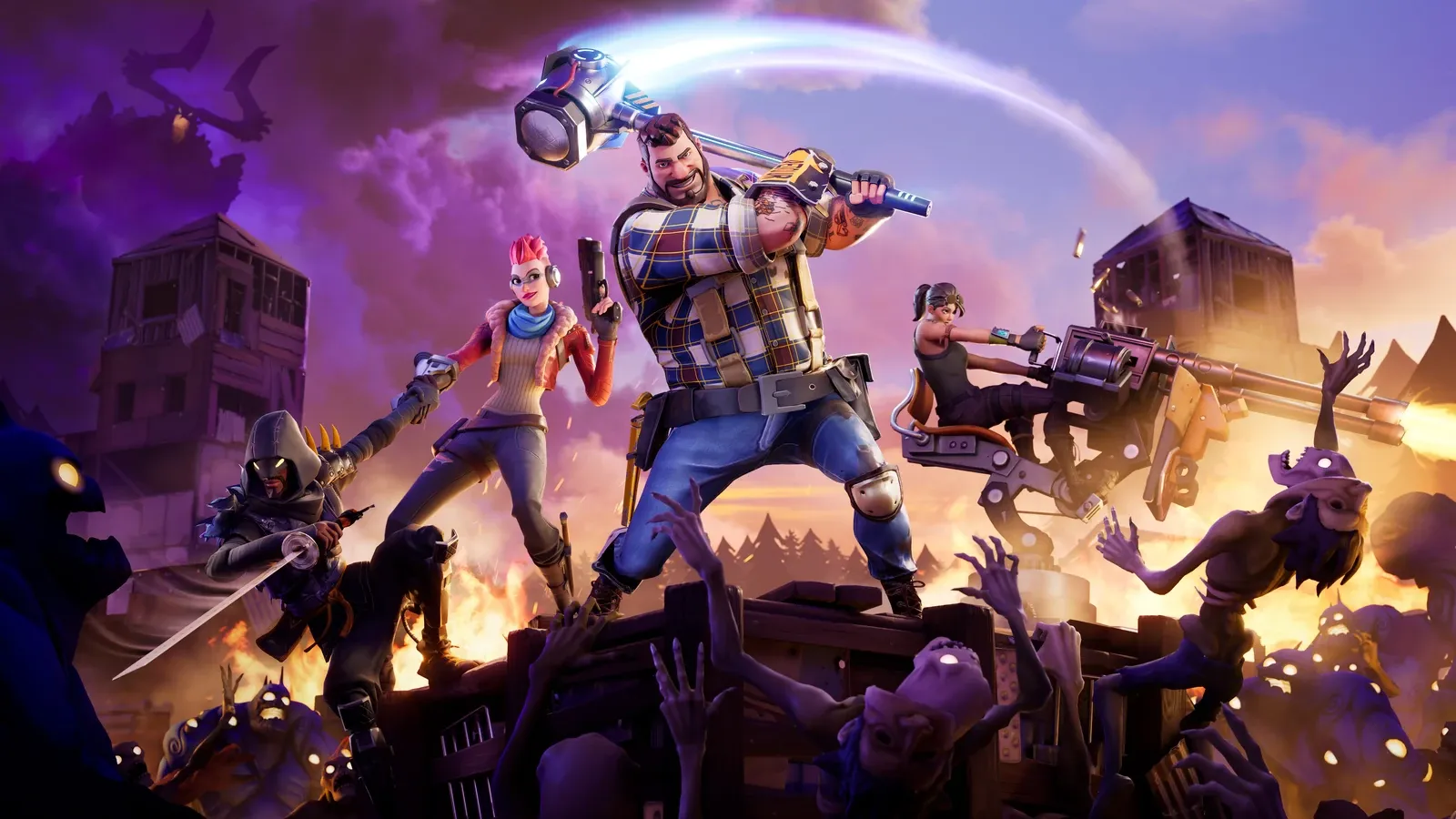
Fortnite Save the World Guide: The PvE Mode Is Finally Free
Save the World spent nearly nine years behind a paywall while the battle royale it spawned ate the world. As of April 16, 2026, the original Fortnite is free. Here's what the PvE mode actually is, how its progression works, and whether it deserves a slot in your rotation.
Fortnite Weapon Tier List: How to Rank Any Loot Pool
Any Fortnite tier list is stale the second a patch drops. So instead of memorizing this season's gun names, learn how to rank weapons by class and role — the framework that's S-tier in every season.

Best Fortnite Settings for PC & Console
Half your settings menu is noise; a handful of options decide whether you can see, aim, and build. Here's what to change on PC and console, why, and the one number nobody else can pick for you.